vivo has officially unveiled OriginOS 7 at its VDC 2026 developer conference and began rolling out the update the same day. The release brings the most noticeable visual overhaul of vivo’s Android skin in several years, built around a glass-like design language, and it is heading not only to new models but to a long list of existing vivo and iQOO smartphones. Below is what changed, which devices are in line for the update, when to expect it, and how to check for it once it reaches your phone.
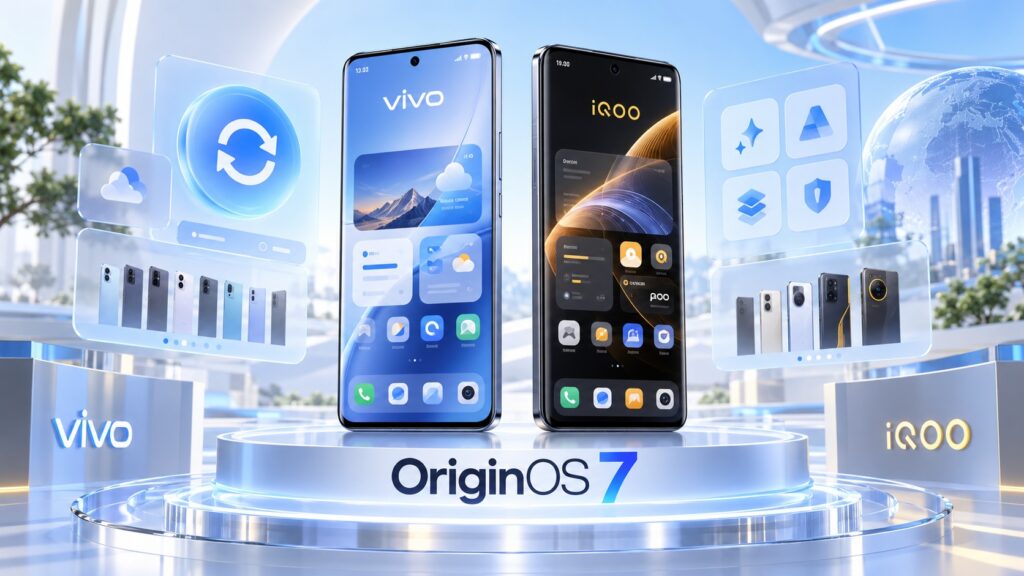
The OriginOS 7 update for iQOO and vivo smartphones
What you need to know
- OriginOS 7 introduces a Liquid Glass-style interface, which vivo calls the “Aesthetics of Light and Shadow,” with three selectable intensity modes.
- vivo claims 12% faster app launches, 19% faster page-switching response, and 14% better rendering efficiency, with smoothness maintained for six years instead of five.
- The rollout began in China on September 16, 2026; the global version is expected around October 2026, with the full rollout stretching into 2027.
- Eligible devices span vivo’s X, V, T, and Y series and iQOO’s flagship, Z, and Neo lines, though budget models are less certain.
The headline change: a liquid-glass interface
OriginOS 7 is built around a new visual concept vivo calls the “Aesthetics of Light and Shadow.” In practice, it is vivo’s take on the Liquid Glass style similar to what Apple introduced in iOS 26 and Xiaomi adopted with its Soft Light Glass design in HyperOS 4. Highlights, shadows, refraction, and dynamic lighting effects make the interface look noticeably more three-dimensional and lively.
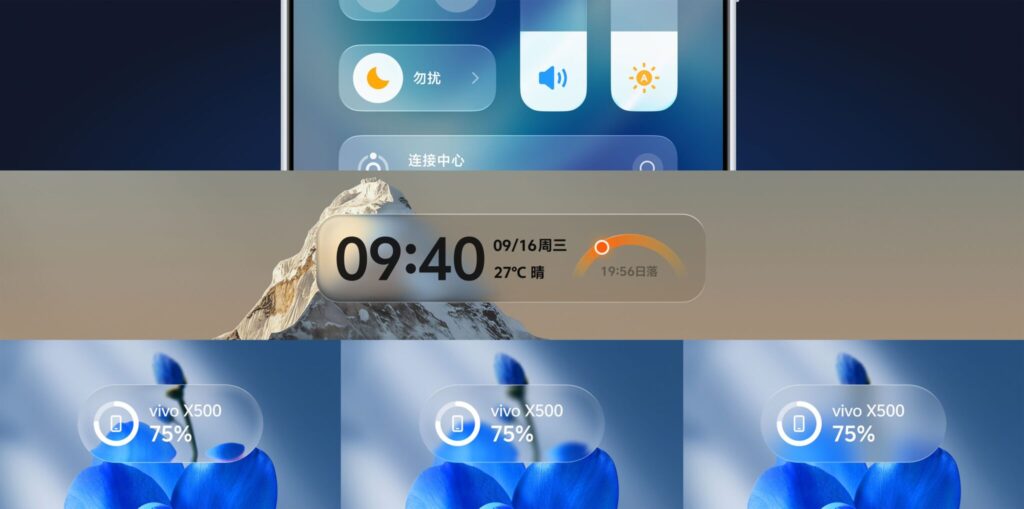
The new glass design of OriginOS 7. Image: vivo
Apparently mindful of the criticism Apple received for its version, vivo offers three display modes for the effect:
- Realistic — maximally transparent glass with the full set of effects;
- Natural — slightly frosted, a more restrained look;
- Soft — blur without sharp highlights, for minimal visual load.
In other words, users who dislike aggressive liquid-glass visuals can pick a calmer mode — a choice Apple does not currently offer.
What else is new in OriginOS 7
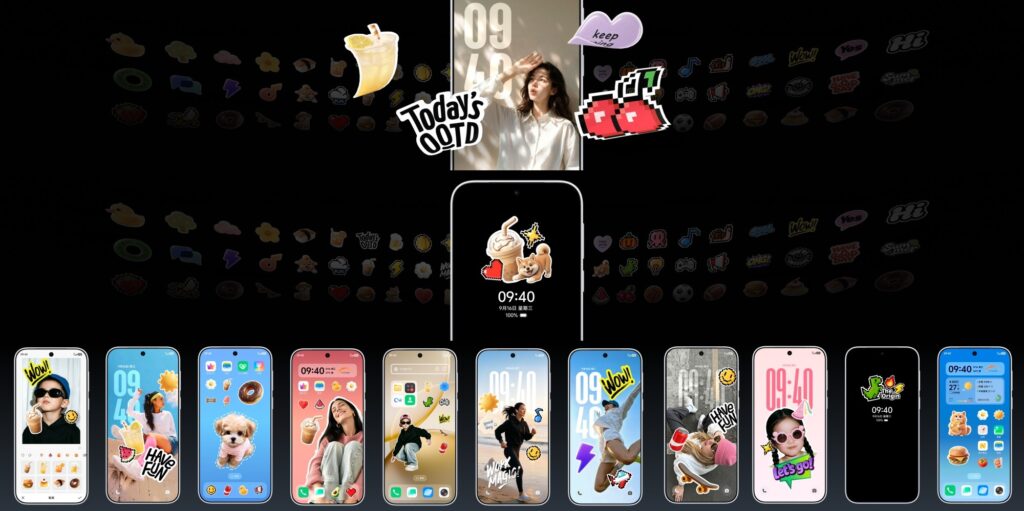
Lock screen stickers in OriginOS 7
The glass look is only the visible part of the update. Behind it sits a broader set of changes:
- Animations. Interface transitions are now “fluid” and dynamic — buttons, panels, and widgets deform slightly under the finger. Pop-up menus and the lock screen get similar effects, and the lock screen responds to the gyroscope: tilt the phone and the glass shimmers.
- Lock screen. Users can add AI pets to the lock screen; they react to touch and fall asleep when the phone is charging. Some pet features will be paid.
- Performance. vivo claims OriginOS 7 is smoother than its predecessor and keeps that smoothness longer — six years instead of five. According to the company, app launch speed is up 12%, page-switching response up 19%, and rendering efficiency up 14%. These are vivo’s own figures.
- Multitasking. Atomic Workbench, an advanced split-screen mode previously exclusive to vivo’s foldables, is coming to regular models.
- Battery life. The updated Micro Power Genie 3.0 switches the phone into an ultra-power-saving mode at 1% charge and can share location with selected contacts — potentially useful in emergencies. A new AI power-management system also adapts to an individual user’s habits.
- Icons and stickers. Refreshed system app icons in light and dark variants, plus home-screen stickers made from photos or AI-generated images.
vivo smartphones expected to get OriginOS 7
The following list is based on vivo’s update policy. Most of these devices should receive the update, but the situation for budget models is less certain.
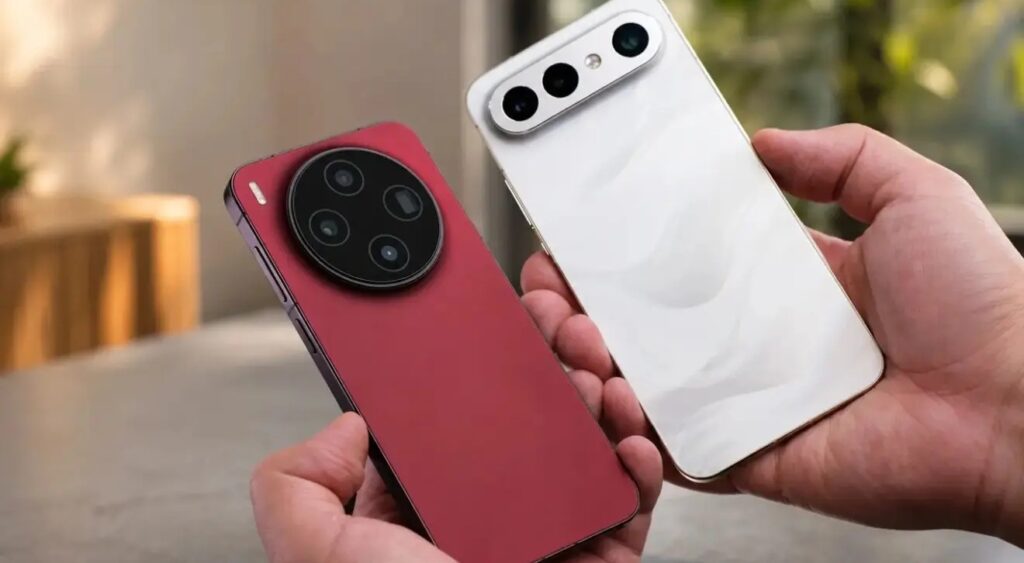
vivo smartphones in line for the update
X series:
- X Fold 6
- X Fold 5
- X Fold 3 Pro
- X300
- X300 Pro
- X300 Ultra
- X300 FE
- X200
- X200 Pro
- X200 FE
- X200T
- X100
- X100 Pro
V series:
- V70
- V70 Lite
- V70 FE
- V70 Elite
- V60
- V60e
- V60 Lite
- V60 Lite 4G
- V50
- V50e
- V50 Lite
- V50 Lite 4G
- V40
- V40 Pro
T series:

- T5
- T5 Pro
- T5 Lite
- T5x
- T5e
- T4
- T4 Pro
- T4 Ultra
- T4 Lite
- T4x
- T4R
Y series:
- Y600
- Y600 Turbo
- Y500
- Y500 Pro
- Y500s
- Y500i
- Y400
- Y400 4G
- Y400 Pro
- Y400 Pro+
- Y300 GT
- Y300t
- Y300i
- Y60
- Y51 Pro
- Y31d 4G
- Y21 (2026)
- Y11 (2026)
- Y05 4G
As for the upcoming vivo X500 series, all of its models will ship with OriginOS 7 out of the box, so their owners will not need to wait for an update.
iQOO smartphones expected to update
The iQOO list is somewhat shorter, but that reflects the brand’s smaller model range rather than a stricter update policy.
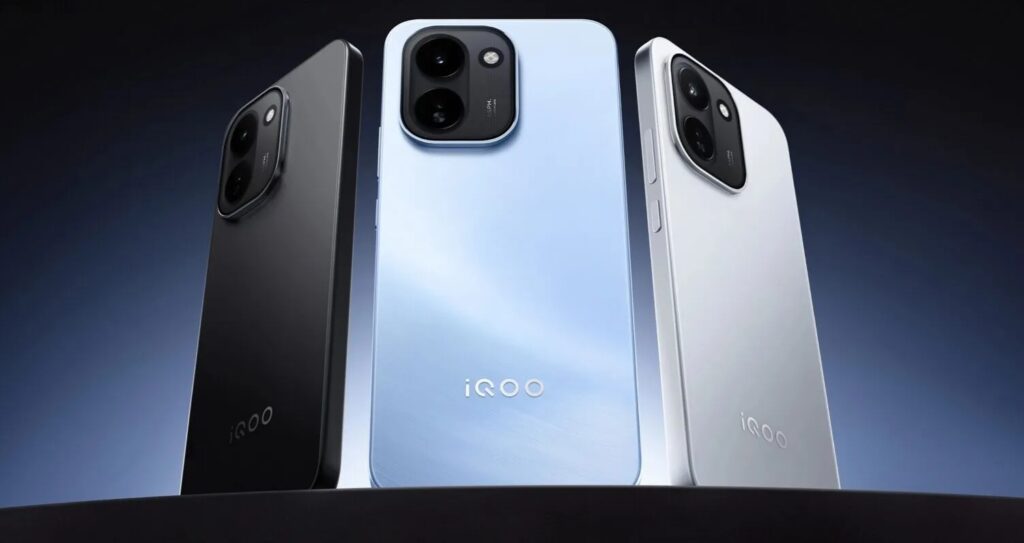
iQOO devices receiving the OriginOS 7 update
Flagships:
- iQOO 16
- iQOO 15
- iQOO 15 Ultra
- iQOO 15R
- iQOO 13
- iQOO 12
- iQOO 12 Pro
Z series:
- iQOO Z11
- iQOO Z11 Lite
- iQOO Z11x
- iQOO Z11i
- iQOO Z10
- iQOO Z10x
- iQOO Z10R
- iQOO Z10 Lite
Neo series:
- iQOO Neo 10
- iQOO Neo 10R
- iQOO Neo 9 Pro
Notably, iQOO 15 owners can already try a beta version of OriginOS 7.
Rollout timeline
The rollout began in China on September 16, 2026. The first devices to receive the update will be the vivo X500 and X500 Pro, which launch with it on September 21. The remaining models on the list are expected to follow in stages.
The global version is expected later — around October 2026 — and the full rollout is set to stretch into 2027. That is standard practice for a major skin update covering so many devices, so not receiving the update on day one does not mean a phone has been left out. Owners should check the timeline for their specific model.
How to install the update once it arrives
When the update reaches a device, it arrives automatically over the air. To check for it manually:
- Open Settings on the vivo or iQOO phone.
- Go to the System Update section.
- Tap Check for Updates.
- If OriginOS 7 is available, tap Download and Install and wait for the download to finish.
- After downloading, tap Install — the phone will reboot and apply the update.
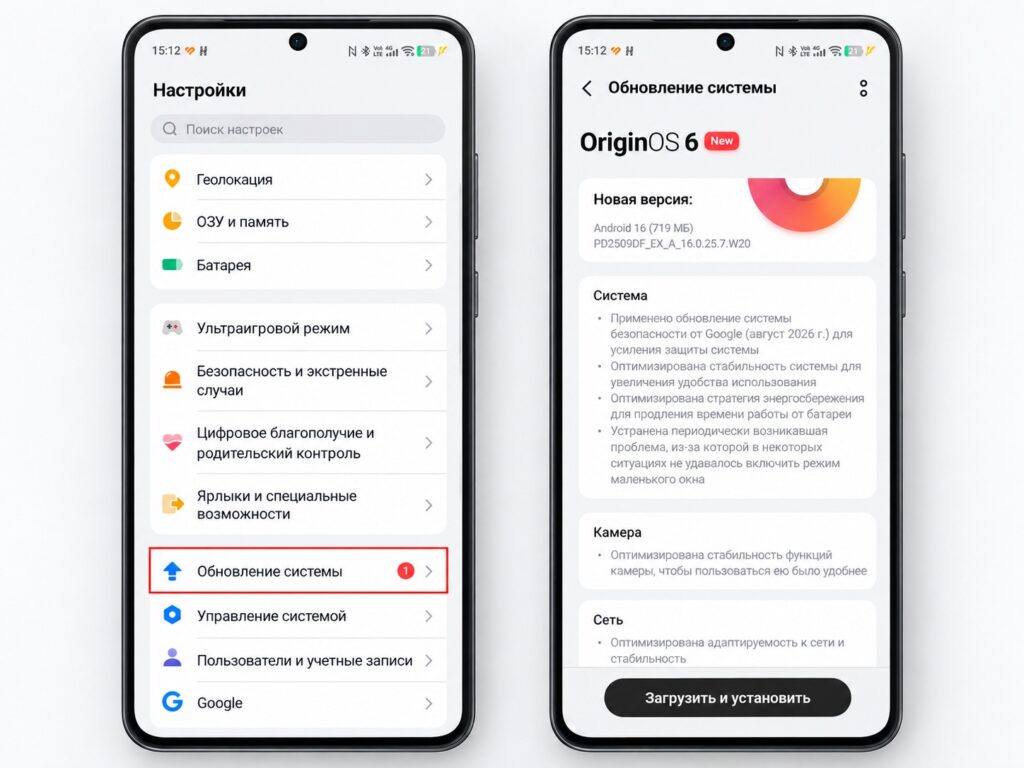
Installing the update through vivo settings
The source author recommends making sure the battery is at least 50% charged and connecting to Wi-Fi before updating, since the download is several gigabytes in size.


