Samsung is preparing One UI 9.0 based on Android 17, and the beta version is already available for some Galaxy devices. Below, we break down when to expect the stable update, which models will make the list, and which new features will actually be useful in everyday use. A quick disclaimer: some of the data is still preliminary. Samsung has not officially confirmed the final list of devices, so the list is based on the company’s current update policy. Dates and features may also be clarified closer to the announcement.
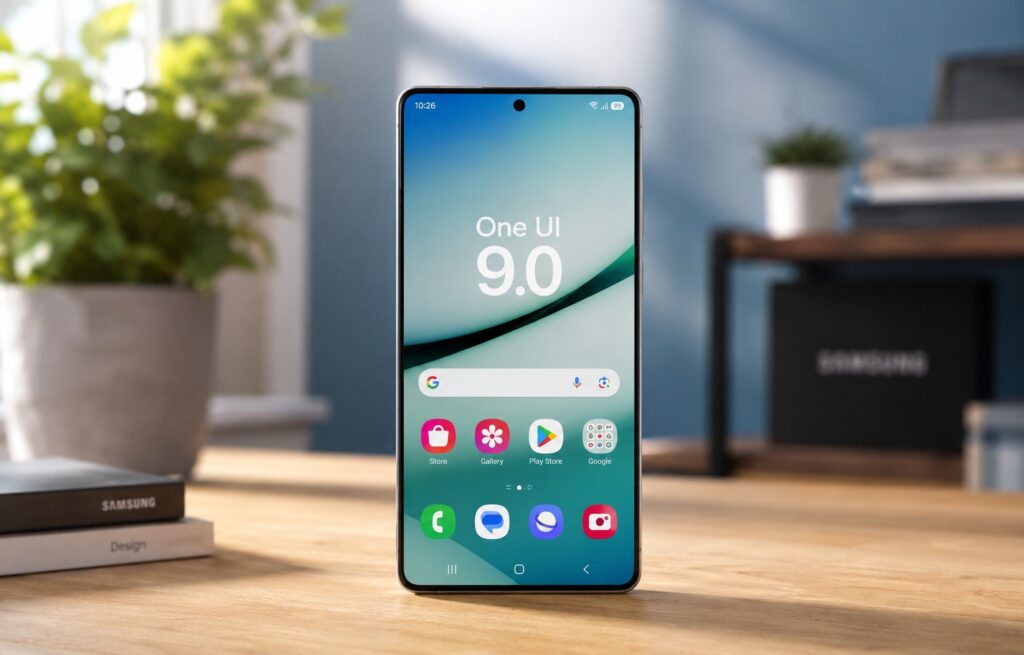
Everything you need to know before the One UI 9 release
When Will One UI 9.0 Be Released
Samsung will unveil One UI 9.0 at Galaxy Unpacked on July 22, 2026. Along with the new shell, the foldable Galaxy Z Fold 8 and Galaxy Z Flip 8 are expected to be shown at the same event — they will be the first devices to ship with the new firmware out of the box.
For other smartphones, the situation is as follows: first the announcement, then a gradual rollout. The stable update for older Galaxy devices is expected in September, and the first wave will most likely include recent models like the Galaxy S26, Galaxy Z Fold 7, and Galaxy Z Flip 7. The beta program launched back in early May 2026 but is currently limited to the Galaxy S26 lineup. As the release approaches, testing is promised to open up for other devices as well.
Who Will Get One UI 9.0 — Device List
There is no official list from Samsung yet, so treat this as a forecast rather than a guarantee. The list is compiled based on the current support policy, which is usually followed quite accurately.
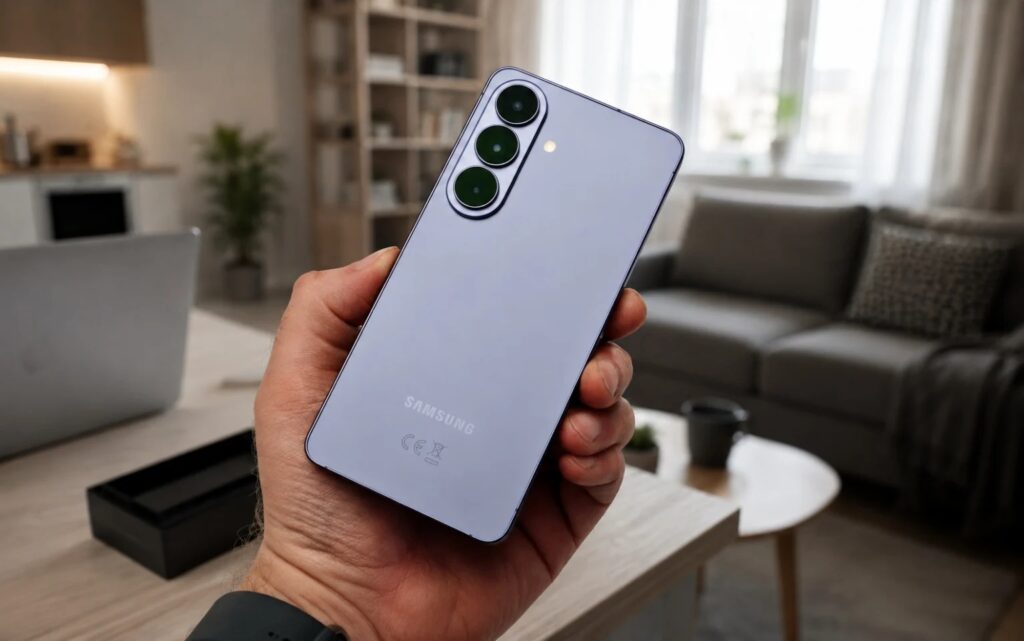
The list of supported devices is very large
Galaxy S Series:
- Galaxy S26, S26+, S26 Ultra;
- Galaxy S25, S25+, S25 Ultra, S25 Edge, S25 FE;
- Galaxy S24, S24+, S24 Ultra, S24 FE;
- Galaxy S23, S23+, S23 Ultra, S23 FE.
Galaxy Z Series:
- Galaxy Z TriFold;
- Galaxy Z Fold 7, Z Flip 7, Z Flip 7 FE;
- Galaxy Z Fold Special Edition;
- Galaxy Z Fold 6, Z Flip 6;
- Galaxy Z Fold 5, Z Flip 5.
Galaxy A Series:
- Galaxy A57, A56, A55, A54;
- Galaxy A37, A36, A35, A34;
- Galaxy A27, A26, A25, A24;
- Galaxy A17 (4G / 5G), A16 (4G / 5G), A15 (4G / 5G);
- Galaxy A07 (4G / 5G), A06 5G.
Galaxy M Series:
- Galaxy M56, M55, M55s, M54;
- Galaxy M47;
- Galaxy M36, M35, M34;
- Galaxy M17, M17e, M16, M15;
- Galaxy M07, M06.
Galaxy F Series:
- Galaxy F70e;
- Galaxy F56, F55, F54;
- Galaxy F36, F34;
- Galaxy F17, F16, F15;
- Galaxy F07, F06.
Galaxy Tab Series:
- Galaxy Tab S11, Tab S11 Ultra;
- Galaxy Tab S10 Lite, Tab S10 Plus, Tab S10 Ultra;
- Galaxy Tab S10 FE, Tab S10 FE+;
- Galaxy Tab S9, Tab S9+, Tab S9 Ultra;
- Galaxy Tab S9 FE, Tab S9 FE+;
- Galaxy Tab S6 Lite (2024);
- Galaxy Tab A11, Tab A11+;
- Galaxy Tab Active 5, Tab Active 5 Pro.
Galaxy XCover Series:
- Galaxy XCover 7;
- Galaxy XCover 7 Pro.
If your model is not on the list, prepare to stay on your current version — the update won’t come to it. In that case, it makes sense to start looking at a newer device in advance, but without rushing: there’s still time before the actual rollout, and the lists may be updated.
One UI 9.0 New Design
Samsung already did a major redesign in One UI 8.5, so One UI 9.0 will look largely similar. It’s more of a refinement than a revolution, but there are a few noticeable details.
On the practical side: brightness and volume sliders have become thicker and now fill the entire pill-shaped area. It’s a small thing, but it makes the slider easier to hit with your finger, especially on the go. Media player widgets on the lock screen and in the notification shade can now be resized, and instead of a static panel, sound wave animations matching the album cover color appear.
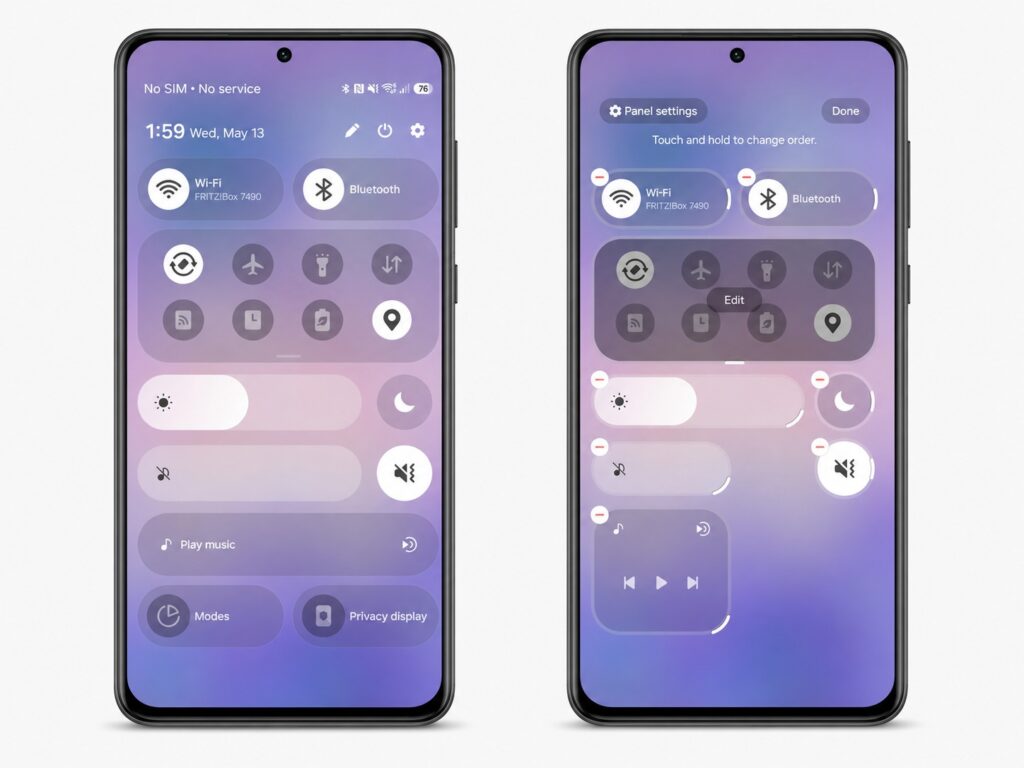
This is what the updated notification shade on Samsung will look like
Some music control buttons are now displayed as separate circular elements rather than a single group in a rectangle. Additionally, more “liquid glass” effects — semi-transparent shimmering surfaces in menus and panels — are promised throughout the system. Compared to how it started, the difference from early versions will be noticeable.
One UI 9.0 Features — What’s New
Samsung is once again focusing on artificial intelligence and targeted improvements. Creative Studio will be built right into the default app, allowing users to create personalized profile cards without launching a separate program.
A few more changes that active users will notice:
- The Home Up module in the Good Lock suite will support multi-finger gestures — you can assign custom actions to them, such as volume control or launching pop-up windows;
- Samsung’s proprietary browser will get an “Ask AI” feature — it provides ready-made answers based on the content of the open page.
Samsung traditionally saves the full set of features for Unpacked, so some surprises will only be revealed at the event itself. For now, the list looks like careful additions rather than a reason to urgently change your phone.
What the Android 17 Update Will Bring to Samsung Smartphones
In addition to Samsung’s proprietary features, the shell will bring the capabilities of Android 17 itself. And here there are a couple of things that genuinely change everyday scenarios.
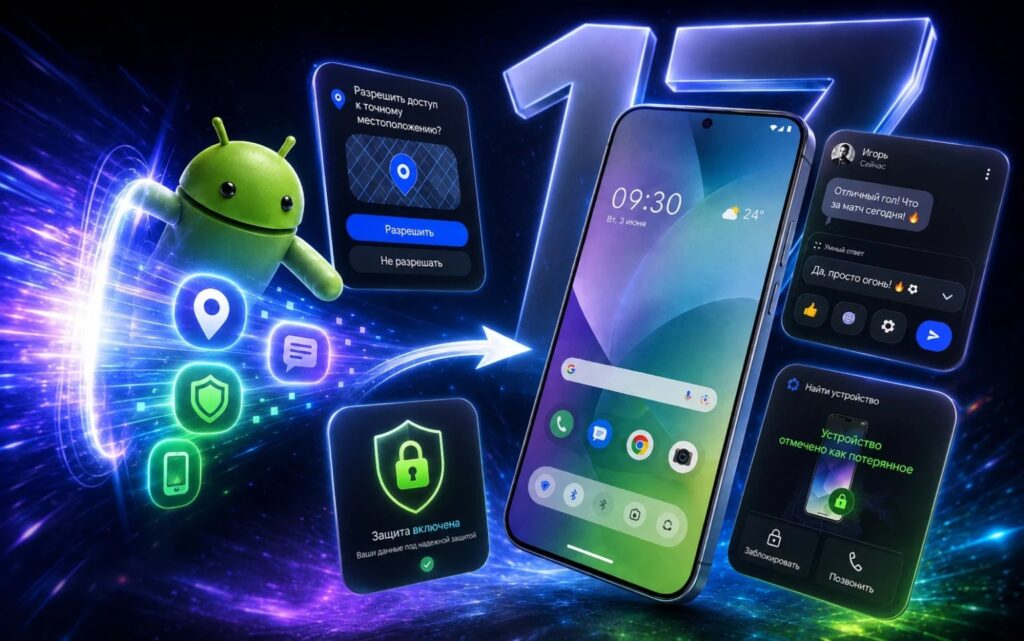
Android 17 will bring additional features to Samsung
The main change — floating bubbles now work for all apps, not just messengers. Any app can be opened in a floating window on top of others — handy when you need to quickly check an app without leaving the current one.
The second useful innovation — system-level selection of individual contacts. Now you can give an app access not


