Starting with the iPhone 15, Apple ditched the Lightning connector in favor of USB-C, and now it’s found in all models, including the affordable iPhone 16e and 17e. Yes, some iPhones have nuances with their connectors, and they don’t work quite the way people think. But regardless, most owners still use USB-C only for charging, even though the port can do much more. Below are ten useful scenarios for using the connector on new iPhones that you almost certainly didn’t know about.
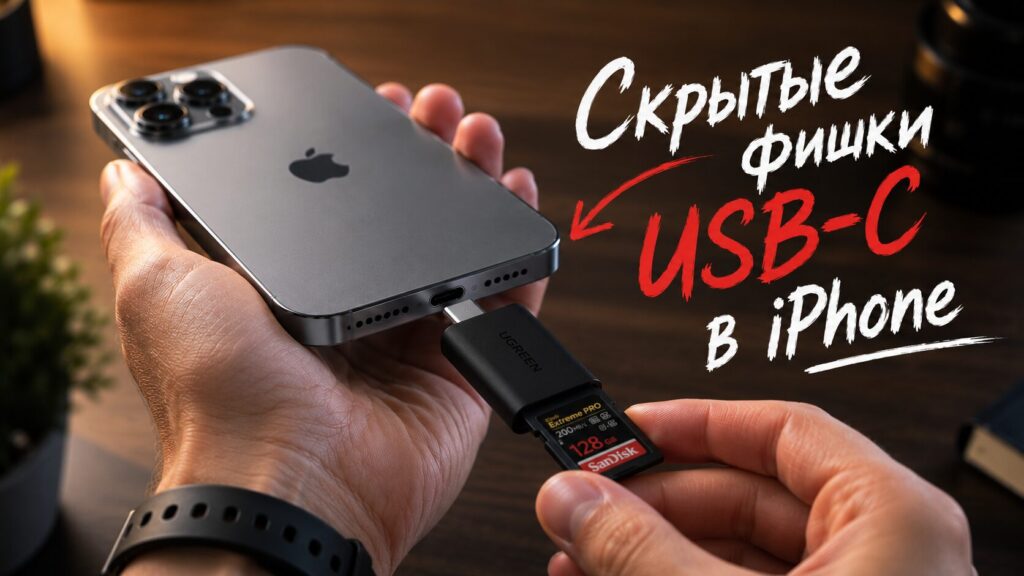
It turns out USB-C on the iPhone isn’t just for charging
How to Charge Another Phone from Your iPhone
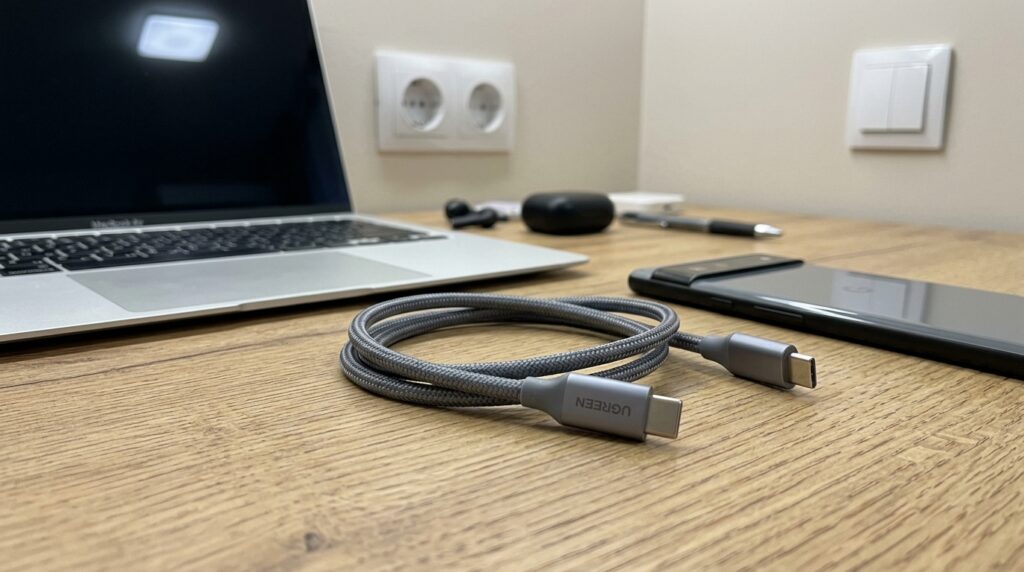
It makes more sense to charge a smartphone from a smartphone via cable
iPhone competitors like Samsung have long offered wireless reverse charging, but in practice it’s inconvenient: you have to flip the phone over, and both devices become useless during the charging process. Apple implemented its own solution via wired USB-C. The iPhone can deliver up to 4.5W of power — enough to top up AirPods, Apple Watch, or even a friend’s Android smartphone.
Simply plug a USB-C cable into one end of the iPhone and the other end into the second device’s port. There’s a nuance with Apple Watch: the watch only charges via a magnetic puck, so you need its original cable with a USB-C end — nothing plugs directly into the watch body. This isn’t a replacement for full charging, but it helps when there’s no outlet nearby and your earbuds are about to die.
Connecting a Flash Drive to iPhone — What You Need
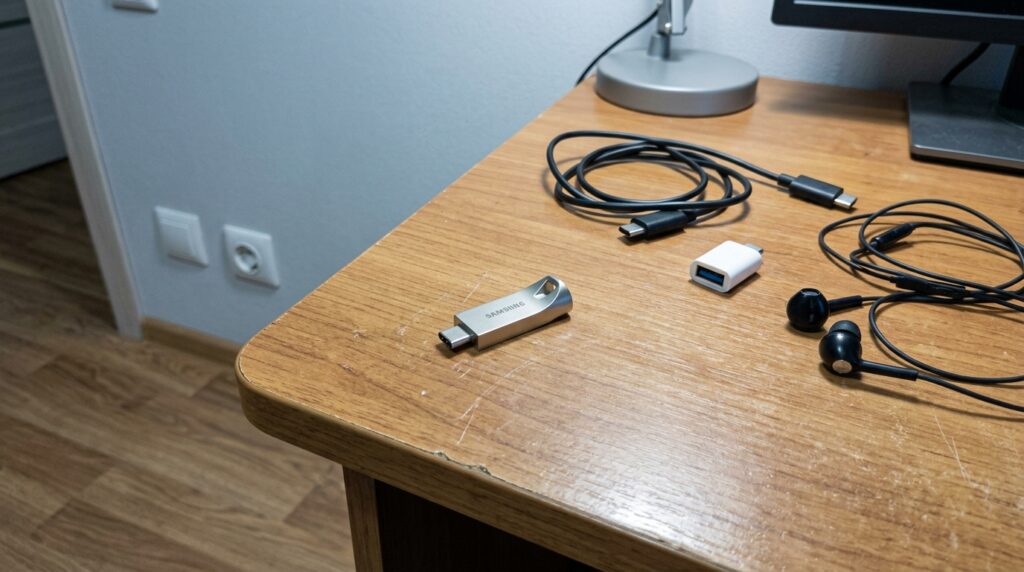
Now you can plug a flash drive into your iPhone too
Even the base 128GB eventually runs out, and not everyone trusts the cloud. The good news: iPhone supports external storage — regular flash drives and hard drives. Simply connect a compatible drive to USB-C and work with it through the built-in Files app: browse, move files, and free up space.
An important detail that Apple doesn’t really talk about: port speed differs by up to twenty times across different models. On base iPhones, USB-C runs at USB 2.0 speed — up to 480 Mbps, same as the old Lightning. Full 10 Gbps is only available on Pro versions. In practice, this means you can transfer a couple of gigabytes of photos on any iPhone, but working with a large archive directly from the drive is only comfortable on a Pro.
One of the best options is a compact Samsung Type-C flash drive (around 10,000 ₽ in Russia). For Pro model owners, it’s doubly useful: ProRes video can be recorded directly to an external drive. Such video takes up a huge amount of space, so recording outside the iPhone’s memory lets you shoot longer without filling up the phone’s storage. On non-Pro models, this scenario isn’t available — precisely because of the slower port.
How to Connect a Keyboard to Your iPhone
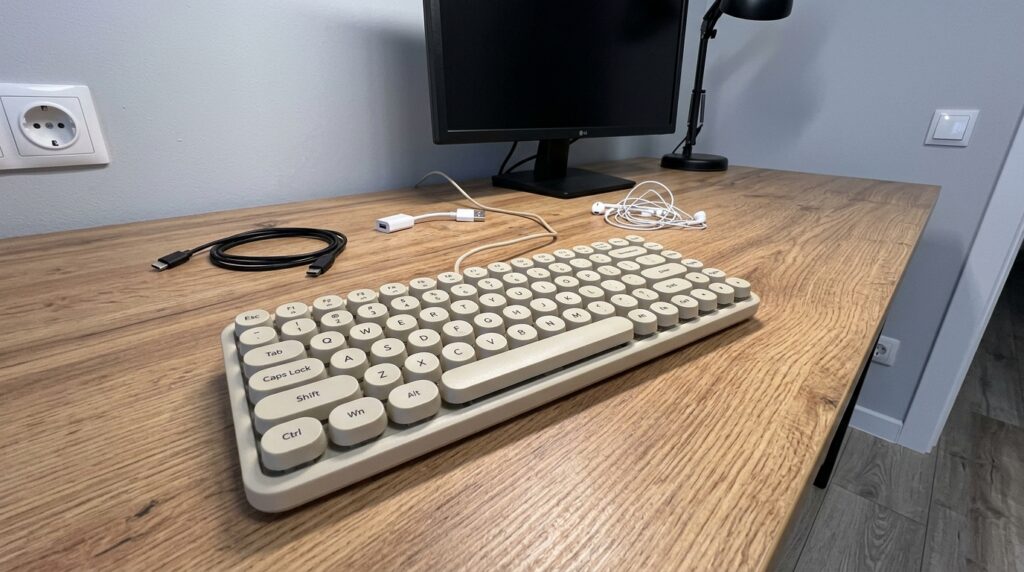
You can connect almost any keyboard to your iPhone this way
For long texts, iPad and Mac are better suited, but iPhones — especially the larger Plus and Pro Max — can handle work tasks too. It’s even better if you connect an external keyboard to your smartphone, and iOS — thankfully — supports them. Simply take a third-party keyboard and connect it directly via USB-C, without any setup.
Most regular keyboards will work with the iPhone, for example a compact wired model. It’s a really convenient version that works better for a computer too than the Magic Keyboard simply due to its natural click mechanism.
Recording Video with an External Microphone — Which Ones Work
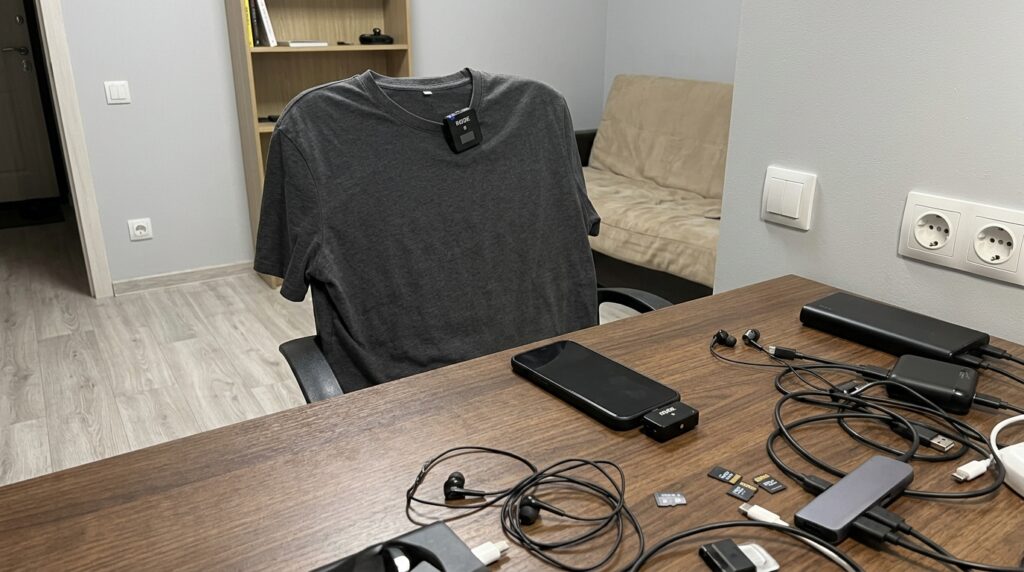
Rode makes the best microphones. Perhaps only DJI is better. But I have something cheaper
If you’re shooting video for social media, the built-in microphone often isn’t enough. Fortunately, iPhone works with external USB-C microphones — for example, the Rode Wireless Micro wireless kit.
Wait a minute, you might say. How’s that? The microphone is wireless but requires USB-C. True. But the trick here is that a hub plugs into the connector, and it in turn communicates with the microphone wirelessly. So technically, the recording is indeed wireless. The receiver occupies the port, and the transmitter clips to your clothing — giving you proper lavalier sound without a studio.
How to Transfer Photos from a Camera to iPhone