Samsung’s June update is already rolling out this week to the company’s new and flagship smartphones. Several devices are receiving the update at once: from Galaxy S26 to the 2026 foldable models and the Galaxy S25 lineup. If you thought this was Android 17 with new features, it’s not. The update doesn’t change anything extraordinary, but this is exactly the kind of update you should install without hesitation. Here’s why.
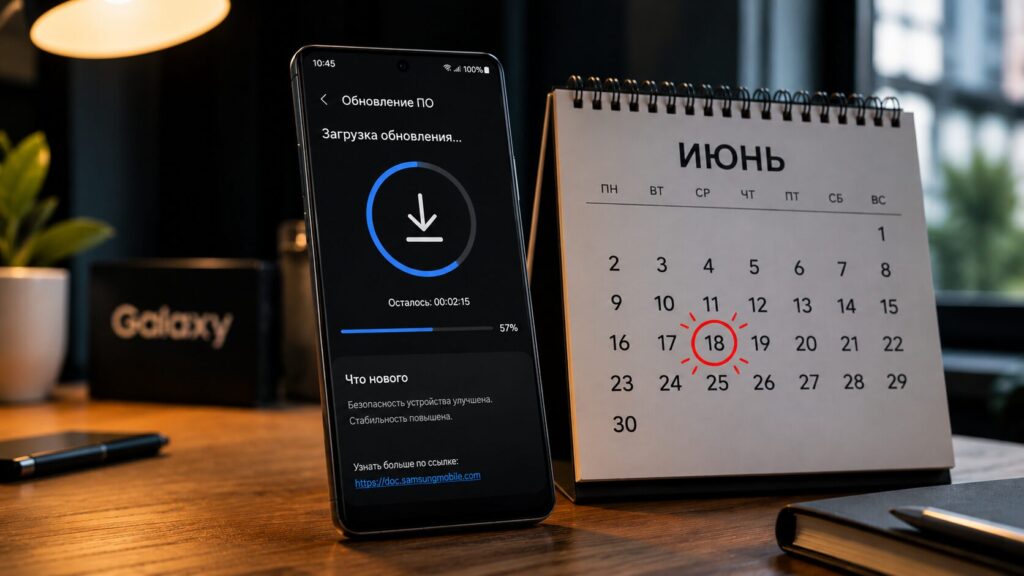
No new features in the update, but there are fixes and improvements
Which Galaxy Smartphones Are Getting the June Update
This time, the update is rolling out to a wide list of devices — from last year’s S25 to the new Galaxy S26 and foldable devices. The specific June builds are as follows:
- Galaxy S26 Ultra — S948USQS3AZF1
- Galaxy S26+ — S947USQS3AZF1
- Galaxy S26 — S942USQS3AZF1
- Galaxy S25 Ultra — S938USQUACZF1
- Galaxy S25+ — S936USQUACZF1
- Galaxy S25 — S931USQUACZF1
- Galaxy S25 Edge — S937USQU7CZF1
- Galaxy Z Fold 7 — F966USQUABZF1
- Galaxy Z Flip 7 — F766USQUABZF3
Important note: these build numbers are for the US. In other regions, including Russia, the firmware number will differ, but the fact of the June update for these models remains relevant.
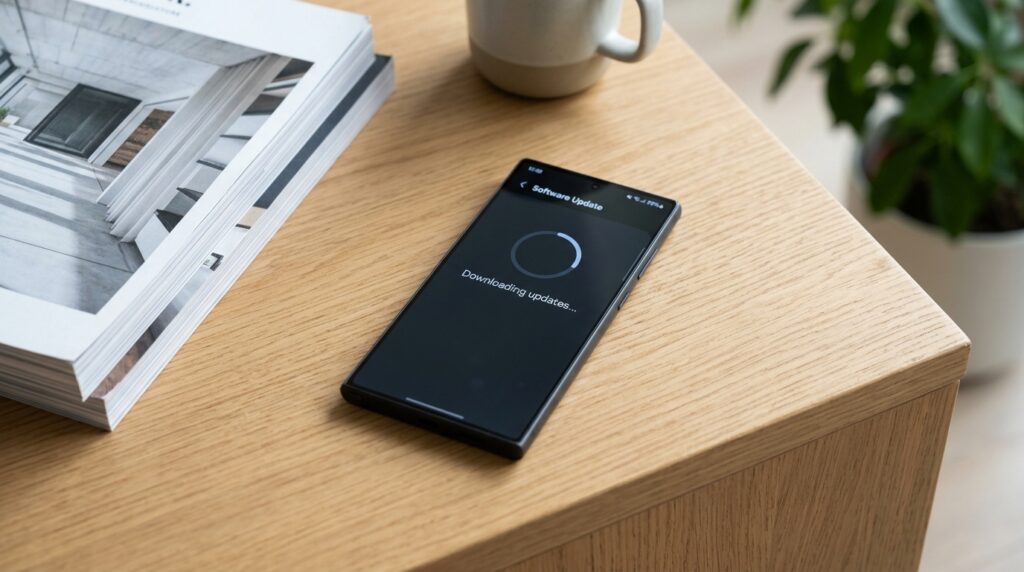
You can check for the update in your phone’s settings in just a couple of taps.
What’s Inside the Samsung Update: Security and AI Improvements
According to carrier Verizon, the update brings fresh Android security patches — this is the basic reason to install it. The patches close vulnerabilities that could theoretically be used to access your data, so everything is straightforward here.
But then it gets interesting. For Galaxy S25, S25+, S25 Ultra, S25 Edge, Fold 7, and Flip 7, “AI improvements” are also mentioned. However, what exactly is behind this wording is not disclosed. This is exactly the case where a marketing buzzword sounds impressive, but there are no details behind it — so don’t expect a breakthrough in smart features right away.
To assess the real changes, just use your phone as usual after installation and pay attention to how the camera, assistant, and text processing work — those are the areas where Samsung most often makes such refinements.
Verizon hasn’t provided specifics behind the “AI improvements” wording yet.
Should You Update Your Samsung Smartphone Right Now
Short answer — yes. Even if the “AI improvements” turn out to be unnoticeable, security patches alone are a sufficient reason to install the update. Such updates typically carry no risks for everyday use, while your phone’s security improves.
The only reasonable expectation — don’t expect flashy new features. This is a maintenance update: security plus unnamed refinements. If you’re interested in AI on Samsung smartphones, it’s worth looking for new capabilities after installation, but the source gives no grounds to promise their presence.
How to Check for Updates on a Samsung Smartphone
If you haven’t received a notification about the new firmware yet, you can easily request the update manually:
- Open “Settings” on your phone.
- Go to the “Software update” section.
- Tap “Download and install.”
If the update is available, the phone will offer to download it. For installation, it’s best to connect to Wi-Fi and put the device on charge.
The bottom line is simple: Samsung’s June update is primarily about security, and all owners of the listed models should install it. As for the “AI improvements,” stay realistic: for now it’s a buzzword without specifics, and we’ll only see the real effect in practice.


