If the Mac mini power button hidden on the bottom of the case annoys you, macOS 26.5 finally has a solution. The new Power control setting in the Energy section lets you configure automatic Mac mini startup when connected to power and manage power through third-party accessories. Here we break down how the feature works, which models support it, and who will find it useful.
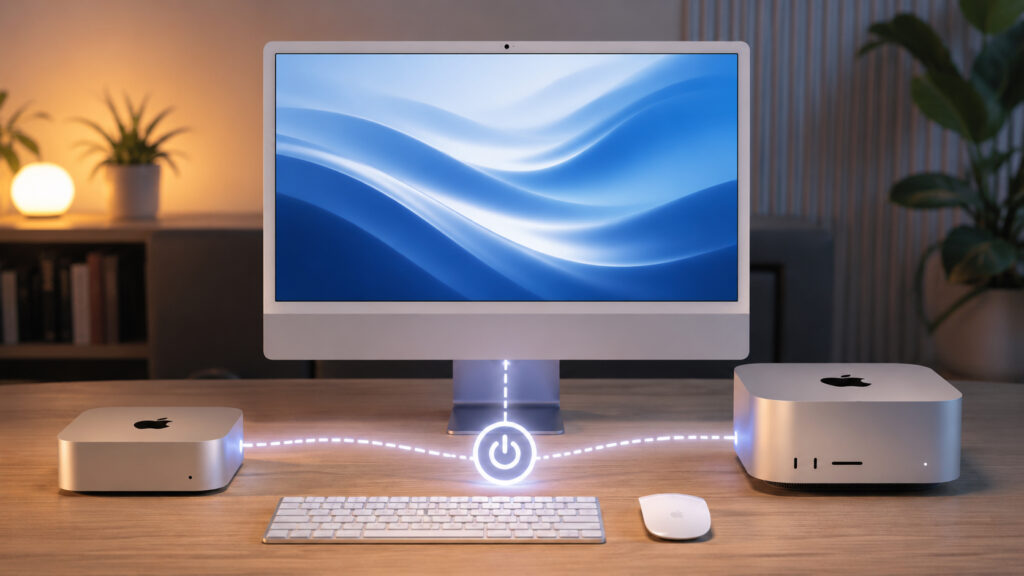
Apple came up with a new setting for desktop computers
Mac mini M4 Power Button: What’s the Problem
When Apple introduced the Mac mini with the M4 chip, the computer’s case became noticeably more compact, but the power button moved to the bottom of the case. To turn it off or on, you have to lift it up, feel for the button with your finger, and press it blindly. For a desktop computer that spends most of its time sitting on a desk connected to a monitor, this seems odd.
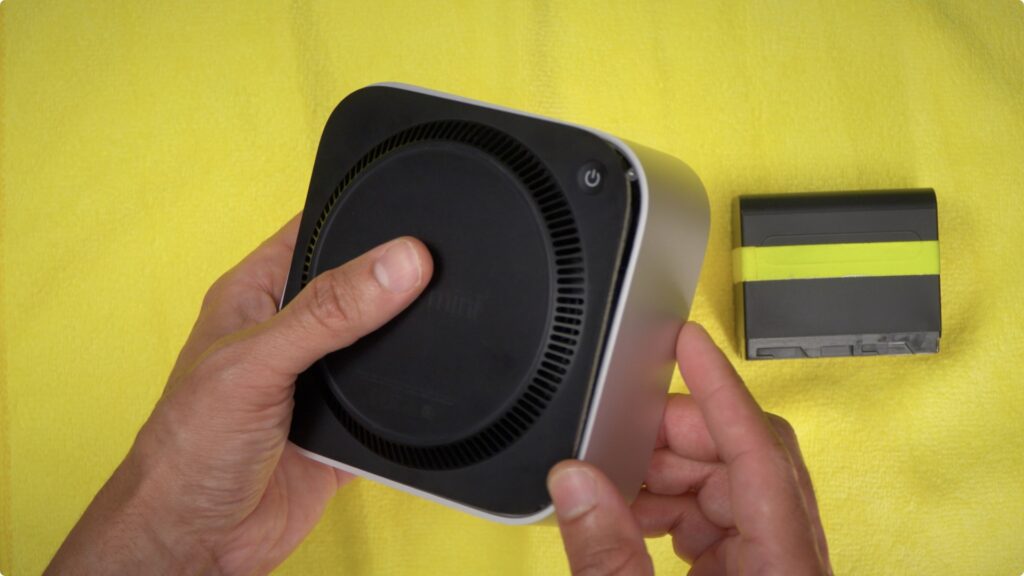
New macOS setting can solve Mac mini power issues
User complaints appeared immediately after the model’s release, and Apple apparently heard them. In the macOS 26.5 update, the company added a setting that effectively makes the physical button optional for everyday computer startup.
New Mac Power Setting in macOS 26.5
Power control is a new section in the Energy settings that appeared with the release of macOS Tahoe 26.5. It offers two power management scenarios for desktop Macs:
- automatic computer startup when power is supplied — for example, after a power outage or when you plug the cable into an outlet;
- shutdown and restart through external accessories connected to the Mac.
Apple itself in the support document explicitly notes that the feature is useful in situations where you don’t have convenient access to the power button. Essentially, this is an official acknowledgment of the inconvenience that Mac mini M4 owners complained about.
Which Macs Support Power Control in macOS 26.5
The Power control feature doesn’t work on all Apple computers — only on modern desktop models with Apple Silicon chips. Today the list of supported devices is as follows:
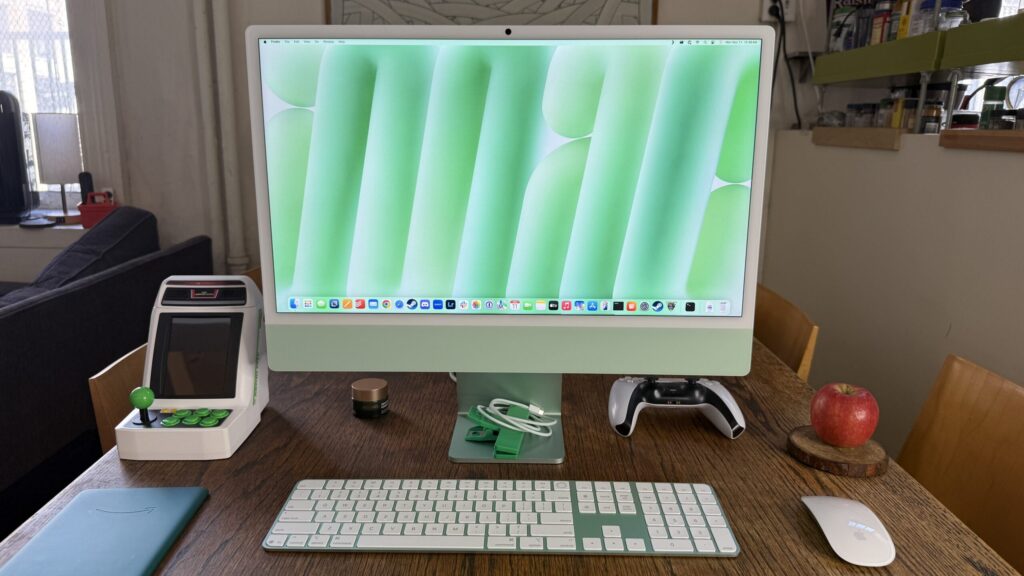
Even iMac got the new setting
- Mac mini with M4 and M4 Pro chip (2024 model);
- iMac with M4 chip (late 2024 model);
- Mac Studio 2025 with M4 Max and M3 Ultra chips.
The setting won’t appear on MacBook Air and MacBook Pro — laptops have their own power management logic related to the battery and lid. Older Mac mini and iMac models on M1, M2, and M3 also didn’t make the cut: apparently, it’s due to hardware requirements of the power controller.
Auto-Start Mac When Power Is Connected
To have your Mac mini, iMac, or Mac Studio turn on automatically as soon as it receives power, you need to update to macOS 26.5 and follow a few steps:
- Open “System Settings” from the Apple menu in the upper left corner of the screen.
- Go to the “Energy” section.
- Find the Power control subsection. If it’s not there, check your macOS version — it should be 26.5 or newer.
- Enable the option for automatic startup when connected to power.
- Close settings — changes are saved automatically.
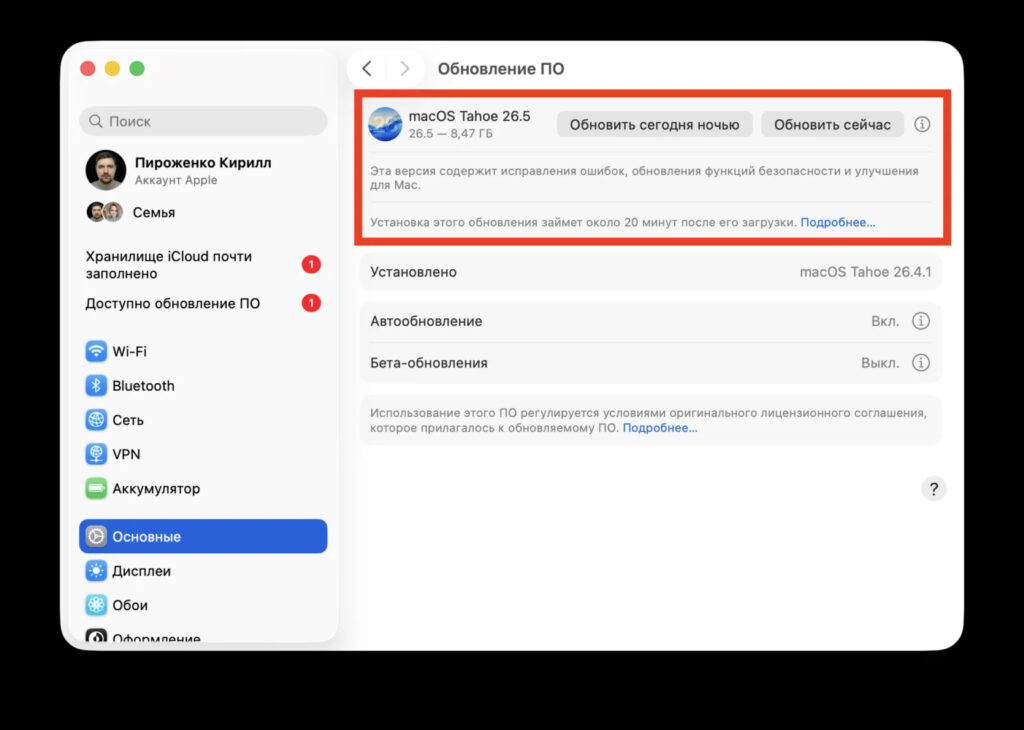
Make sure to update to macOS 26.5
After that, simply unplug and replug the power cable, and the Mac will start without pressing the button. This is convenient during power outages: the computer will return to working condition on its own, without your involvement.
Managing Mac Power Through an External Button
The second part of Power control is the ability to shut down and restart a Mac through external switches. These are so-called assistive accessories: buttons, pedals, touch panels that connect to the computer via Bluetooth or USB.
Originally, such devices were created for people with disabilities who find it difficult to reach or press the power button. But anyone can use the feature. For example, you can place a large mechanical button on the desk next to the monitor and use it to turn on the Mac mini without bending down to the case. Apple publishes a full list of compatible accessories on the assistive technologies page.
Why You Need Automatic Mac Startup in macOS 26.5
Automatic startup and power management through switches are niche features, but they address several real-world use cases:
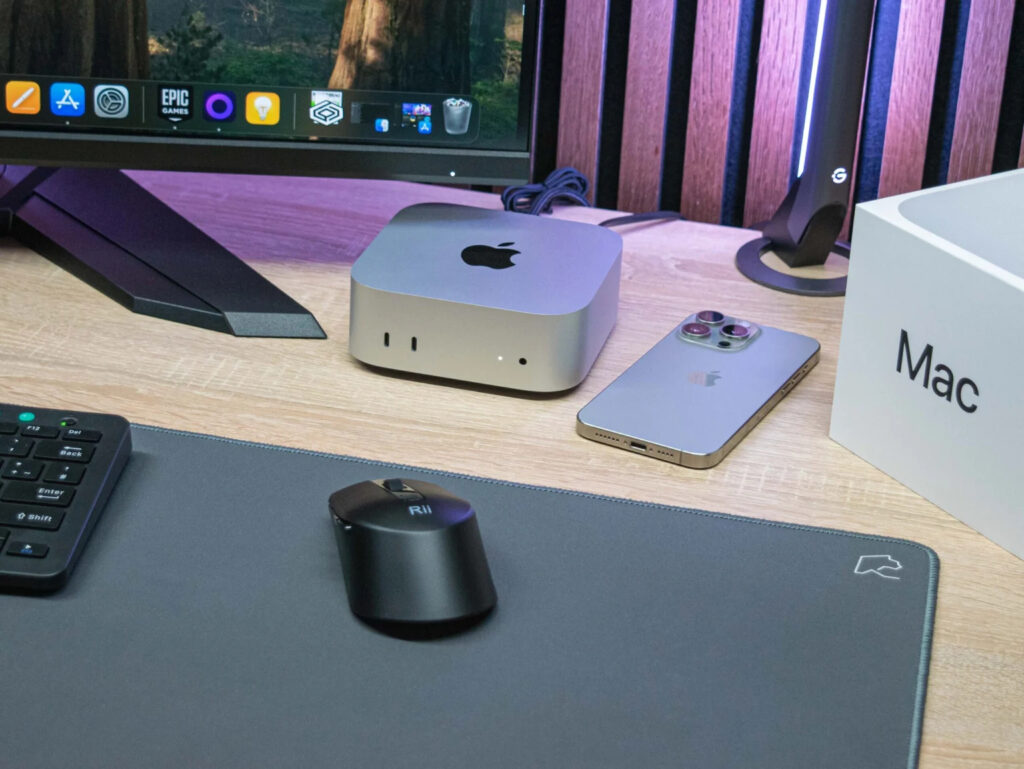
If it’s important that your computer is always on and connected to the network, it’s now easy to set up
- Mac mini as a home server. If the computer operates as a media server, file storage, or remote workstation, it’s important that it turns on by itself after a power outage.
- Mac hidden behind a monitor. Many people mount the Mac mini on a VESA bracket on the back of the monitor. Access to the button in this configuration is nearly impossible.
- Studios and offices. When the computer sits in a rack or niche, the physical button becomes completely inaccessible.
- Users with disabilities. An external switch eliminates the need to reach for the case.
For those who use the Mac mini as a regular home computer and turn it on once a day, the new setting will also come in handy — if only because you’ll no longer have to feel around the bottom of the case with your finger.
What’s New in macOS 26.5
Overall, macOS Tahoe 26.5 is a minor update.


