Russian apps are facing serious problems. On July 13, the European Union imposed sanctions against VK as a legal entity, and on July 16, 2026, the listings for three Russian services disappeared from Google Play: the MAX messenger, the VK social network, and Odnoklassniki. Finding and downloading them through the standard store search is no longer possible. Here’s a breakdown of what happened, whether already installed apps still work, and where to get them now that MAX, VK, and Odnoklassniki have been removed from Google Play.
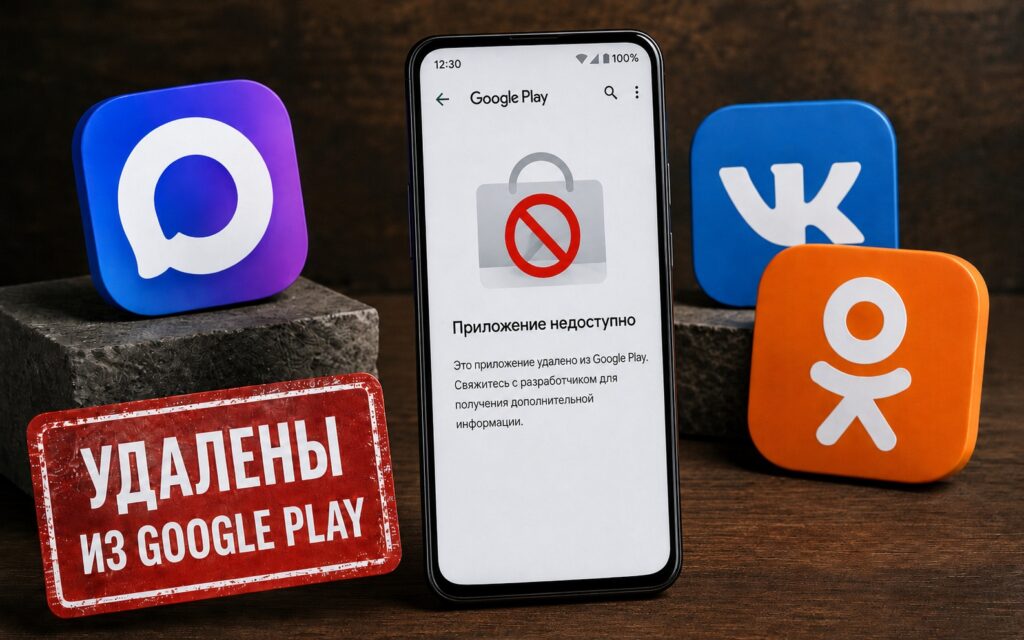
The most popular apps were removed from Google Play
Why MAX, VK, and Odnoklassniki Were Removed from Google Play
There are no official comments from Google yet. However, the timeline speaks for itself: on July 13, 2026, the EU introduced a new sanctions package against VK — the legal entity that manages VK, Odnoklassniki, and the MAX messenger. Three days later, all three apps disappeared from the store.
MAX, VK, and Odnoklassniki were removed from the global Google Play, meaning from all regional versions of the store simultaneously, not just the Russian one. This is the same pattern we already saw with the removal of MAX from the App Store in June: Western infrastructure stops servicing sanctioned services.
Russian apps were also removed on Apple
A telling moment: just the day before, VK stated that the new sanctions would not affect the availability of its services. Three days later, MAX disappeared from Google Play along with VK and Odnoklassniki. No one has officially confirmed the causal link with sanctions, but there is no other explanation so far.
Will Already Installed MAX, VK, and Odnoklassniki Continue to Work?
Good news: removing a listing from the store does not delete the app from your smartphone. MAX on your phone, VK, and Odnoklassniki, if already installed, continue to work. Authorization, messaging, calls, news feed — everything functions normally.
But there’s a nuance with notifications. Android delivers push notifications through Google’s infrastructure — Firebase Cloud Messaging. Apps from Google Play use this channel automatically. After removal from the store, Google may revoke access to FCM — then notifications will stop arriving in real time, as already happened with MAX on iPhone after its removal from the App Store. While notifications are working — use them. But if they disappear, that will be the first signal that Google has shut off access to its push infrastructure. In that case, you’ll need to reinstall the apps from alternative sources.
How to Download MAX, VK, and Odnoklassniki on Android Without Google Play
Downloading MAX on Android, VK, and Odnoklassniki can be done in several ways — all official. RuStore is the simplest option. The Russian app store is independent of Google’s decisions and Western sanctions. All three apps are available there. If RuStore is not yet installed — download the APK from the rustore.ru website and install it manually, allowing installation from the browser. To install MAX, VK, or Odnoklassniki, do the following:
- Launch RuStore.
- Find the desired app through search.
- Press the “Download” button and confirm installation.
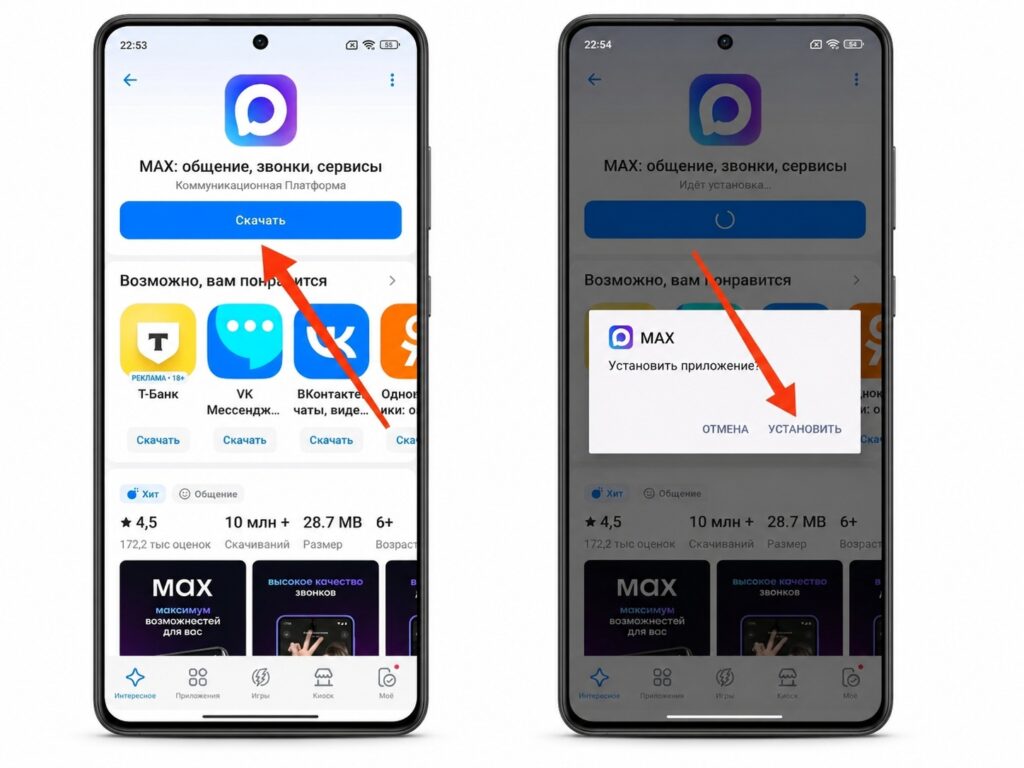
Apps can be downloaded through RuStore
The removed apps are also available through manufacturer stores:
- Xiaomi GetApps — available on all Xiaomi, REDMI, and POCO smartphones;
- HUAWEI AppGallery — for HUAWEI and HONOR smartphones;
- Samsung Galaxy Store — for Samsung smartphones.
Finally, there are official websites where you can download APK files:
- MAX — max.ru, “Download” section;
- VK — vk.com/app, direct APK link;
- Odnoklassniki — ok.ru, app download section.
Do not download APKs from unofficial catalogs and aggregators. The risk of getting a modified version with malicious code is real — this is exactly how clones of popular apps are distributed.
How to Update MAX, VK, and Odnoklassniki
After MAX is no longer on Google Play, and VK and Odnoklassniki have also disappeared, automatic updates through the standard store will no longer arrive. There are two scenarios here. If you installed through RuStore or a manufacturer’s store, updates will come automatically through that same store — just like they used to through Google Play. No additional setup is needed.
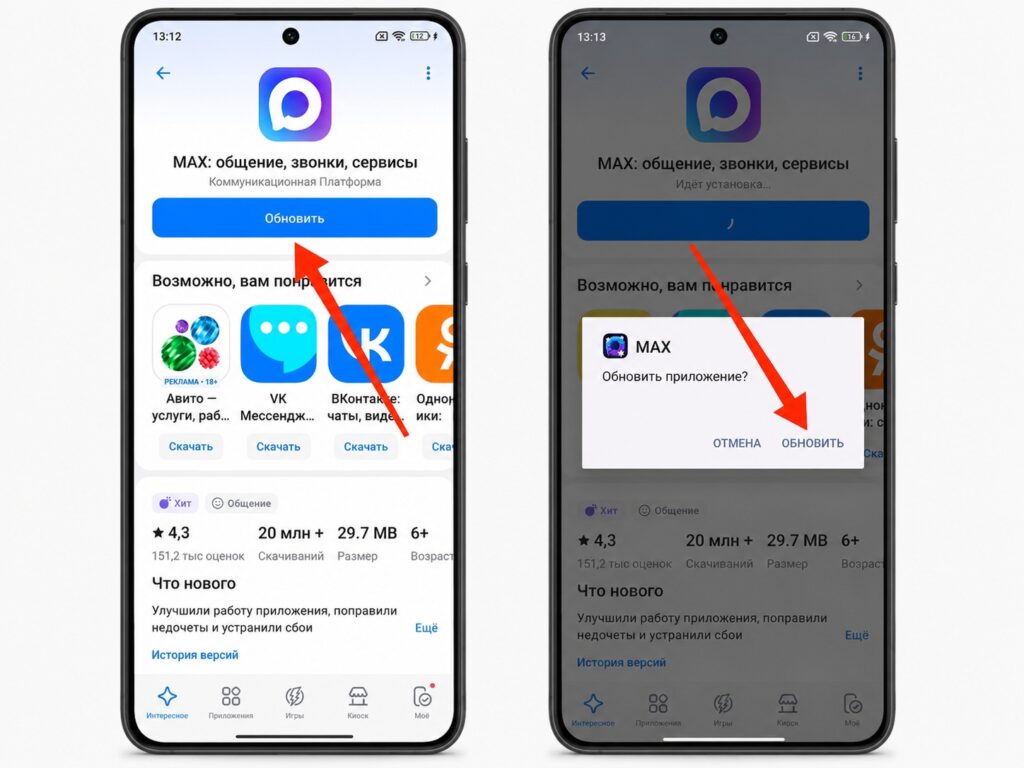
Apps are updated through the same sources
If you installed the APK from an official website, there will be no automatic updates — you’ll need to check for new versions manually. Periodically visit the official website and compare your installed app version with the current one. You can check the version in “Settings — Apps — [app name] — About app.”
Outdated versions pose a security risk and potential compatibility issues. That’s why RuStore is preferable to APK files from websites: updates are released there simultaneously with official releases and are installed automatically.


