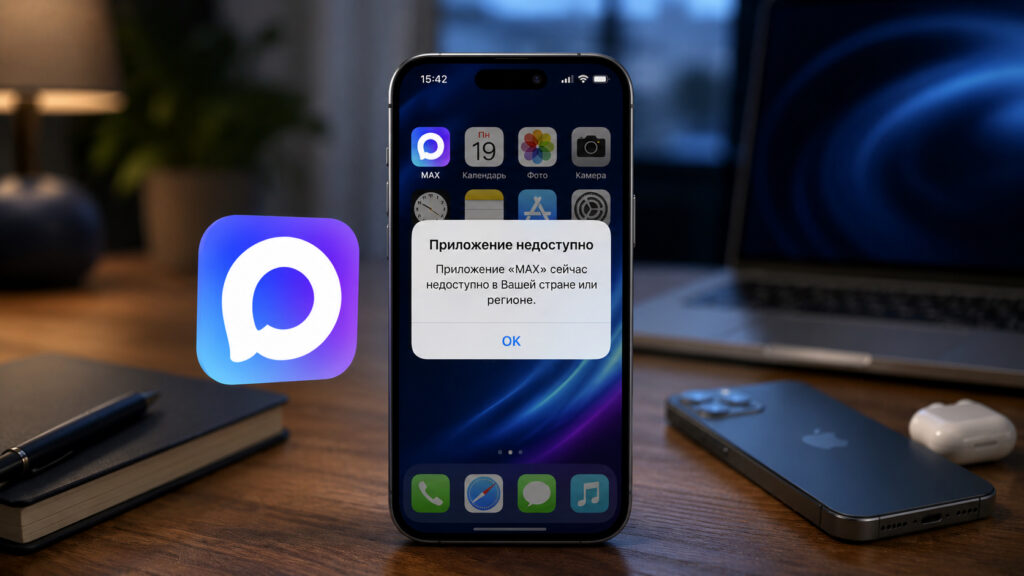
On the evening of June 3, the MAX messenger disappeared from the Russian App Store. For some, this is news in the “who cares” category. But if your work correspondence, chats with colleagues, or communication with educational institutions depend on MAX, things look very different. The fact that Apple removed the MAX messenger caught many off guard: the app can no longer be downloaded or updated. And for those who already had it installed, notifications stopped coming through. Let’s figure out what iPhone users who need MAX specifically for work should do — without panic and without heroic reinstallations.
What to do if MAX is needed for work
Why MAX Disappeared from the App Store
Apple removed MAX from the store on the evening of June 3 and has not commented on it so far. Head of the Ministry of Digital Development Maksut Shadaev stated at SPIEF-2026 that he also cannot explain Apple’s decision. According to him, the restrictions affected more than 20 million Russians — that’s no less than a quarter of the messenger’s entire audience.

The app was removed from the App Store, and problems began
The reaction was harsh: the head of Rostelecom called Apple enemies of Russia over this incident.
Downloading or updating the app through the App Store is now impossible. But what matters more for work is something else: for those who already had MAX installed, notifications for new messages and calls stopped coming through.
The reason is technical. After the app is removed from the store, the push token through which notifications are delivered gets revoked. MAX’s server simply can no longer send them. This means a message from your boss will arrive, but you won’t know about it until you open the chat yourself.
The good news: the already installed app works. Messages are sent and received, calls go through — the only thing missing is pop-up notifications. Therefore, the first and most important rule right now: do not delete MAX from your iPhone. You won’t be able to get it back from the App Store. The scenario is, in general, familiar. Apps from Russian banks have been suddenly disappearing from the Russian App Store for years, and every time users find workarounds. With the messenger, the story repeats itself.
MAX Web Version on Computer
The simplest way to stay connected is the web version of the messenger. It opens at web.max.ru without installing an app.
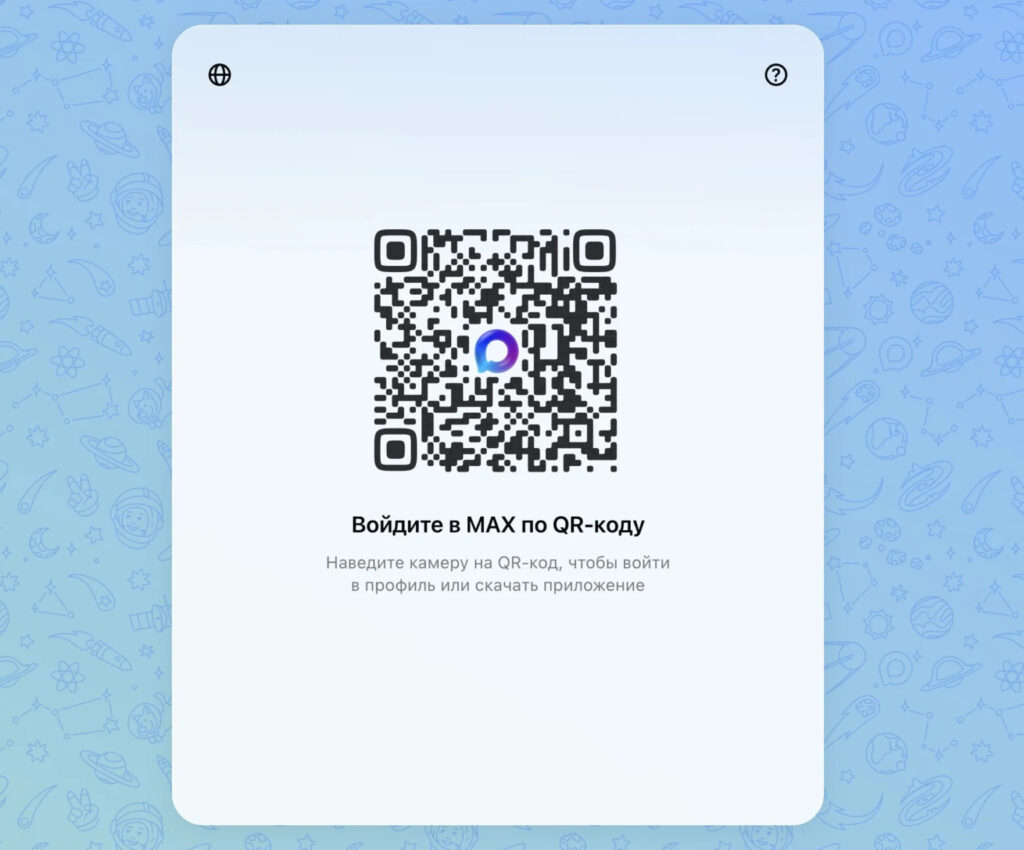
You can use the web version, but only on a computer. However, you need to have the app on your phone for this
But there’s an important caveat right away: the web version doesn’t work on iPhone. When you go to web.max.ru through Safari or any other mobile browser, the site simply redirects you to the app download page. So it will only help on a computer.
There’s also a second nuance. Logging in by phone number in MAX Web is currently unavailable — you can only authorize via QR code, which is scanned in the mobile app. Open web.max.ru on your computer, go to the installed app on your iPhone to “Settings” — “Devices” — “Log in via QR code” and point the camera at the screen. Within a couple of seconds, all your chats appear on your desktop.
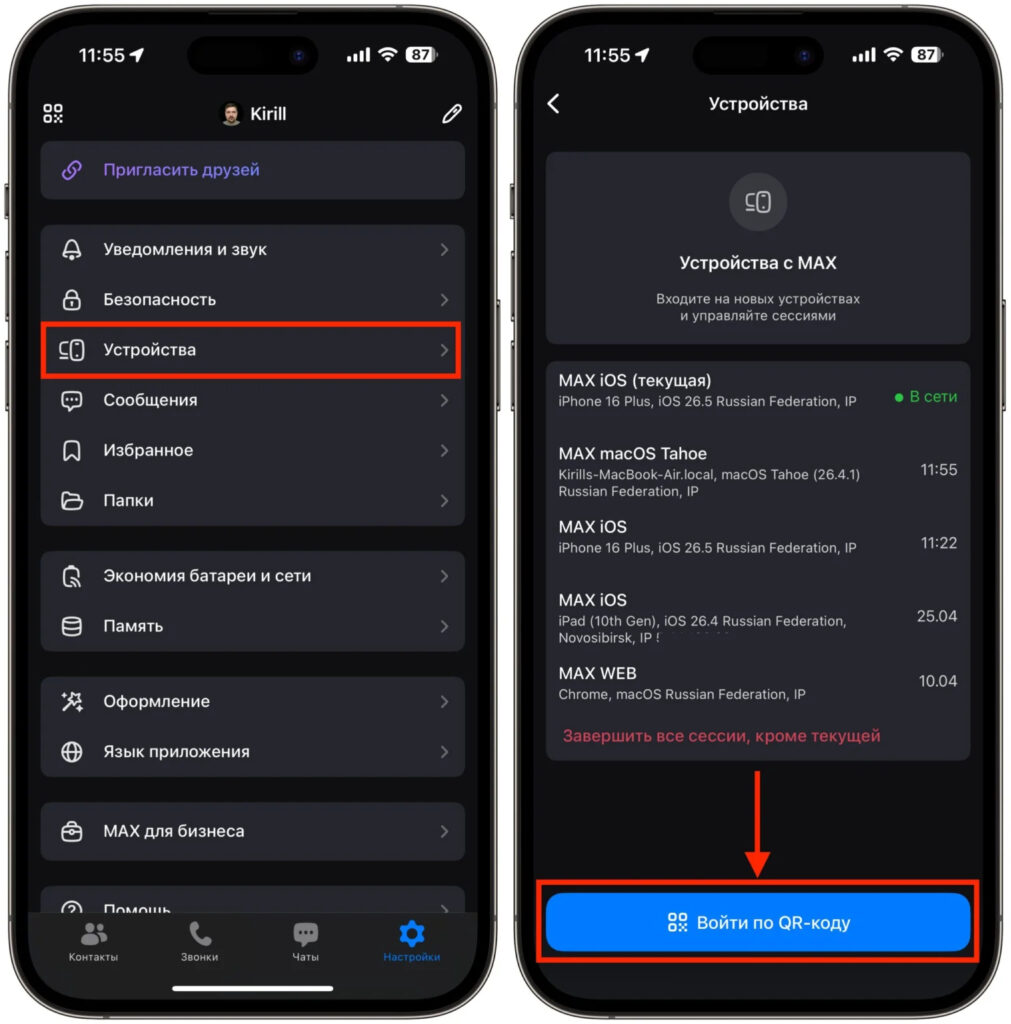
Authorization is almost instant
For work, this is an almost ideal option: you spend most of the day at your computer anyway, and correspondence with colleagues is always at hand in a separate tab.
MAX App for Windows and macOS
If the web version with its QR code seems inconvenient, there’s a better option — the MAX desktop app. It can be downloaded for Windows, macOS, and Linux from the messenger’s official website.
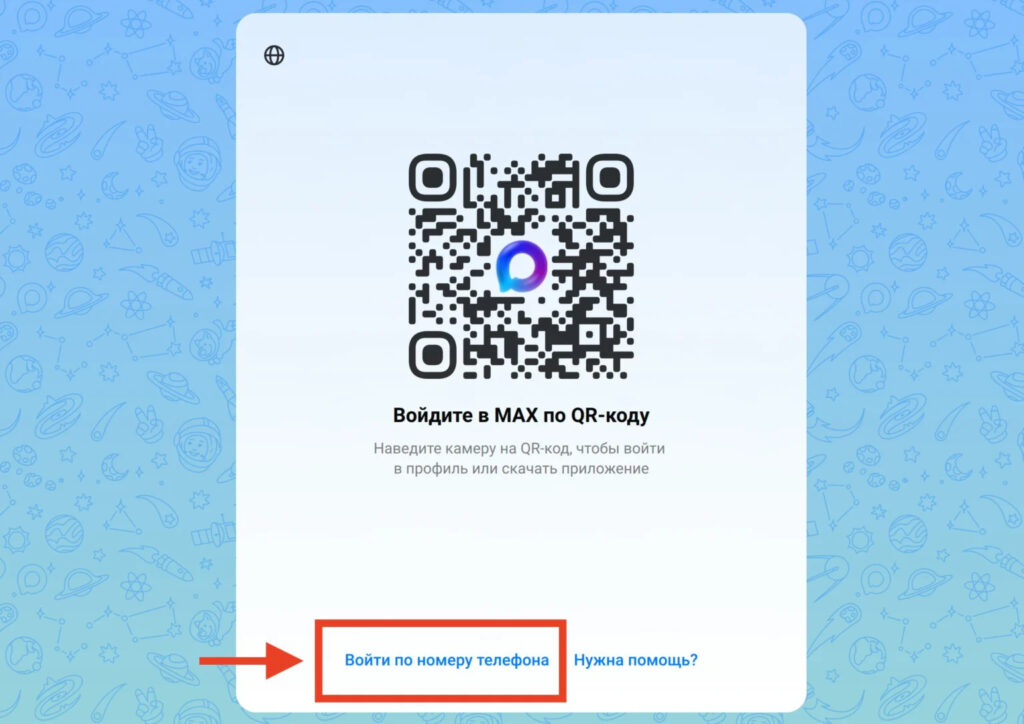
You can log into the app using your phone number
The main advantage over the browser version is authorization by phone number. You don’t need a phone with the app installed to scan a QR code: just enter your number and the code from SMS. This is especially helpful if MAX on your iPhone wasn’t preserved for some reason.
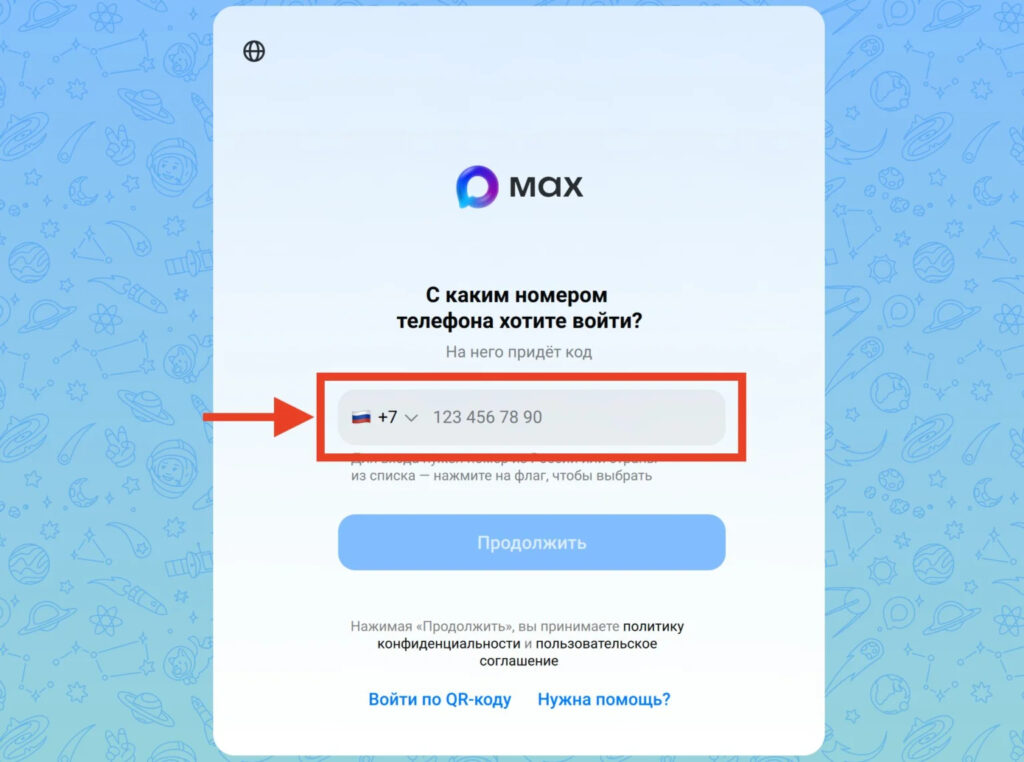
Switch and enter your number
Essentially, it’s a full-fledged client: chats, files, calls — everything is there, plus proper notifications right on your computer desktop. For those who spend all day at a laptop, this option often turns out to be even more convenient than a smartphone.
A Second Android Smartphone for MAX
If the app is no longer in the App Store, that doesn’t mean it’s gone everywhere. On Android, MAX is still freely downloadable from RuStore and Google Play, Huawei AppGallery, as well as Samsung, Xiaomi, and Vivo stores. There’s also an installation file on the official website download.max.ru.
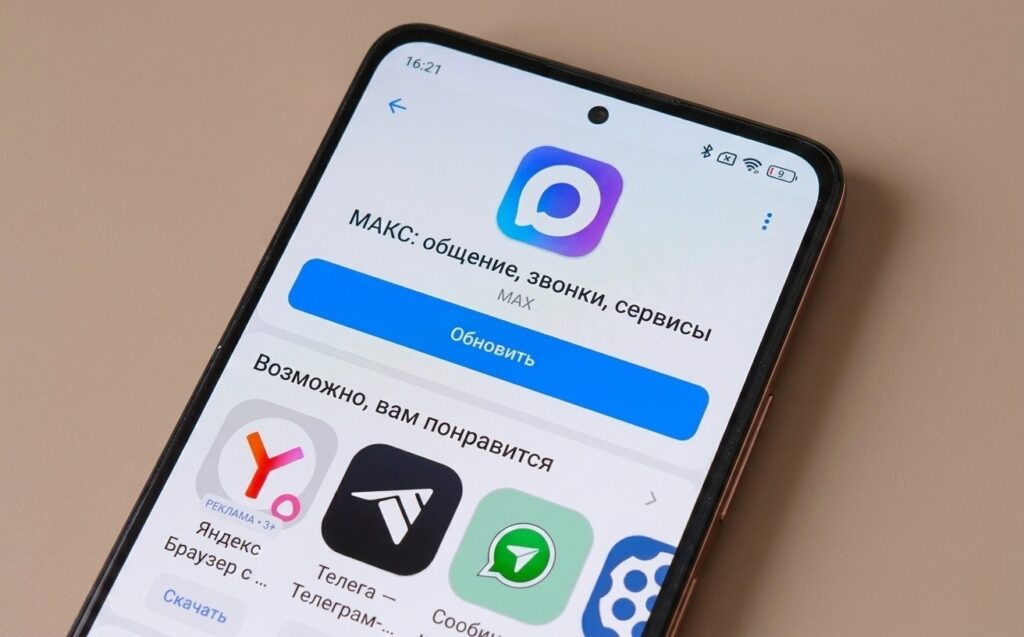
You can get yourself an inexpensive Android smartphone
Therefore, the most reliable path for those who are heavily dependent on the messenger is to get a second, inexpensive Android smartphone specifically for MAX.


