I use MAX on both my personal Nothing Phone and my work iPhone — and the app itself on both platforms is nearly identical. But everything around it: where to get it, how to update it, how to restore it after deletion — this is where MAX on iPhone and Android has seriously diverged. Especially since MAX disappeared from the App Store. Let’s get down to business: figuring out where the national messenger is more convenient to use.
Figuring out where MAX is more convenient in 2026 — on iPhone or Android
Where to Download MAX for iPhone and MAX for Android
Let’s start with the main thing. MAX for Android is available in several stores at once: RuStore, Google Play, AppGallery, and if you want, you can install it via an APK file. Moreover, on new smartphones it already comes pre-installed — under the pre-installation law. But there’s nowhere to download MAX on iPhone: it was removed from the App Store back in summer 2026, there are no other legitimate stores on iOS, so a new user is left with only the web version.
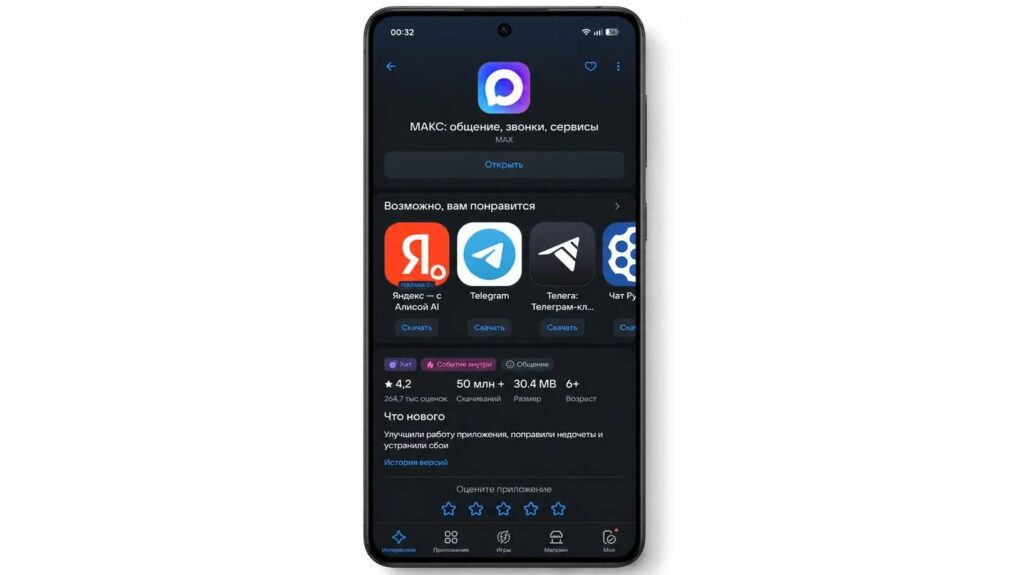
MAX on Android can be downloaded from anywhere: Google Play or the website
The irony is that the national messenger is being promoted at the government level, while a reverse process is happening around other messengers — for example, the State Duma is demanding that the Ministry of Digital Development unblock Telegram. But for now, this is just an isolated initiative.
MAX Updates on iOS and Android: What’s the Difference
This is where an unpleasant consequence emerges. MAX on iOS only updates while the app is in the store — and since it was removed, the version on iPhone is frozen at whatever build you managed to download. It no longer receives any new MAX features, bug fixes, or security patches, and may eventually stop working after the next iOS update.
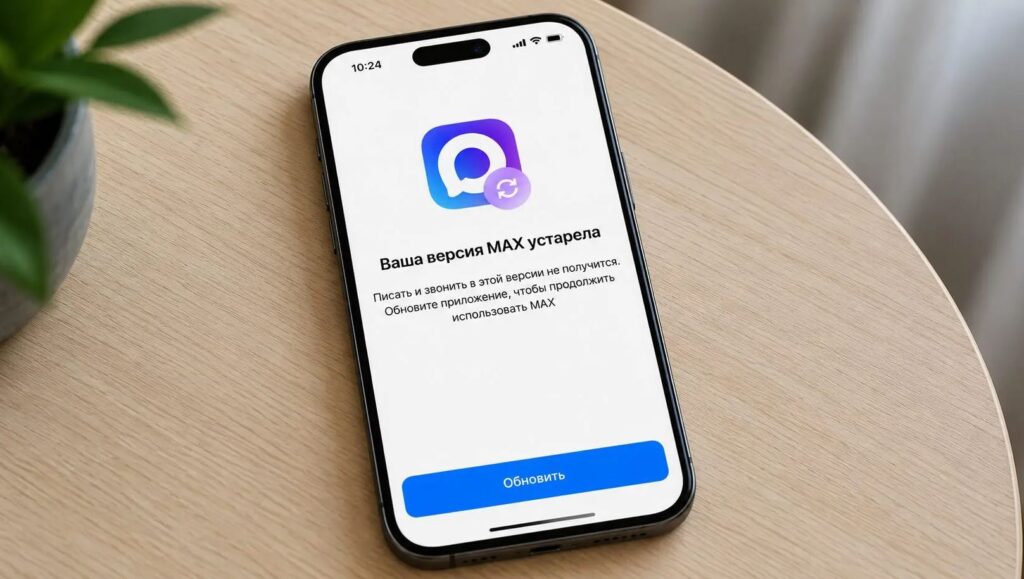
Unfortunately, MAX on iPhone will no longer receive new features
On Android, everything is different: you can update MAX in a couple of taps from the same RuStore, and fresh features arrive regularly. Essentially, on iPhone you don’t have a living app but a snapshot frozen in time — on Android, it continues to evolve. By the way, 3-4 updates with bug fixes come out every week.
How to Reinstall MAX on iPhone If You Deleted It
The main advice for iPhone owners: don’t delete the app. If you remove MAX on iPhone, there’s no standard way to get it back — only roundabout methods, like using iMazing from your Apple ID purchase history or installing an IPA file with a certificate, which isn’t for everyone. On Android, reinstalling MAX is a one-minute task: go to the store and install it again. And in general: there are places to download the national messenger from.
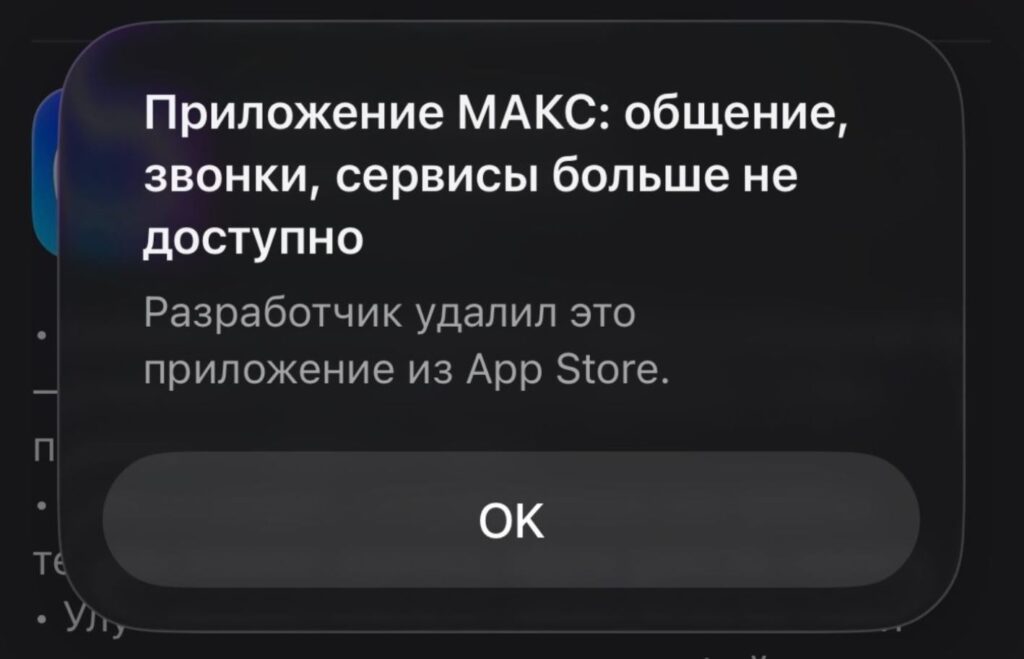
MAX is not in the App Store. There’s simply nowhere to download it on iPhone
Separately, warn elderly relatives for whom you installed the MAX messenger: one accidental deletion — and you’ll have to deal with the hassle. Speaking of caring for loved ones — install iOS 27 for your grandmother, her iPhone won’t let her transfer money to scammers.
Where MAX Runs Faster — on iPhone or Android
Honest answer: it’s not so much about the platform as about the hardware. On both iPhone and Android, MAX lags for one reason — a bloated cache: media files from chats accumulate several gigabytes in a couple of weeks, and the app starts freezing when opened.
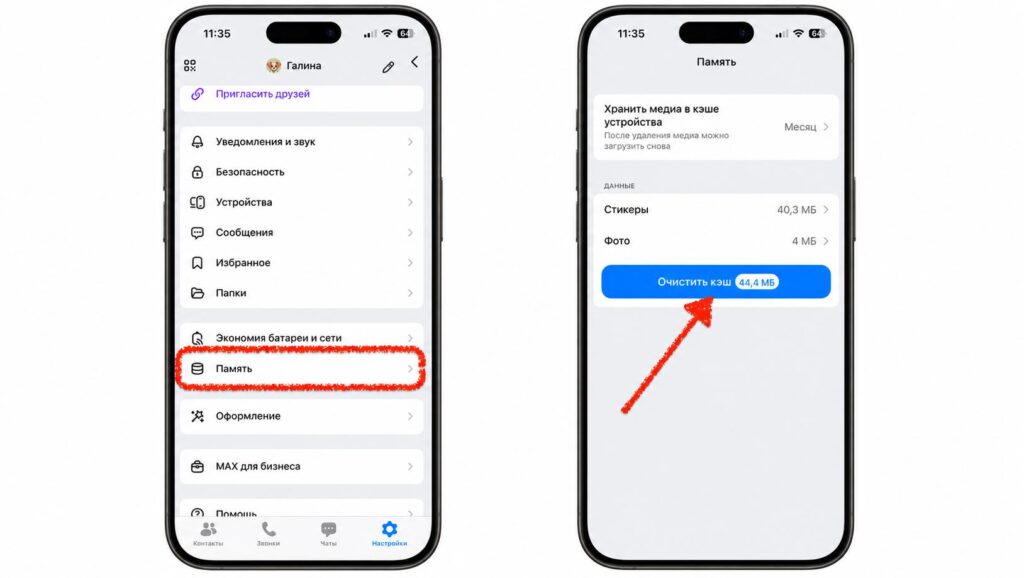
Nobody knows for certain where MAX works better. We’ll just recommend you clear the cache on any platform
The fix is the same — go to “Profile,” the “Storage” section, and clear the cache. The only difference is that on weaker smartphones with 3–4 GB of RAM, MAX consumes memory more noticeably and freezes more often, while on iPhone, thanks to smoother memory management, this happens less frequently. So optimizing MAX is useful on any system, but older Android devices suffer more.
Two MAX Accounts on One Phone
Need a second profile — say, personal and work? On Android, two MAX accounts can be set up natively: almost every shell has “App Cloning” or “Second Space,” and you can maintain multiple accounts simultaneously. On iPhone, there’s no such system tool — you’ll have to install third-party sandboxes like Dual Space, and it works more temperamentally.
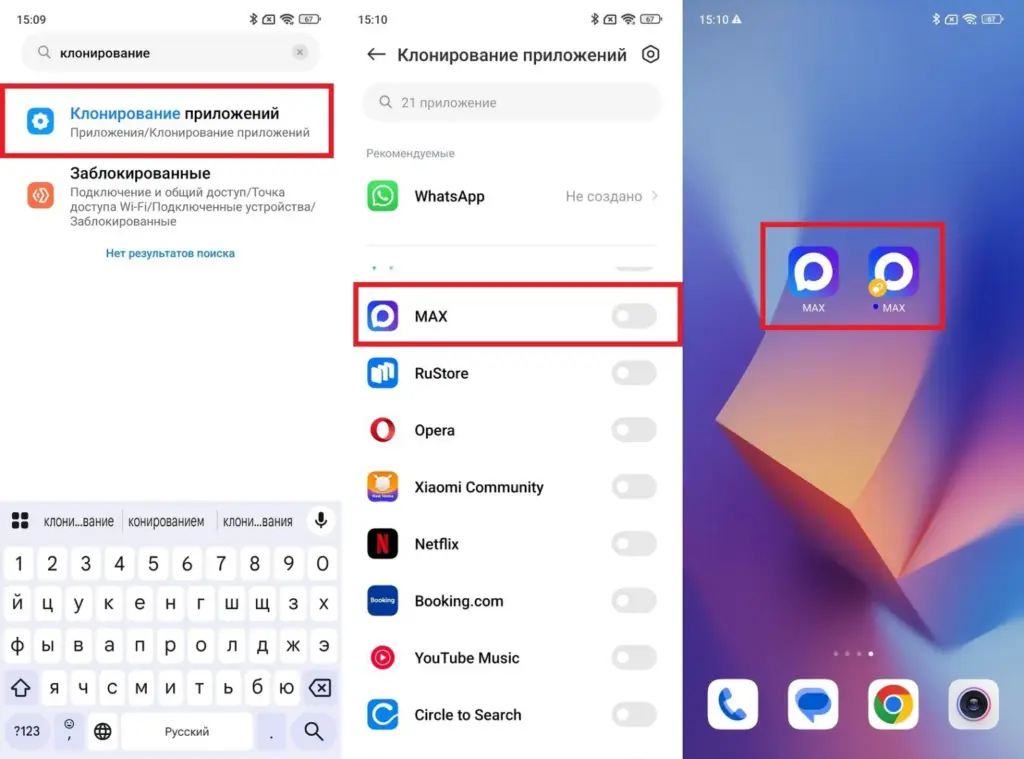
Set up two MAX accounts on Android? Easy!
The mechanics are the same, but on Android it’s native, while on iPhone it’s a workaround. And since we’re talking about accounts: what happens to your account on iPhone if you register in MAX under someone else’s number — that’s a separate and instructive story.
Interface Differences of MAX on iPhone and Android
As for the interface itself, the difference is almost invisible — and that’s a plus: you switch from one platform to another and feel right at home. The only noticeable difference between MAX on iPhone and Android is the placement of buttons in the input bar. On iPhone, the file attachment paperclip is on the left and stickers are on the right; in MAX for Android, it’s the opposite.
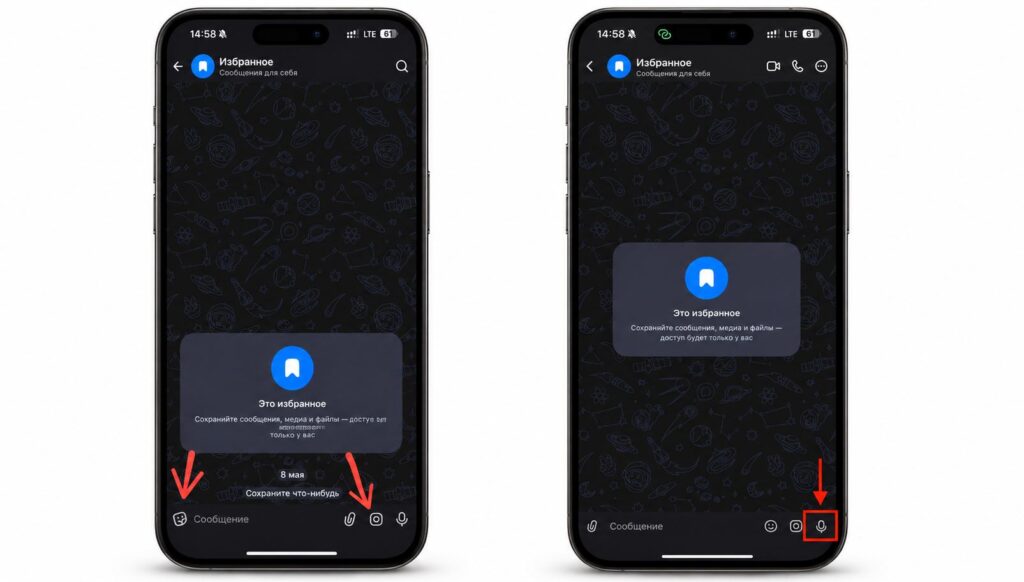
The interface differs in some places. A small thing, but annoying
It’s a small thing, but after using one version for a week and switching to the other, your finger stubbornly misses the target. The platform guidelines are to blame: Apple and Google recommend different element placement. Otherwise, the MAX interface — menus, stickers, themes — is mirrored on both systems.
In terms of actual communication, there’s no difference: MAX features are identical, and on iPhone you won’t miss anything important. It all comes down to the fact that on iOS the app lives on borrowed time.


