At WWDC26, the presentation focused on Siri and iPhone updates, while Apple said almost nothing specific about the Mac. But macOS Golden Gate has plenty of useful hidden details: from finally working search in Mail to Safari speed improvements and drawing right on your computer. Let’s break down what will actually be useful in everyday work. The first developer beta is already available: if you want, you can install macOS 27 on your Mac right now following our instructions. The public beta is expected in July, and the full release will come this fall. If Apple sticks to its usual schedule, expect September.
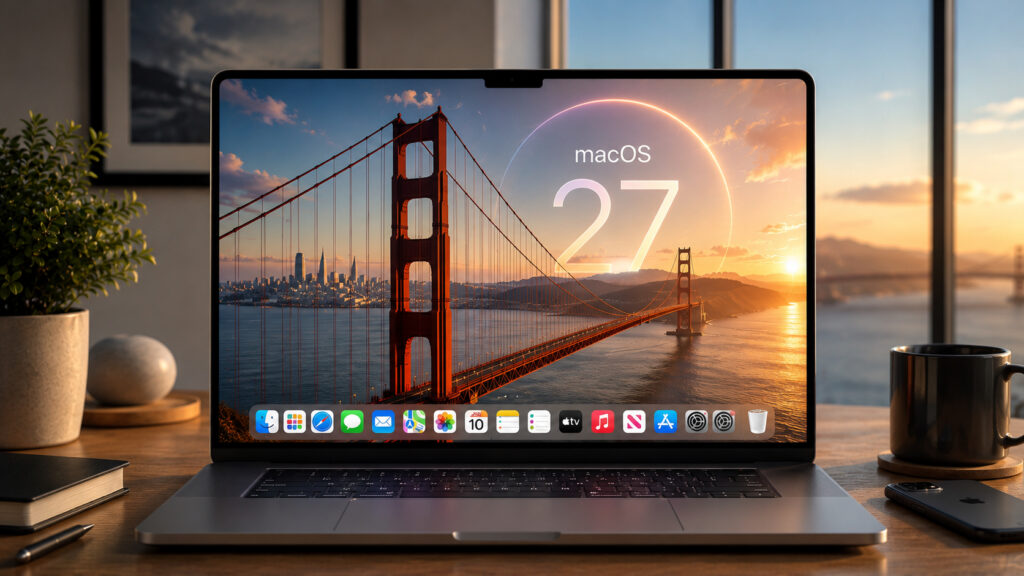
macOS 27 also has many interesting features to discover
What Design Changes Appeared in macOS Golden Gate
Apple showed some things during the presentation: uniform rounded window corners, more “glassy” icons, denser toolbars, and a return to the familiar colorful sidebar. But the most interesting things you only notice while working.
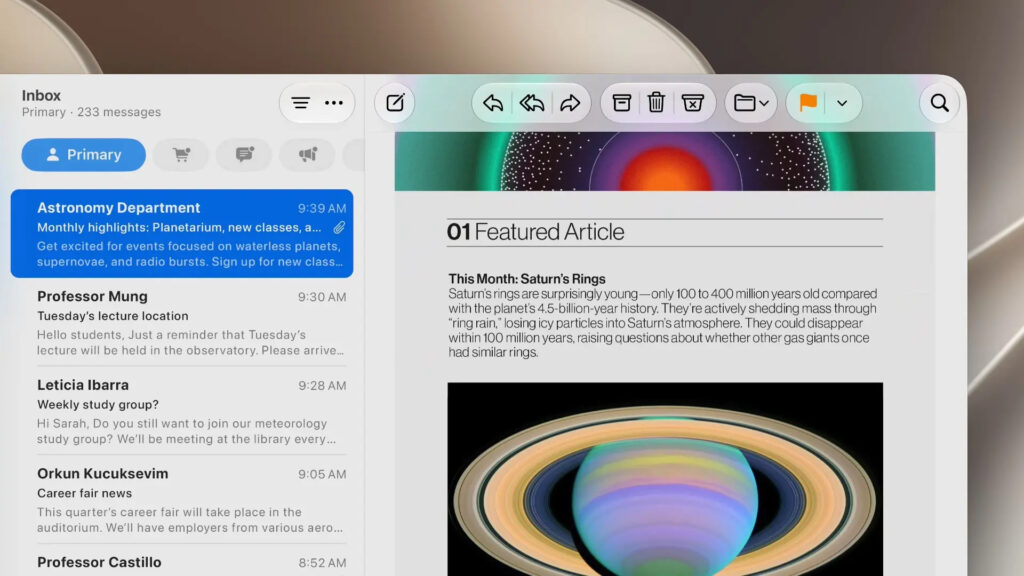
First of all, Apple polished the OS design. Now it has proper Liquid Glass, not like in Tahoe
- The active tab name in the sidebar is now displayed in bold
- Most of the annoying menu bar icons from macOS Tahoe have been removed
- The “pull down to refresh” gesture has been added to Safari, Mail, and Calendar
- Animations in Mission Control and desktops are smoother and no longer cut off abruptly
- Support for bright HDR interface elements has been added
Individually these are small things, but together they make the system neater and more pleasant for daily use.
Drawing in Notes and Freeform on Mac: What Changed
Previously, freehand drawing in Notes and Freeform was only available on iPhone and iPad. Now drawing has made it to Mac: you can make sketches right in these apps.
iMessage now has a separate drawing app. It replaces the old handwritten messages feature that debuted back with the iPhone 6.

Apparently, we’ll soon be poking the MacBook screen with our fingers
A caveat is needed here: this is a rumor, not a confirmed fact. All of this hints at a future MacBook with a touchscreen. Apple has not officially announced such a device, so this should be treated as speculation, but there are already too many coincidences.
Why Safari Got Faster After the macOS 27 Update
After updating, you’ll notice speed improvements in various parts of the system. Apps launch faster, AirDrop works more quickly, and creating a new user account is now noticeably faster.
Apple also focused separately on the Safari browser:
- Smoother scrolling, animations, and graphics; web apps work better
- Script processing on websites has been accelerated
- The start page loads faster and rearranges more neatly when the window is resized
If you spend a lot of time in the browser, the Safari speed improvements are what you’ll notice before anything else.
New External Display Capabilities on Mac
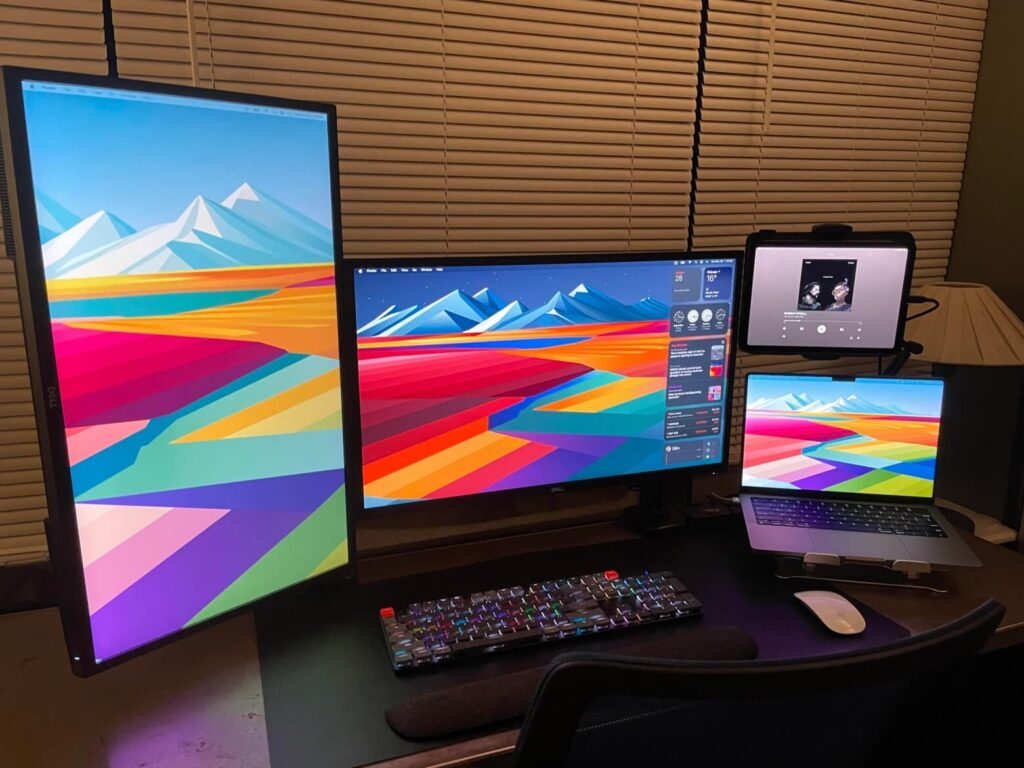
You can rotate screens however you want, the new macOS will remember their arrangement
Good news for those who work with multiple screens: macOS Golden Gate better remembers window positions across different monitors. After reconnecting, they are less likely to scatter randomly.
Ultrawide monitor owners get support for higher resolution and refresh rates: Apple specifically mentions 5K at 120 Hz. On large screens, this means a sharper and smoother picture.
How to Control iPhone Through Mac After the Update
The “iPhone Mirroring” feature lets you control your phone right from your Mac. It’s convenient when your phone is in your bag and you need to quickly dismiss a notification or check something. In macOS Golden Gate, it has three notable improvements.
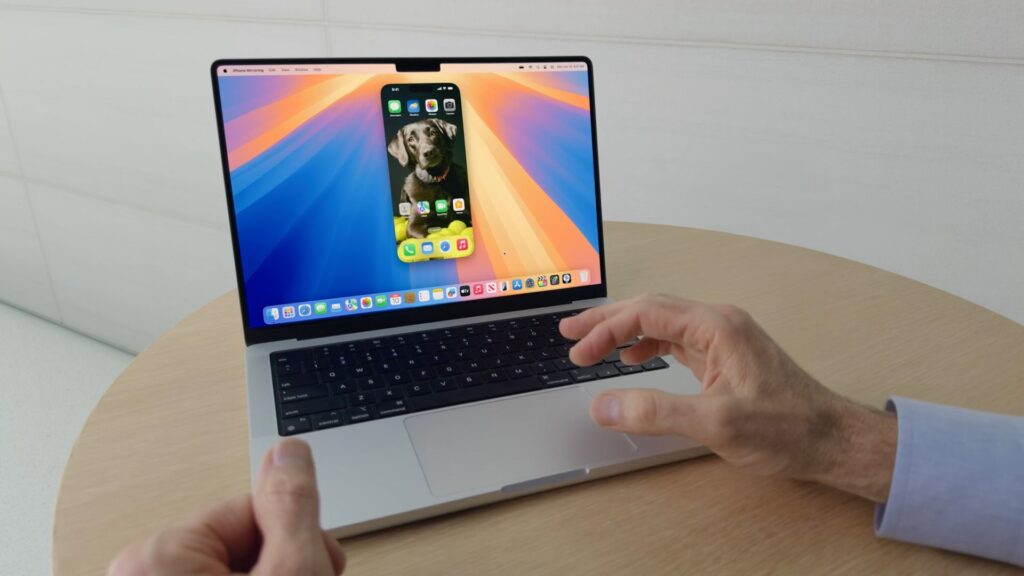
iPhone Mirroring has been improved too
- The app window can be enlarged to see more content on screen
- Control Center access has been added: you can toggle settings or even ping your Apple Watch to find it
- You can now watch protected video: for example, movies downloaded to your phone from Netflix or HBO right from your Mac
The last point is especially useful if you download videos to your iPhone for travel and then want to finish watching them on a bigger screen.
How the New Search in Mail Works on Mac
Mail is one of the main apps on Mac, but its search has worked poorly for a long time. In macOS Golden Gate, Apple rebuilt the search foundation that powers Spotlight, Photos, and Mail.
If you have a huge mailbox with thousands of emails, search returns noticeably more accurate results. This is thanks to a new ranking system: it prioritizes relevance to your query over how recent an email is.
Search also understands meaning, not just exact wording. For example, a query for “dentist” will find emails about “dental clinic” as well. This saves time when you don’t remember the exact words from the email you need.
What’s New in the Podcasts App for macOS 27
Video podcasts appeared back in iOS 26.4, but they weren’t available on Mac until macOS Golden Gate. Now video plays automatically when you start a video podcast.