Apple has released the final version of macOS 27, referred to as Golden Gate, and it is available to download today. The headline changes: this is the first macOS that runs only on Macs with Apple silicon, Intel machines are no longer supported, and the biggest new feature is a rebuilt conversational assistant called Siri AI. There is a catch, though. The most advanced Siri and Apple Intelligence features require a Mac with an M3 chip or newer and at least 12 GB of memory, so owners of base-model machines will install the update but miss some of the new capabilities.
What you need to know
- macOS 27 supports only Apple silicon Macs: M1 and newer models plus the 2026 MacBook Neo with the A18 Pro chip; Intel Macs are dropped entirely.
- The most advanced Siri AI and Apple Intelligence features require an M3 or newer chip and a minimum of 12 GB of RAM.
- Some Siri AI capabilities will not ship on release day; Apple plans to add them in a later update and label them as beta at first.
- Installation takes roughly 30 to 60 minutes depending on the Mac and connection speed, and Apple’s servers are typically congested on day one.
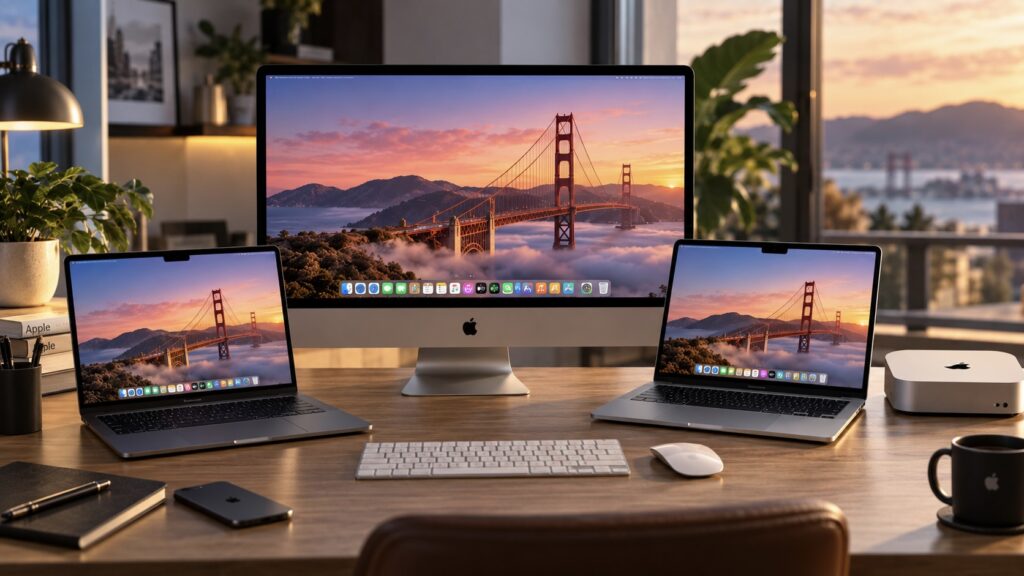
Mac computers running macOS 27
The system went through beta testing over the summer, and the beta builds surfaced some curious details along the way, including a reference to a MacBook with an OLED display. Apple has also tied a portion of the new features to recent hardware. Below is what changed, which Macs qualify, and why the source author says they are personally holding off on installing it.
Which Macs Support macOS 27
The most important point before you update: macOS 27 is the first release that works exclusively on Macs with Apple processors. Intel-based computers are no longer on the support list, formally closing that era. The full list of compatible models:
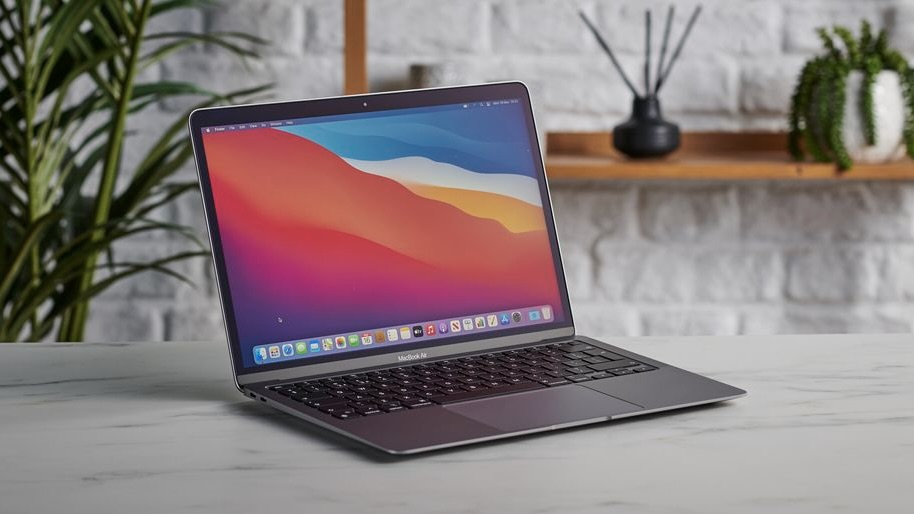
MacBook Air with the M1 processor
- MacBook Neo (2026, A18 Pro chip)
- MacBook Air with M1 and newer (2020 and later)
- MacBook Pro with M1 and newer (2020 and later)
- iMac with M1 and newer (2021 and later)
- Mac mini with M1 and newer (2020 and later)
- Mac Studio with M1 Max and newer (2022 and later)
- Mac Pro with M2 Ultra (2023)
The operating system itself will install on any of these machines, but the most advanced Siri features and some Apple Intelligence capabilities require a Mac with an M3 chip or newer and at least 12 GB of RAM. Owners of entry-level models will therefore find part of the new functionality unavailable, even if the update installs without a single error.
How to Install macOS 27
Before updating, make a backup with Time Machine so your data is protected if something goes wrong. After that, the process is straightforward:
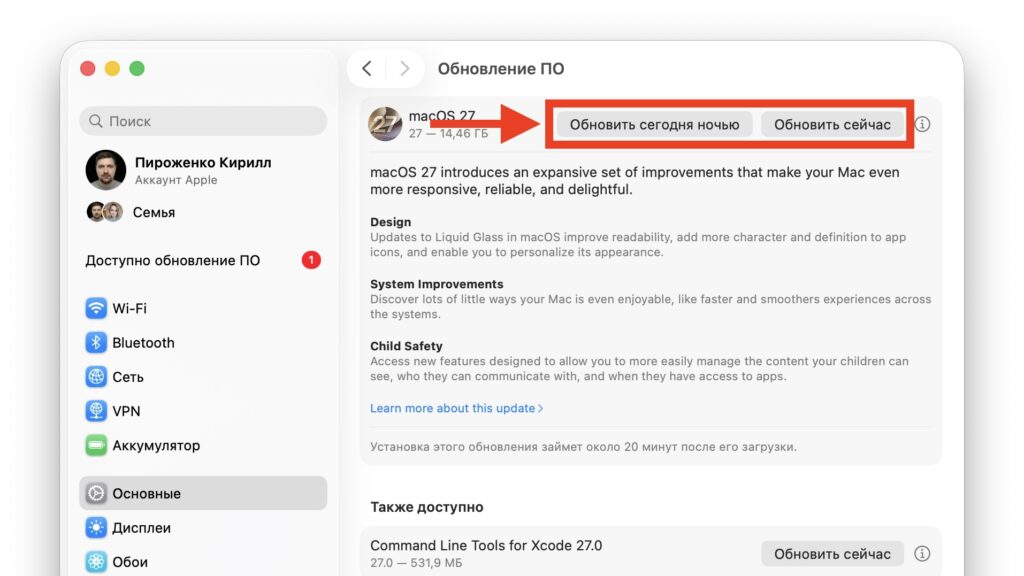
macOS 27 installation screen
- Open the Apple menu in the top-left corner and choose System Settings.
- Go to General, then Software Update.
- Wait for the system to detect macOS 27.
- Click Update Now and enter your Mac password.
- Keep the computer connected to power and wait for the installation to finish.
Installation takes between half an hour and an hour, depending on the model and your internet speed. If the Mac appears stuck during the download or the update does not show up, do not panic: Apple’s servers are almost always overloaded on release day.
Siri AI and Apple Intelligence: What’s New
The centerpiece of macOS 27 is a completely reworked Siri, which Apple now calls Siri AI. The assistant is no longer just a voice command line; it has become a conversational helper that answers complex questions, understands context on screen and in your email, searches the web for answers, and can perform actions inside apps. The system also gains a separate, new Siri app where your conversations with the assistant are stored in one place and synced through iCloud across all your devices.
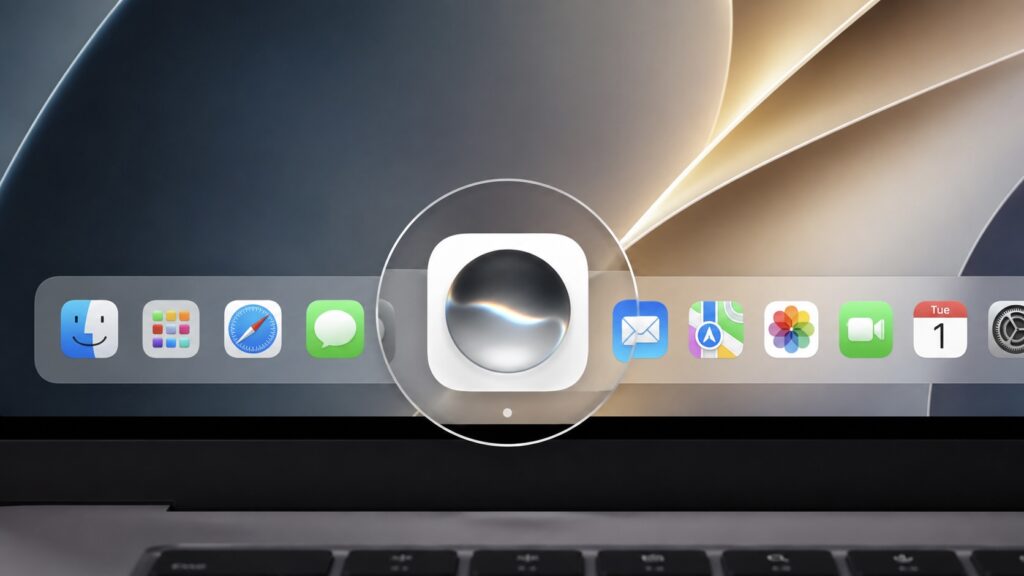
The standalone Siri app in macOS 27
Visual Intelligence arrives on the Mac for the first time. The feature analyzes what is shown on screen, including images, documents, and text: select a picture or a file, and Siri suggests what you can do with it.
Apple Intelligence has been extended across the system. There are smart writing tools that rewrite or shorten a paragraph, system-wide spell checking, and noticeably improved dictation with automatic punctuation. Another small convenience: the system proposes meaningful names for files and folders based on their contents.
One important caveat. Apple is still refining part of Siri AI, so some of its capabilities will not appear on release day but will arrive slightly later in a separate update, and will initially be labeled as beta. If Siri on your Mac still behaves the old way for now, that is expected.
App, Design, and Performance Updates
Beyond Siri, the update touches nearly every built-in app. Safari can now group tabs by topic on its own, monitor pages for changes through a Notify Me feature (useful when waiting for an item to come back in stock or drop in price), and even build extensions from a text description. A pull-to-refresh gesture, familiar from smartphones, now works on the Mac too.
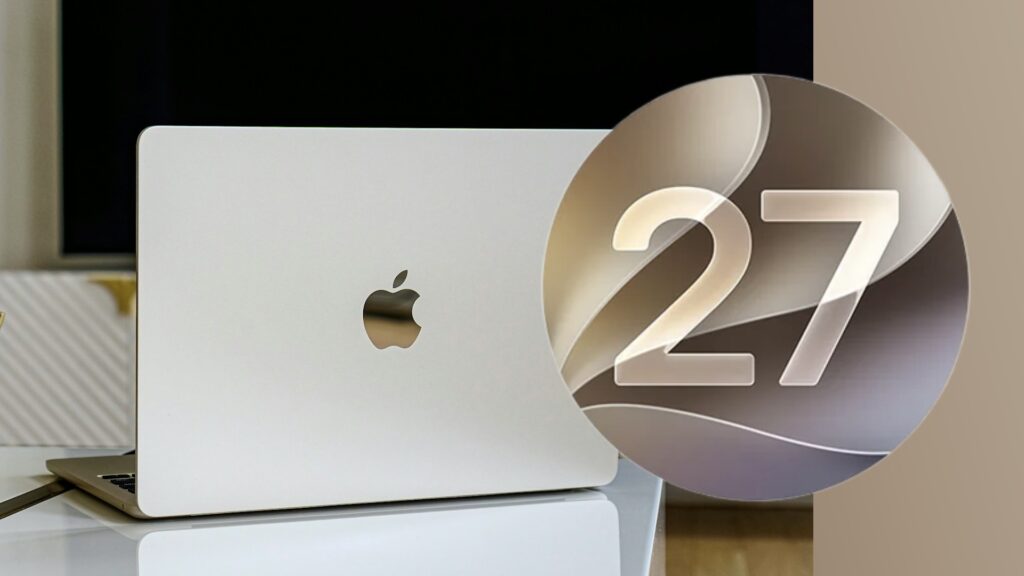
macOS 27 logo next to a MacBook
Photos gains a set of AI-based tools. Extend fills in an image beyond its borders when you need to change the crop, Spatial Reframing recomposes an already-taken shot, and an improved Clean Up removes unwanted objects more cleanly. Notes adds drawing with a mouse or trackpad, digital signatures, and Markdown support. Freeform gets folders for boards, Weather has a redesigned interface with separate ten-day precipitation and wind forecasts, and Shortcuts can now build automations from a plain-text request.
Passwords deserves a separate mention: the app finds weak and leaked passwords on its own and, with the help of Apple Intelligence, can visit a site, change the password, and save the new one. If it works reliably, that would remove a lot of routine work. Image Playground, meanwhile, can now generate photorealistic pictures rather than only cartoon-style avatars.
On design, Apple did not stage a revolution but polished last year’s Liquid Glass. The glass effect is more legible, a transparency slider appears in settings, and the familiar rounded window corners are back in place of the floating elements from macOS 26. There are new wallpapers and screensavers featuring the Golden Gate Bridge, and iPhone Mirroring now offers access to Control Center and resizable windows.
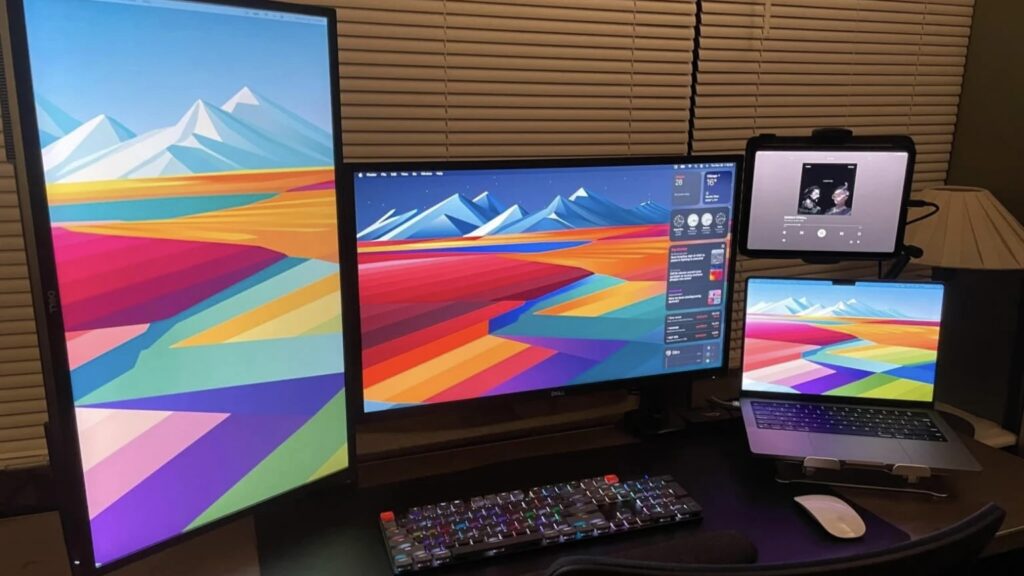
A Mac connected to multiple monitors
There is a speed boost as well: apps open faster, Spotlight and AirDrop are quicker, and 5K displays at 120 Hz are now supported. Gamers get attention too. According to the source, Game Porting Toolkit 4 substantially raises game performance, with GTA V reportedly reaching 176 frames per second in tests compared with the previous 106. Those figures are as cited by the source and were not independently verified.
Should You Install macOS 27 Right Now?
The source author’s answer is not to rush. Major Apple releases almost always arrive with teething problems that only surface once the software reaches a large number of devices, so the author suggests watching user feedback for a couple of weeks. The author has previously explained why they will not immediately update their own MacBook Air, and says the same logic applies here.
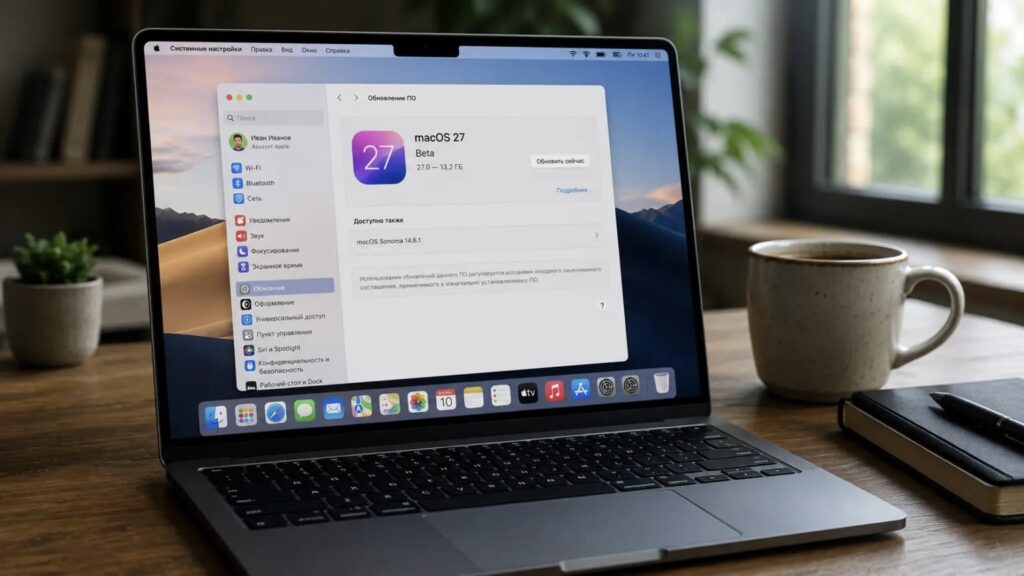
macOS 27 update on a MacBook Air
Base models get a specific warning. The author would not install the new system right now on a Mac with 8 GB of memory and does not plan to do so themselves. Some of the smart features require 12 GB and an M3 chip regardless, and adding extra load to an 8 GB machine in the first days of a release is, in the author’s view, a poor idea. The author is postponing their own upgrade at least until the first large-scale user tests show how the system behaves in real work rather than in a stage demo.
If you are eager and have a spare Mac, the author sees no reason not to try it: the new features are worth exploring. Just make a backup before installing. That rule applies every time.


