Apple has released macOS 27.2 Golden Gate, the first major update to macOS 27 after about a month of smaller patches. The headline changes are Siri AI support for five more languages and the return of stepped volume and brightness indicators. According to 9to5Mac, the update also fixes a bug that stopped windows in Electron apps such as Slack, Discord and VS Code from being dragged. Apple lists several known problems that remain, including display settings that may reset when an external monitor is connected. Code in the update reportedly hints at a touchscreen MacBook Pro, which rumors suggest Apple will show on October 28.
What you need to know
- Siri AI now supports French, Japanese, Korean, Portuguese and Spanish. Since macOS 27 launched, it had supported only English.
- Volume and brightness pop-ups again use separate steps, one step per key press. The indicator now appears under its menu bar icon instead of in the middle of the screen.
- 9to5Mac reports a fix for windows in Electron apps sometimes refusing to be dragged, a problem a restart solved only briefly.
- Apple acknowledges known issues with external display settings, missing notification prompts after a clean install, and the Describe Shortcut feature.
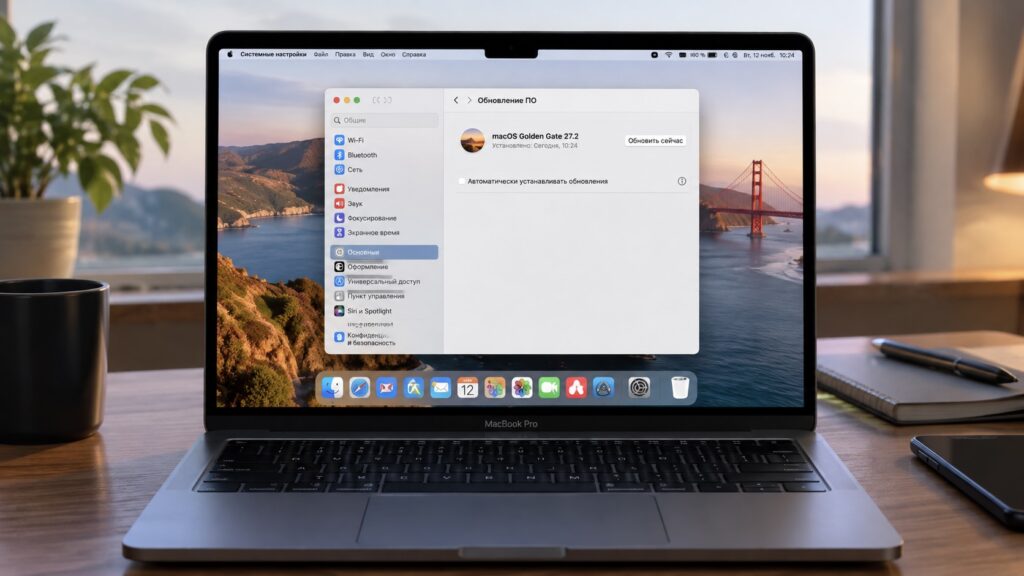
MacBook Pro on a wooden desk with System Settings open to Software Update, showing macOS Golden Gate 27.2 and an Update Now button
Siri AI adds five languages
The biggest change in macOS 27.2 involves Siri AI. The assistant now works in French, Japanese, Korean, Portuguese and Spanish. Since the release of macOS 27, it had understood only English. Apple promised the expanded language support at its September presentation, so this addition was expected.
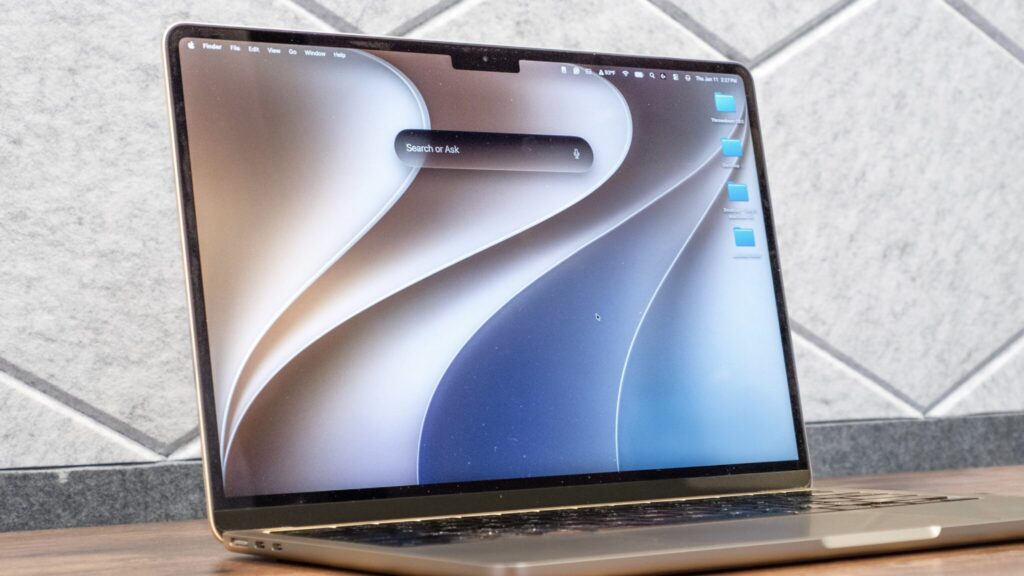
MacBook Air on a desk with the Siri AI bar open in the middle of the desktop, showing the prompt Search or Ask
Apple says the assistant has also become more capable. It now remembers context from earlier conversations and draws on a broader set of the user’s personal data. In practice, this means you should not need to re-explain who or what you asked about the day before.
Russian, however, is still not supported, and Apple has not said when it will be added. If you do not use the assistant, note that Siri AI and its models take up as much as 14 GB of disk space, according to the source.
Volume and brightness indicators return to steps
The second major change is visible almost immediately. Apple has redesigned the pop-up indicators that appear when you press the volume and brightness keys. A segmented scale has replaced the smooth bar, so each key press moves the level by one step. Older versions of macOS used the same approach, which makes it easier to set headphone volume precisely.
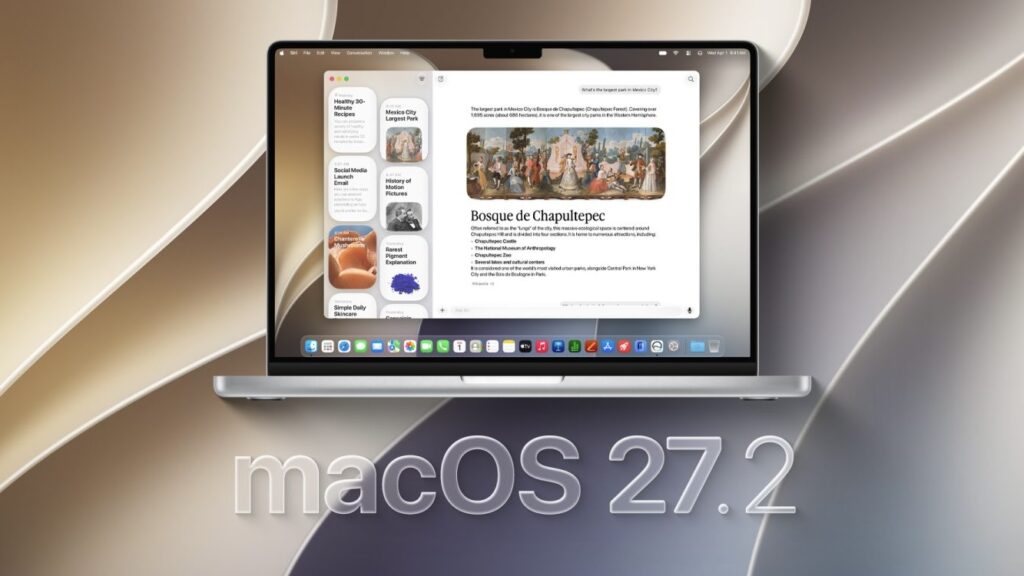
MacBook Pro with a Siri AI window open over macOS 27 wallpaper and large macOS 27.2 lettering
A large icon now sits on the left, and the scale appears directly below the matching menu bar icon rather than in the middle of the screen. The look is a blend of Sequoia and Liquid Glass: the behavior comes from Sequoia and the glass effect from Liquid Glass. The sliders in Control Center have not changed.
The change first appeared in the second beta in September. Apple never mentioned it in its release notes, and the design reached the final build unchanged.
A new Apple Music icon, Messages suggestions and hints of touch gestures
The red-and-white Apple Music icon has been replaced by a black-and-white one. On the Mac, the app now uses the same style Apple introduced with iOS 27.2. Messages also gains suggestions. If a conversation includes plans to meet or a request to remember something, the system can offer to create a Calendar event or a reminder with one tap.
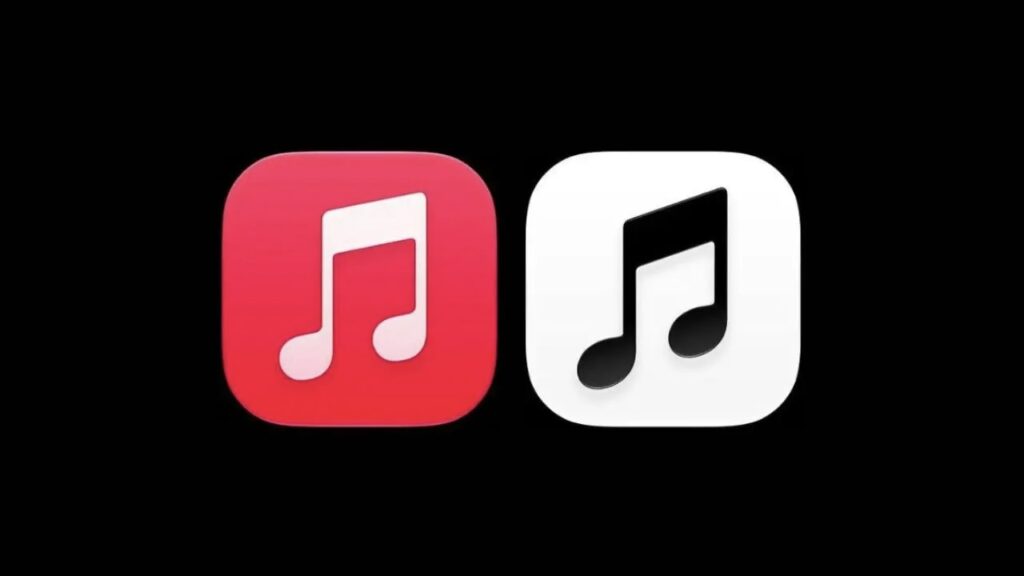
The old red Apple Music icon on the left and the new black-and-white icon on the right
Some of the more intriguing changes are not visible on current Macs. 9to5Mac noticed gesture-recognition tools in several built-in apps. Similar code was found earlier in the macOS 27.2 beta. These findings are being read as signs that Apple is preparing macOS for a touchscreen, but this has not been confirmed.
Apple’s event is scheduled for October 28. Rumors suggest the company will introduce a MacBook Pro with a touch-sensitive OLED display, but Apple has not announced that device.
What has been fixed
As usual, Apple did not publish a detailed list of fixes. It said only that the update includes bug fixes and security updates, and it had not described the patched vulnerabilities when the update was released. According to 9to5Mac, the update fixes one of the most irritating problems in macOS 27. In apps built on Electron, including Slack, Discord, VS Code and many others, windows sometimes stopped responding to dragging. A restart helped, but only temporarily.
Developers get fixes too. Xcode no longer crashes during code completion, and several purchase and subscription bugs have been fixed in the StoreKit testing environment. Apple released Xcode 27.2 with a new SDK alongside the update.
Known issues Apple acknowledges
The list of remaining problems is nearly as long. Apple’s release notes acknowledge the following issues:
- With an external monitor connected, display settings may reset and the screen arrangement may change.
- After a clean install, Calendar, Maps, Find My, Home and Weather may not ask for permission to send notifications.
- The Describe Shortcut feature may return a try-again-later error.
There is a workaround for the notifications issue. You can turn on notifications manually for these apps in System Settings > Notifications.
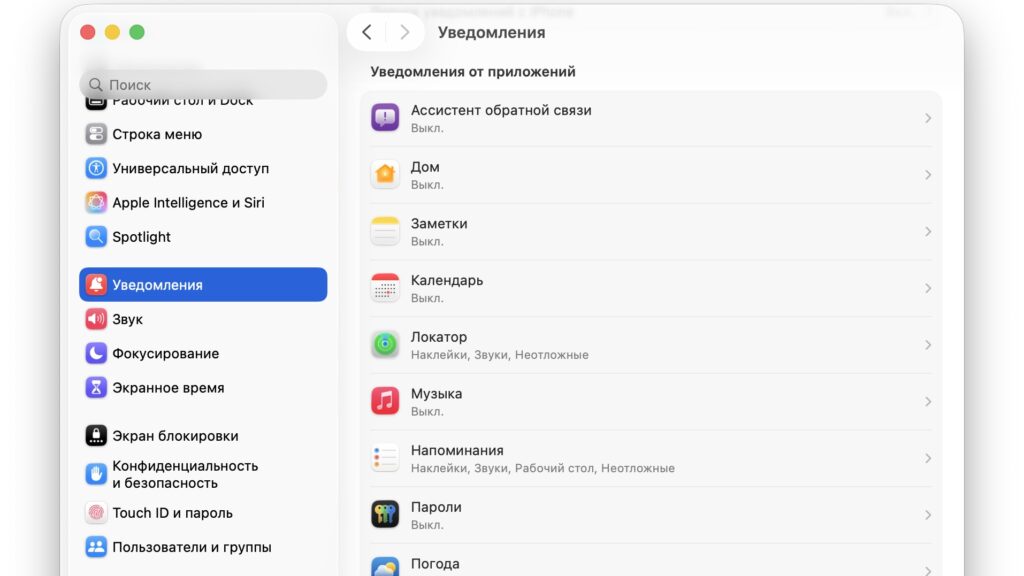
Notifications section in Mac System Settings, with notifications turned off for Home, Calendar and other apps
There is no fix yet for the monitor or Shortcuts issues. If you use an external display, it is worth noting your display arrangement before updating so you can restore it quickly.
How to prepare and install the update
The update is available for all Macs that support macOS 27, and the final build number is 26B123. Because the update is large, two steps are recommended before installing: make a fresh Time Machine backup and make sure you have plenty of free disk space. If something goes wrong, a backup lets you restore the Mac to its previous state. Without one, you may have to set everything up again.
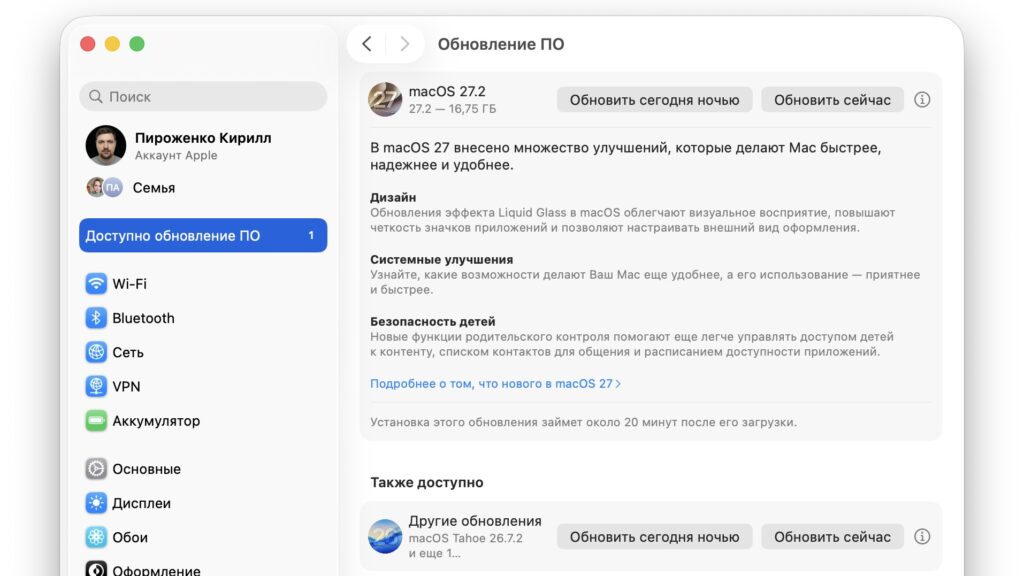
Software Update window on a Mac showing macOS 27.2 at 16.75 GB with Update Tonight and Update Now buttons, and a macOS Tahoe 26.7.2 update listed below
The source author reports that the update was 16.75 GB on their Mac, and the system estimated that installation would take about 20 minutes after the download. The size may differ on other Macs.
The installation steps are:
- Connect your MacBook to power. A laptop with a drained battery will not start the installation.
- Open System Settings > General > Software Update.
- Wait for the Mac to find macOS Golden Gate 27.2, then click Update Now. If you need the Mac right away, choose Update Tonight.
- Enter your administrator password and confirm the installation.
- Do not close the lid or turn off the computer until the Mac restarts and shows the login screen.
The update first downloads in the background, so you can keep working. The Mac restarts only at the final stage, and it is best left alone during that time. The screen may go dark several times, and the progress bar may stay in one place for a long time.
Should you update now?
The source author’s advice depends on how you use your Mac:
- If Electron app windows have been a problem: Users struggling with windows in Slack or Discord should install the update right away, because that fix alone makes it worthwhile.
- If you use an external monitor all day: The author suggests waiting a couple of weeks, expecting Apple to release a patch for the known display issue. That expectation is the author’s prediction, not an Apple announcement.
- Everyone else: There is no need to rush, but also no particular reason to avoid the update.
The author also notes that Apple may release another update for the new MacBook Pro around its October 28 event.