The M6 MacBook Pro is faster than the M5 model it replaces, but the gain will be hard to notice in most everyday work, so price should drive the choice. Apple’s new 14-inch MacBook Pro uses the same chassis, display, ports and US starting price as the M5 version. Apple has discontinued the M5 model, so retailers are likely to sell both side by side for some time. At an equal price, the M6 is the better buy. A meaningful discount on a remaining M5 unit, however, can make the older laptop the more sensible choice for many people. This article covers how the chips differ, where the M6 pulls ahead and who benefits from paying for it.
What you need to know
- Apple replaced the base 14-inch M5 MacBook Pro with an M6 model on October 27. Pre-orders open October 28, and the laptop reaches stores November 6. Both start at $1,999 in the US.
- In Geekbench 7, an M6 Mac mini scored about 12% higher in single-core and about 27% higher in multi-core than the M5 MacBook Pro’s average results.
- Both laptops are rated for up to 24 hours of video playback. The 16GB M6 configuration keeps the M5’s 153GB/s memory bandwidth, and only the 24GB and 32GB versions reach 170GB/s.
- The M6 model starts at 1TB of storage. Cheaper 512GB M5 units are still common on the secondhand market.
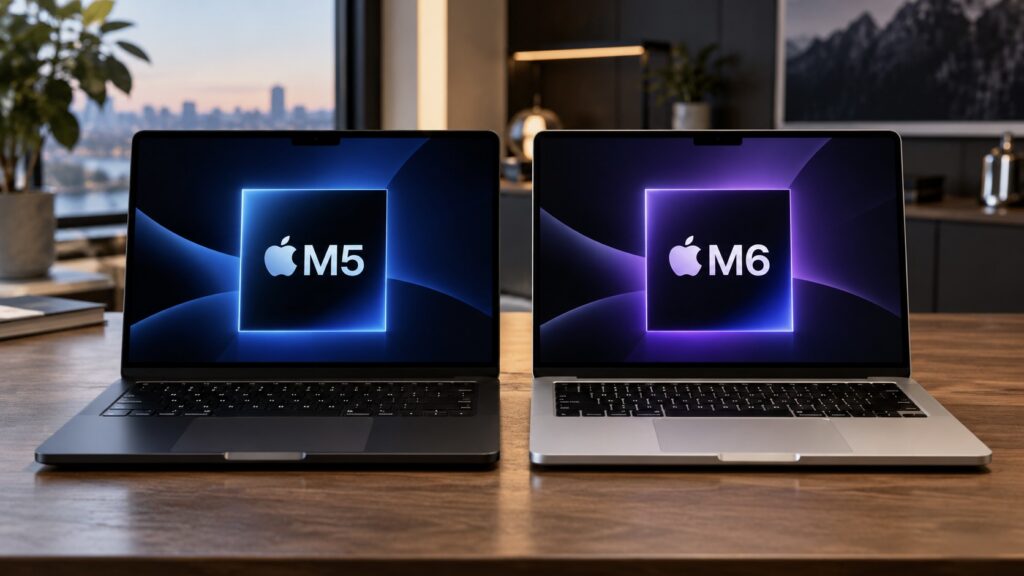
Two MacBook Pro laptops on a wooden table: a black one showing the M5 logo on its screen and a silver one showing the M6 logo
On paper, the M6 beats the M5 almost everywhere
On October 27, Apple replaced the base 14-inch M5 MacBook Pro with an M6-powered model. The chassis, display and ports stayed the same, and only the internals changed. This comparison covers the base 14-inch versions only. The higher-end M5 Pro and M5 Max models are a separate line. According to Bloomberg’s Mark Gurman, there will be no M6 Pro or M6 Max at all.
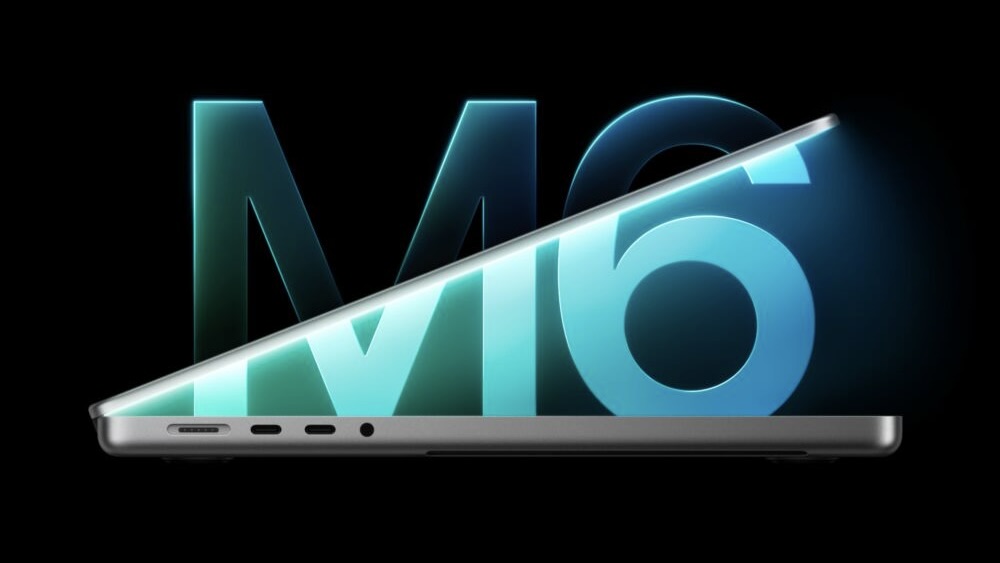
A partially open MacBook Pro in profile showing its MagSafe 3, USB-C and headphone ports against a glowing M6 logo
If you look only at the spec sheet, the case for the M6 seems settled:
| Specification | MacBook Pro with M5 (2025) | MacBook Pro with M6 (2026) |
|---|---|---|
| Process node | 3nm (TSMC N3P) | 2nm (TSMC N2) |
| CPU | 10 cores: 4 super cores and 6 efficiency cores | 12 cores: 2 super cores, 4 performance cores and 6 efficiency cores |
| GPU | 10 cores | 12 cores |
| Neural Engine | 16 cores | Two 16-core blocks |
| Memory bandwidth | 153GB/s | 153GB/s with 16GB; 170GB/s with 24GB and 32GB |
| Wireless | Wi-Fi 6E, Bluetooth 5.3, Broadcom chip | Wi-Fi 7, Bluetooth 6, Apple N1 chip |
| External displays | Two 4K at up to 144Hz | Two 4K at up to 165Hz |
| Battery life | Up to 24 hours | Up to 24 hours |
| Base SSD | 512GB; 1TB since March 2026 | 1TB |
| US price | From $1,999 (since June 2026) | From $1,999 |
The headline changes are the move to a 2nm process and a doubled Neural Engine. The memory row deserves a closer look, though. On the base 16GB configuration, memory bandwidth is exactly the same as on the M5. Only the 24GB and 32GB configurations get 170GB/s, and the memory capacities themselves have not increased from last year.
Browsing and documents: you won’t feel the difference
There are no independent tests of the M6 laptop itself yet. The M6 chip has been shipping in the Mac mini since August, though, and those results give a useful preview. In Geekbench 7, the M6 Mac mini scored 4,071 in single-core and 22,783 in multi-core. The M5 MacBook Pro averages 3,643 and 17,959. That works out to roughly 12% more single-core performance and about 27% more multi-core performance.
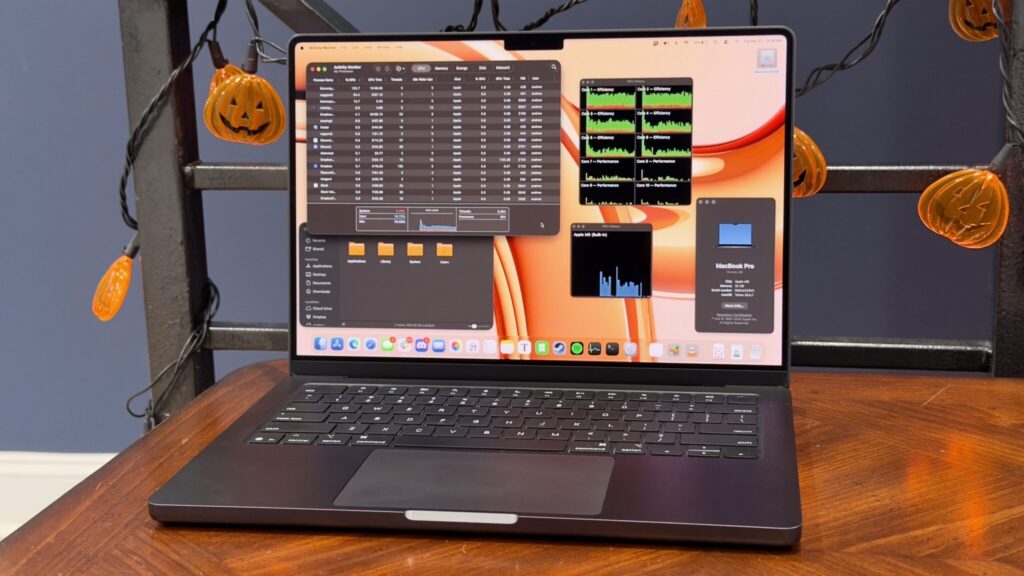
A MacBook Pro with M5 running Activity Monitor, with CPU and GPU core load graphs on screen
Apple’s press release makes similar claims. It says Blender rendering and Xcode builds are up to 1.3 times faster, graphics up to 30% faster, and the Neural Engine up to 1.9 times faster. For tasks involving local language models, the company cites a more modest 25%. Apple also made these comparisons against a fully specced M5, not the base configuration.
What the gains mean in practice
The M5 already handles Safari with a dozen tabs, messaging apps, spreadsheets, Zoom and even editing short social media videos without lag. In these scenarios, nobody will notice a 12% per-core gain. Windows open in the same fraction of a second, and there is simply more headroom.
The difference shows up when the laptop spends minutes on a single task, such as rendering, compiling large projects or running neural networks locally on the Mac. If you work like that for half the day, saving 20–30% of that time can add up to hours over a week.
The benchmark comes with one caveat. The Mac mini has better cooling than a thin laptop. How well the MacBook Pro sustains these numbers under prolonged load should become clear in the first reviews, expected around November 6.
Same battery life and chassis, better wireless
Many expected the 2nm chip to bring extra battery life. It doesn’t. According to Apple, both laptops last up to 24 hours of video playback, and the efficiency gains from the new process went into performance instead. If you are buying a MacBook Pro for travel, the two models are equal on battery life.
The chassis is also unchanged. It weighs 1.55 kg, comes in space black and silver, and has a Liquid Retina XDR display. The ports are the same as before: MagSafe 3, three USB-C ports with Thunderbolt 4, HDMI, an SDXC slot and a headphone jack. As before, you can connect at most two external monitors, now at up to 165Hz instead of 144Hz. That is a nice bonus for gaming monitors and irrelevant for typical office displays.
The Apple M6 logo on a glass square styled as a processor against a dark blue background
The bigger change is Apple’s own N1 chip, which replaces the Broadcom module and adds Wi-Fi 7, Bluetooth 6 and Thread. Wi-Fi 7 only delivers its benefits with a compatible router, and most homes still use something more basic. Still, people keep laptops for several years, and within a couple of years the new standard is likely to become commonplace at home.
Price, not chip generation, should decide
The M5 model’s pricing changed several times. In autumn 2025, the MacBook Pro with M5 launched in the US at $1,599 with 512GB of storage. In March, Apple dropped that configuration, made 1TB the base and raised the price to $1,699. In June, amid rising memory costs, the laptop went up to $1,999. The M6 launched at exactly the same price.
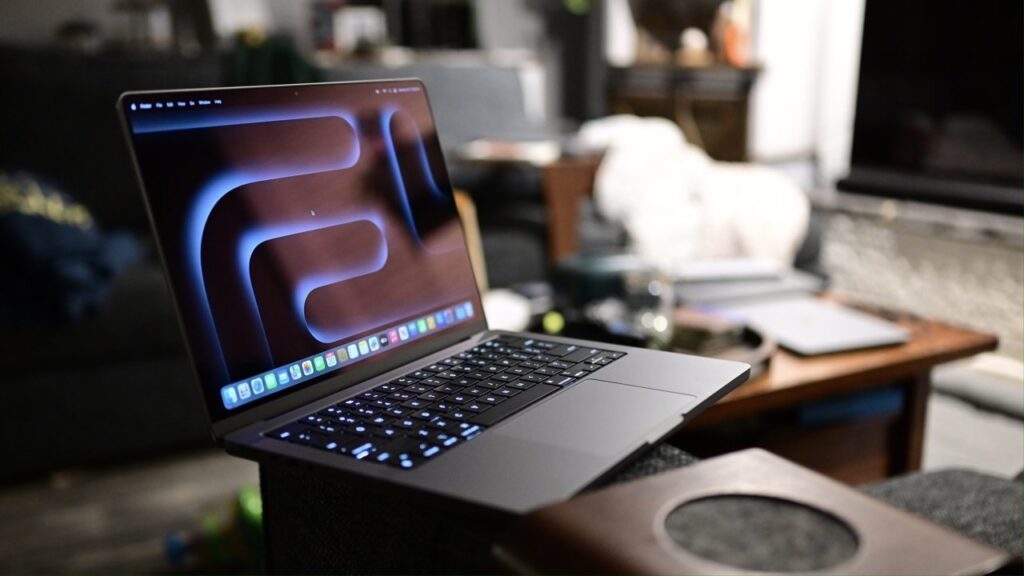
A space black MacBook Pro resting on the arm of a sofa in a dimly lit room
This is where the older model can come out ahead. With the M5 discontinued, retailers will be clearing remaining stock, and a discount on the M5 could easily outweigh the roughly 12% single-core performance difference.
The secondhand market is also still full of 512GB versions that cost noticeably less. The M6 has no such configuration and starts at 1TB. If you keep your photos and projects in the cloud, paying extra for a terabyte makes little sense. If 512GB turns out to be too little, adding an external SSD is a simpler option than buying a more expensive laptop.
M5 owners can skip it, others have a decision to make
If you already own an M5 MacBook Pro, there is no need to upgrade. You would see the gains mainly in benchmarks, while the battery, display and ports are the same.
Users who already need more power may find the higher-end models more interesting: touch-enabled MacBook Pro models with OLED displays and M5 Pro and M5 Max chips. Apple is set to present them on October 28 in Los Angeles, and they are rumored to start at $2,899.
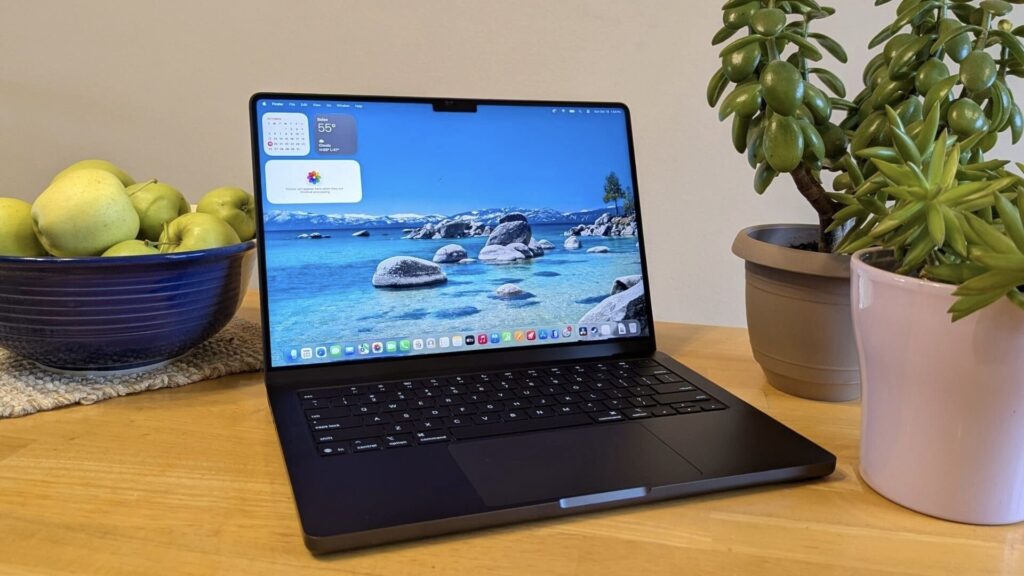
A black MacBook Pro on a wooden table between a bowl of apples and houseplants
For everyone else, the decision comes down to a few scenarios:
- Upgrading from Intel or M1: either chip will be a huge step up, so buy whichever is cheaper in the configuration you need.
- Similar prices for the same memory, storage and condition: choose the M6. It is faster and will stay current longer.
- Working with neural networks, rendering or large Xcode projects: choose the M6 with 24GB or 32GB for the doubled Neural Engine and faster memory.
- Need a laptop for study and office work, and the M5 is discounted: buy the M5 with confidence.
Or wait for M7
There is one more option: waiting. According to Bloomberg, a redesigned base MacBook Pro with M7 could arrive as early as the first half of 2027. This is a report, not a confirmed release. If your current Mac isn’t slowing you down, six months of patience may pay off more than buying an M6 now.
The bottom line
So which should you choose, M5 or M6? The honest answer depends on the price tag, not the number in the chip’s name. At the same price, the M6 is the clear choice. But if last year’s MacBook Pro is available at a meaningful discount, it will be the more sensible purchase for most people.