This question pops up in the comments with enviable regularity: build a neural network setup on a Mac or rent a machine with a GPU? Some insist that Apple Silicon has long surpassed gaming cards. Others advise not to overthink it and just get an RTX 4090 in the cloud. Both sides are right in their own way, and the whole difference comes down to what task you’re actually solving. This spring everyone was expecting a Mac Studio with the M4 Ultra, but Apple chose to put the M3 Ultra chip in the top-tier version. That’s exactly what we should be comparing with NVIDIA’s top card today. And while the latter used to mean a noisy tower under your desk, today it’s enough to rent a GPU server in the cloud.
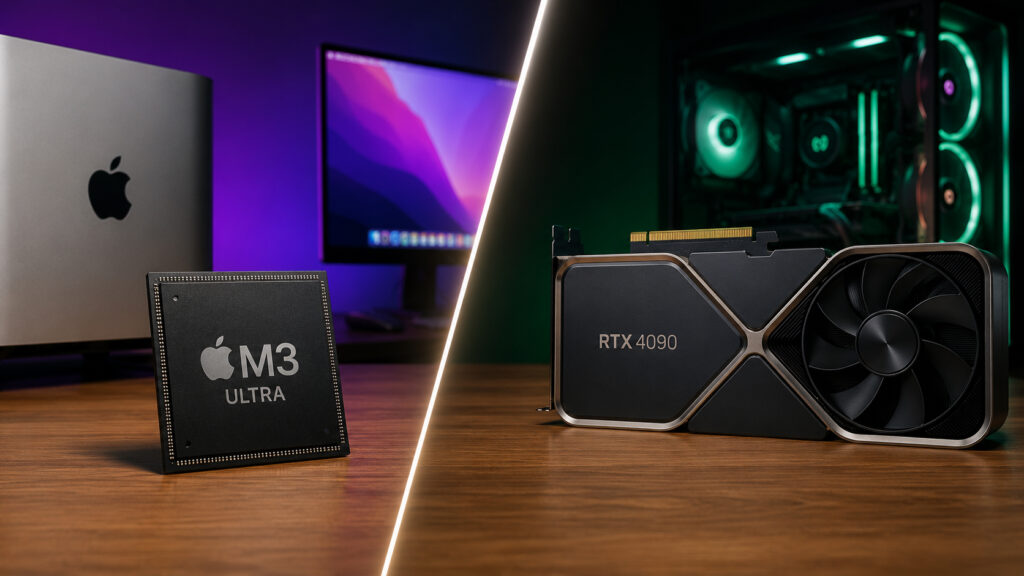
Figuring out which is better
M3 Ultra Specifications for Working with Neural Networks
The M3 Ultra is essentially two M3 Max chips fused into one. The result is up to 32 CPU cores, up to 80 GPU cores, and most importantly — up to 512 GB of unified memory with a bandwidth of around 800 GB/s. All things considered, this is the most powerful Mac Apple has ever released, and it easily handles heavy tasks, including local neural networks.
M3 Ultra can deliver truly top-tier performance
On smaller models, it still falls behind a fresh gaming card in raw speed. But Apple has an ace that no RTX can match — unified memory. It’s precisely this feature that transforms the Mac Studio from just a fast computer into a machine capable of holding entirely what physically doesn’t fit on a graphics card.
Advantages of Apple Silicon for Local Neural Networks
The CPU, GPU, and Neural Engine all work with one shared memory pool, and this pool can be expanded up to 512 GB. For neural networks, this solves almost everything: a model with 70 billion parameters loads entirely and just works. On the RTX 4090, such a model won’t fit — it has only 24 GB of video memory, and everything extra has to be offloaded to RAM through a slow bus.
The second advantage is energy efficiency. The MacBook Air M2 I’m writing this on heats up less while running a local model than a gaming laptop does from merely looking at a neural network. The Mac Studio with its quiet enclosure can be kept running around the clock, and your electricity bill won’t surprise you. For 24/7 inference, that’s a significant argument.
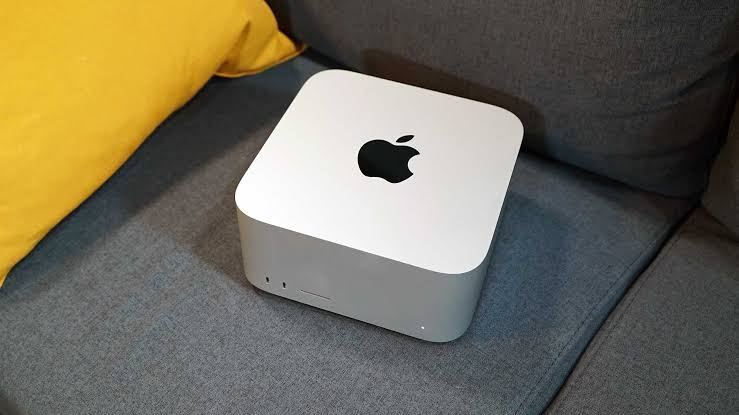
A Mac Studio like this can run for days without interruption
But there’s a flip side. In terms of tokens per second, Apple Silicon loses: on smaller models, the RTX 4090 outputs two to three times more. And for training and fine-tuning models, NVIDIA’s CUDA ecosystem is still unmatched — nearly all tools are built for it, while Apple has noticeably fewer tools for Metal.
When You Should Rent a GPU Server with RTX 4090
The gaming RTX 4090 is built for speed: memory bandwidth of around 1000 GB/s versus approximately 800 GB/s for the M3 Ultra. As long as the model fits within 24 GB — and that’s anything lighter than 30 billion parameters — the card responds almost instantly. The first token appears several times faster than on a Mac.
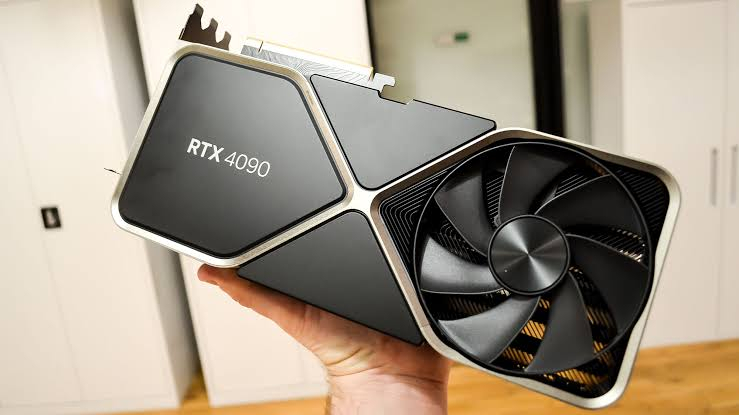
But sometimes it makes sense to rent a beast like this and get everything done without extra costs
The second point is payment flexibility. You don’t need to buy a server for half a million rubles and set it up at home. With hostkey, for example, a GPU server is provisioned in 15 minutes, you can pay hourly or monthly, and with annual prepayment there’s a discount of up to 12%. Grab a card for the evening, train your model, shut it down — and pay only for the actual time used.
And the most important thing about memory. In the cloud, you’re not locked into those same 24 GB: if a model doesn’t fit, you simply get a bigger card. For medium tasks, that’s the RTX 3090 and 4090, while for heavy models there are professional A100s with 80 GB and RTX 6000 PRO with 96 GB. The more parameters and the longer the context, the more video memory you should plan for.
What’s Better for Local AI: Mac or Cloud Server
In short, it all comes down to the use case. If you need local inference of massive models, data privacy, and silence in the room — go with a Mac with a large memory capacity. It pays for itself where raw speed matters less than the ability to hold the entire model without sending data to the cloud.
If you need to train or fine-tune models, crunch heavy computations in batches, or simply get maximum tokens per second — a cloud RTX 4090 will be both faster and more flexible. You pay only for actual usage time and don’t lock yourself into one configuration for years ahead. To keep it all straight, here’s a quick cheat sheet:
- Local inference of large models — Mac Studio with 128-512 GB of memory.
- Training and fine-tuning — a cloud server with an RTX 4090 or something more powerful.
- Maximum tokens per second on models up to 30 billion parameters — again, a cloud RTX 4090.
- Silence, privacy, and round-the-clock operation — definitely Apple Silicon.
There’s no perfect answer for every situation. I’d put it this way: a Mac is your personal server at hand, while a cloud with an RTX 4090 is power on demand that you pay for exactly as much as you use. Understanding this difference will save you from unnecessary expenses and disappointments.