A few years ago, we talked about why apps don’t work on Android. Back then, we covered various reasons from outdated versions and insufficient memory to network issues. But now a new problem has emerged, and it’s much more serious: Russian apps have started massively blocking users with VPN enabled. You open your usual banking or marketplace app, and instead of the main screen, you see a message about restricted access with VPN. Let’s try to understand what’s happening and what to do about it.
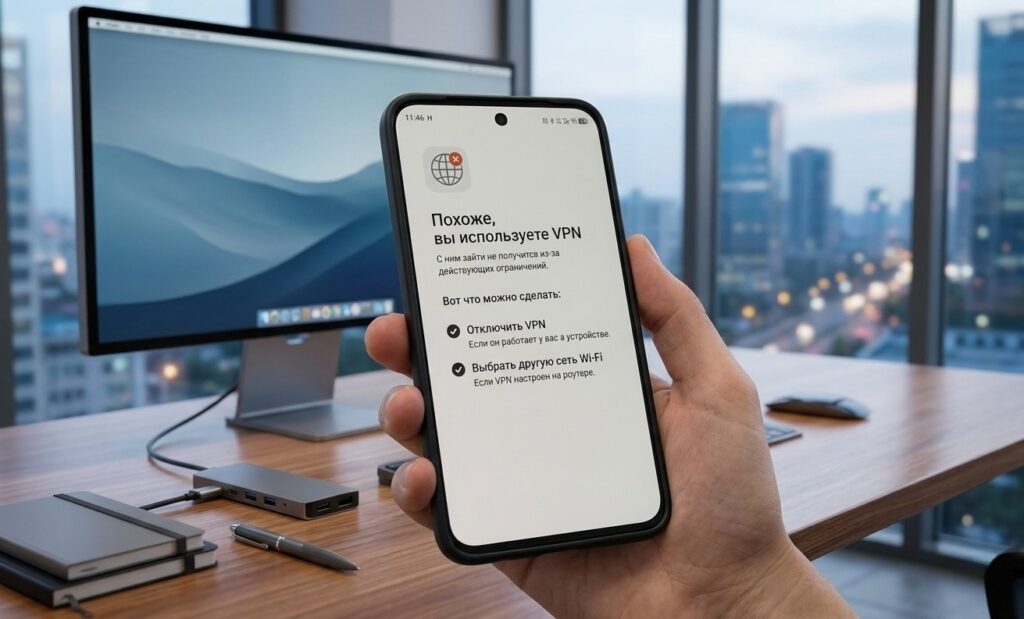
This problem is now everywhere
Why apps aren’t working in Russia
Since mid-April 2026, apps aren’t working in Russia for anyone who has VPN enabled. This is not a random glitch or a problem with a specific program. This is a systemic change that has affected dozens of services simultaneously.
Here’s the essence: previously, apps could warn about “incorrect operation when using VPN,” but still granted access. Now they simply won’t let you in. Trying to open the Wildberries or Ozon catalog with VPN enabled ends with a blank screen or an error message. This is a new problem that has appeared in addition to the fact that many Russians generally have VPN not working on Android. There are restrictions at the carrier level, but this is a different story: the error is inside the apps themselves.
“It looks like you’re using a VPN” — what does this mean
If you open an app and see one of these messages:
- “It looks like you’re using a VPN”;
- “You may need to turn off your VPN”;
- “Access restricted” with mention of VPN or proxy;
- “The app doesn’t work with VPN” or “Access restricted with VPN” —
This means one thing: the app has detected that you’re using a VPN and has intentionally blocked access. This is not a technical glitch but a deliberate decision by the developer.
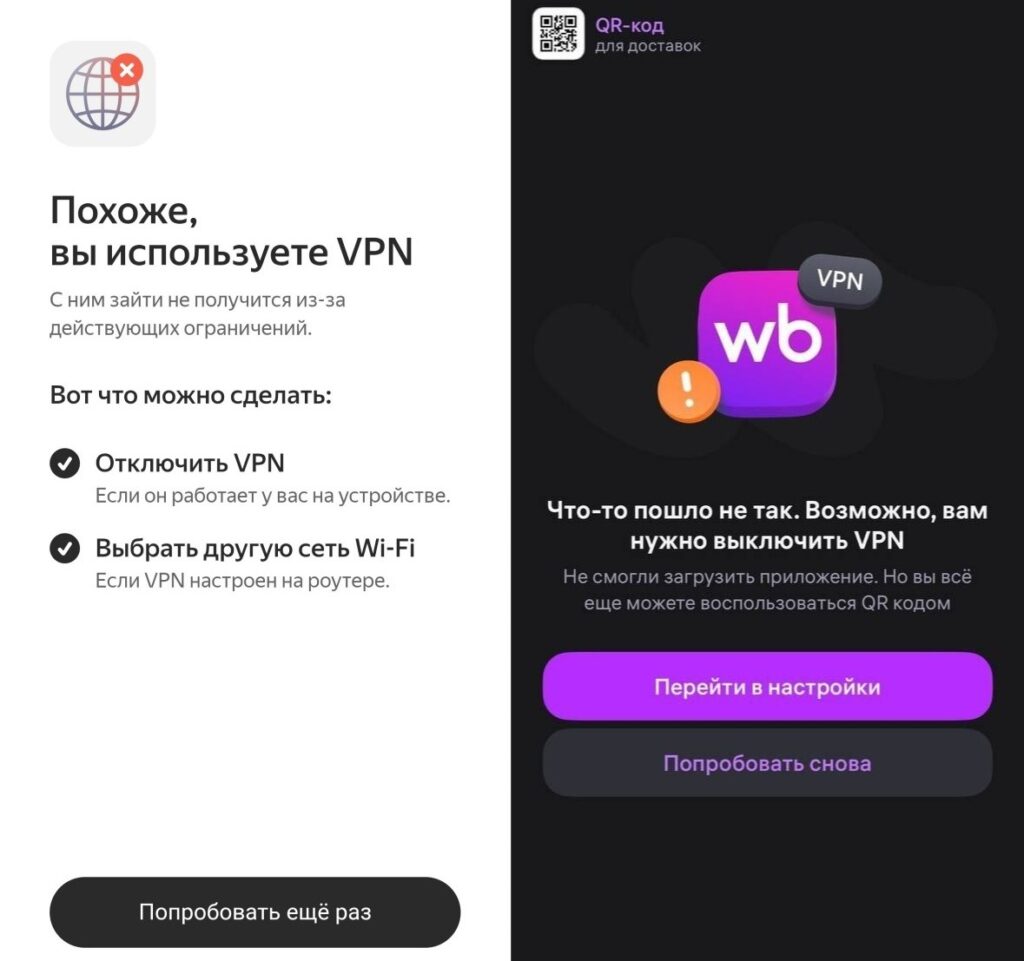
These are the messages that now appear everywhere
How exactly apps block VPN: they check network interfaces, routing tables, DNS addresses, and the connection’s IP address. If anything points to a VPN or proxy — access is denied.
Why apps are blocking VPN
In early April 2026, the Ministry of Digital Development held meetings with the largest Russian internet companies. The list included Sber, Yandex, VK, Wildberries, Ozon, Avito, X5, and more than a dozen other platforms. Over 20 services in total received the same directive: by April 15, 2026, restrict access via VPN to their services.
The reason is not technical but regulatory. Russian apps are blocking VPN not on their own initiative — they were required to do so. Refusal threatened real consequences: loss of IT accreditation, cancellation of tax benefits, exclusion from the “white list.” For most companies, this would effectively mean the inability to operate. Thus, VPN blocking in Russia in 2026 has moved to a new level: if previously VPN services themselves were restricted at the carrier level, now apps are blocking users with VPN from within.
What to do if an app doesn’t work with VPN
There aren’t many options, and they all come down to one thing: VPN and Russian apps are now incompatible. Therefore, the simplest solution is to disable VPN on Android.
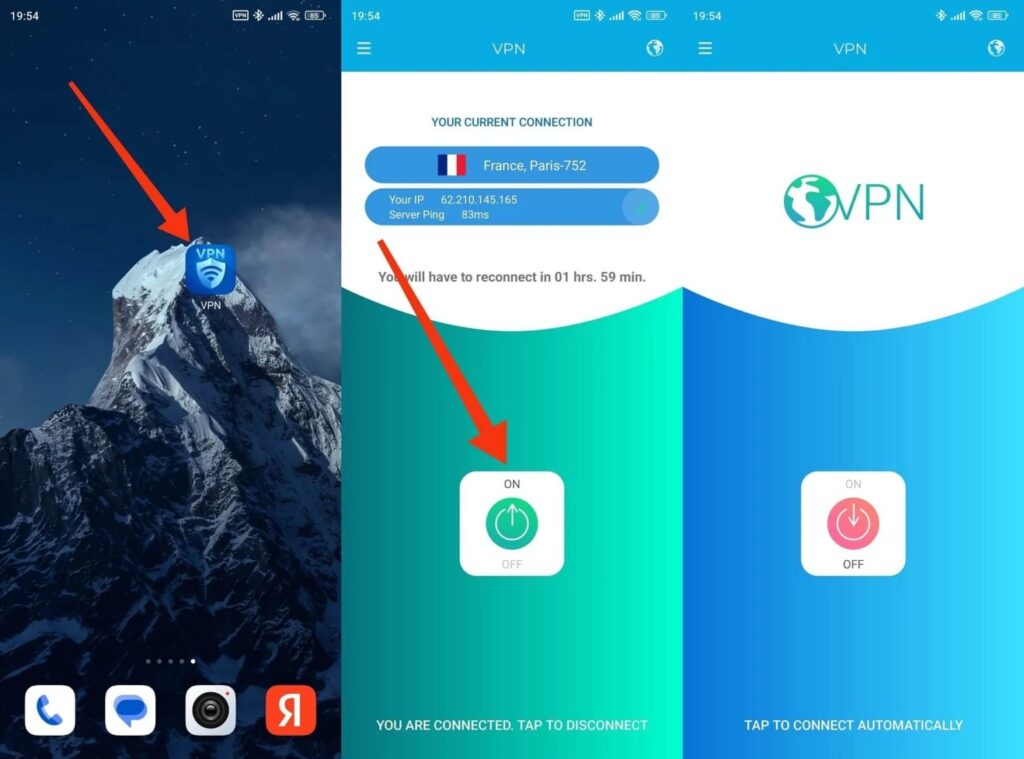
The easiest thing is to simply turn off VPN on your phone
That said, sometimes switching the connection type helps. If, for example, Gosuslugi doesn’t work with VPN on mobile data — try connecting to Wi-Fi or vice versa. The thing is, some checks are tied to the IP address, and switching networks changes it.
Unfortunately, none of these methods is a complete solution to the problem. It’s a compromise between convenience and access to the services you need. The situation will only get worse: companies continue to implement restrictions, and the list of affected apps keeps growing.