Every time Apple releases a major iOS update, the same thing happens. Forums get flooded with questions: “Is it worth installing?”, “Will my battery drain?”, “Will my apps crash?” With iOS 26, the situation was special — the system received a radically new Liquid Glass design, and fears grew even more. I updated my iPhone to the latest iOS from the very release. Now, after the release of iOS 26.5, I’m ready to share my impressions of how everything actually works.
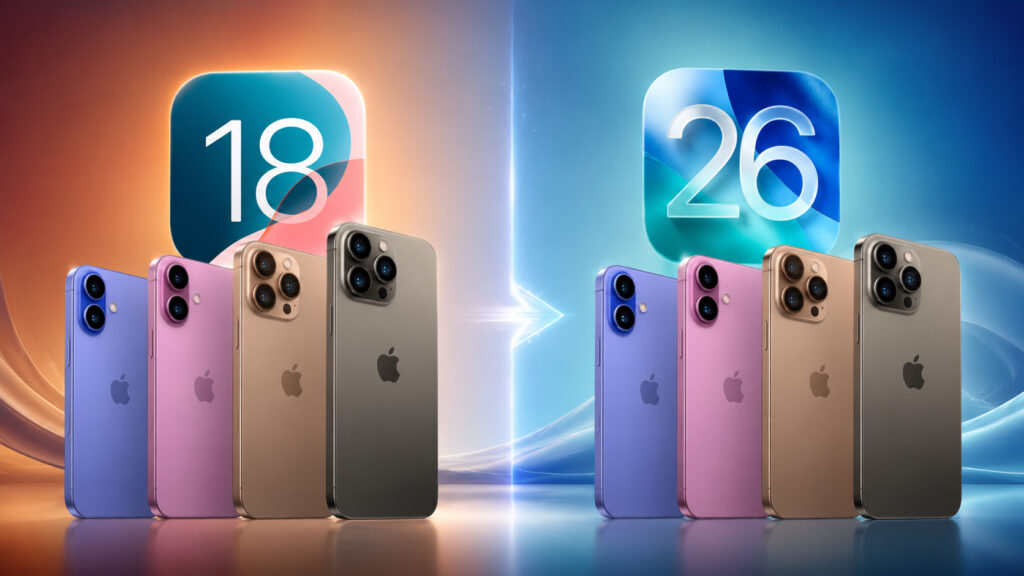
Many people still haven’t updated their iPhone 16 to the new OS
Does iPhone 16 Lag After the iOS 26 Update
Let me start with the main thing — what people ask about most often. iOS 26 performance on iPhone 16 is excellent. Apps open quickly, the interface doesn’t lag, and animations are smooth. The A18 and A18 Pro chips handle Liquid Glass without any strain. And this is a fundamental difference from older models.
The thing is, owners of iPhone 13, 14, and even the base iPhone 15 frequently complain about lag. The new animations with refraction and transparency effects require significant GPU resources. And the 60 Hz screen on the lower-tier models only makes things worse — iOS 26 animations are clearly designed for 120 Hz. On iPhone 16 Pro and Pro Max with ProMotion, everything works exactly as Apple intended. No stutters, no freezes.
The regular iPhone 16 and 16 Plus also handle it well. Yes, they have a 60 Hz screen, but the A18 chip’s power is more than sufficient. I updated my iPhone 16 Plus to iOS 26.5, and I haven’t experienced any performance issues. Apps run smoothly, and banking apps removed from the App Store continue to launch — that was a concern for many people.
iPhone 16 Battery on iOS 26: How Long Does It Last
This is where things get more interesting. On my iPhone, battery life on iOS 26 is excellent. The phone easily lasts a full workday, with charge to spare. But there are nuances worth mentioning.
After installing iOS 26.5 (released May 11, 2026), my battery drain noticeably increased for several days. This is a standard situation — after an update, the system re-indexes files, rebuilds Spotlight, and refreshes app caches. Usually everything returns to normal within 2-3 days. Mine did. Now the battery works exactly as it should.
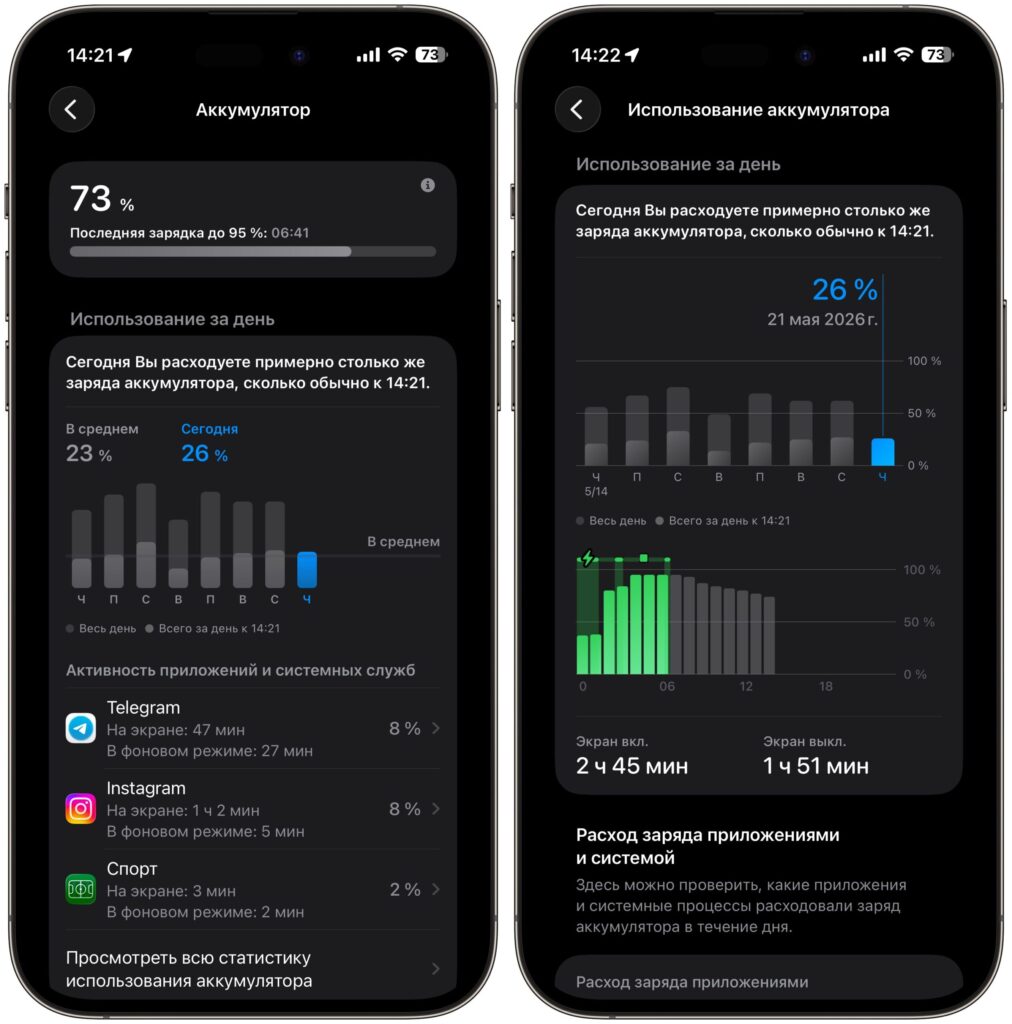
The battery on iOS 26 holds up no worse than on 18, and no drops are observed with updates
According to tests, iPhone 16 Pro on iOS 26 showed even better battery life than on iOS 18. However, iPhone 16 Pro Max showed the opposite: on iOS 18, it lasted almost 50 minutes longer. The difference was about 8%.
As for iOS 26.5, Apple specifically worked on power consumption. Background processes have been optimized, and standby drain has been reduced. Owners of older models note that overnight battery drain decreased by almost half compared to iOS 26.4. On iPhone 16, I didn’t notice a significant difference — the battery worked well even before the update. If your battery drain spiked sharply after installing iOS 26.5 — don’t panic. Leave your iPhone charging overnight and wait a couple of days. Most likely, everything will normalize.
New iOS 26 Design: Pros and Cons
I’ll admit: when Apple showed Liquid Glass at WWDC, I was skeptical. Semi-transparent elements, glass effects, huge clock on the lock screen — it all reminded me of the Android world, which I had consciously left behind. The first few days after installing iOS 26 felt strange. It seemed like the Liquid Glass design was a step backward.
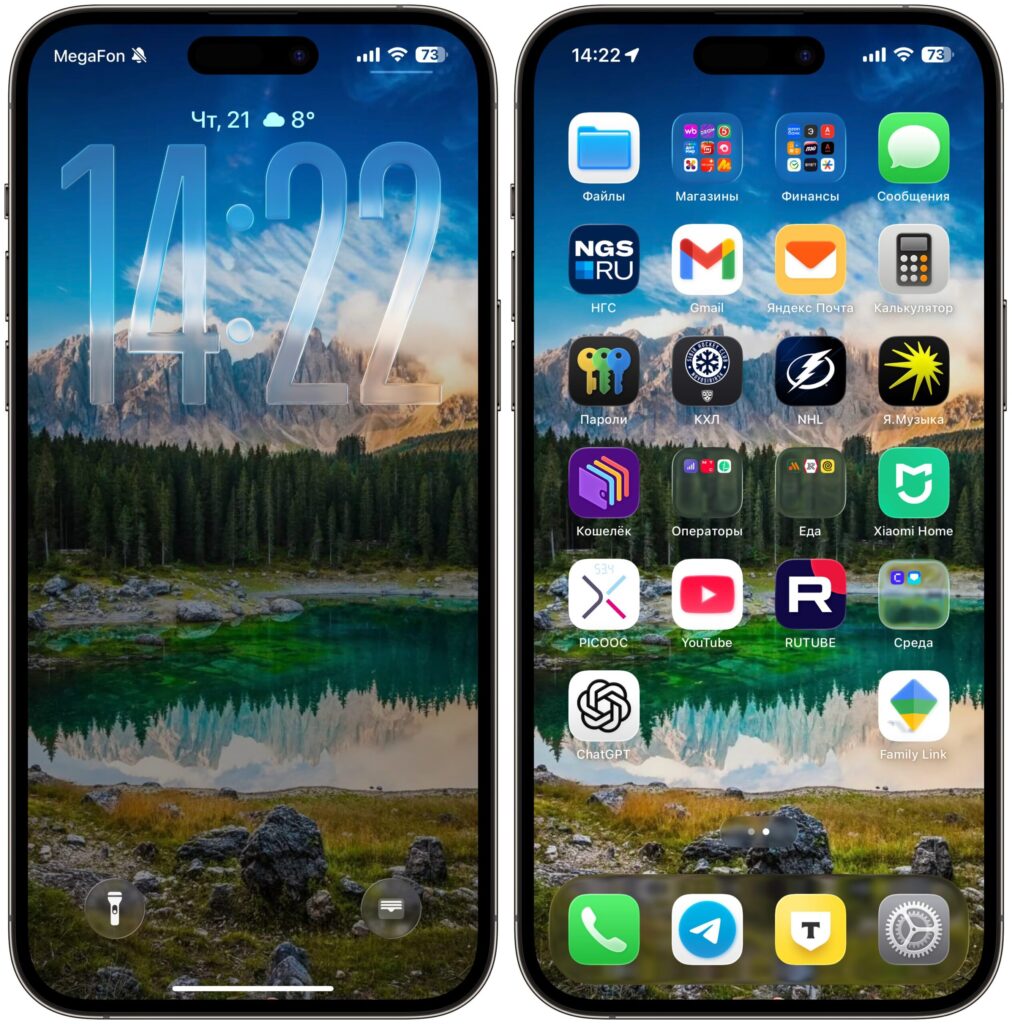
Liquid Glass grew on me over time. The interface looks fresh
But time passed, and I changed my mind. Moreover — I now permanently use the large glass clock on the lock screen. The very one I initially considered complete nonsense. It’s genuinely convenient: the time is visible from any distance, and combined with semi-transparent widgets, the lock screen looks fresh and modern.
I’m not alone in my change of heart. On forums, users who tested iOS 26 from the beta versions overwhelmingly wrote the same thing: “You’ll get used to it.” And it turned out to be true. Many draw parallels to the transition to iOS 7, when Apple removed skeuomorphism and switched to flat design. There was a sea of criticism back then too, and then everyone got used to it and could no longer imagine iOS being any different.
Of course, Liquid Glass isn’t perfect. Readability in some apps has suffered — semi-transparent elements on a light background sometimes blend together. But in dark mode, everything looks great. Apple has already tweaked contrast in several updates, and the system continues to improve. The company has made it clear that Liquid Glass is here to stay. So you’ll have to get used to it regardless.
iOS 26 Problems After Updating iPhone
I don’t want to create the impression that everything is perfect. There are problems, although for the iPhone 16 series they’re minimal. Some iPhone 16 Plus users report a minor bug in Google Chrome after updating to iOS 26.5. There are rare complaints about the camera freezing when switching to macro mode — Apple mentions this fix in the iOS 26.5 changelog for iPhone 16 Pro. CarPlay has become more stable, but it’s still not perfect.
The main Liquid Glass issues — lag, icon flickering, jittering during swipes — primarily affect older models. On iPhone 16 with the A18 chip and 120 Hz screen (on Pro versions), this is virtually unnoticeable. In iOS 26.5, Apple specifically worked on animations, and the interface became even smoother.
Another point — Apple Intelligence. AI features in iOS 26, if you’ve activated them, run in the background and consume additional energy. On Reddit, many advise temporarily disabling AI features if maximum battery life is critical for you. It’s solid advice, although I personally don’t do this — I have enough charge even with Apple Intelligence enabled.
Update iPhone 16 to iOS 26 or Stay on iOS 18
Let me sum up. If you have an iPhone 16, 16 Plus, 16 Pro, or 16 Pro Max — you can update to iOS 26 without hesitation. The system is stable, fast, and after iOS 26.5, it’s gotten even better. The A18 chip’s power is more than enough for all the new Liquid Glass effects.
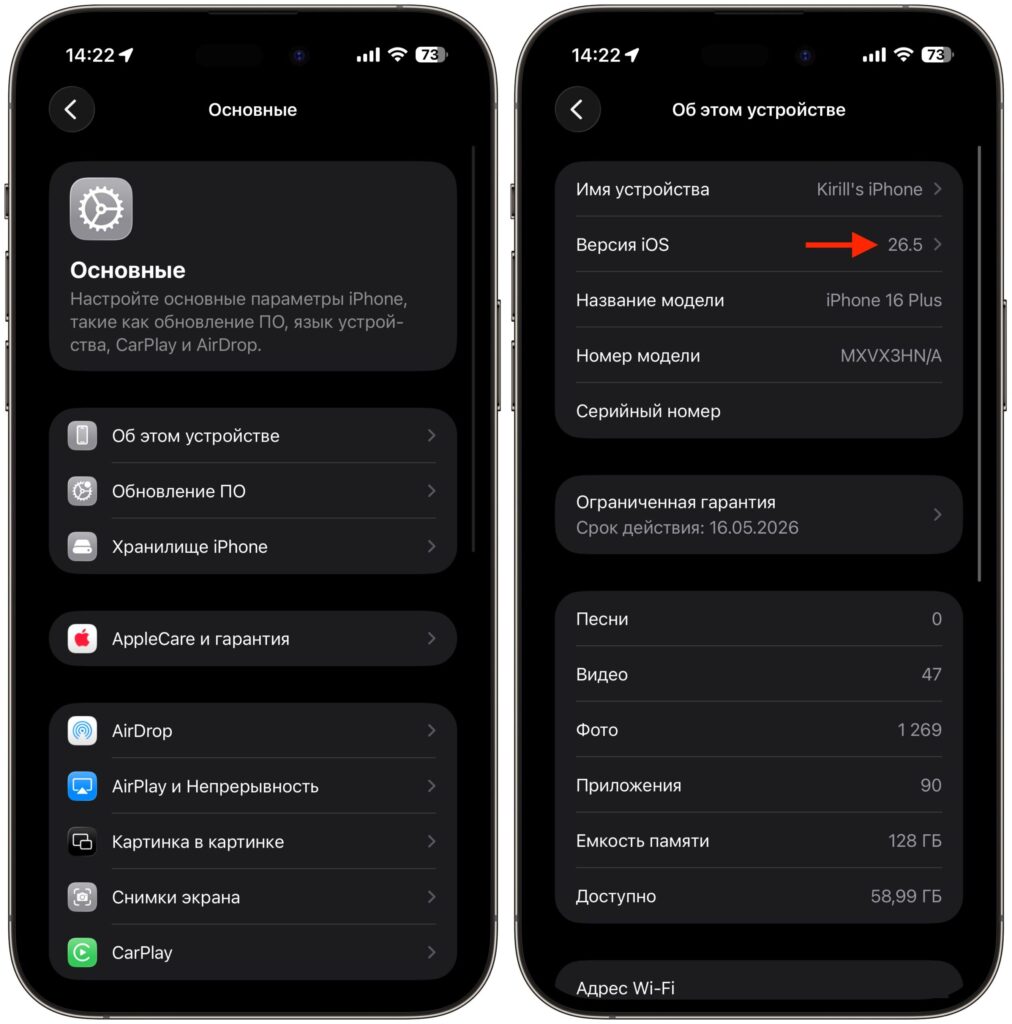
I use my iPhone on iOS 26 myself and recommend everyone to update
Battery life is generally good. The only caveat — some 16 Pro Max owners may see slightly shorter battery life in certain scenarios compared to iOS 18. But the difference is minor and may be addressed in future updates.


