Probably every messenger has its haters, but MAX is ahead of them all. As soon as you install it, people start complaining: the iPhone seems to have gotten dumber and dies by lunchtime. And after the talks about the country seriously wanting to route internet access through MAX, people’s anxious questions have only multiplied. I didn’t want to guess, so I simply checked whether MAX really slows down the iPhone and drains the battery or if it’s just another myth that lives on its own.

Is it true that MAX slows down iPhone?
How Apps Work in the Background on iPhone
The iPhone is extremely reluctant to let apps do anything when you’re not actively using them, so the question of whether MAX runs in the background on iPhone as freely as on Android answers itself. A few seconds after you minimize the app, the system puts it into a frozen state where it doesn’t execute code and doesn’t use processor resources.
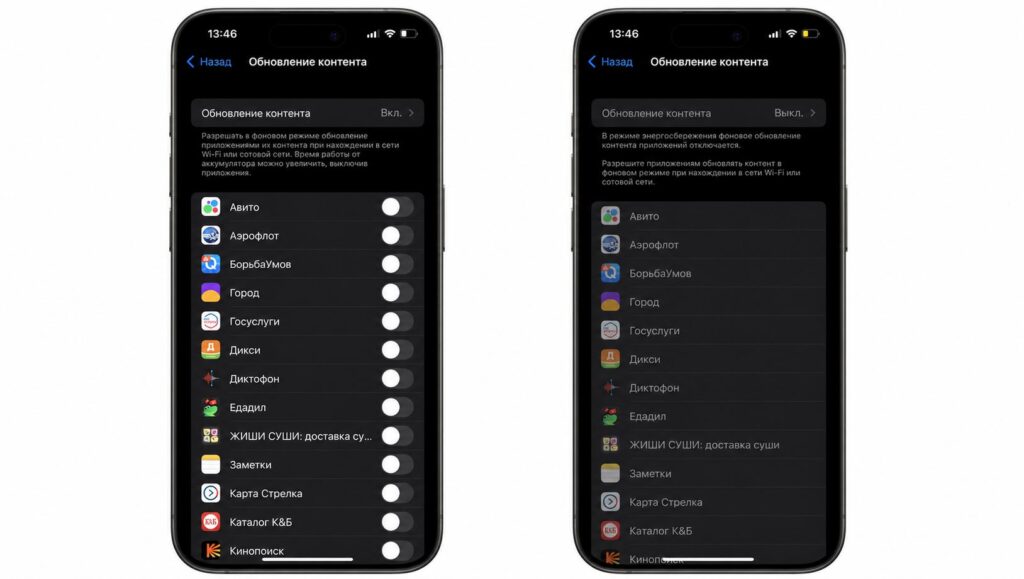
Background App Refresh is the only feature that allows apps to work in the background
The only loophole is called Background App Refresh, and even that doesn’t work whenever the app wants — it runs when the system decides, in short windows, taking battery level and network into account. So the actual background activity of MAX comes down to seconds-long windows, and messages themselves arrive via Apple’s push notification servers, not through the messenger itself, which is asleep at that point.
How Many Resources MAX Uses in the Background on iPhone
Most often people are concerned not even about speed but about whether MAX drains the iPhone battery more than other apps. Anyone can check this: go to the Battery section and look at the breakdown by app for the last 24 hours and 10 days, where each app shows time in the Activity and Background columns.
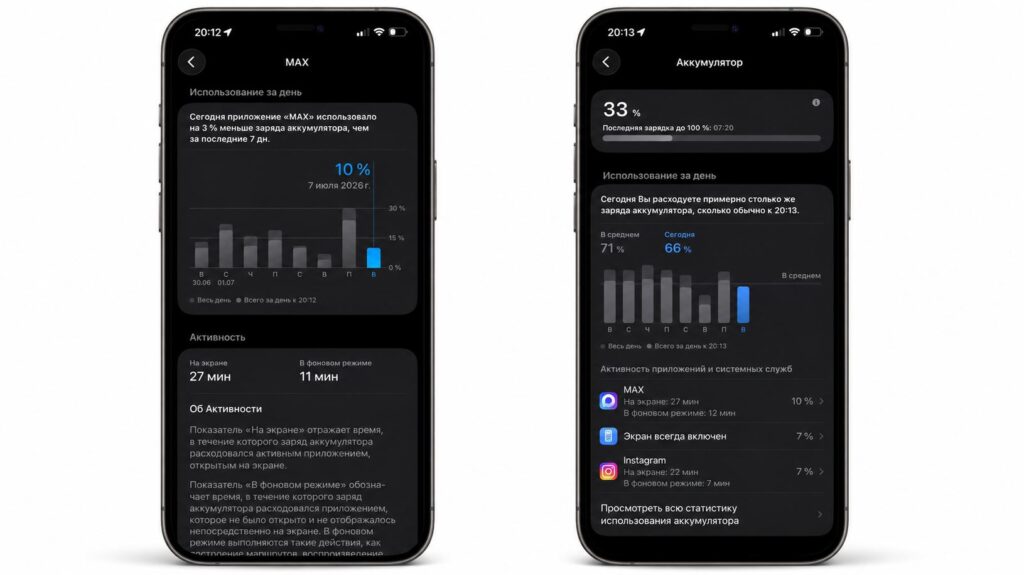
As you can see, MAX on iPhone uses almost nothing in the background
On my phone, MAX battery usage on iPhone in the Background column consistently shows just a few minutes per day, and sometimes zero altogether. Battery drain appears exactly when I personally open chats or make calls, so understanding how much battery MAX consumes is simple: almost all of it is active usage, not background activity.
Does MAX Affect iPhone Performance
The answer to whether MAX affects iPhone performance is no: a frozen app has nothing to load the processor with, so there won’t be any interface lag or frame drops in games because of it. The only thing it actually uses is data and a bit of battery when you’re actively in a chat.

MAX is frozen in the background and doesn’t consume iPhone resources
If you still want to know how to limit MAX in the background, do the following:
- Open Settings.
- Find the messenger in the list of apps.
- Turn off Background App Refresh for it.
Swiping it away from the app switcher is pointless — force-closing apps doesn’t extend iPhone battery life, as has been thoroughly explained before.
Why Your iPhone Is Actually Glitching
If your phone is lagging, the reason is almost always something else, and there are plenty of real answers to the question of why your iPhone is slow: storage filled to the brim, an aging battery, a dozen heavy widgets on the lock screen, and a bunch of open Safari tabs affect responsiveness far more than any messenger.
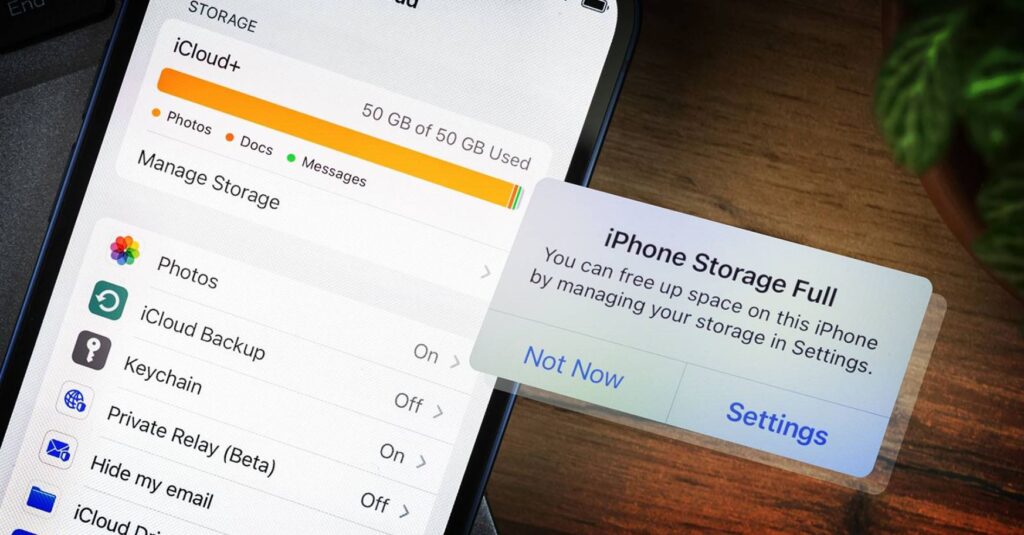
If anything slows down your iPhone, it’s the lack of free storage space
The same factors account for half of the reasons why your iPhone drains quickly, including the classic noticeable slowdown right after a system update when the smartphone spends several hours re-indexing data. The “Indexing in Progress” process in iOS 27 and how to speed it up is a real, not imaginary, cause of slowdowns. So deleting MAX for iPhone performance makes no sense — it’s not the culprit. If you’re going to uninstall it, it should be over privacy concerns, but that’s a separate story.


