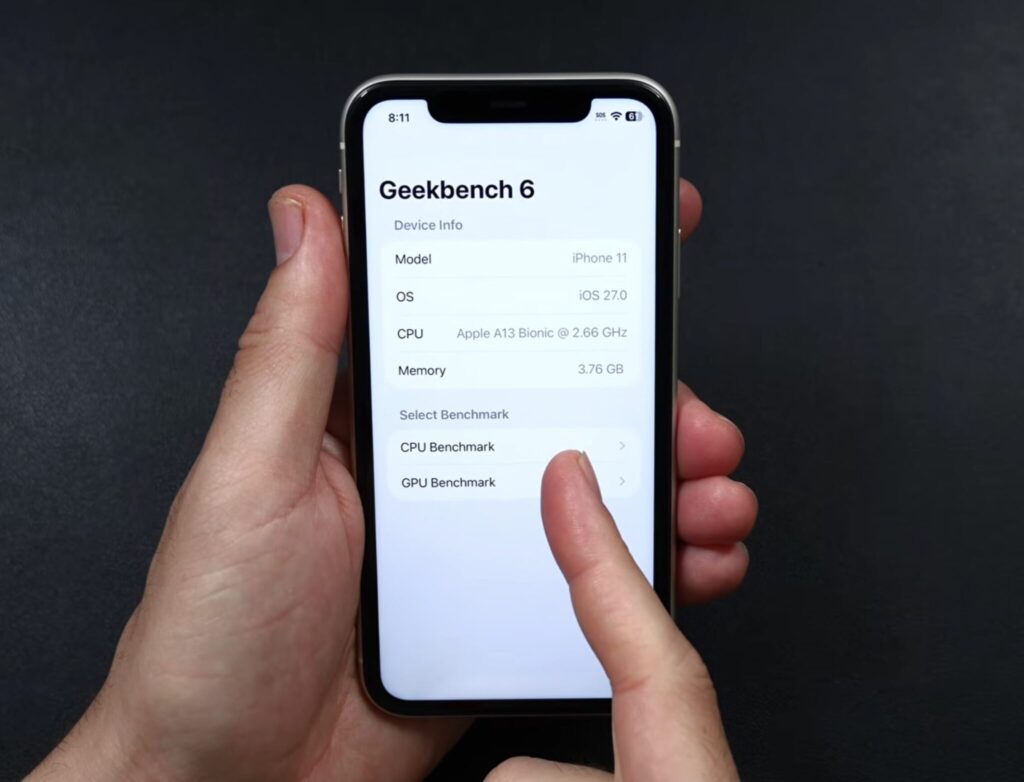
iPhone 11 was released in the fall of 2019, and by smartphone standards, that’s practically an antique. But Apple still hasn’t retired it: the model receives fresh firmware updates alongside much newer devices. I was recently cleaning out household clutter and came across my old iPhone 11, which had been gathering dust in a drawer. Since it fell into my hands, it would’ve been a shame not to experiment. I charged the device, installed iOS 27, and started observing how the fresh system feels on seven-year-old hardware. The results were quite interesting.
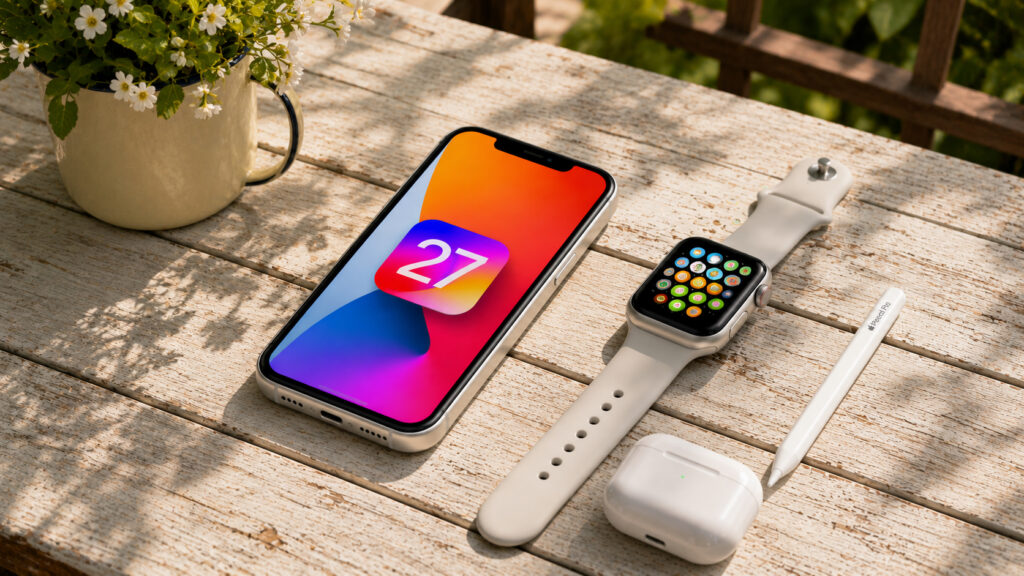
iPhone 11 was released 7 years ago and still receives major updates
iPhone 11 Performance on iOS 27 After the Update
The first thing I noticed after installation: the smartphone takes a bit longer to boot up than usual. The startup noticeably drags on — I even started to worry. But once the system fully loaded, the device began working smoothly. Face ID triggers without delays, the unlock is instant, and I didn’t catch any sluggishness on the lock screen.
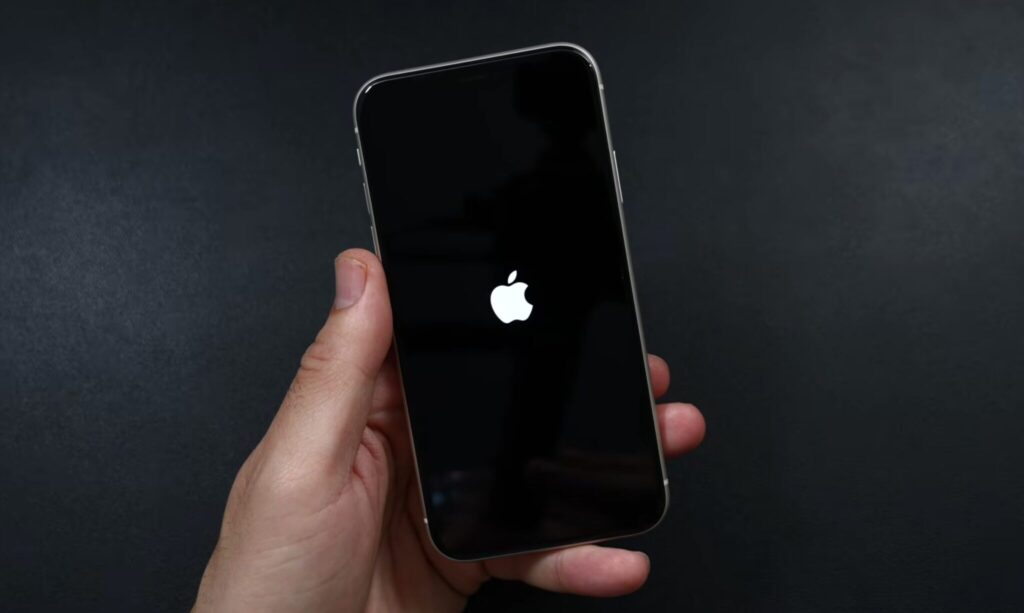
It seemed like the smartphone was booting up for a long time
The display here is only 60 Hz, so the smoothness of 120 Hz screens is out of the question by definition. Still, basic navigation remained snappy. Icons load immediately, without hanging. The old bug with “striped” tile rendering that annoyed me on previous builds has disappeared in iOS 27. It’s clear that Apple put serious work into optimization for weaker hardware, rather than just rolling out a universal firmware for everyone.
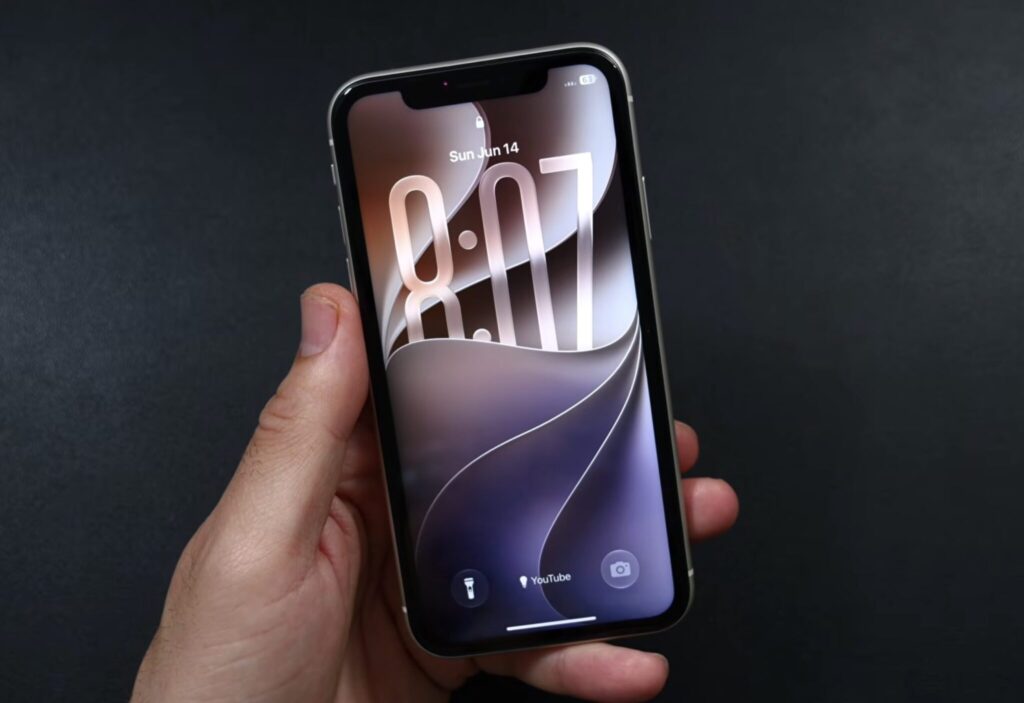
The menus display everything as expected
There is an unpleasant moment I’ll honestly warn you about. After installing the beta, the smartphone got noticeably warm for a while. This is normal: initially, the system re-indexes data in the background, which is a standard process. But I’d recommend installing the update on a cool surface, not on your lap under a blanket. If you have air conditioning running in the room, even better. After an hour or two, the temperature returned to normal for me, and the device stopped feeling like a hand warmer.
How the iOS 27 Interface Changed on iPhone 11
The main pleasant news concerns the Control Center. On my iPhone 11, it now works perfectly. No jerky movements when calling it up, no lag. Lists in system menus scroll smoothly, and that’s the very detail I was missing on previous firmware versions.
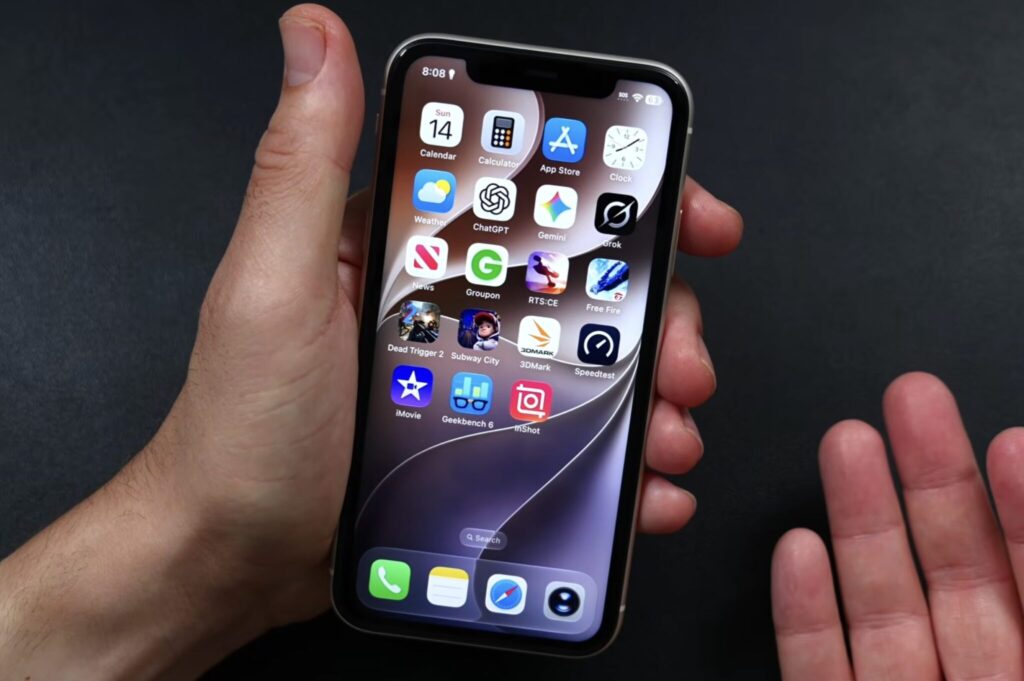
The interface displays and works as expected
I also thoroughly tested icon customization, and it works without glitches. You can freely change the look of your home screen, recolor icons, drag widgets around, and the system doesn’t freeze up. I also finally figured out how to set up different volume levels for the alarm, ringtone, and notifications — and it turned out to be one of those small things you can’t live without once you’ve tried it. For a smartphone with 4 GB of RAM, this kind of responsiveness is a serious achievement.
The camera performs well. The app launches quickly, without a long black screen on startup. Video recording in 4K at 60 frames per second runs without issues — clips are recorded steadily, without dropped frames. I shot several test clips, and there’s nothing to complain about.
iPhone 11 Limitations on iOS 27
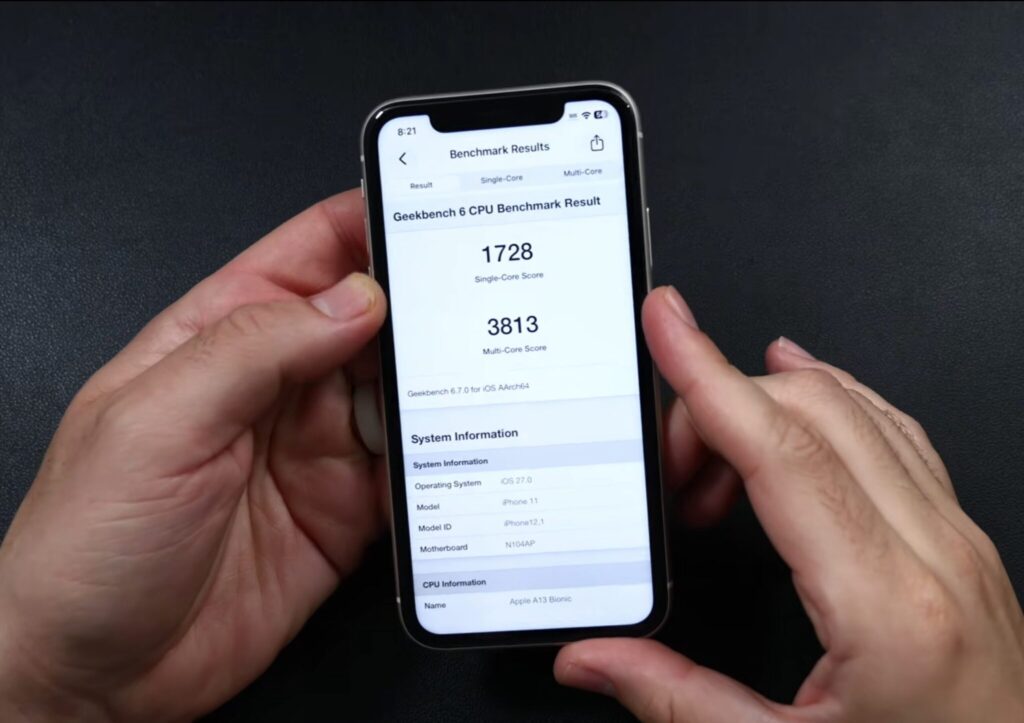
Here are the benchmark results
I wasn’t expecting miracles, and rightly so. The A13 Bionic and 4 GB of RAM do their thing, and you can feel it in places. Apps open a bit slower than on newer iPhones. Occasional micro-delays slip through. Nothing critical, but your eye catches them — especially if you’re used to newer hardware.
The gaming situation is split in two. Simple projects like casual games and arcades run great, no complaints. But heavy 3D games turned into a slideshow for me. If demanding titles are important to you, it’s easier to roll back to iOS 26 and not torture the old processor with unnecessary load.
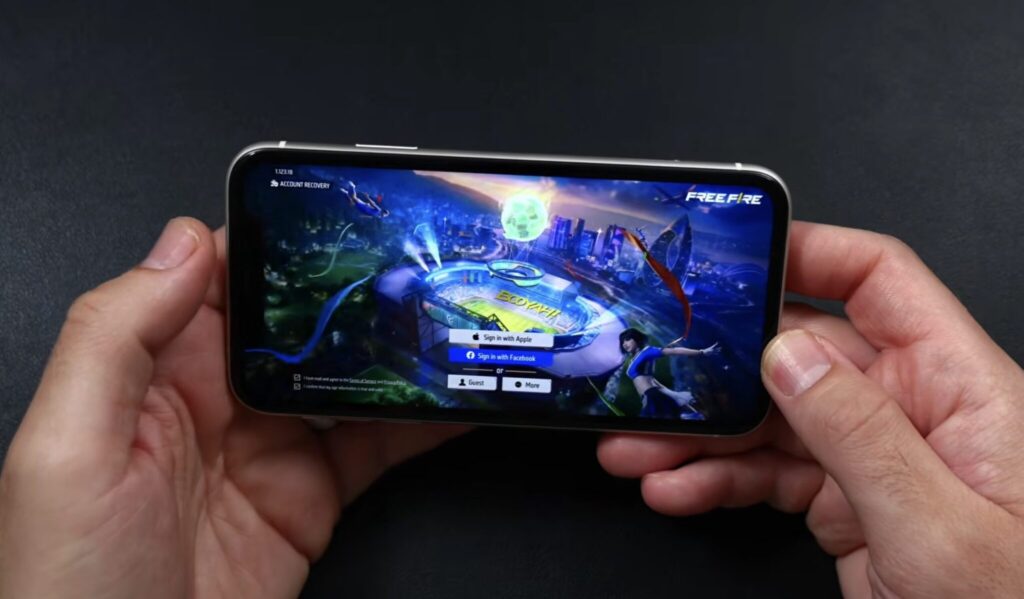
Games launch on the smartphone relatively smoothly
On the other hand, stability is perfectly fine. Throughout my entire testing period, I didn’t experience a single app crash. The system didn’t crash, didn’t restart on its own, and didn’t freeze completely. For a first beta, that’s rare — raw builds usually fall apart much more frequently and at the worst possible moments.
Battery life was a pleasant surprise as well. The battery holds its charge roughly the same as on iOS 26. I didn’t notice any drain after the update. This matters: new firmware on older devices often kills the battery in a couple of days, but that didn’t happen here. By the end of the day, I had the same charge level as before.
Is It Worth Updating iPhone 11 to iOS 27
My conclusion is simple. For everyday tasks, iPhone 11 on iOS 27 is still great. Calls, messengers, camera, web browsing, social media — the device handles all of this confidently. The new system didn’t turn it into a sluggish brick, which I was slightly worried about before installing.