Today, July 6, Apple released iOS 27 beta 3, the third developer test build. The main intrigue of this version isn’t about flashy features, but speed: Apple focused on performance, stability, and fine polishing ahead of public beta testing. Below we break down what changed in the third beta of iOS 27, when to expect the release, and which build is worth installing.
New beta version of iOS 27 is out
What’s New in iOS 27 Beta 3
The third beta of iOS 27 is dedicated not to new features, but to refinement. The feature set from WWDC remains the same, but the system has become noticeably more responsive. There are no major surprises, but there are useful fixes, and here are the main ones.
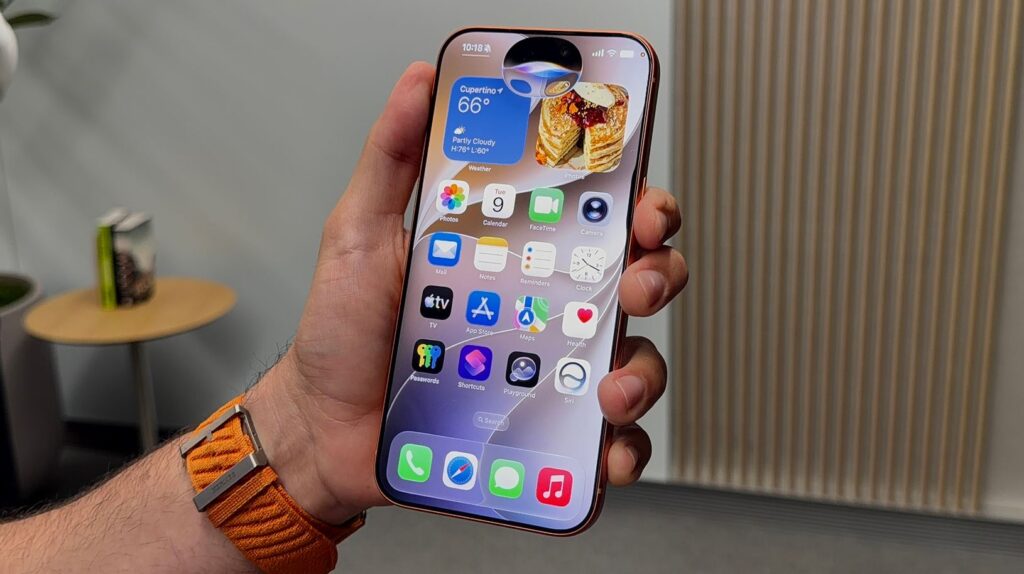
Not many new features so far
- Speed and stability: apps launch faster, the interface scrolls smoother, and crashes have been reduced. Apple specifically worked on battery consumption, so battery life on the beta should improve.
- Smart automations in Shortcuts: you can now enable or disable an individual automation directly from the list without deleting it entirely.
- Updated Safari: the “Notify Me” feature for tracking website changes has been reworked, a separate extension management section with clear descriptions has been added, and hints now appear directly in the search bar.
- Fresh look for Find My: the icons for the “People,” “Devices,” “Items,” and “Me” sections have been redesigned, and there’s now an option to discreetly pause location sharing for a specific person.
- Order in Siri: conversations with the assistant can now be renamed, pinned, and deleted in bulk.
- Notes in Reminders: Reminders now has a unified section where you can add notes and links directly to a task.
- Minor fixes: a bug where edits on screenshots sometimes didn’t save has been fixed, and screen mirroring stability from iPhone to other devices has been improved.
iOS 26.6 or iOS 27 — Which One to Download
Two systems are currently being tested in parallel, and the choice depends on what you want. iOS 26.6 remains the final update for the current lineup: stable, nearly ready for release, but without major new features. iOS 27 beta 3, on the other hand, is packed with features, but it’s still a raw beta of a major version with all that entails: possible crashes, increased battery drain, and finicky banking apps.
Users have a choice of what to download. This rarely happens!
If stability matters to you and you accidentally ended up on the beta, it’s better to wait for the final iOS 26.6.
Any beta should only be installed on a spare iPhone: it’s not worth risking your main device that you rely on for calls, payments, and work.
When Will iOS 27 Be Released
The final iOS 27 will be released in fall 2026, traditionally in September, alongside the iPhone 18 lineup. According to the current schedule, after the third beta, Apple is preparing the first public beta, which is expected around July 13–14.
So the general audience won’t have to wait much longer.
How to Install iOS 27 Beta 3 on iPhone
Downloading iOS 27 beta 3 is available to members of the developer program. Here’s the process: first, register on the developer.apple.com website if you’re not already in the program.
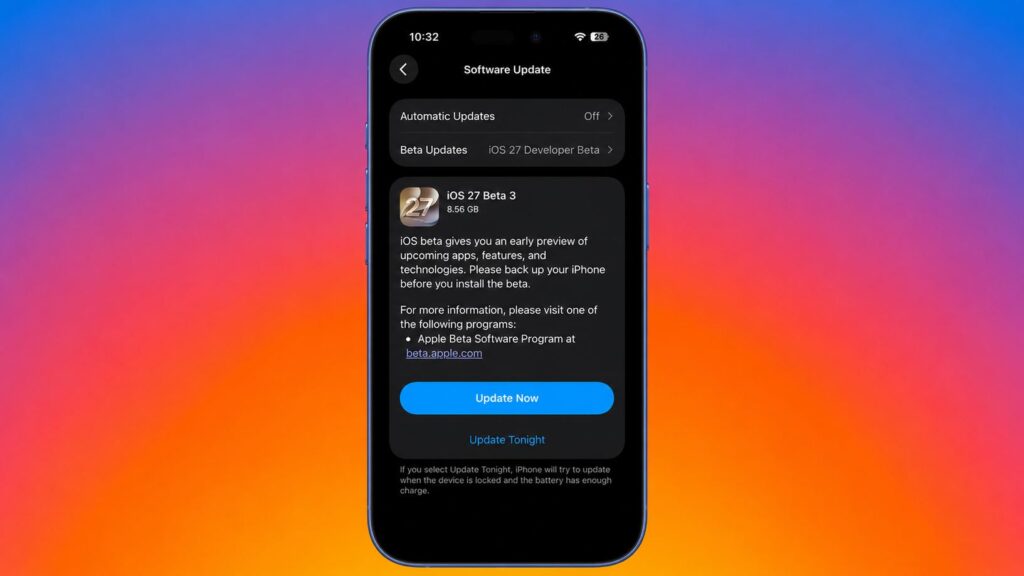
The new version is already available in iPhone settings
- Open “Settings,” go to “General,” and select “Software Update.”
- In the “Beta Updates” section, choose iOS 27 Developer Beta.
- Wait for the build to appear and tap “Download and Install.”
Before installing, be sure to make a backup via iCloud or Finder: rolling back from a beta to a stable version without a full reset is not possible. And remember that the public beta is just days away, and the final release is only a couple of months out. Sometimes waiting is more beneficial than having to fix your main iPhone later.


