Right now, there are three updates available for iPhone: the stable iOS 26.5.2, iOS 26.6 beta, and iOS 27 beta. One should be installed by everyone, the second by almost no one, and the third only at your own risk. Let’s break down what each one is for, what stage they’re at, what risks they carry, and which update to download on your iPhone in 2026. Spoiler alert: I’ve already installed 26.5.2 on my iPhone 15 Plus and tested speed, banking apps, and MAX, so I’m speaking from experience, not just release notes.
Which iOS update to install on iPhone right now?
iOS 26.5.2 — The Current Update for All iPhones
iOS 26.5.2 for iPhone was released on June 29, and it’s a classic service update with no new features. Apple didn’t touch the interface or Siri — the entire purpose is security patches.
The most up-to-date build as of today
An important difference from the previous iOS 26.5.1, which was only available to iPhone 17 and iPhone Air owners: this iPhone update rolled out to all compatible models starting from iPhone 11. Inside are nearly three dozen patched vulnerabilities. What exactly was fixed in iOS 26.5.2:
- Vulnerabilities in WebKit, Safari’s engine, through which a website could extract data from another site or reveal some personal information;
- Kernel-level holes that allowed a malicious app to cause a crash or access system data;
- Bugs in WebRTC that caused Safari to crash during calls and video chats due to malformed content;
- Two vulnerabilities in libxslt that caused app crashes on dangerous web pages;
- An issue where a website could silently intercept clipboard data.
None of the patched vulnerabilities are marked as critical, and no real-world attacks exploiting them have been recorded, but the update is still worth installing: Apple patches these things proactively, and the browser engine has historically been the first entry point for attacks. The only practical concern is the download size — for some users it reaches up to 15 GB, so download iOS 26.5.2 over Wi-Fi.
iOS 26.6 Beta — Download or Wait for Release
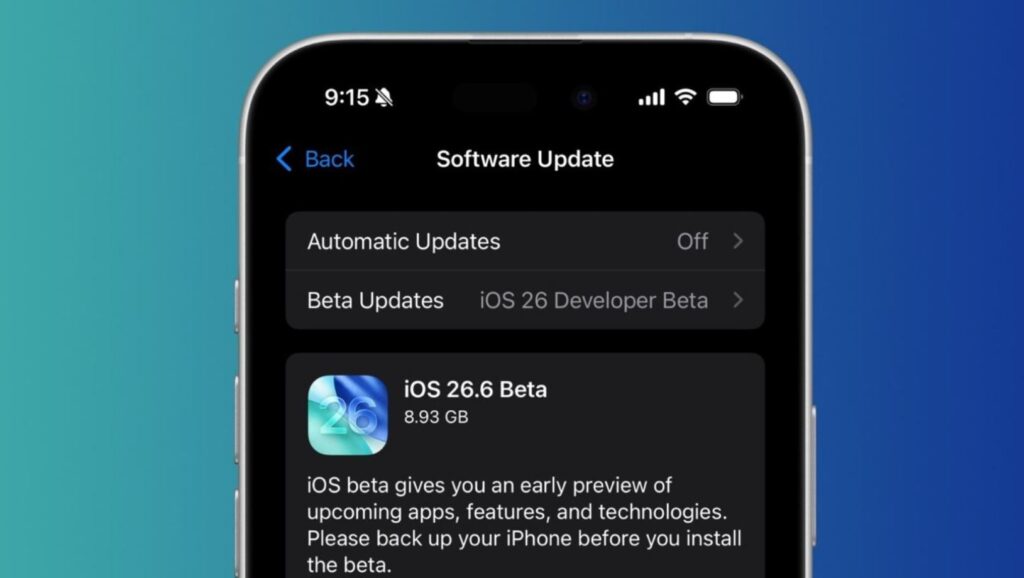
iOS 26.6 is being tested. It will be the last major update of the current build
iOS 26.6 is currently in beta: on June 30, Apple released the third public build. This is the final iPhone update in the iOS 26 lineup, so there won’t be any major new features — the entire focus is on bug fixes, security, and optimization. Here’s what enthusiasts have dug up in the beta:
- A warning about a full blocked contacts list — though the limit is measured in thousands, so most people won’t see it;
- Snatch protection: if someone grabs the iPhone from your hands, it instantly locks to prevent the thief from getting inside (the feature isn’t final yet).
When will iOS 26.6 be released: the estimated date for the final release is late July 2026. Apple is maintaining its usual two-week testing rhythm, so the final version isn’t far off, and this will apparently be the last major iOS 26 build.
The risks are standard for any beta: possible crashes, faster battery drain, and quirky behavior from certain apps on early builds. But considering the release is just a couple of weeks away and there are almost no new features, there’s no point in installing iOS 26.6 beta on your main iPhone. Wait for the public release — it will arrive automatically without any fuss with profiles.
iOS 27 — Should You Download It or Wait
iOS 27 is a completely different story. While the iOS 26 line updates were about quiet polishing, this is a system with a reimagined Siri and a dozen AI features. It’s currently in the developer beta stage — the second build was released on June 22. Here’s what’s new in iOS 27:
We’re expecting iOS 27 in the fall after the iPhone 18 Pro presentation
- New Siri powered by Apple Intelligence, far smarter than the previous version;
- Redesigned parental controls and Screen Time with flexible category-based limits;
- Creating custom cards in Wallet by scanning tickets, memberships, and passes;
- “Write with Siri” replacing the former Writing Tools;
- RCS messages with new features.
In short — it’s not worth installing; it’s better to wait for the release. The estimated release date for iOS 27 is September 2026, traditionally alongside the new iPhone 18 lineup. Before that, Apple will release several more developer builds, and a public beta for everyone is promised in July. That means there are still three to four months until stable iOS 27.
The risks are the highest of all three. This is a raw beta of a major version, meaning crashes, increased battery drain, and banking app issues are almost guaranteed. Compatibility is broad — iOS 27 can be installed on iPhone 11 and newer — but Apple Intelligence features require newer hardware. Installing such a raw beta on your daily device that you depend on for calls and payments is risky.
Which Update to Download on iPhone Right Now
In short, which iOS is best and which to install in 2026 depends on what matters more to you — stability or novelty. Let me break it down.
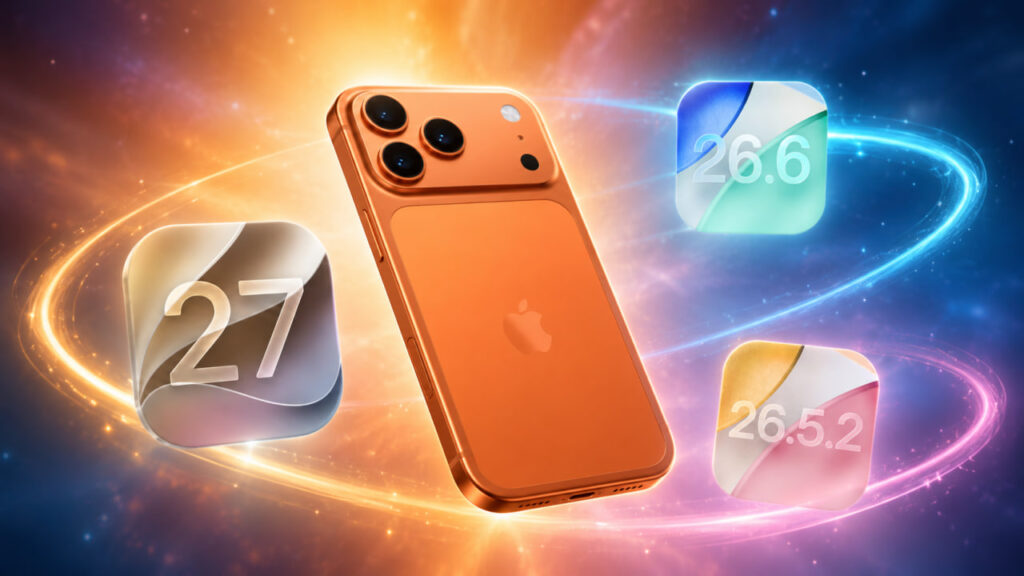
Definitely install iOS 26.5.2 right now
- Download iOS 26.5.2 right now on your main iPhone. It’s stable, patches nearly three dozen security vulnerabilities, and doesn’t change your familiar experience. This is the default choice for everyone.
- iOS 26.6 in beta is practically useless for regular users. There’s little point in installing the beta: there are almost no changes, and the public release is coming at the end of July. At best, it’s suitable for those who have long been using test builds. Everyone else is better off waiting for the public release.
- Install iOS 27 beta only on a spare iPhone and only if you want to be the first to try new features. It’s better not to install a raw major beta on your daily smartphone. A compromise for the impatient: wait for the iOS 27 public beta in July, but really, everyone should wait for the September release.
And the most important rule before any update — make a backup via iCloud or Finder. This is especially important for betas, because rolling back from an iOS 27 build to a stable version without a full reset won’t be possible.


