Apple has released the iOS 26.4.2 update, which fixes a bug in the iPhone notification system — because of it, deleted push notifications from apps continued to be stored on the device. The update is already available for installation, and you should install it as soon as possible.
You should install the update for the sake of your security
The Bug with Deleted Notifications in iOS
On the iOS 26.4.2 security description page, Apple listed a single fixed vulnerability: notifications that the user had deleted continued to unexpectedly remain in the device’s memory. The cause was a bug in the logging subsystem — the system was recording notification data and not clearing it upon deletion.
Apple learned about the problem after receiving corresponding reports. The company found the bug and implemented the fix in iOS 26.4.2. Moreover, the update doesn’t just close the vulnerability going forward — it retroactively deletes all copies of notifications that should not have remained on the device.
Although Apple doesn’t explicitly name the reason for the emergency update, the context is obvious. In early April 2026, the FBI managed to extract deleted messages from the Signal messenger on a suspect’s iPhone — even after the app had been completely removed from the device. This was possible because the content of incoming messages was stored in the internal database of iOS notifications.
If notifications didn’t display text, it wasn’t saved on the iPhone
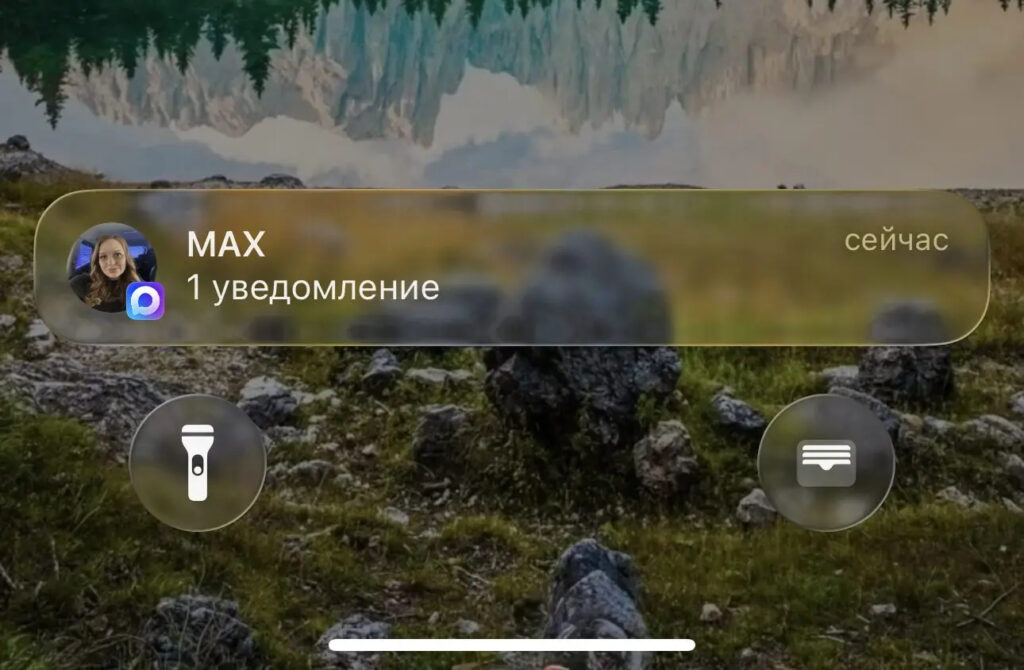
The case involved a group of people accused of attacking an ICE detention center in Texas. An FBI agent described the data extraction method during court hearings. An important nuance: the suspect’s iPhone had message previews enabled on the lock screen — this is precisely what allowed iOS to cache the text of incoming messages in the system database.
Apps from Which Notifications Were Not Deleted on iPhone
It’s important to understand: the problem wasn’t specifically about Signal, but about iOS itself. Any app that displays message content in push notifications potentially left traces in the system database. This applies to WhatsApp, Telegram, email clients, and other messengers — if you had notification previews with text enabled.
The problem only manifested with physical access to an unlocked device and the use of specialized forensic tools. For the average user, this means the following: if someone gained physical access to your iPhone, they could theoretically recover deleted notifications even after apps were removed.
Which iPhones Need to Be Updated to iOS 26.4.2
The update is available for a fairly wide range of devices:
- iPhone 11 and newer — iOS 26.4.2
- Devices on iOS 18 — iOS 18.7.8 update with the same fix
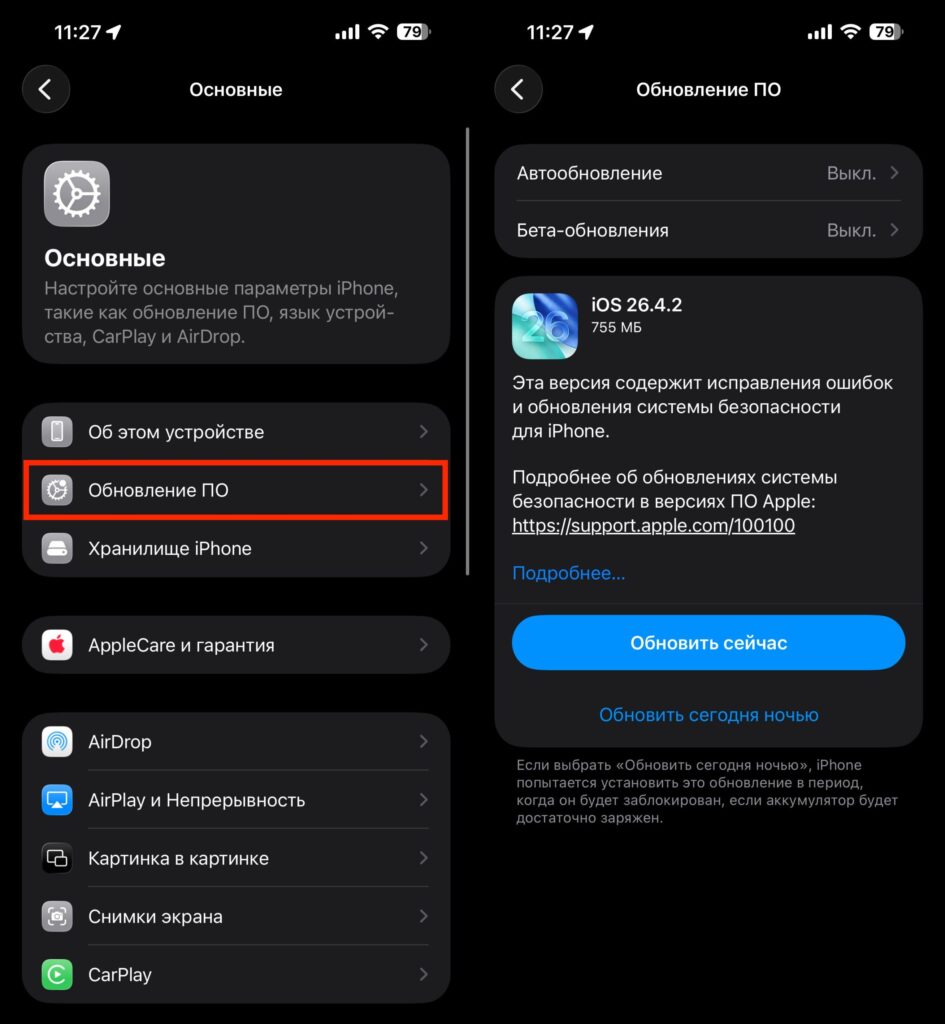
This means the patch was received even by those who haven’t yet upgraded to iOS 26 — Apple released a separate update for the previous system version. You can install the update via “Settings,” then “General,” then “Software Update.”
The update installs in the standard way
Just keep in mind that the issue with freezing during the update caused by the Telega app may also appear in iOS 26.4.2. So be very careful and cautious before installing. At a minimum, you need to allow Telega to launch in settings, or better yet, delete it from your iPhone.
What to Do After Updating Your iPhone to Protect Notifications
In addition to installing the update, it’s worth checking the notification settings in sensitive apps. If you use Signal, Telegram, or other messengers where you discuss private matters, consider disabling the display of message content in notifications.
Here’s how to do it: open iPhone settings, go to the “Notifications” section, then “Show Previews” and select the option “When Unlocked” or “Never.” This will prevent iOS from saving the text of incoming messages in the system notification database.
This update is not about new features. There are no new capabilities in iOS 26.4.2; they will appear in iOS 26.5, which is expected in May. But from a privacy standpoint, this is one of the most important updates in recent times. It should be installed by everyone who cares even minimally about the confidentiality of their messages — regardless of the messenger.


