Apple has released iOS 26.4.2 for all compatible iPhones — exactly two weeks after the release of iOS 26.4.1. The update arrived right on schedule: the build was spotted in the logs of 9to5Mac and MacRumors last week, and Apple didn’t delay the release. In the update description, the company traditionally limited itself to general words about bug fixes, but in reality the update fixes specific issues that users encountered after installing iOS 26.4.1.
New iOS is out!
What’s New in iOS 26.4.2
The main reason Apple rolled out the new update so quickly was the massive complaints about installing iOS 26.4.1. For some users, the update process ended with the iPhone being “bricked”: the smartphone would freeze on the Apple logo, stop responding to buttons, and require restoration via a computer. The issue didn’t affect all models, but the number of support requests was significant.
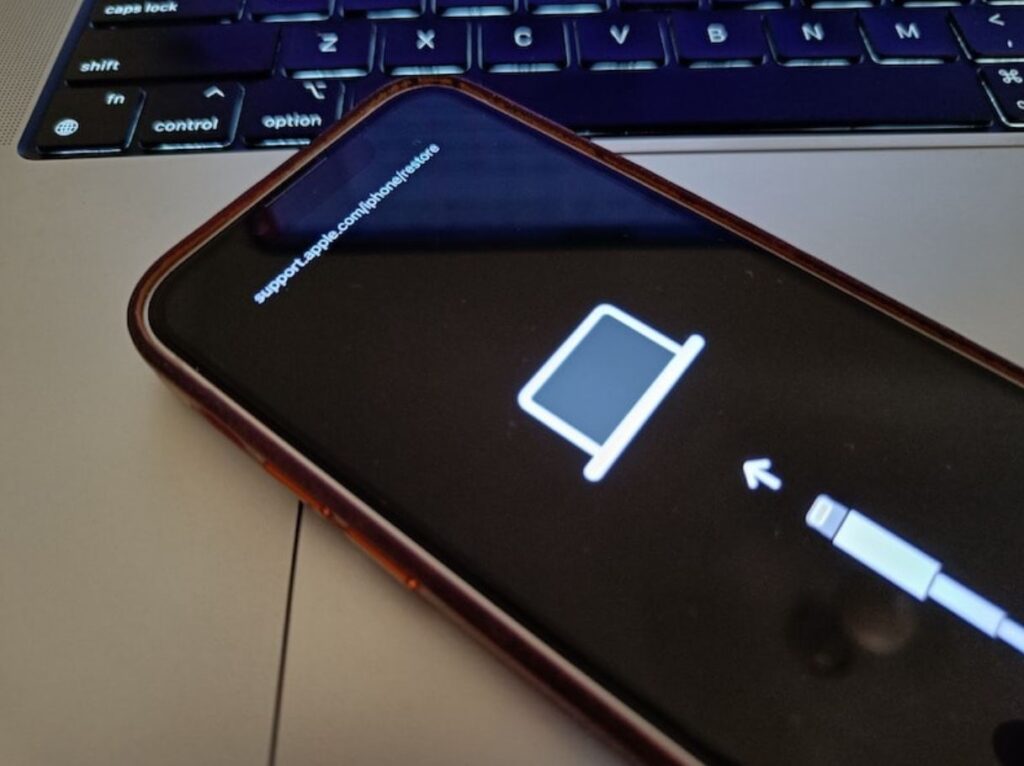
Users encountered iPhones being bricked
We believe that iOS 26.4.2 fixes the installer bug that was causing the error. Now the update process works properly even on iPhones where iOS 26.4.1 refused to install on the first attempt. If you’re still on iOS 26.4 and were afraid to update because of stories on the internet — you can safely install iOS 26.4.2 directly without intermediate steps. Previously, it was believed that the Telega app was to blame for the issue, but the release of this update seems to suggest otherwise.
In addition to the installer fix, Apple refined several minor things, such as iCloud sync issues, which aren’t mentioned in the description at all. Most likely nothing revolutionary — just a standard set of fixes for this iteration’s release.
Cellular Connectivity Fix in iOS 26.4.2
The second important part of the update is modem firmware fixes. After the release of iOS 26.4.1, many users complained about unstable cellular connections: dropped calls, slow mobile internet, and problems switching between Wi-Fi and cellular. iPhone 15 and iPhone 16 Pro Max owners suffered the most — models with Qualcomm modems.
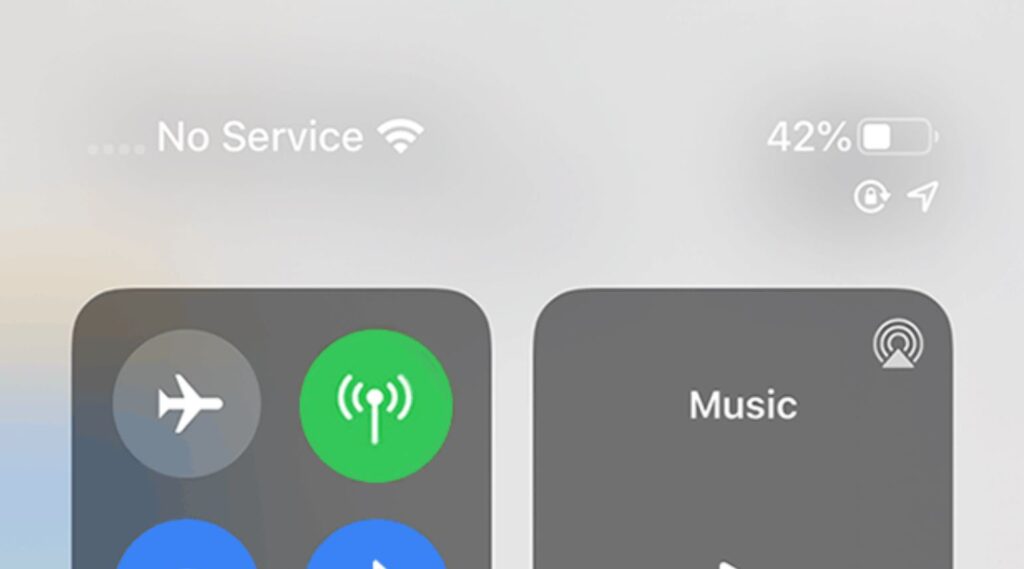
Users complained that after downloading iOS 26.4.1, network search problems occurred
After installing iOS 26.4.2, the situation should normalize. According to reports from users who managed to update in the first hours after release, LTE and 5G data transfer speeds noticeably improved, and connection drops became rare. However, some of the issues may have been related to the carrier rather than the firmware — so don’t expect miracles.
Security Fixes in iOS 26.4.2
Unlike iOS 26.4.1, where Apple’s security page had no CVE entries, iOS 26.4.2 patches several vulnerabilities. The company usually publishes details a few days after the release — to give users time to update before the descriptions become public. For now, the security page remains silent.
Apple released the update only for iPhone and iPad. Mac, Apple Watch, Apple TV, and Apple Vision Pro did not receive new builds. This is expected: 26.4.2 is a targeted patch for iOS and iPadOS, not a planned update for the entire ecosystem. Meanwhile, testing of iOS 26.5 continues — the third beta version is currently available, and the public release is expected in mid-May.
How to Install iOS 26.4.2
The update is already available for all iPhones that support iOS 26. Due to the influx of users wanting to update (yes, even for this version), download speeds may be slow, which is perfectly normal. Ready to go? Installing iOS 26.4.2 follows the classic steps:
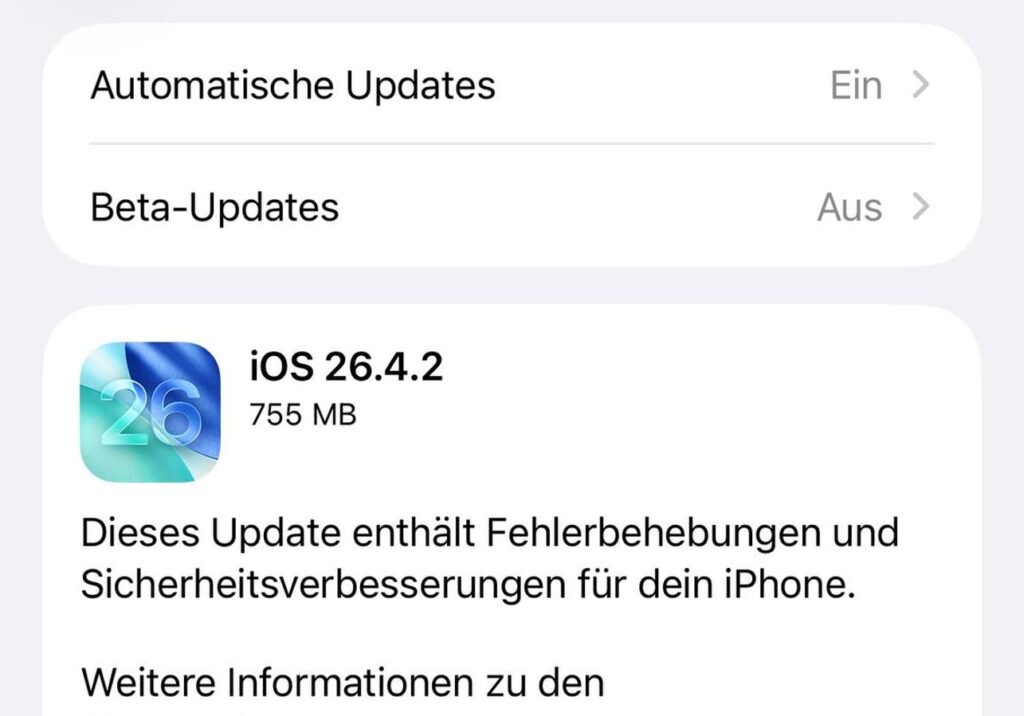
The new iOS is already available in iPhone settings
- Open Settings.
- Go to General.
- Select Software Update.
- Wait for iOS 26.4.2 to appear and tap Download and Install.
Before installing, make sure your iPhone is charged to at least 50% or connected to a charger, and connected to Wi-Fi. The process itself takes 10–15 minutes depending on the model. If you’re on iOS 26.4.1 and experiencing cellular connectivity issues or simply want to patch the latest vulnerabilities — don’t delay. The update turned out to be compact but useful.


