Every iOS update is a bit of a lottery for me: Apple promises stability and bug fixes, but in reality, results vary. I installed iOS 26.5.2 on my iPhone 15 Plus and I’m ready to share how the smartphone performs after the update. Spoiler: this time almost everything is smooth, with no unpleasant surprises.
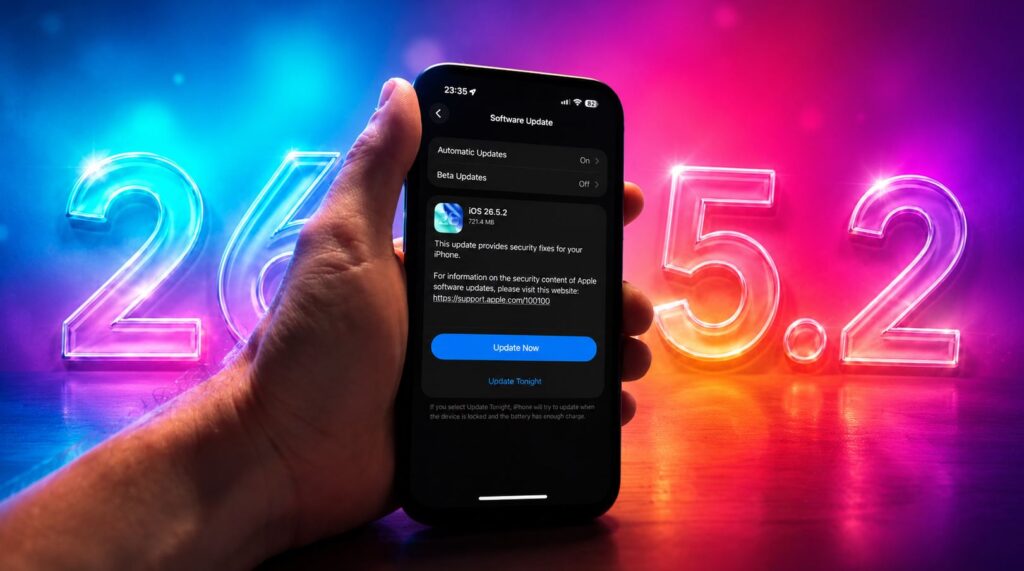
Sharing my impressions with iOS 26.5.2
How iPhone Performs After Updating to iOS 26.5.2
Let me start with what concerns everyone the most. iPhone 15 Plus performance after updating to iOS 26.5.2 hasn’t changed. Honestly, I didn’t notice any difference at all. The smartphone is just as fast as before: animations are smooth, apps open instantly, no crashes or freezes.
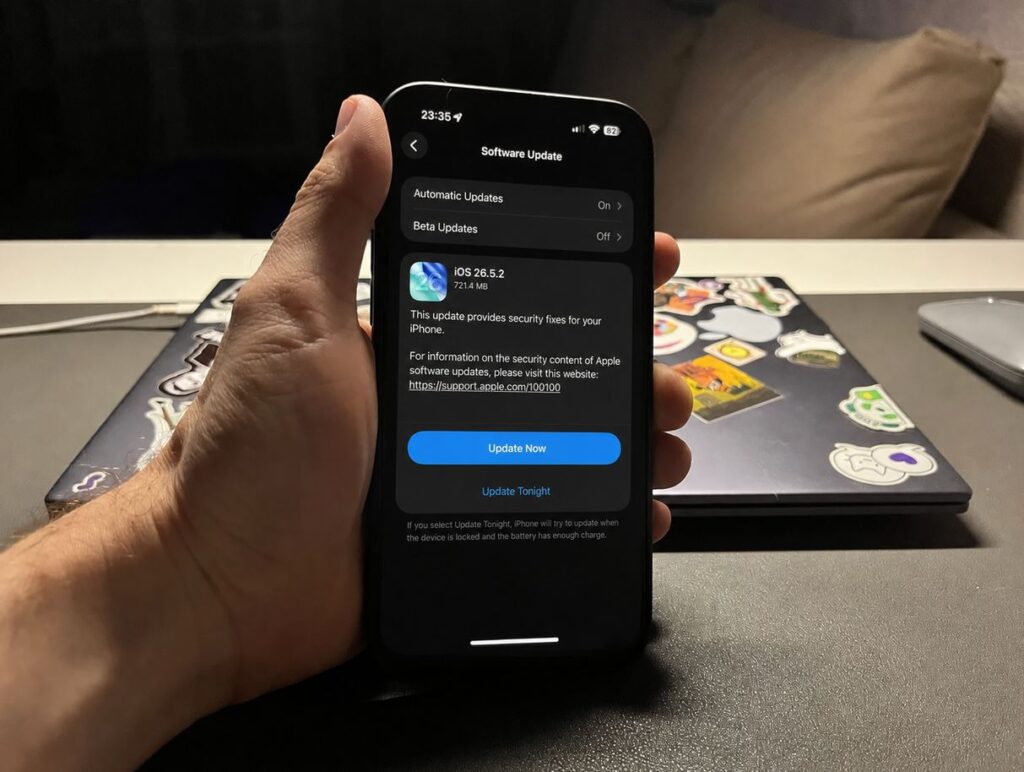
Downloaded the update right after release
It’s clear that iOS 26 has finally been polished when it comes to the interface. iOS 27 will probably be even better (though I wouldn’t count on it in beta), but the current stable iOS 26.5.2 is satisfying. And this is an aging iPhone 15 Plus, so on more powerful models everything will surely be even snappier.
If you were worried about performance, you can relax: no surprises in terms of speed.
What Was Fixed in iOS 26.5.2: Chrome and Firefox Bug on iPhone
Now here’s the most interesting part. Back on iOS 26.5, my colleague Kirill Pirozhenko caught an annoying bug in Google Chrome: the browser’s keyboard would repeatedly disconnect, and the tab would stop responding to touches. It turned out the problem wasn’t in the browser itself, but in the system.
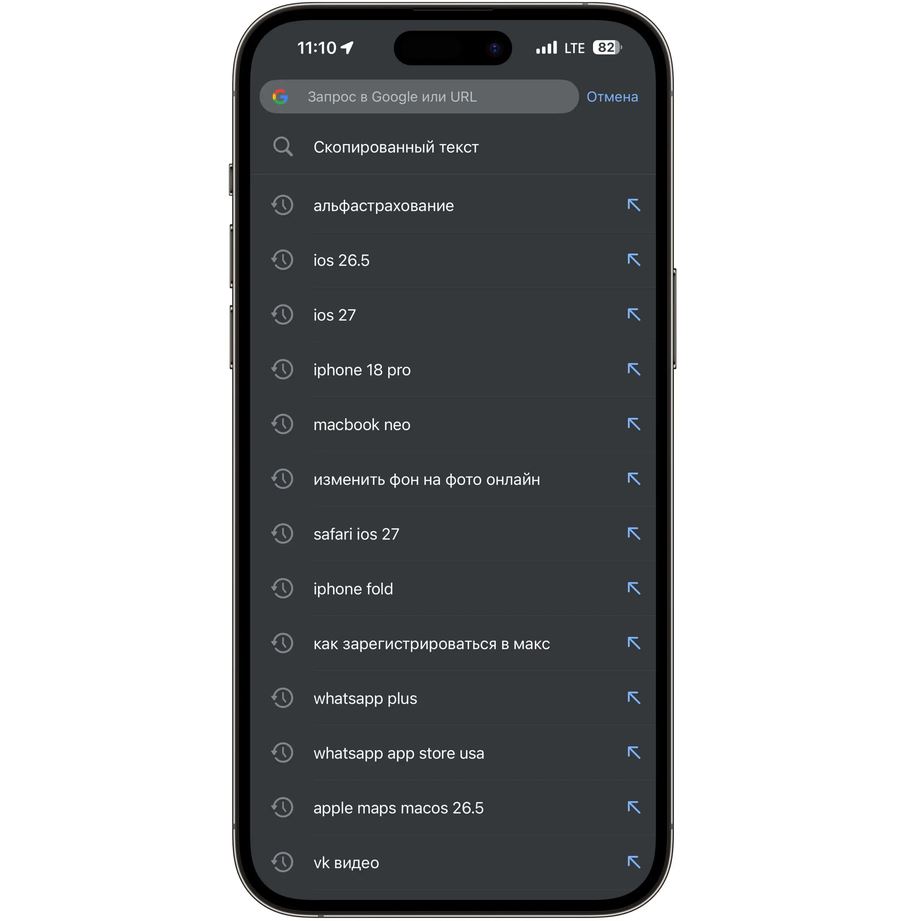
Browser bug is fixed
I had the exact same issue in Firefox, which I’ve been using for over ten years. And here’s the good news: in iOS 26.5.2, this bug has finally been fixed. Browsers work properly again, without sudden freezes. At least, I haven’t encountered it since updating.
It’s amusing that the wait was long: iOS 26.5.1 was released only for iPhone 17, while everyone else had to stay on 26.5 and deal with it. If you had similar browser problems on iPhone, just update: they’ve most likely been fixed now.
Battery Drain After Installing iOS 26.5.2: What Changed
Now about battery life, everyone’s favorite topic for debate after every iOS update. Updates of this caliber rarely affect battery drain, but anything can happen — we’ve confirmed this many times in our tests. So I checked carefully.
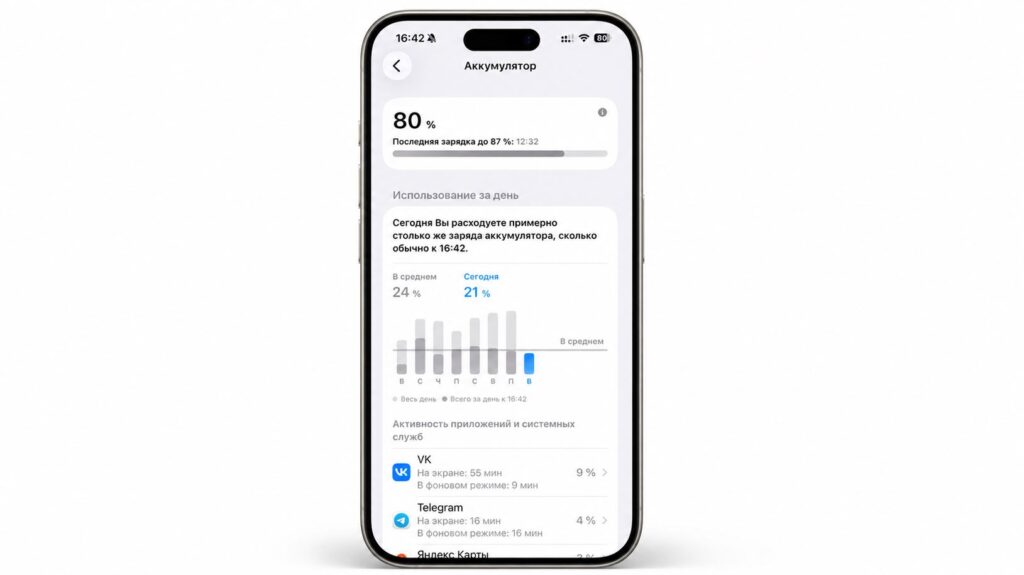
No battery issues so far
So far I can say everything is fine. My iPhone 15 Plus has 85% battery capacity, and I haven’t noticed any sudden drain. There was no overheating either, not even during the installation itself, which is already a good sign.
If you skip updates only out of fear that the battery will start draining faster, there’s no need to worry. In the first few days, a slight decrease in battery life is normal: the system is doing background optimization, re-indexing data, and settling in. And even if drain increases slightly for good, iOS 26.6 is right around the corner.
Sber, T-Bank, and Other Banking Apps After Installing iOS 26.5.2
A reasonable question that concerns every iPhone user in Russia: what will happen with Sber, T-Bank, and other banking apps after installing iOS 26.5.2? The answer: nothing. Everything works exactly the same as before the update.
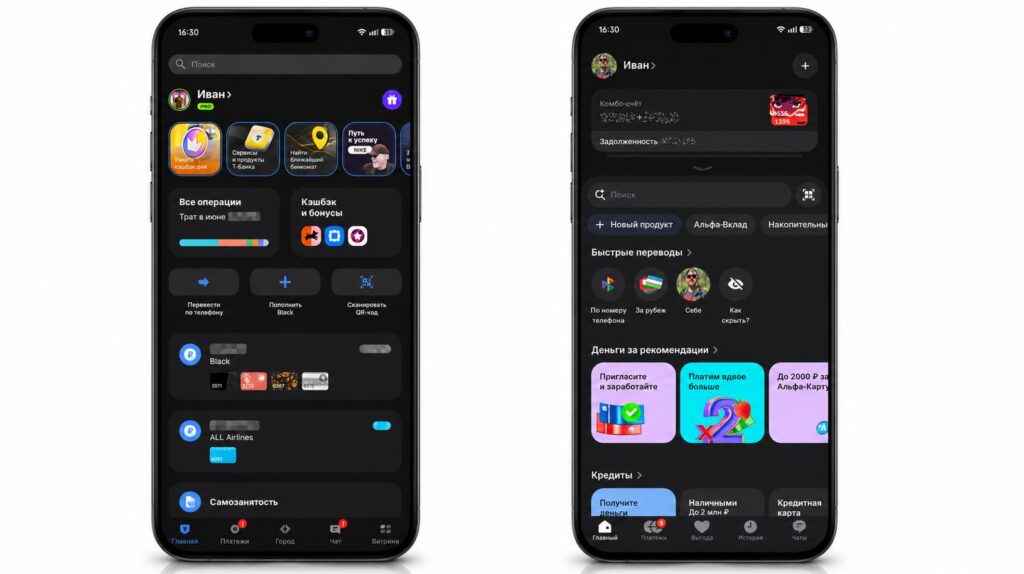
Banks work, no problems
The update barely touched the system, so there are no surprises to expect, unlike what happened with iOS 27 once. Apps removed from the App Store still launch fine and don’t glitch. But I’ll make one important caveat. I have all the latest versions of banking apps installed. If you have a very old version of T-Bank or Sber, downloaded back in winter or even last year, I can’t guarantee anything: check on your own device.
MAX in iOS 26.5.2: Notifications, Calls, and Channels
The same goes for MAX on iPhone. If you already have the app downloaded, it will work perfectly, just as before. Channels, chats, voice messages, transcription, calls — everything is in place, I haven’t caught any issues.
iOS update doesn’t break MAX, everything works as before
There is one nuance, but it’s not new: notifications in MAX still haven’t appeared, and iOS 26.5.2 doesn’t add them. Otherwise, the national messenger is doing fine, so users can update without hesitation.
Should You Update to iOS 26.5.2
Let me summarize. I always follow a simple rule: if everything works smoothly on an aging model like my iPhone 15 Plus, then other devices shouldn’t have problems either. And this is exactly that case: performance stayed at the same level, the browser bug was fixed, banking apps and MAX work.
An additional argument for updating: iOS 26.5.2 patches nearly three dozen vulnerabilities, mostly in WebKit. In 2026, considering all the AI-related threats, security is worth not delaying the update. Especially since it was released for all compatible models, not just iPhone 17 like 26.5.1. Here’s my takeaway:
- iOS 26.5.2 — download it right now and enjoy stable performance.
- Slowly get ready for iOS 26.6: there aren’t many new features there.


