Adaptive Battery is one of those Android settings that many people don’t know about, even though it genuinely extends battery life between charges. The feature is hidden deep in the battery menu, requires no manual setup, and over time learns on its own which apps you use and which you don’t. The scenario is familiar: smartphone batteries have gotten noticeably better in recent years, but by midday your hand still reaches for the charger. Often the issue isn’t a small battery or heavy games, but dozens of apps that keep running in the background long after you’ve closed them.

A look at a useful feature on your Android smartphone
The Problem with Android’s Background Mode
Most smartphones have dozens of apps installed: messengers, social media, stores, airline apps. But in reality, you only open a small fraction of them each day: a couple of messengers, something for work, and a social network.
The problem is that apps don’t stop working just because you’re not opening them. They continue syncing data, checking for updates, and refreshing content in the background. If you get a notification from an app you haven’t launched in a long time, that’s a sign of background activity.

The problem lies in battery consumption by background apps
Individually, these apps don’t use much, but together they add up to noticeable drain. This is exactly where Adaptive Battery comes to the rescue — a feature that tracks what you open frequently and what you almost never use, and allocates resources accordingly.
What Adaptive Battery Does and What It Doesn’t Touch
The key thing to understand: apps you use every day continue working as usual. Notifications arrive on time, data isn’t affected, the system imposes no restrictions on these apps — you don’t notice any difference at all.
However, apps that the system identifies as rarely used are lowered in priority. In practice, this means their aggressive background activity gets curtailed. An added benefit is that you don’t need to configure anything manually: no need to build a battery profile, maintain lists of allowed and blocked apps, or monitor background activity.
What Adaptive Battery Disables
If you’re expecting an instant effect, you should temper your expectations right away. Adaptive Battery works differently from most features that deliver results the moment you turn them on. On a new smartphone, battery life is usually decent but not outstanding. In the first few days, the system goes through a learning phase: it studies your apps and usage habits. At this point, it doesn’t yet know which apps are important for your routine.
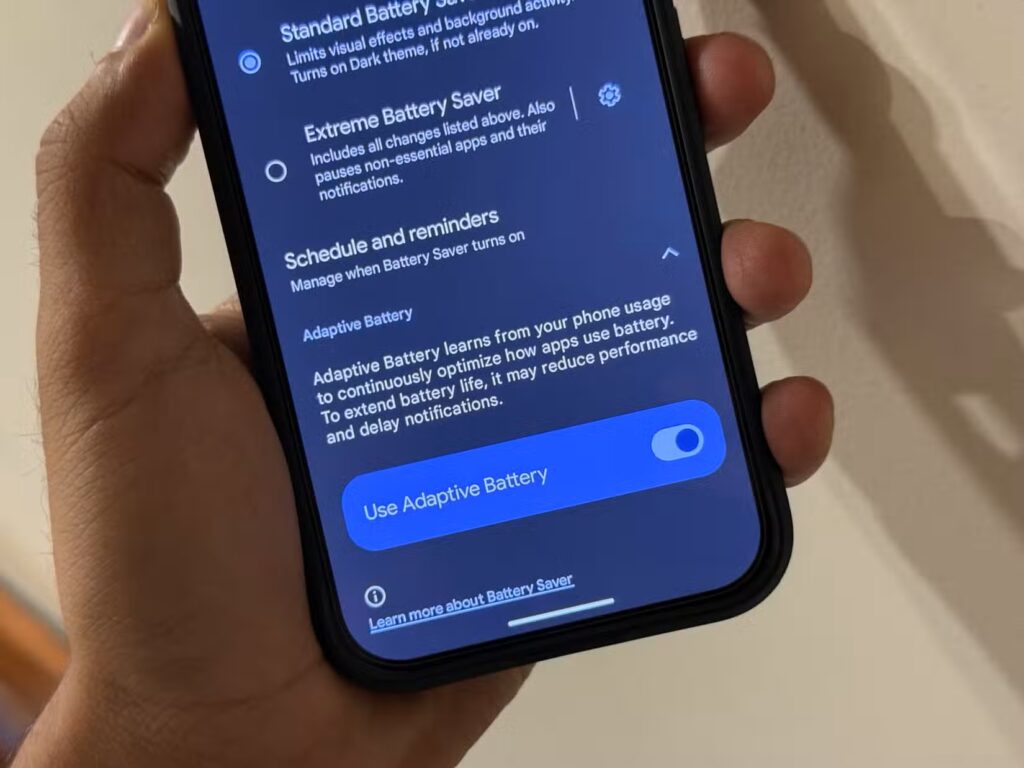
The feature is available on some Android smartphones. Image: androidpolice.com
Over time, once the device has collected more data with the feature enabled, the system becomes noticeably smarter. For example, an airline app installed six months ago doesn’t need to check for flight updates every couple of hours — you’ll open it yourself when you’re planning your next trip.
How Adaptive Battery Differs from Battery Saver Mode
The key difference from the familiar power saving mode is that there’s no performance drop here. Power saving modes often slow down the system for the sake of battery life, but that doesn’t happen with this feature.
Since the feature only affects rarely used apps, you won’t notice fewer notifications, but you will notice longer battery life. There are no compromises in phone speed whatsoever.
Who Benefits from Adaptive Battery and Whether You Should Enable It
This feature is useful for those who have many installed but rarely opened apps — stores, banks, airline apps, services for one-time tasks. The benefit is more noticeable if you keep a couple dozen programs on your phone but only use a handful.
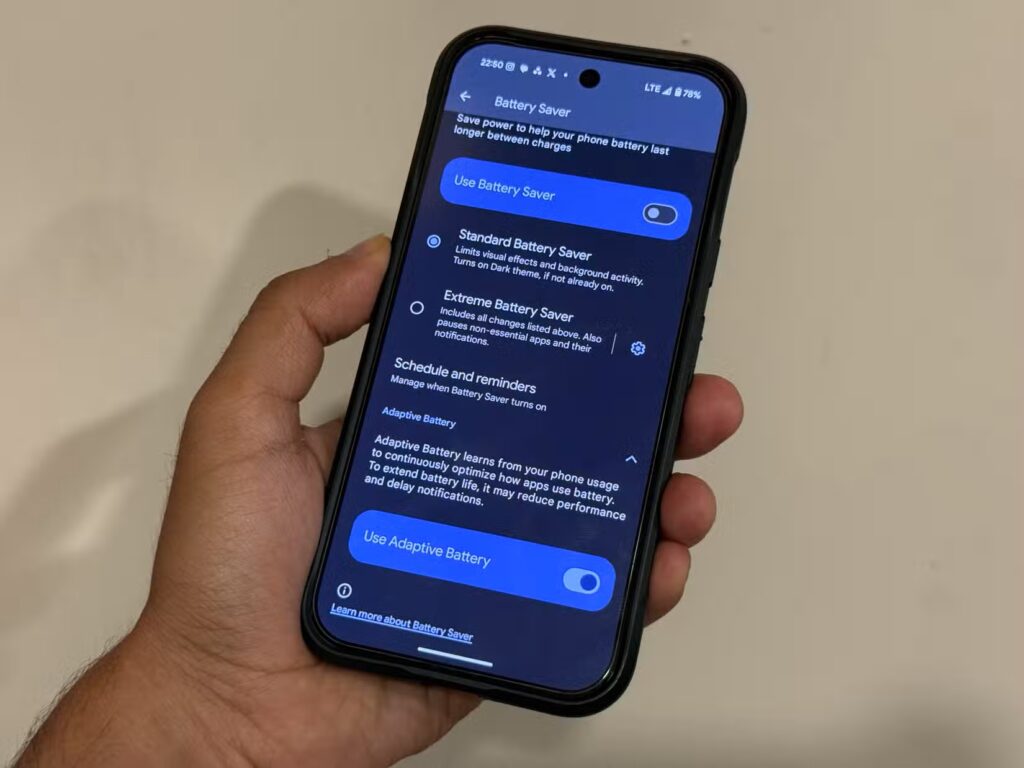
It’s worth checking if the feature is available in your smartphone’s settings. Image: androidpolice.com
Keep your expectations realistic. This is not a feature that doubles your battery life — you won’t see a night-and-day difference. It’s a practical solution to a real problem: apps consuming resources when there’s no need for it. Turn it on once and forget about it — that’s arguably the best possible scenario.


