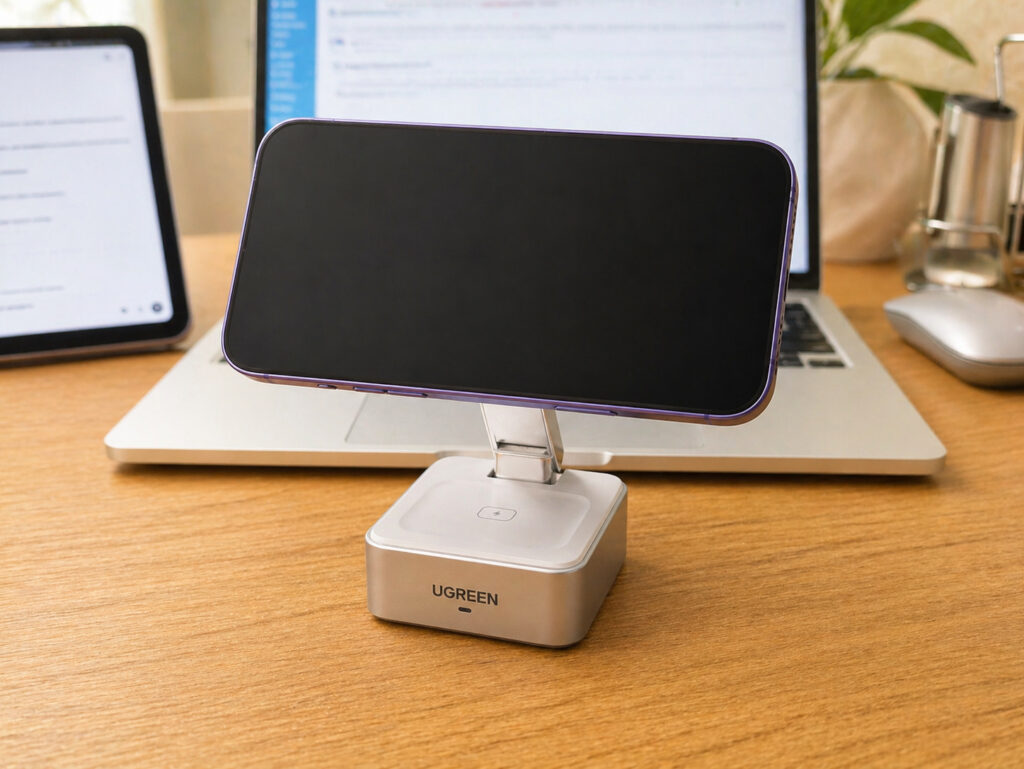
When I was looking for a wireless charger for iPhone, I wanted something compact yet functional. Not just a place to set the phone down and forget about it, but a full-fledged charging station for everyday use. One that wouldn’t look out of place on a desk and would genuinely simplify my life. I used to rely on a magnetic power bank for iPhone, but at home I wanted a stationary solution. I found a charger with Qi2.2 support — and I’ve been charging my iPhone on it daily since last September. Here’s how it turned out.
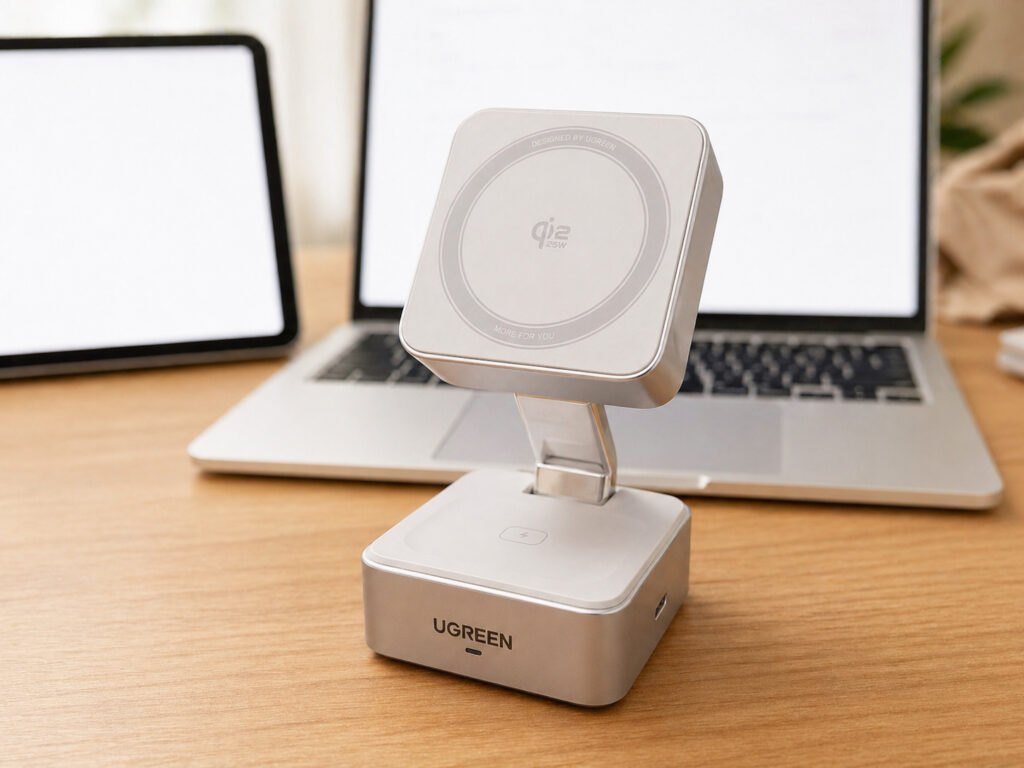
The charger is not only compact but also stylish
Wireless Charger for iPhone: What This Station Can Do
UGREEN Qi2.2 is a magnetic wireless charger in a 2-in-1 format. It looks like a small stand: on the bottom there’s a pad for AirPods, and on top — a magnetic module for iPhone. It connects via USB-C and supports the Qi2 standard with up to 25W for iPhone and 5W for earbuds. The UGREEN brand is probably familiar to many — they have tons of accessories, and the quality generally doesn’t disappoint.
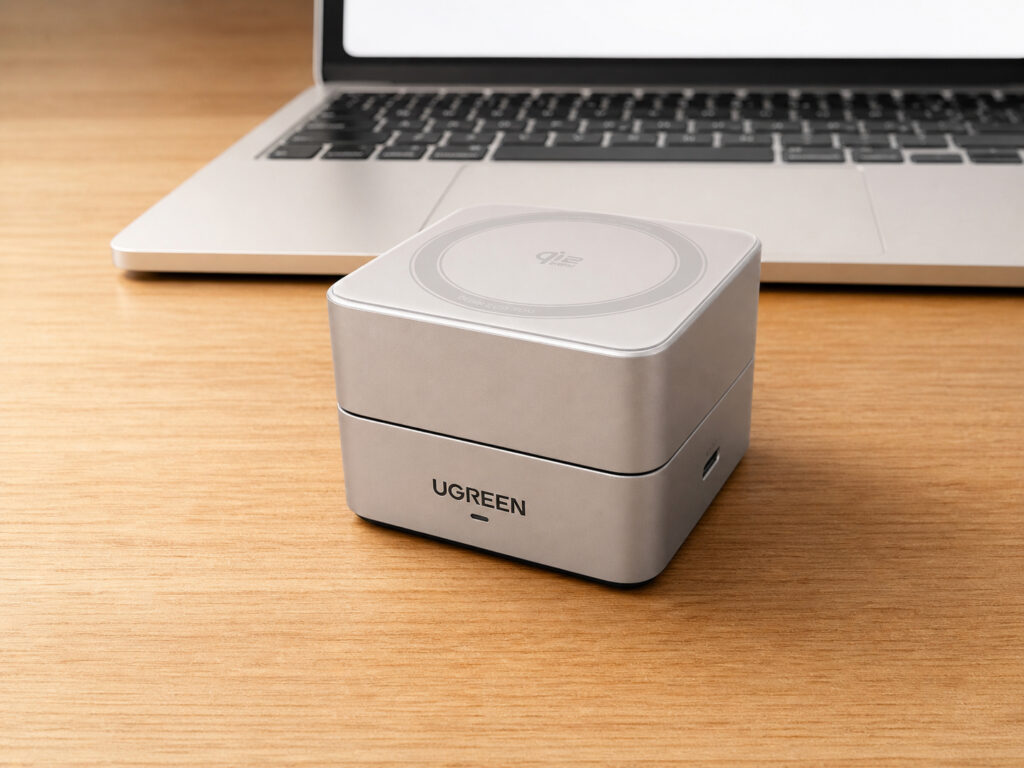
When folded, it’s really small
Size-wise, the station is very compact. When folded, it’s slightly larger than a hockey puck and easily fits in a backpack pocket. I occasionally take it on trips — it weighs little, takes up no space, and is more useful than a regular flat wireless charger.
Foldable Charger for iPhone: How the Stand Works
This is one of those features that seems minor at first glance but actually changes everything. The UGREEN Qi2.2 has a foldable design. You can unfold it and set the iPhone upright — convenient if you’re watching videos on a desk or using StandBy mode. In this position, the phone sits at an angle, the screen is visible, and notifications can be read on the fly.
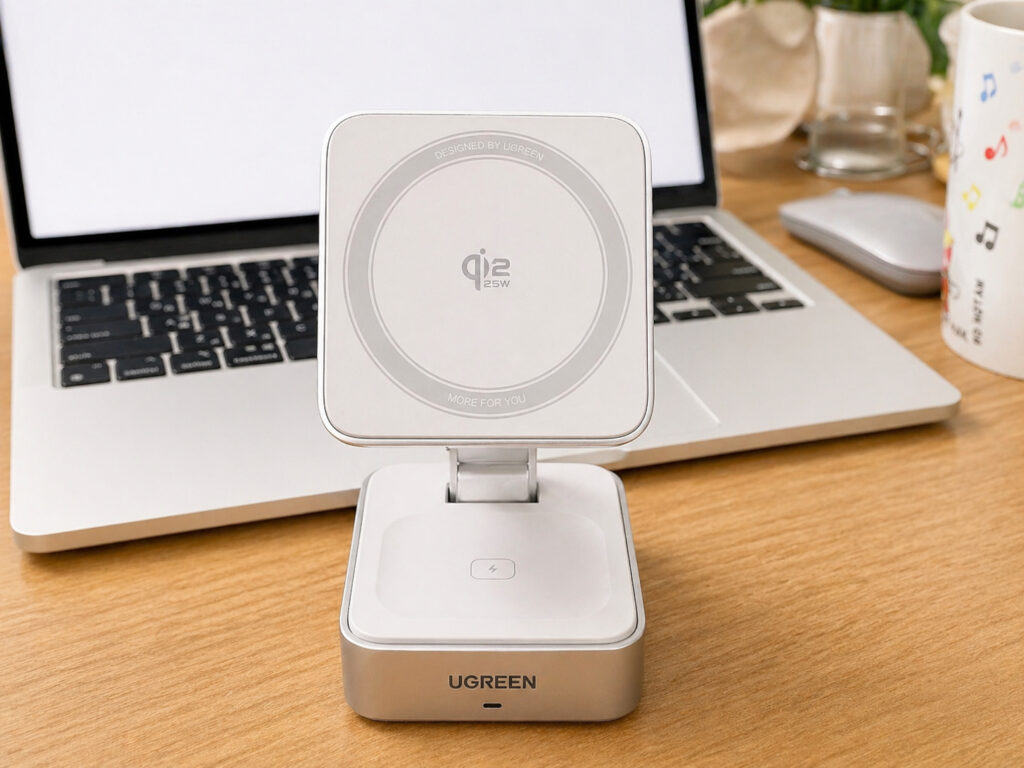
If you want to charge both your iPhone and earbuds, just unfold it
Or you can leave it folded and simply place the phone on top — turning it into a regular wireless charger. I use both options depending on the situation. On my desk, I set it upright, and on the nightstand by my bed, I lay it flat — so the iPhone screen doesn’t shine in my eyes at night.
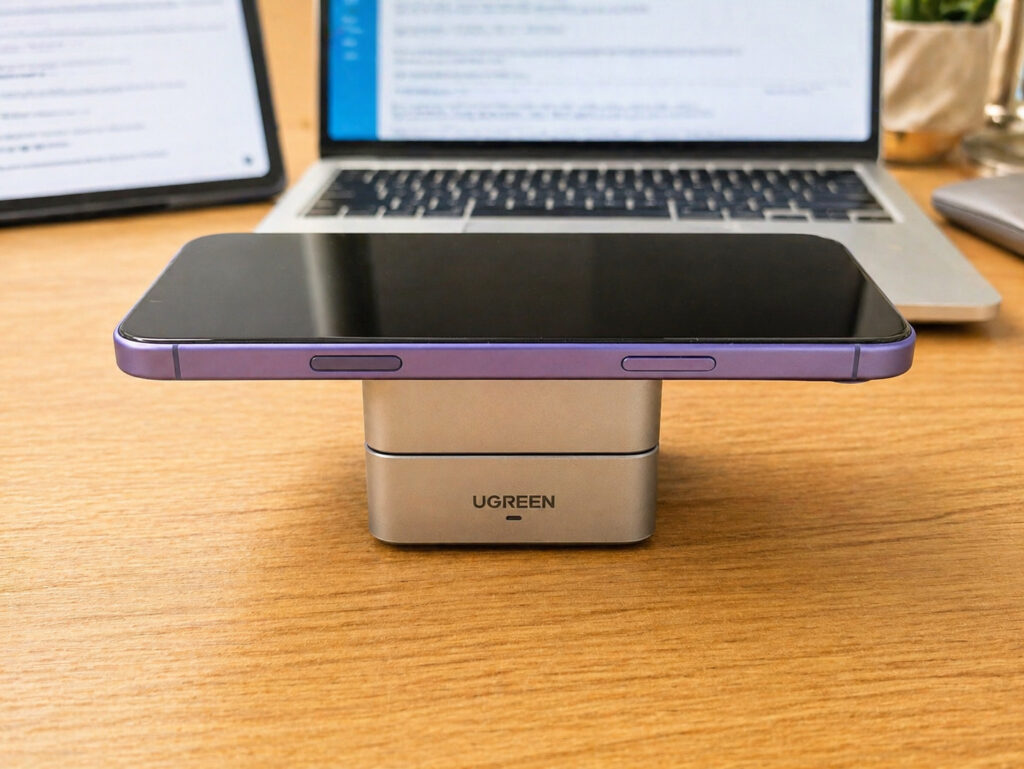
You can charge the iPhone in folded mode
The magnets here are quite strong. The phone attaches firmly and doesn’t slide off, even if you accidentally bump the station with your hand. Coil alignment happens automatically — just bring your iPhone close, and it snaps into place on its own. No fiddling around to get it centered.
Does Wireless Charging Harm iPhone Battery with Daily Use
This is perhaps the most important part. I’ve been charging my iPhone on this station every day since September. That’s over eight months of continuous use. Throughout this entire time — not a single overheating incident. The phone heats up exactly as much as is normal for wireless charging — slightly warm, no more. No hot cases, no warnings on the screen.
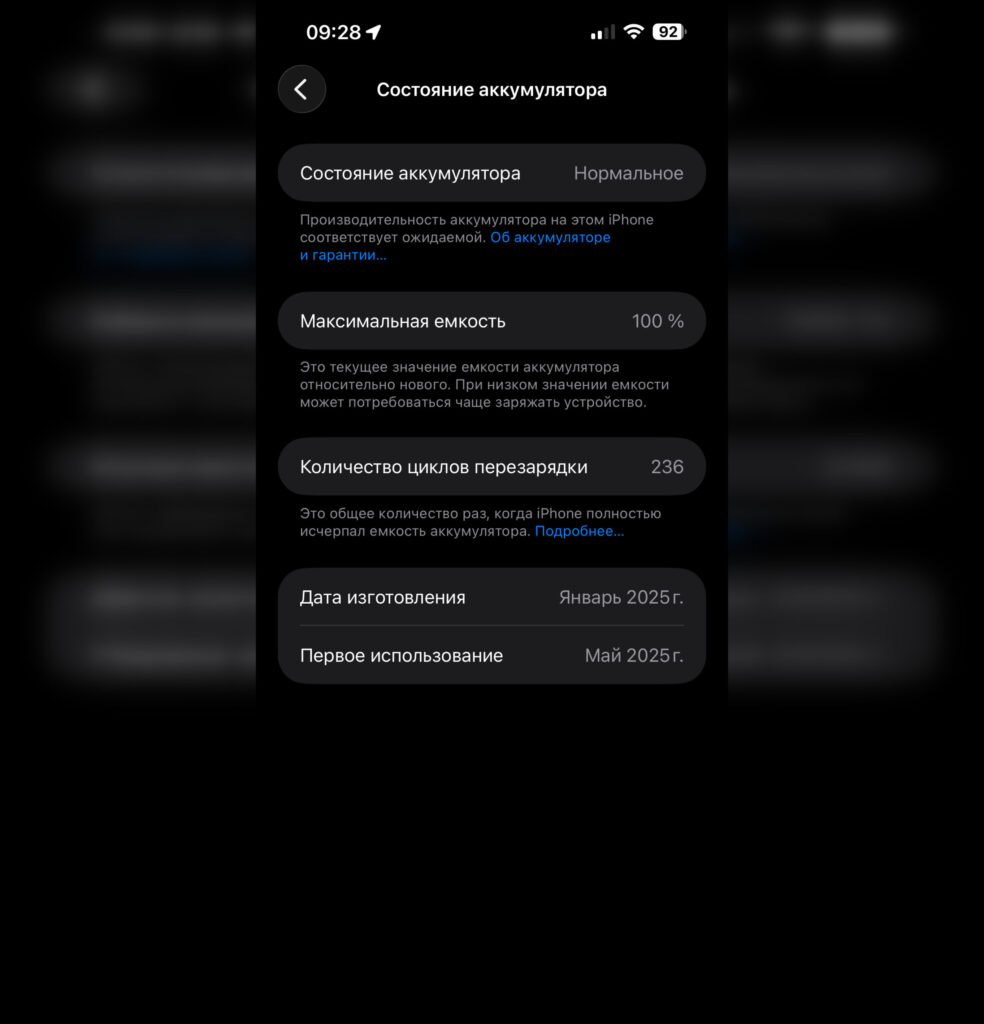
Battery capacity hasn’t decreased from this charger
And the battery capacity? It was 100%, and it’s still 100%. I specifically track this metric in the settings because on cheap chargers in the past, the battery degraded noticeably faster. Sometimes capacity would drop to 95–96% within six months. Here, Qi2 does its job — charging proceeds correctly, without excessive heat or stress on the battery.
I think it comes down to the Qi2 standard itself. It ensures precise coil positioning through magnets, meaning energy isn’t wasted and doesn’t turn into heat. For iPhone battery health, this is critically important.
Charging Station with USB-C: How to Charge Multiple Devices from One Adapter
I also want to highlight a nice bonus — there’s a USB-C port on the side. It’s not just a power input but an additional output. You can connect a cable to it and charge something else: Apple Watch, a power bank, or any other gadget.
Essentially, the station turns into a small charging hub on your desk. For example, I always have earbuds or a fitness band nearby — I connect them through this port, and everything charges simultaneously. No need to find a free outlet or run an extra cable. One cable into the station — and three devices charge in parallel.
Wireless Charger for iPhone and AirPods on One Station
The bottom part of the station is a charging pad for AirPods. Place the case down, and it starts charging. Power here is 5W, but earbuds don’t need more — the case charges fully overnight. AirPods with wireless charging are supported: AirPods Pro, AirPods 3, and AirPods 4 in the wireless case version.
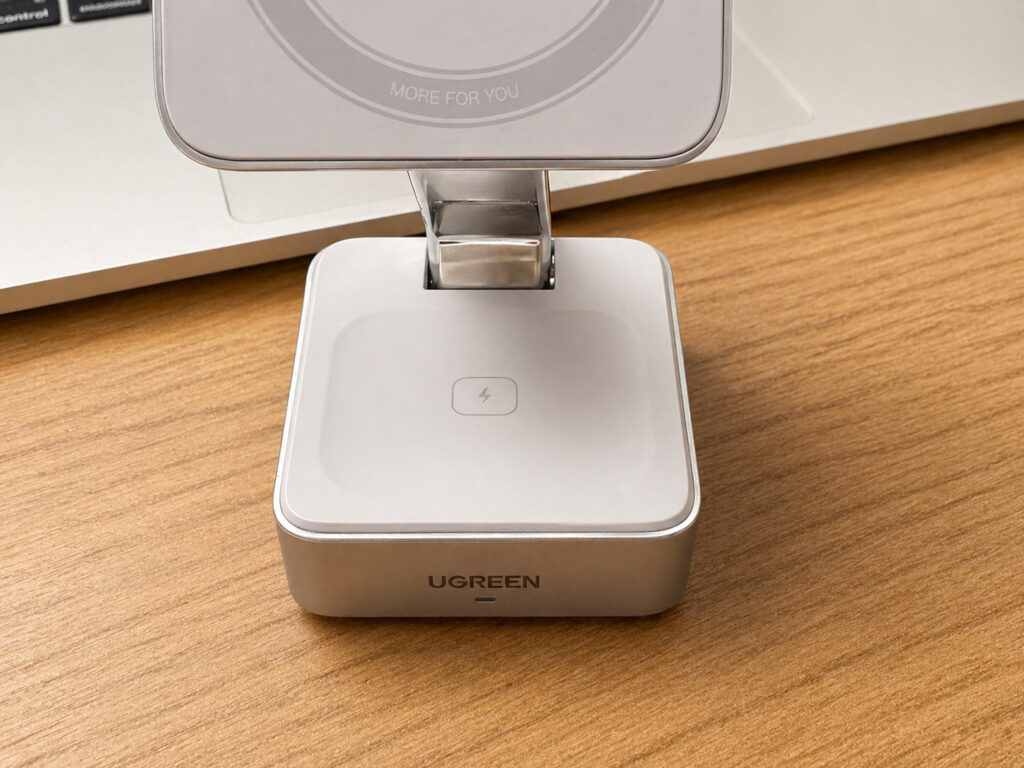
Here’s where you can charge AirPods
It’s convenient that iPhone and AirPods charge simultaneously on one device — fewer cables, less clutter on the desk. I used to have a separate charger for the phone and a separate cable for the earbuds. Now all of that has been replaced by one station. My desk has become noticeably cleaner.
What to Look for When Choosing a Charging Station for iPhone
The station is made of pleasant-to-the-touch plastic with a matte finish. It doesn’t slip, doesn’t collect fingerprints, and looks neat. The hinge of the folding mechanism is stiff — it unfolds with slight effort and holds the angle securely. After eight months of daily folding and unfolding, nothing has become loose or started creaking.