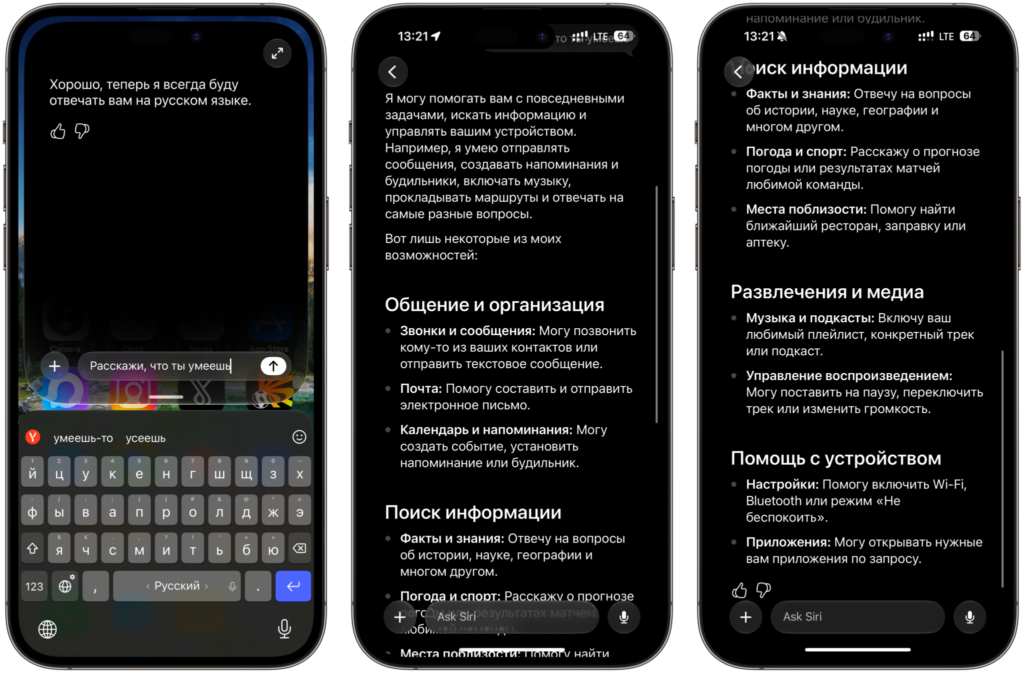
For over two weeks now, I’ve been communicating with the new Siri AI in iOS 27 in pure Russian, even though it officially doesn’t support Russian and only understands English at launch. It sounds like some kind of trick, but in reality, everything is solved with one short keyboard command that you only need to enter once. The updated Siri is one of the main features of the new system, so I’ll now explain in detail how to make it speak Russian.
Taught Siri AI Russian. Want to do the same?
What Languages Does the New Siri AI Support
Let’s start with the sad part. Apple explicitly warned that the updated assistant only works in English at launch, and the list of supported Apple Intelligence languages doesn’t include Russian at all. It includes English, German, French, Spanish, Italian, Japanese, Chinese, and about a dozen other options, but ours isn’t among them and won’t appear anytime soon.
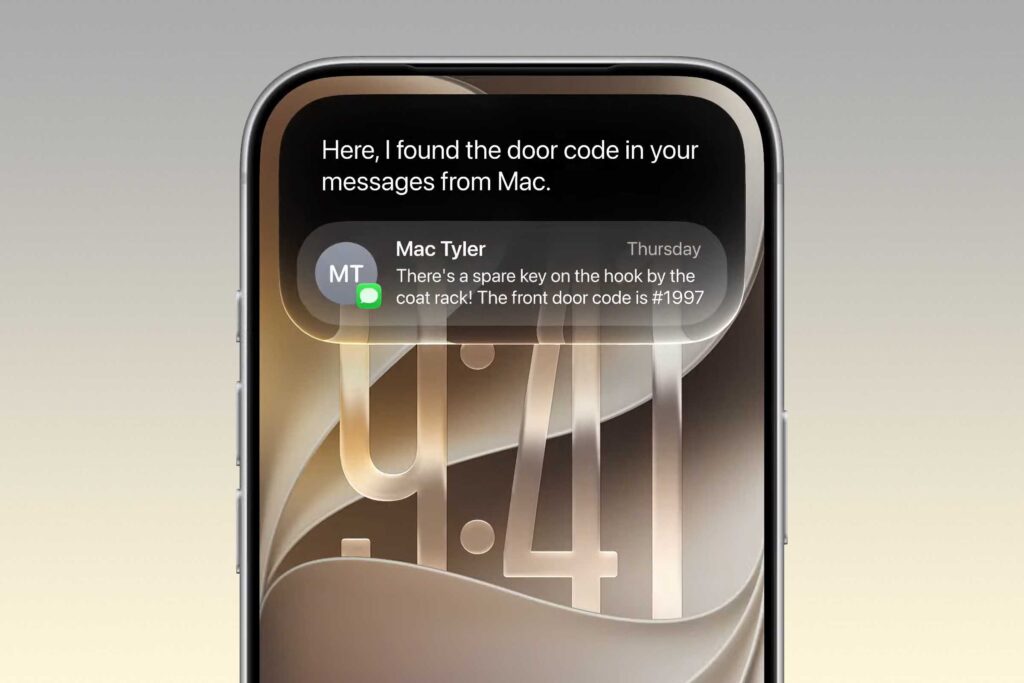
By default, the new Siri only speaks English, but I know one trick
The company promises to quickly expand the list of languages, but no one has given specific timelines for Russian. So if you wait for official support, you could end up without a proper assistant for a very long time. And you want to try the smart Siri right now, especially since the public beta is already on the way and getting access to the system is easier than it seems.
There’s another nuance. Siri AI is tied to Apple Intelligence, which means it doesn’t work on just any iPhone — only on models with sufficient performance. If your smartphone can handle the new AI features in principle, then the language barrier is the only obstacle, and we’re about to get around it.
How to Update and Enable Siri AI in iOS 27
Before we work magic with the language, you first need to actually get the new Siri on your device. This is done in two simple steps, and we’ve already covered both in separate articles, so I won’t repeat the details.
- First, install the beta version of the system — all the links and pitfalls are described in the instructions. The process takes about fifteen minutes including the download.
- Then activate the assistant itself, because by default it doesn’t turn on right away.
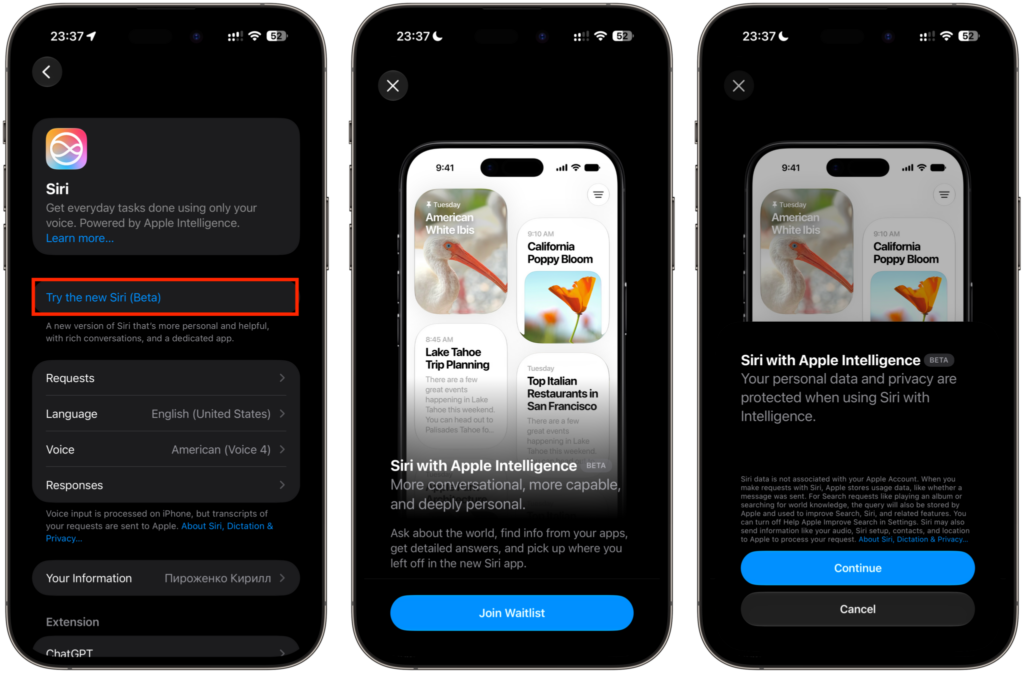
Join the waitlist for Siri. I got approved very quickly
Follow these steps in order, and within a few hours you’ll have the fresh assistant on your screen, ready to go.
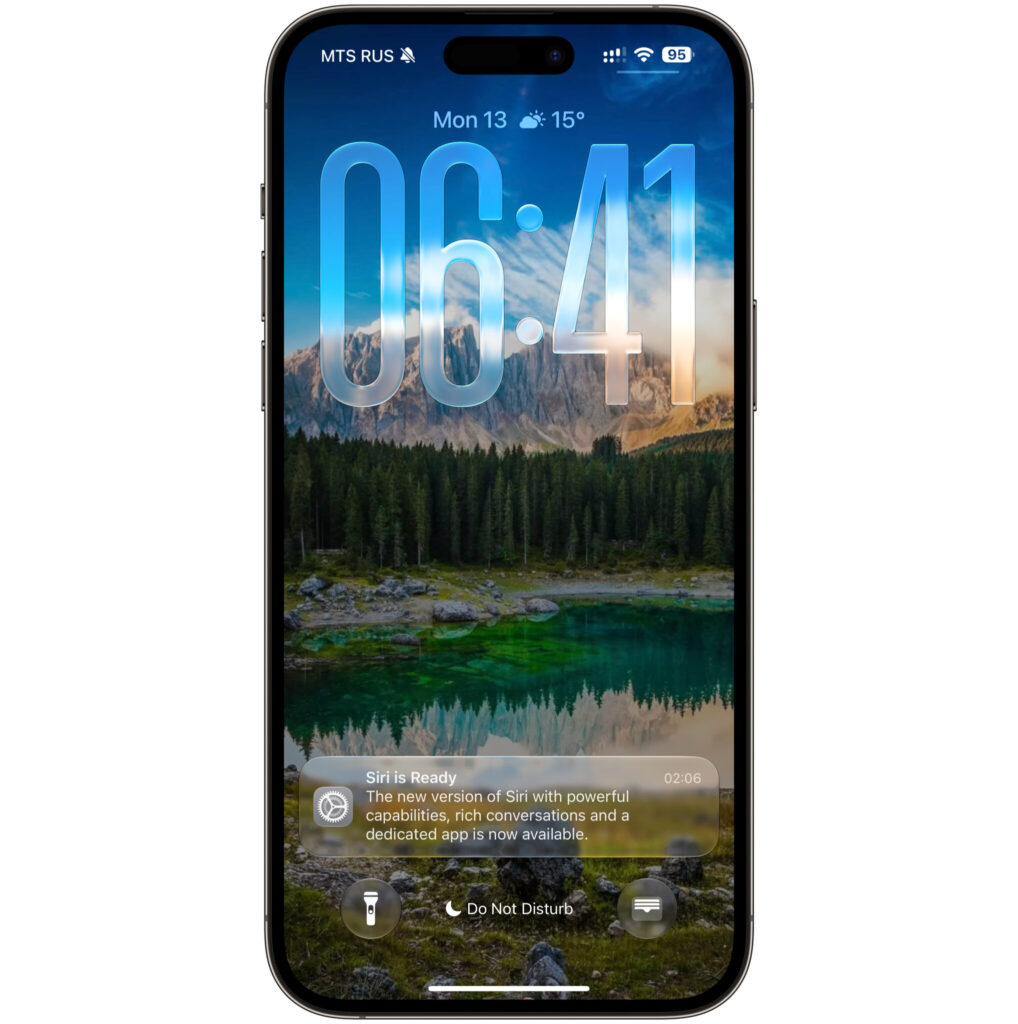
Joined the queue at 11:30 PM and by 2:00 AM got a notification that access was granted
A separate note about hardware. The smart Siri is quite demanding on resources, and on older models it either won’t launch or will lag. If you’re unsure whether your smartphone can handle the new feature, the system clearly shows which devices run the system smoothly and which are better off staying on the previous version.
Russian Language in Siri AI: How to Enable It
And now the most interesting part — probably the reason you came here. There’s no button to switch to Russian, but there is a working workaround that I’ve personally tested and use every day. Here’s the algorithm.
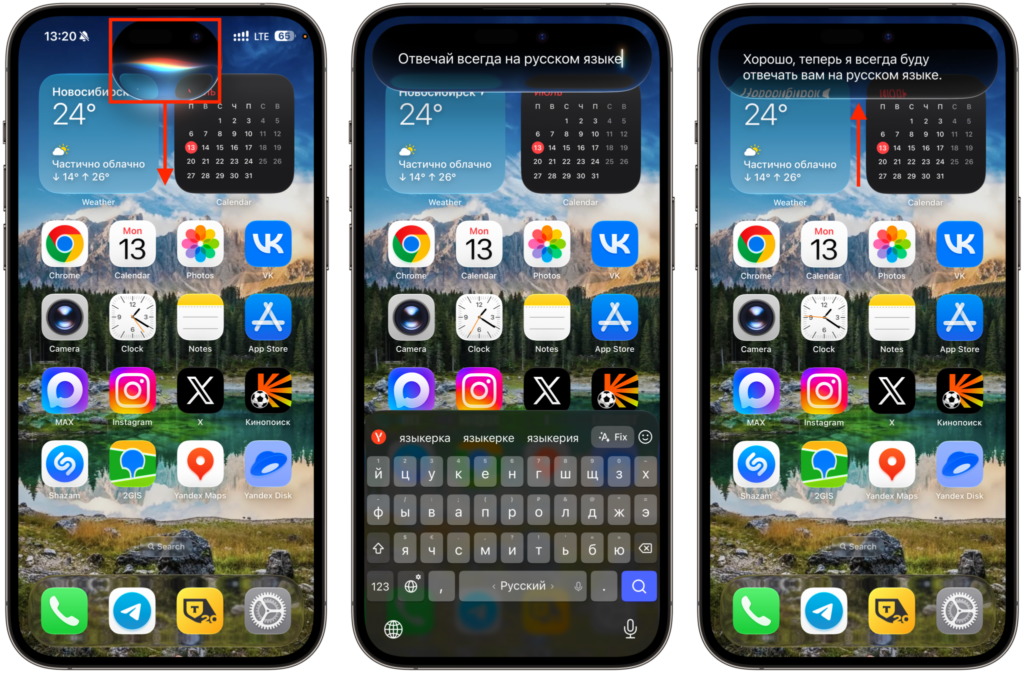
Give Siri this command
- Launch Siri AI with the side button, as usual.
- Wait until the characteristic cloud appears around Dynamic Island — this means the assistant is active. Don’t say anything out loud.
- Pull the cloud down with your finger to open the text input field with the keyboard. This is the key moment of the entire trick.
- In the opened field, type exactly one command in Russian: “always respond in Russian language” (отвечай всегда на русском языке). That’s it, nothing else is needed.
From this moment on, Siri switches to Russian and begins understanding questions in our language, and responds in Russian too. You can ask about anything — from weather forecasts to explanations of complex topics — and the assistant will keep Russian as the default.