Your order has been in transit for three days, and you can’t tell if it’s stuck at sorting or already waiting at the pickup point? Usually, you’d have to install five apps and enter the tracking number in each one. On Android, all of this is solved much more easily, and today I’ll show you how.
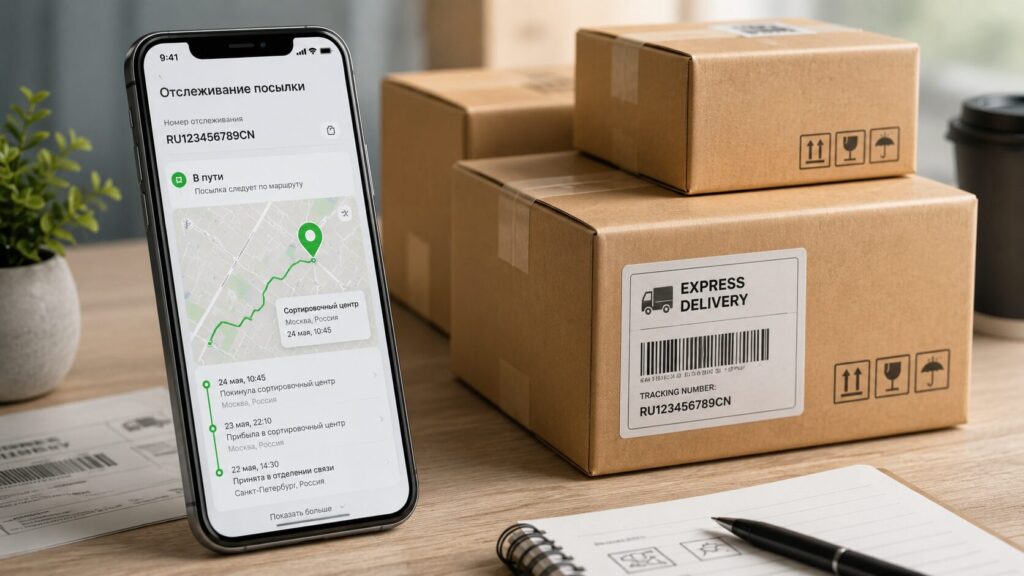
Here’s how to track packages across different services
Where to Track Packages in T-Bank on Android
The most convenient way to track packages in one app is the service built into T-Bank. It works with over a thousand shipping companies, both Russian and international. You enter the tracking number once and see the current status on a single screen — no jumping between CDEK and Russian Post apps.
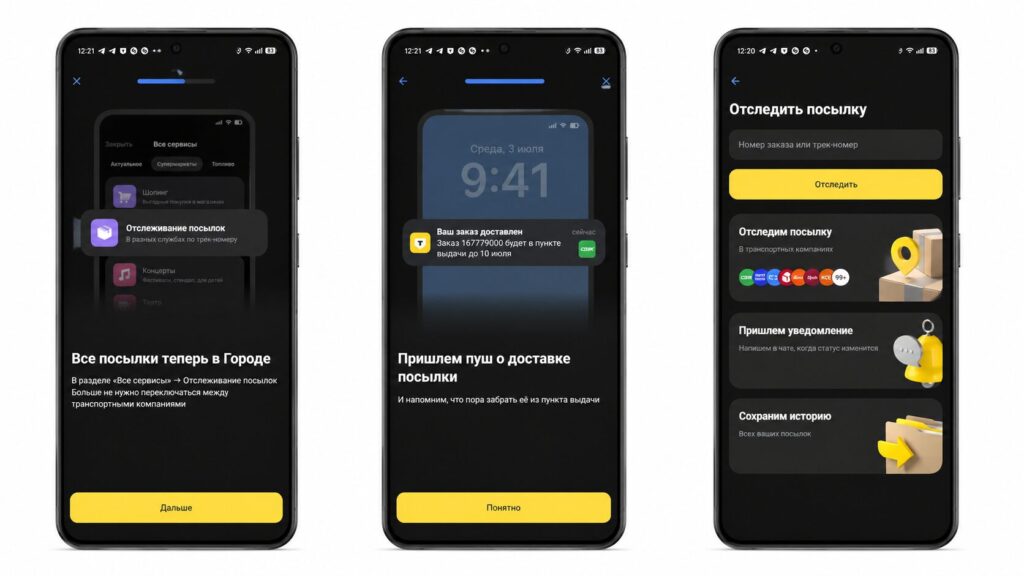
The service is built right into T-Bank — no need to download anything
What’s nice is that even those without a bank account can check where their package is: the service is also available on the tbank.ru website in the City section. If you can’t find it, just type “tracking” in the search bar. So now, a banking app is more than enough for basic package tracking.
Which Delivery Services Does T-Bank Support
All the major carriers used in Russia are connected to the service. These include Russian Post, CDEK, Boxberry, 5Post, DPD, Delovye Linii, Cainiao, and Yandex Delivery. In short, you can track a package by tracking number from virtually any service — there are over a thousand in total. You can view them all in the web version.
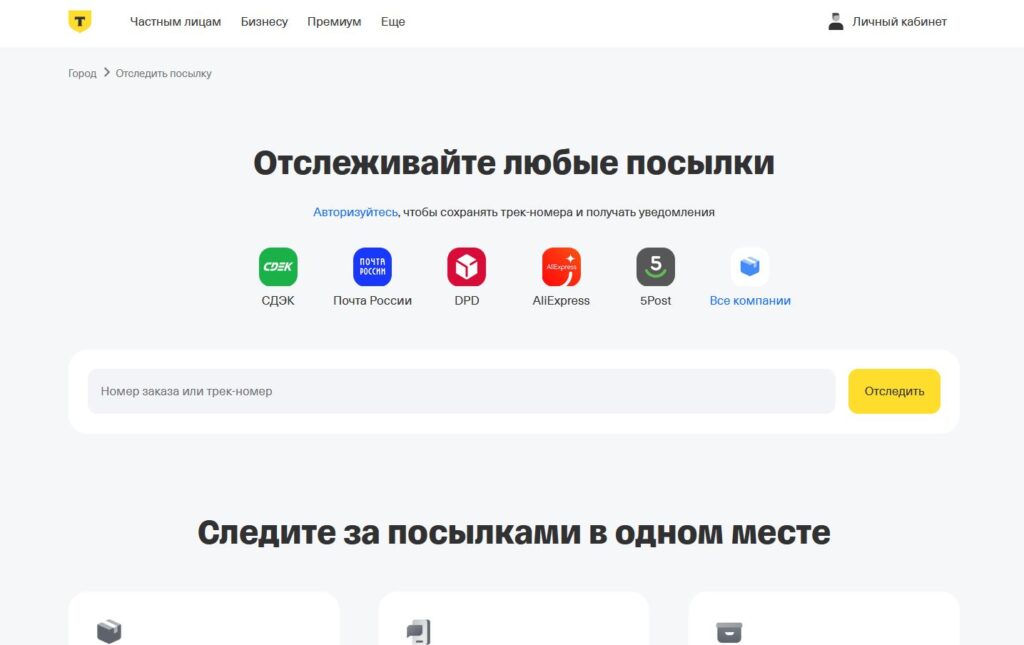
Just in case, there’s a web version
Support for international companies is especially helpful: when you order something from China, you won’t have to go to a foreign carrier’s website and figure out an unfamiliar interface.
How to Track Packages by Tracking Number in T-Bank
The process takes literally a minute. To add an order, do the following. First, open the T-Bank app on Android and go to the City section.
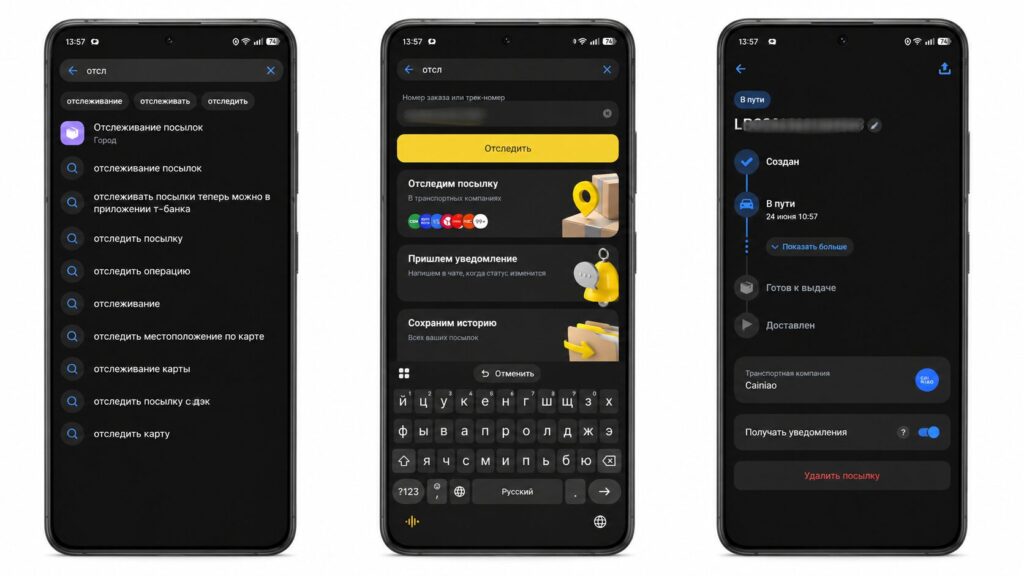
Just enter the number and wait for notifications
- Tap All Services and select Package Tracking.
- Enter the tracking number in the search bar.
- Tap Track.
After that, a widget will appear with the status and estimated delivery date, and the tracking number will be saved automatically. When the package arrives, you’ll get a push notification or SMS. It’s also convenient that you can give each shipment its own name instead of a faceless code: instead of RR123456789RU, it’ll say “Case from Ali” or “Gift for Mom.” If you’re juggling a dozen orders at once, this greatly simplifies package tracking.
Apps for Tracking Packages on Android
For those who don’t use T-Bank, standalone trackers will work. The app GdePosilka (WhereIsMyPackage) supports over 180 services and works as a Russian alternative to 17track. Its main advantage is that it combines statuses from different carriers into one chain: when a product from AliExpress is first shipped by China Post and then by Russian Post, you see the entire route in one place.
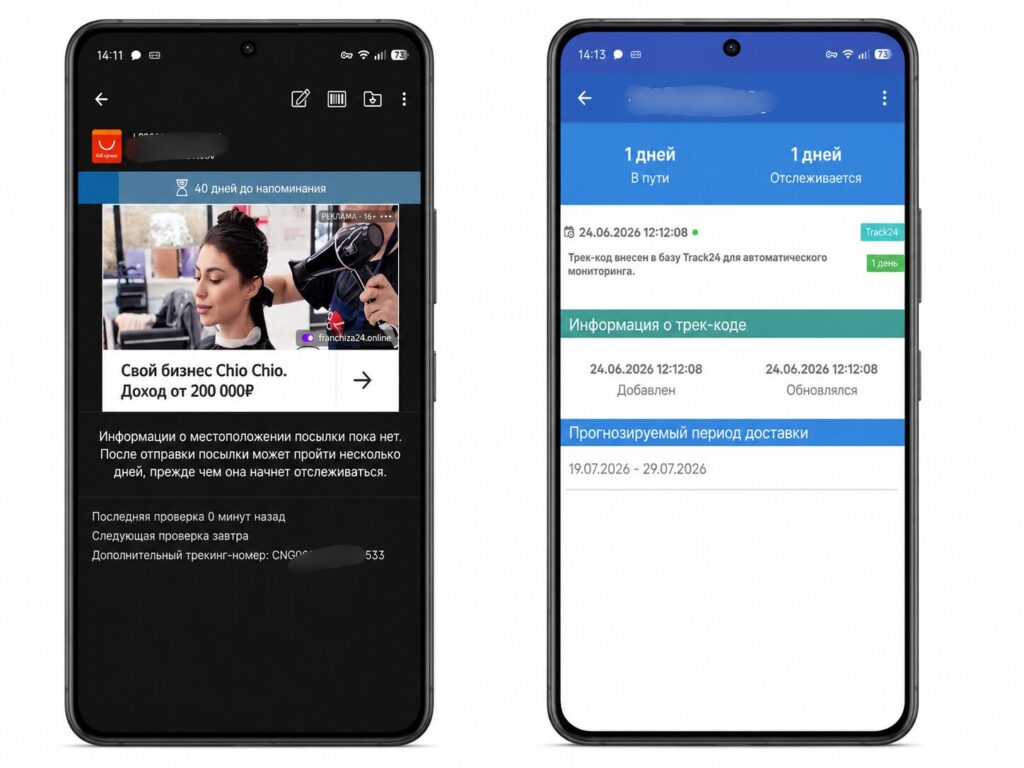
Third-party apps are also convenient
Similarly designed is Track24, which automatically identifies the carrier by the number and sends push notifications about status changes. What makes it more convenient is the lack of registration — just enter the tracking number and go.
The main perk of such trackers is that they often show the route in more detail and update the status earlier than the native tracking in AliExpress or Ozon Global themselves. So checking where your package is through them is sometimes easier than through the store itself. Only install them from trusted sources so you don’t pick up something unwanted instead of a tracker.


