Sometimes your phone balance drops to zero at the worst possible moment. Calls won’t go through, mobile internet shuts off, and you’re standing in the middle of the street with no idea what to do. It’s a situation many people know well. Fortunately, in 2026 you can top up your account in a dozen different ways — from good old terminals to a couple of taps in your banking app. The main thing is to know your phone number in advance, and then topping up will only take a couple of minutes. Below we break down all the current options so you can find the one that’s most convenient for you.
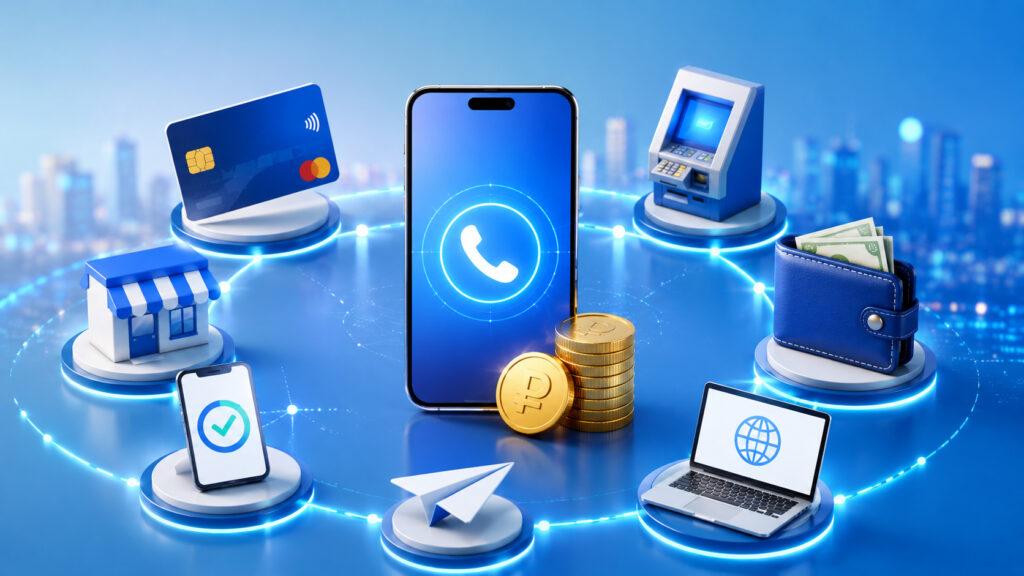
Breaking down all the options for how to add money to your phone
Where to Top Up Your Phone Balance with Cash
The most obvious and most reliable method is to visit a carrier store and top up your balance right there. This could be a branded MTS, Beeline, MegaFon, T2 (Tele2) store, or any other carrier. This method is suitable for those who prefer to handle things in person and want to be sure the money goes through.
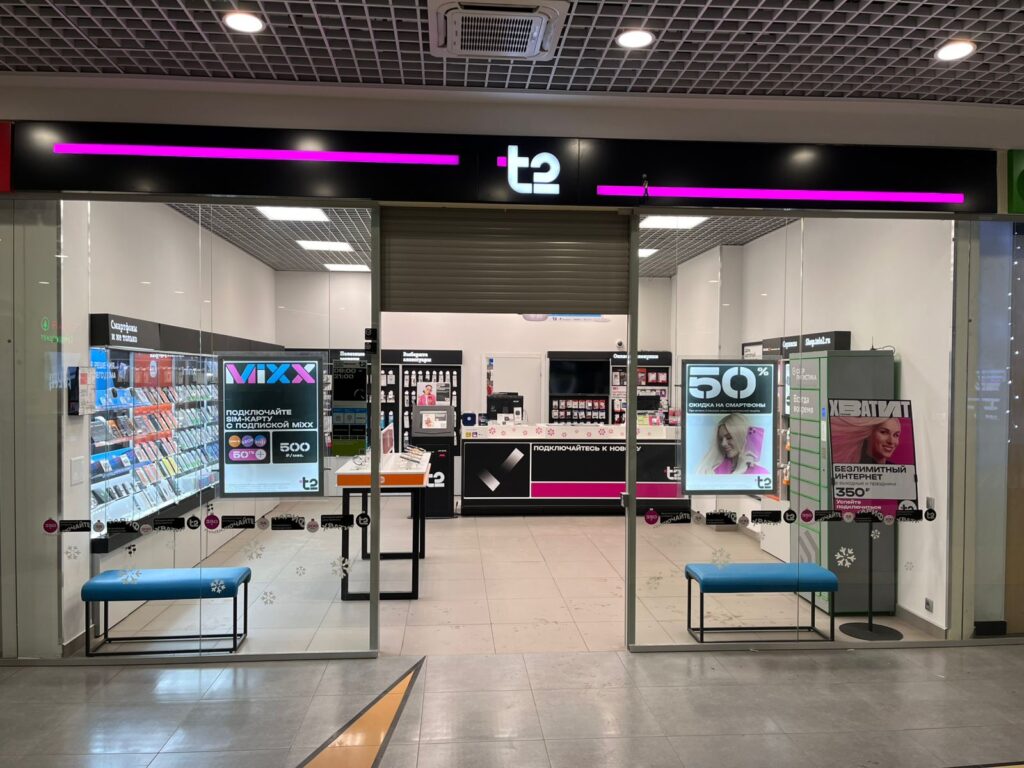
You can pay with either cash or a bank card. Image: tcatoll.ru
What you need to do: go to the nearest office, tell the consultant your phone number and the amount you want to add. You can pay with either cash or a bank card — both options are available at virtually any store. The consultant will process the payment through the register, and the money will be credited to your account instantly. They’ll even give you a receipt if you ask.
The advantages — you receive payment confirmation in hand and can immediately ask any questions about your plan or connected services. The downsides — you need to spend time traveling there and possibly wait in line. In large cities there are plenty of carrier offices, but in smaller towns the nearest store might be far away.
By the way, at the carrier’s office they can also help you with other questions. For example, if you don’t know how much money is left on your account.
How to Add Money to Your Phone via a Terminal
About five years ago, payment terminals were literally on every corner — in supermarkets, shopping centers, train stations, and even in apartment building lobbies. Now there are noticeably fewer of them, but payment terminals still operate in many large stores and retail chains. If you spot one, consider yourself lucky.
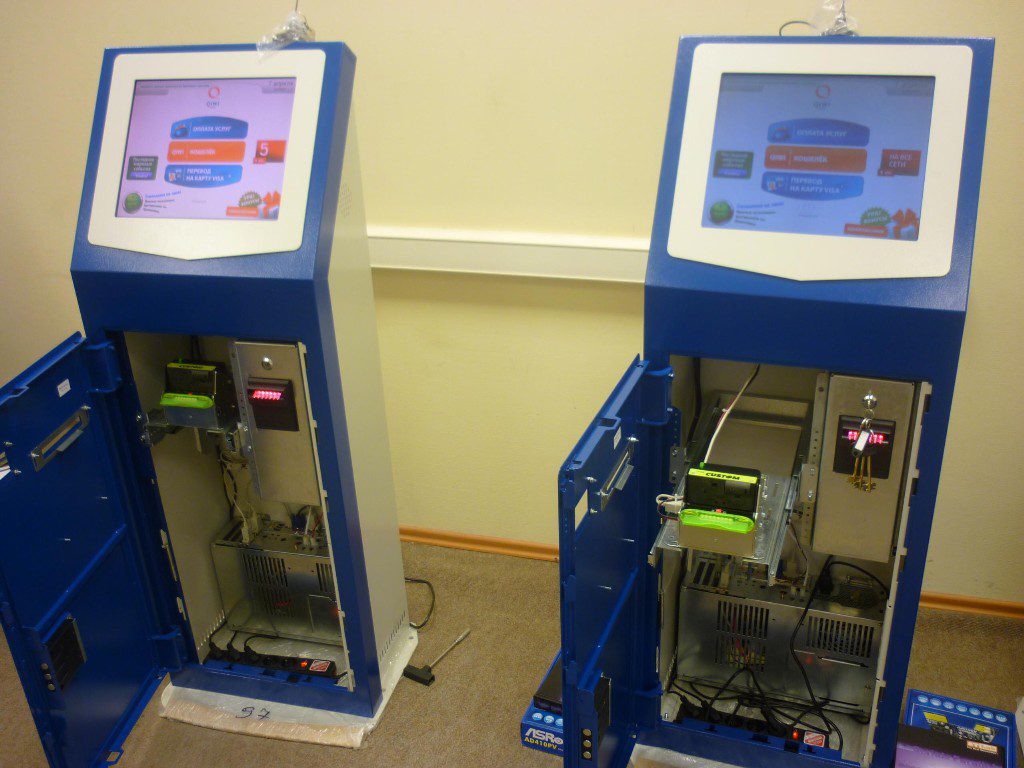
Remember these terminals? They can still be found in some stores. Image: alfa-kiosk.ru
Using a terminal is simple. On the screen, select the “Mobile Connection” or “Cellular Payment” section, then find your carrier in the list. Enter your phone number, verify it’s correct, and insert cash into the bill acceptor. Terminals only accept paper bills — you can’t insert coins. After inserting the required amount, press “Pay” and take your receipt.
An important point: most terminals charge a fee for top-ups. It can range from 3 to 10 percent depending on the terminal owner and your carrier. Before paying, be sure to check the screen — it will show the total amount including the fee. If the fee seems too high, it’s better to use a different method.
Another nuance — terminals don’t give change. If you insert 500 rubles but only wanted to top up by 300, you won’t be able to get the difference back. The entire amount will go to your balance. So it’s better to prepare bills of the right denomination in advance. Crediting usually happens within a few minutes but can sometimes take up to half an hour.
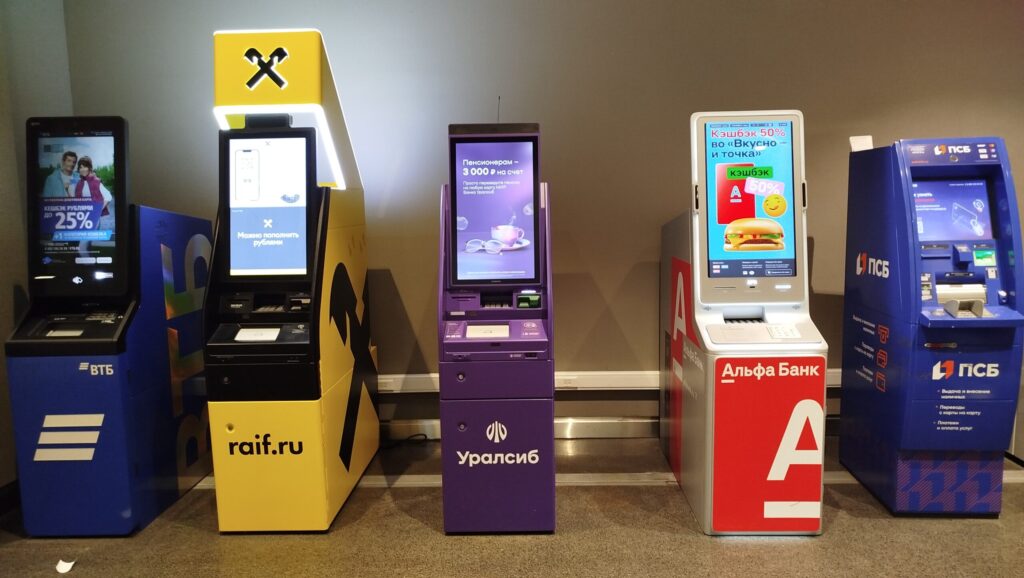
Don’t forget about ATMs. Essentially, an advanced payment terminal
An alternative to terminals is ATMs. Many ATMs support bill payments, including mobile top-ups. Insert or tap your card, find the “Payments” or “Pay for Services” section in the menu, select “Mobile Connection,” enter the number and amount. The money is deducted from your card, and the fee is usually minimal or nonexistent — depending on the bank. ATMs from Sber, T-Bank, Alfa-Bank, and other major banks definitely support this feature. They’re easier to find than payment terminals — they’re in practically every shopping center and near metro stations.
Pay for Mobile Service Through a Bank
This is probably the most popular method in 2026. Most people have a banking app on their iPhone, and topping up your phone through it takes about a minute without leaving home. Let’s walk through it using T-Bank as an example, though the process is roughly the same at other banks. Here’s what it looks like with T-Bank:
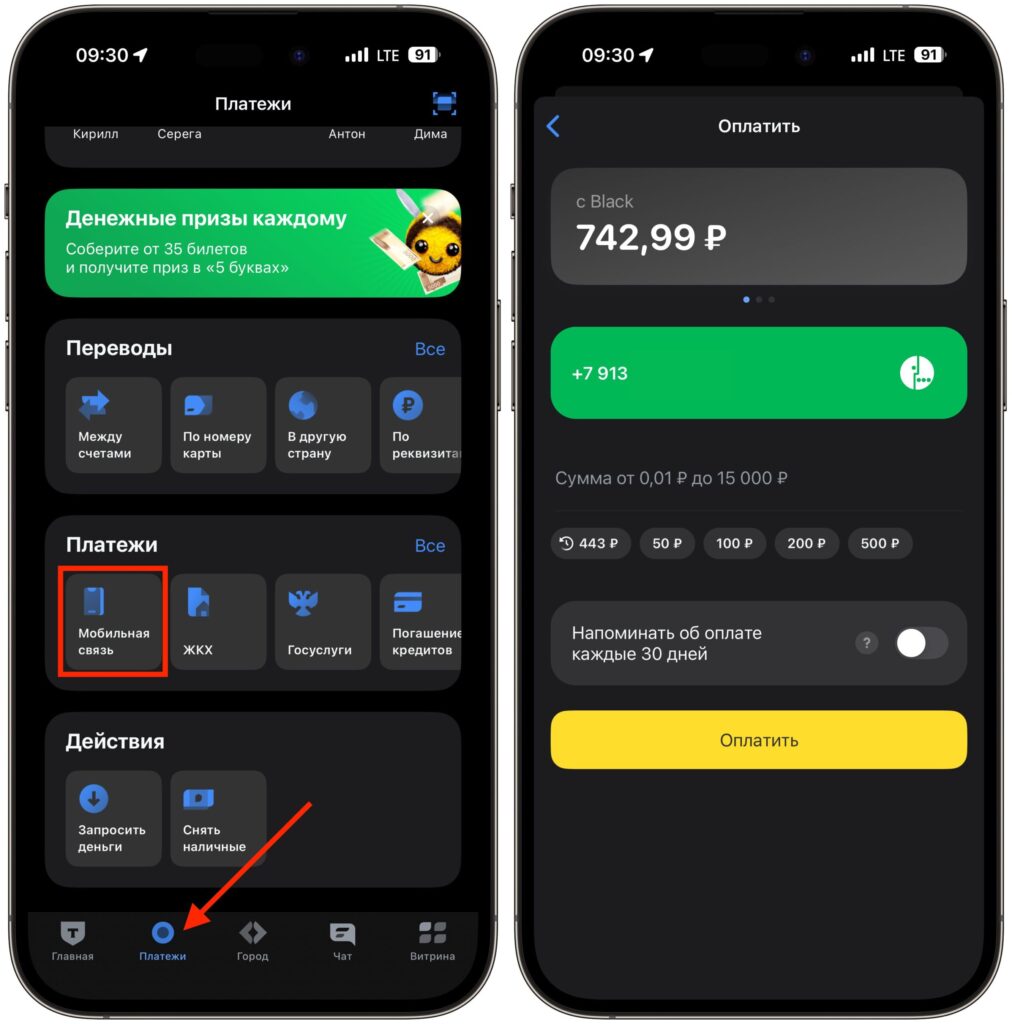
The process is more or less the same across all banking apps
- Open the T-Bank app and go to the “Payments” section.
- Find the “Mobile Connection” category — it’s usually at the top of the list or in your favorite payments if you’ve topped up before.
- Tap on it and enter the phone number to top up. You can enter your own or someone else’s — the app doesn’t care.
- Enter the amount. The minimum varies by carrier, but it’s usually starting from 10 rubles. The maximum is typically up to 15,000 rubles per transaction.
- Tap “Pay” and confirm the transaction. The money will be deducted from your bank account.
Crediting when paying through a banking app happens almost instantly. In most cases there is no fee — banks don’t charge extra for mobile top-ups. This is one of the main advantages of this method. Plus, your payment history is saved in the app, so next time you won’t even need to enter the number.
It’s also worth noting that banking apps often let you set up auto-payment. You set a threshold — for example, “when the balance drops below 100 rubles, top up by 300” — and you never have to think about topping up again. Your phone will always stay connected.
Add Money to Your Phone Through the MTS, Beeline, MegaFon, or T2 App
Another convenient method is to top up your balance directly in your mobile carrier’s app. MTS, Beeline, MegaFon, and T2 all have their own apps for iPhone, and all of them let you manage your balance. Let’s walk through it using MegaFon as an example, but the logic is similar across all carriers.
An important point that many people don’t know: apps from all major carriers work even with a negative balance. That means if your account is in the red and your internet has been cut off, you can still open the carrier’s app and top up.


