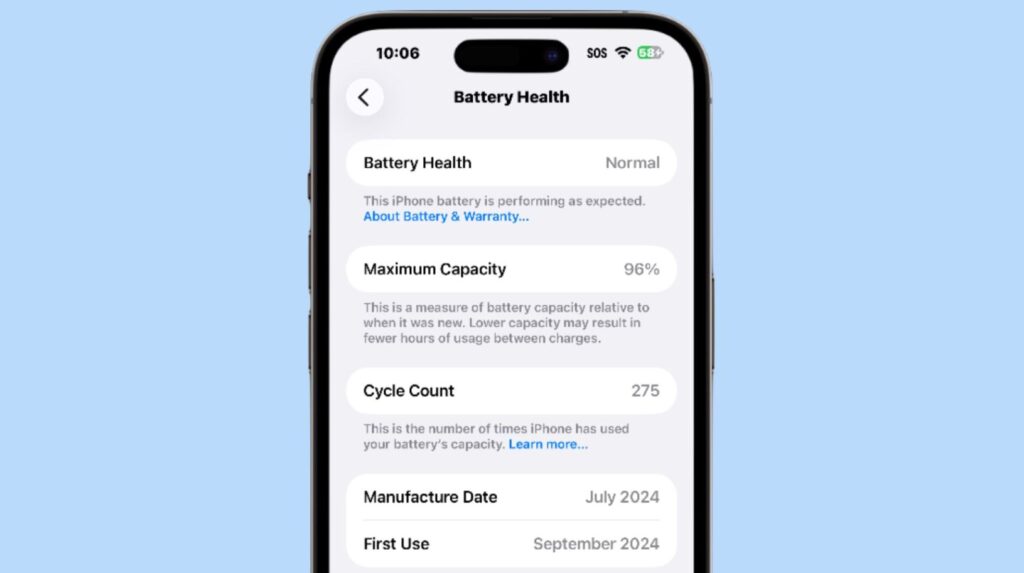
Almost every iPhone owner has heard strange clicks from the case at least once and thought for a second that their smartphone is about to fail. Most of the time, the strange sound turns out to be harmless, but sometimes the iPhone does hint at a malfunction in advance — and not just through sound. Let’s figure out which signals should be taken seriously, which ones can be safely ignored, and how to distinguish normal wear from a real breakdown.
Figuring out how to tell if your iPhone is about to break
Does an iPhone Break with a Sound
An aging iPhone doesn’t have a mandatory “death rattle.” It may drain faster, shut down in the cold, lose performance under load, or suddenly reboot — all without a single click from the case. A separate case is when an iPhone slows down after a major update, but this is more often related to iOS itself rather than the hardware.
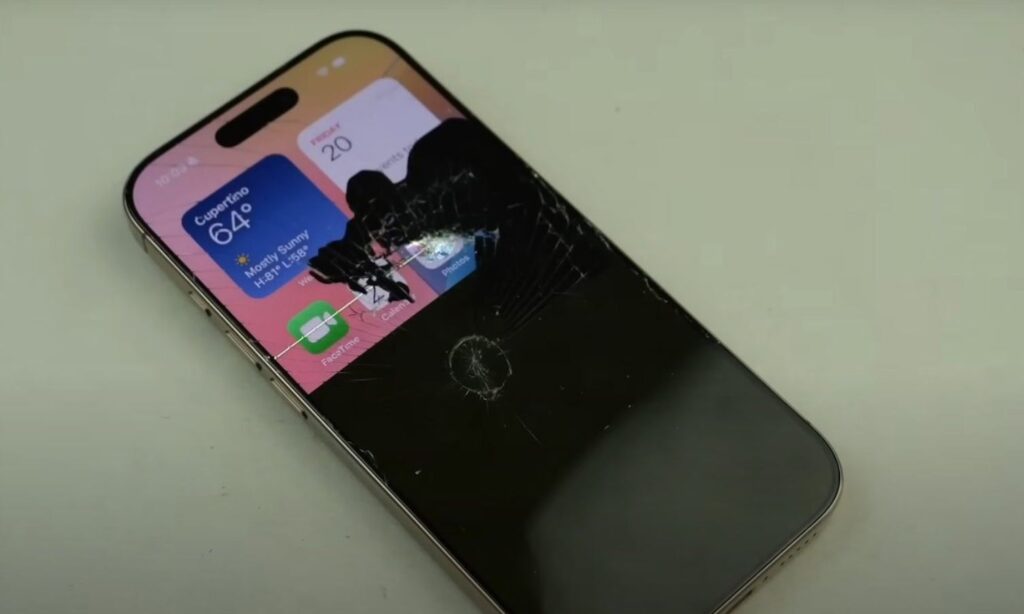
There’s practically nothing in an iPhone that can break with a sound
Apple has specific numbers for this. Batteries of iPhone 14 and earlier models are designed to retain approximately 80% of their original capacity after 500 full charge cycles under ideal conditions. Starting with iPhone 15, the same threshold is reached after 1,000 cycles. But there’s no hard line beyond which the smartphone suddenly fails: one unit continues working fine, while another starts unexpectedly shutting down because the battery can no longer deliver the required peak power.
So if your iPhone drains quickly, experiences voltage drops, and random shutdowns, this in itself is almost unrelated to sound. However, a new crackling, hissing, or clear mechanical knocking — that’s already a reason to look more closely: the cause may not be normal wear but a specific component inside the case.
Click and Hiss from the iPhone Case: What Does It Mean
Lithium-ion batteries have an unpleasant feature: when serious internal damage occurs, events develop quickly. Temperature rises, pressure inside the cell increases, and chemical reactions are triggered. At some point, the excess gas needs to escape, and then the battery produces a short click followed by hissing. Researchers from the American standards institute NIST call this sound click-hiss.
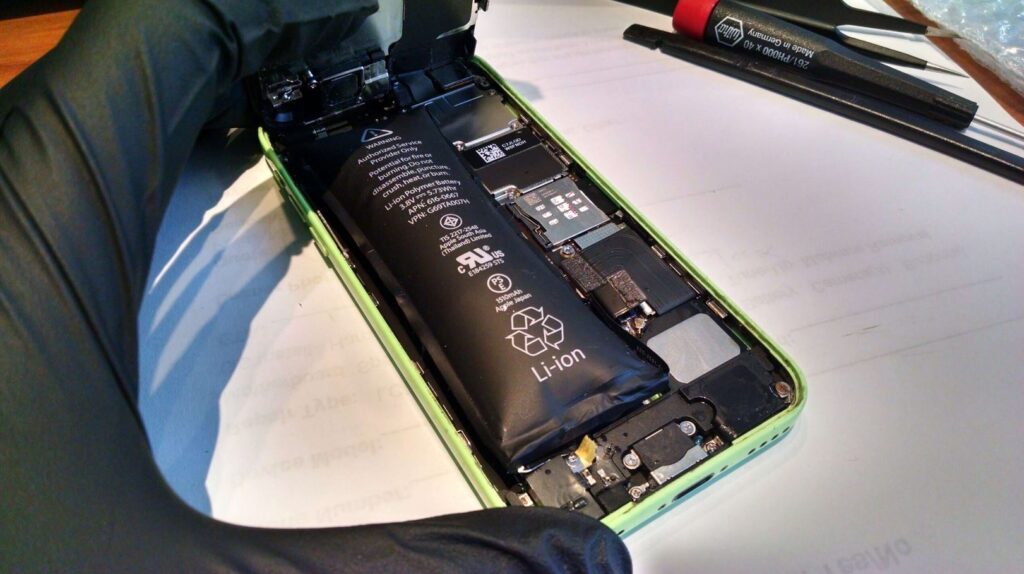
As an option, the battery can fail with a sound
In laboratory tests, specialists collected 1,330 recordings of the early stage of thermal runaway and added 1,128 ordinary household sounds so the system wouldn’t confuse the danger signal with background noise. On ten-second fragments, the model recognized the problem with an accuracy of about 93.9% and a recall of 97.7%.
It’s easy to overreact here. The study was conducted on individual lithium-ion cells, not on iPhones, so any click from a smartphone cannot automatically be classified as a harbinger of fire. It’s a different matter if the new sound comes specifically from the case and appears together with intense heat, swelling, or a sharp chemical smell. Such a combination is definitely not worth checking on the “let’s see what happens next” principle.
An old battery usually doesn’t hiss on its own. It simply holds charge worse and sags under load. The sound from gas release in an emergency scenario has a different nature entirely, and sometimes tells you more about the battery than the familiar percentages in the “Battery Health” section — although those are worth checking too.
Why Does the iPhone Camera Rattle When Shaken
In fact, the iPhone camera has moving parts. Optical stabilization shifts the lens to compensate for hand tremor, and the autofocus system moves the lenses to maintain sharpness. Apple explicitly states that iPhones use OIS and a closed-loop autofocus system that are sensitive to strong vibrations at certain frequencies. So a slight sound from the camera area by itself doesn’t prove anything.
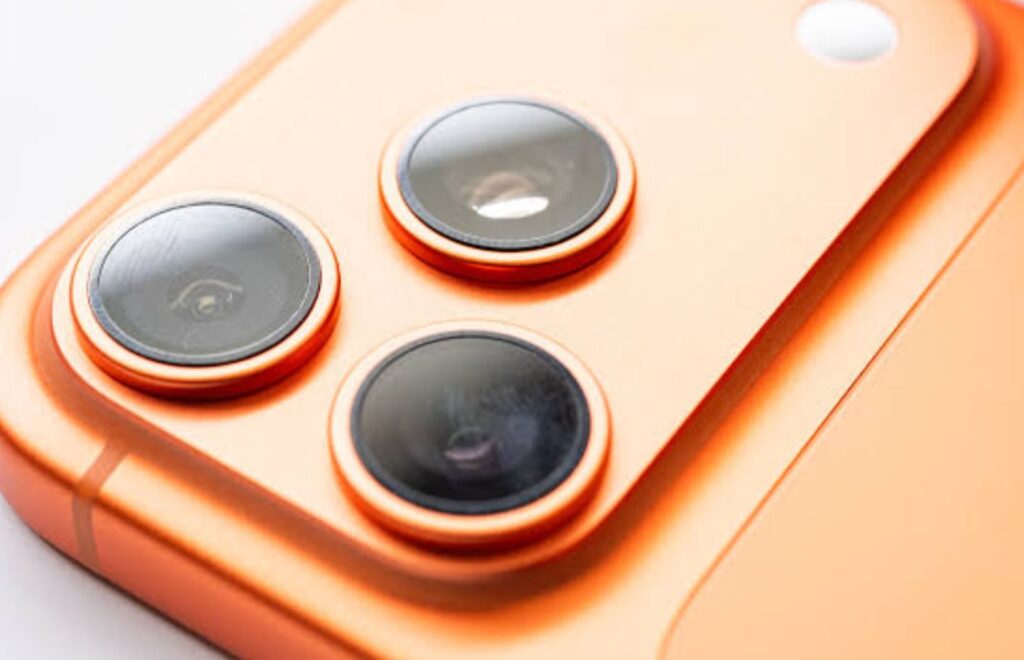
The iPhone camera makes noise when shaken due to moving parts
It’s a different story if noticeable symptoms accompany the rattling: the camera can’t lock focus, the image shakes on its own, a humming appears during shooting, or the lens jerks without any movement of the smartphone. Here we’re already talking about a possible problem with the stabilization module or autofocus. You should be especially wary after a drop or prolonged riding with an iPhone rigidly mounted on a motorcycle: Apple separately warns that strong high-amplitude vibrations over time degrade the performance of OIS and autofocus.
Crackling and Distortion from the iPhone Speaker
The speaker rattles at high volume, the caller’s voice sounds raspy, music seems to come through an old radio. Unpleasant, but it’s too early to bury the iPhone. Very often the problem lies in the speaker itself, its grille, or moisture — not deep on the circuit board. Here’s yet another sign that your phone may not have long left.
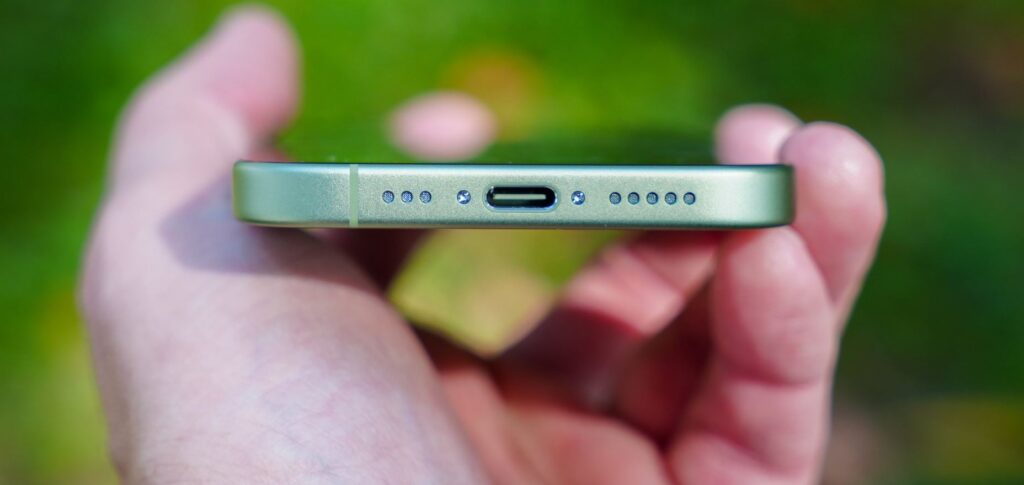
Pay close attention to noises from the iPhone speaker
However, Apple advises first checking the basics: remove the case and screen protector, clean the speaker openings with a dry soft brush. This isn’t an empty formality: a layer of dust can noticeably ruin the sound, especially on the earpiece speaker with its tiny mesh. After water exposure, the picture can also be alarming: the sound becomes muffled, starts crackling, or loses volume until the moisture evaporates.
What matters is where and when the distortion appears. If the speaker only crackles at maximum volume, that’s one scenario. If crackling is audible even at a low level, across all apps and on any recordings, there’s reason to suspect the speaker itself or the consequences of damage.
How to Check iPhone Battery Health
Sometimes it’s more useful not to listen to the smartphone but to look into its settings. The first thing to check is the battery. Open “Settings,” the “Battery” section, and the “Battery Health” item. It shows the maximum capacity as a percentage and has a line about peak performance.