In iOS 27, Siri has its own dedicated app with a familiar chatbot interface: a text field, conversation history, and the ability to attach files. The most interesting part is that you can switch from Siri to ChatGPT right in the middle of a conversation without closing the window or launching third-party apps. By default, the new Siri AI responds, but the choice is yours.
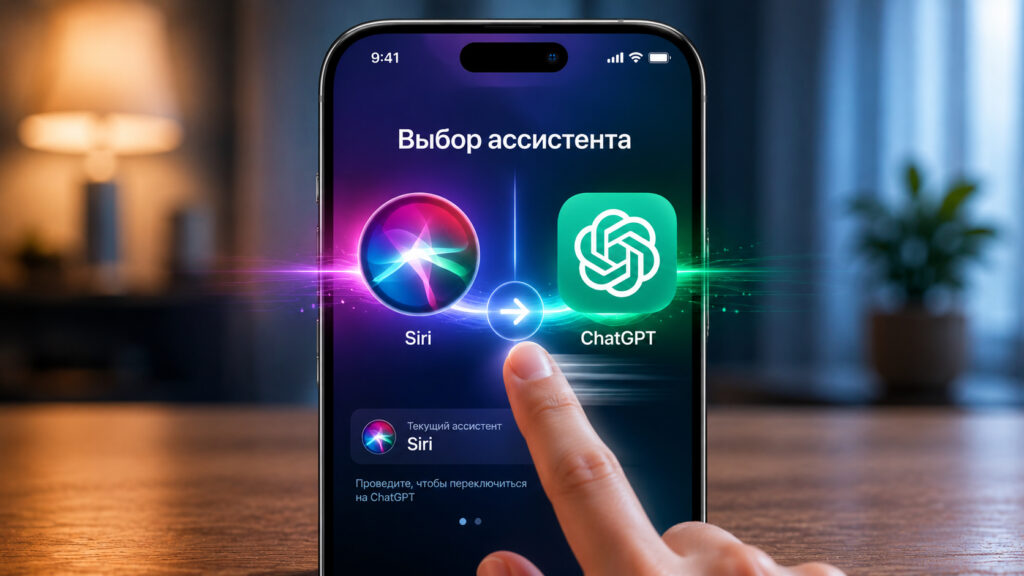
Understanding how assistant selection works in iOS 27
How to Choose ChatGPT Instead of Siri in iOS 27
The app itself looks like a regular messenger: a text field at the bottom, support for images and files, and a sidebar with past conversations. This is no longer a voice assistant in the traditional sense, but a full-fledged conversational partner in chat format. You type a question, get a detailed answer, and if needed, clarify details with a follow-up message.
A nice bonus: working with files and images right in the chat. You can send a screenshot, document, or photo and ask the assistant to analyze the content. This makes Siri similar to other chatbots that many people are already used to on their computers and in browsers.
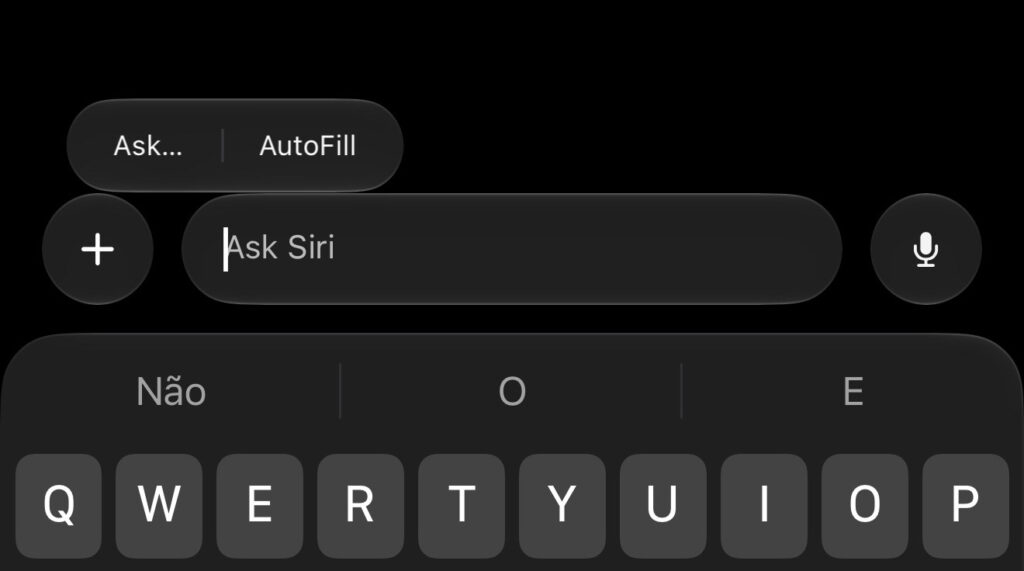
Tap on Ask
To switch models, you need to long-press the input field and tap “Ask…”. After that, a small window pops up with a choice between Siri and ChatGPT. There are no other options yet, although theoretically Apple could later connect third-party chatbots as well.
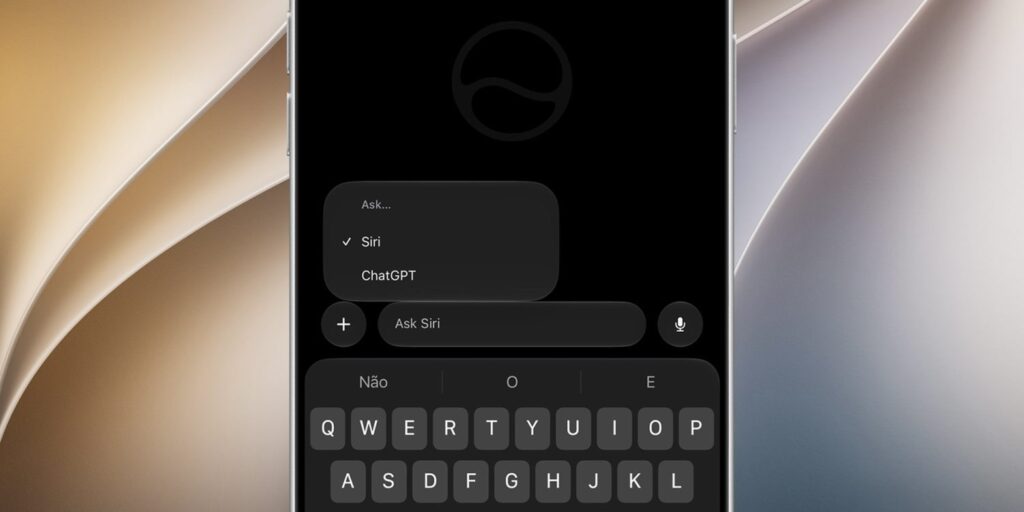
Then select ChatGPT
An important detail: ChatGPT appears in the app as an alternative model regardless of the ChatGPT extension in settings (Settings, Siri, ChatGPT). You don’t need to activate anything separately — the toggle is available right away.
Why ChatGPT Can’t See Your Conversation with Siri
The main limitation you should know about in advance: conversation context is not transferred when switching models. If you started a conversation with Siri and then switched to ChatGPT, it won’t see the previous messages. This works the other way around too: Siri doesn’t get access to the part of the conversation handled by ChatGPT.
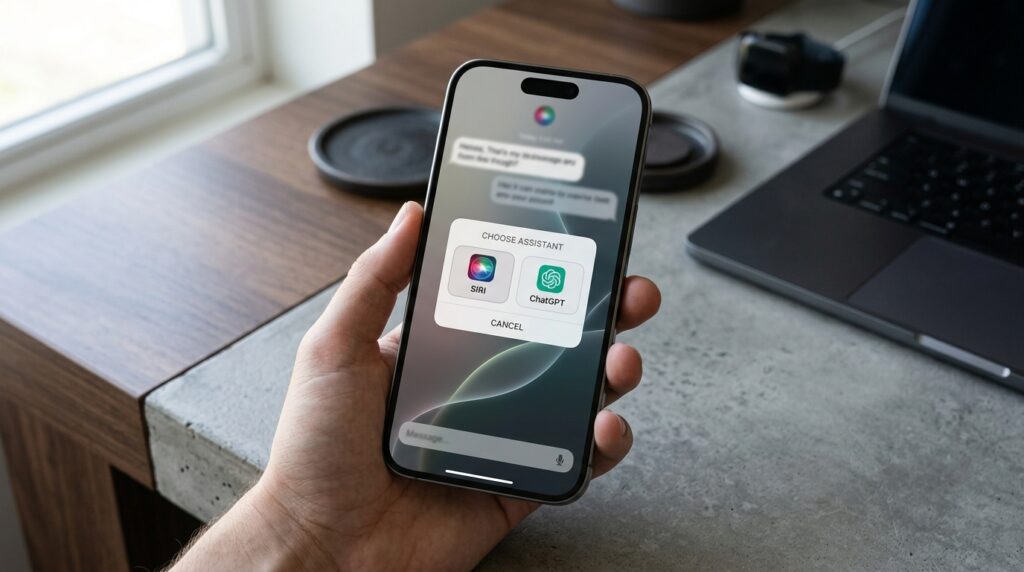
When switching between assistants, ChatGPT won’t see the conversation with Siri
In practice, this means that switching won’t help you “hand off” a task to the second assistant along with all the details. Essentially, you have two separate conversational partners in one window, and you have to re-explain the context to each one. It becomes slightly more convenient if you keep a complex query in one chat and use the other for quick clarifications.
There’s also a workaround: if it’s important to preserve your train of thought, it’s easier not to switch mid-conversation but to choose the right model from the very beginning. This way you won’t lose context and won’t have to repeat yourself. It sounds like a small thing, but in real-world use, it noticeably saves time.
Can You Make ChatGPT the Default Assistant
There’s another quirk that might dampen the experience. After relaunching, the app reverts back to Siri, even if ChatGPT was selected in an unfinished conversation. It’s unclear whether this is a bug in the iOS 27 beta or an intentional design choice. Judging by other beta features, Apple usually irons out such rough edges closer to the final release.
A related downside: you cannot set ChatGPT as the default model. Every time you need it specifically, you’ll have to switch manually. It’s possible that Apple will add a permanent selection in future builds, but as of the beta, it’s not available.
How the New Siri App Works on iPhone
Previously, Siri existed as a pop-up animation overlay on the screen and responded primarily by voice. Now it’s a separate icon on the home screen that you open like any other app. The difference is fundamental: you can see your entire query history, go back to an old answer, copy it, or continue a thought you started.
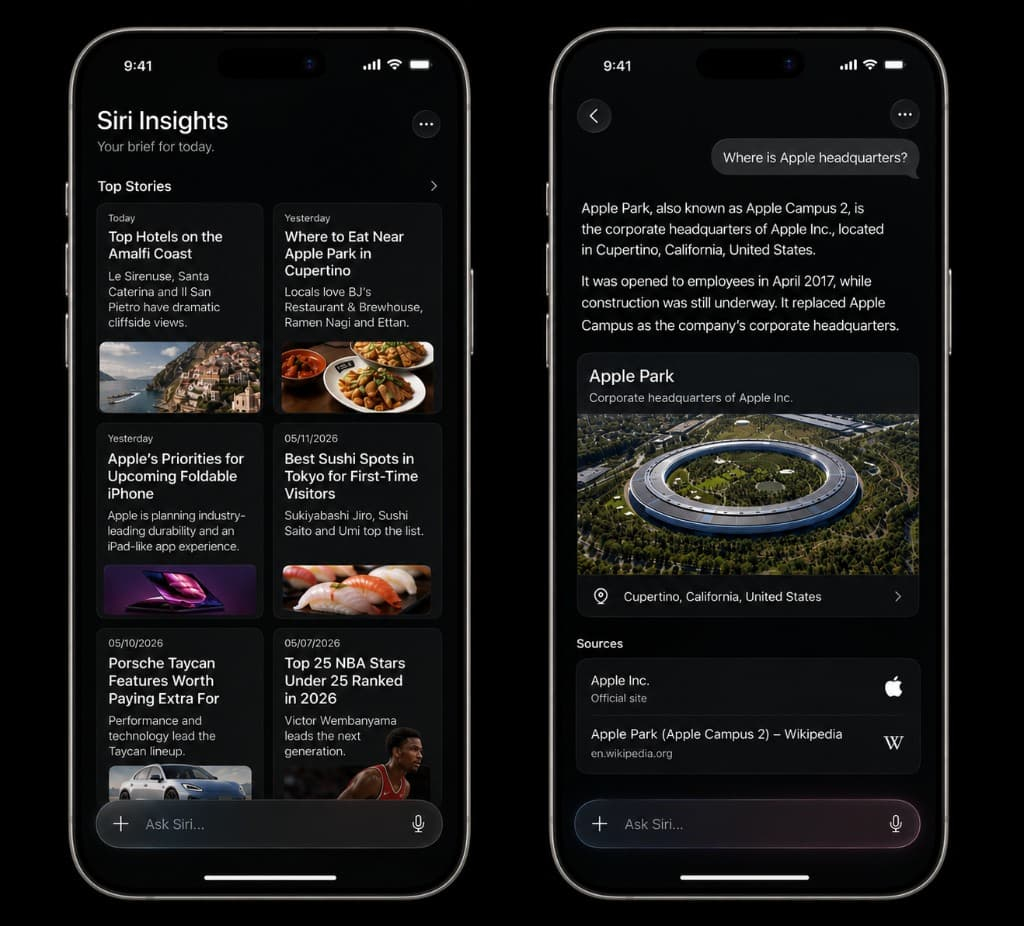
Siri finally has a full-fledged app
Another advantage of the new format: you can place the app in the Dock or on the first screen and open it with a single tap. Siri is no longer just a reaction to a command — it has become a tool you return to deliberately. For those who type a lot and work with text, this is a noticeable convenience.
The chat format significantly changes habits. Voice is convenient for giving short commands on the go, while text makes it easier to formulate complex queries and work with documents.
Is It Worth Using the New Siri in iOS 27 Right Now
Remember that the new Siri is still in beta
In short, there’s been no revolution, and rushing to update just for one button is definitely not worth it. The ability to choose ChatGPT right inside Siri will be useful for those who already use both assistants and want to keep them in one place without jumping between apps. For those who only use Siri or only ChatGPT, the new toggle doesn’t add much.
For everyone else, there’s no rush: this is still the iOS 27 beta, the feature’s behavior changes from build to build, and the reset to Siri along with the lack of shared context make it somewhat rough around the edges for now.


