A winter morning, it’s a good day if it’s only minus fifteen outside, and all you need to do is say “Alice, start the car.” While you finish your coffee and look for your other glove, the engine is already running, the cabin is warming up, and the windows are defrosting. No key fobs, no stepping out onto the balcony in slippers into the snow. And yes, you can set all of this up right from your iPhone, and then give commands by voice through a Yandex Station. The StarLine alarm system with a GSM module now has this capability, and anyone can set it up.
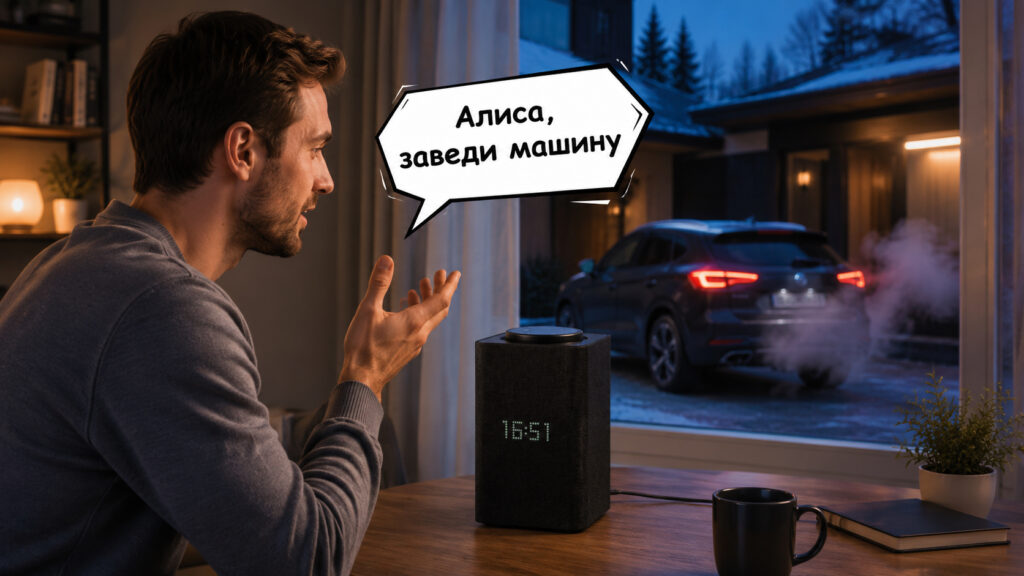
You can now start your car practically from your bed
Controlling Your Car Through Alice and StarLine
Let’s start with the main point: voice commands can do more than just start the engine. StarLine through Alice can do almost everything you’re used to from the company’s proprietary app.
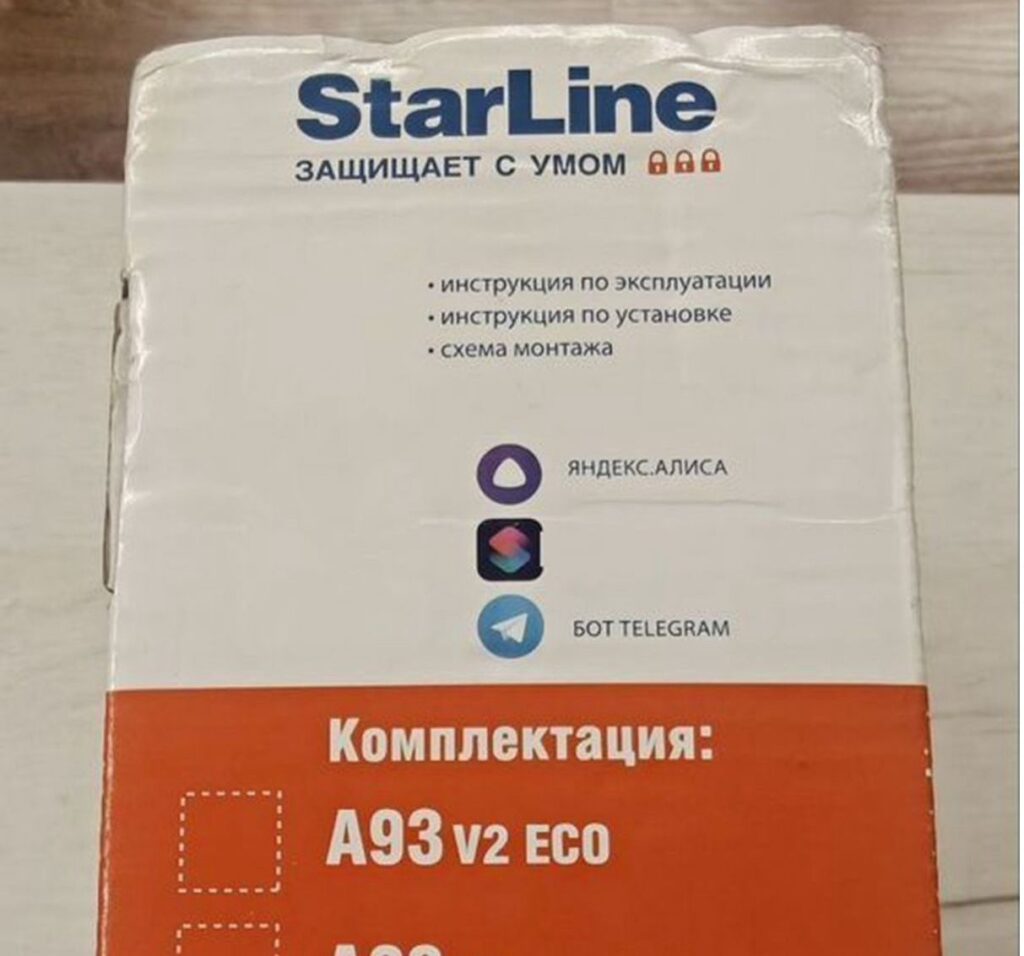
Even the boxes say Alice is supported
The list of commands is quite impressive:
- Starting and stopping the engine, and on cars with a pre-heater — turning it on.
- Arming and disarming the alarm.
- Opening the trunk and the “honk” command to find your car in a parking lot.
- Status requests: battery charge, SIM card balance, fuel level, engine temperature, and cabin temperature.
- Vehicle location and mileage.
- Enabling service mode.
So Alice doesn’t just crank the starter. You can actually ask “what’s going on with the car?” and hear back whether it’s armed, how many degrees the cabin is, and whether it’s time to top up the SIM card in the alarm module.
And all of this is answered by a smart speaker. Voice recognition works smoothly, and the car’s status is spoken aloud while you’re getting ready.
How to Connect StarLine to Alice on iPhone
The pairing process itself is simple, and anyone who has ever added a device to a smart home can handle it. The main thing is to have a recent StarLine system with a GSM module and remote start functionality. Very old alarm systems don’t support this.
Everything is done right from your smartphone, no messing around with a computer:
- Open the StarLine app on your iPhone, go to the menu and find the “One-time password” option, then tap “Generate.” You can also get the password from the starline-online.ru website in your account settings.
- Install the Yandex app with Alice or the separate “Home with Alice” app on your iPhone and go to the “Smart Home” section.
- Find StarLine in the device list and tap “Link to Yandex.”
- Enter or dictate the one-time password when Alice asks for it, and confirm the account linking.
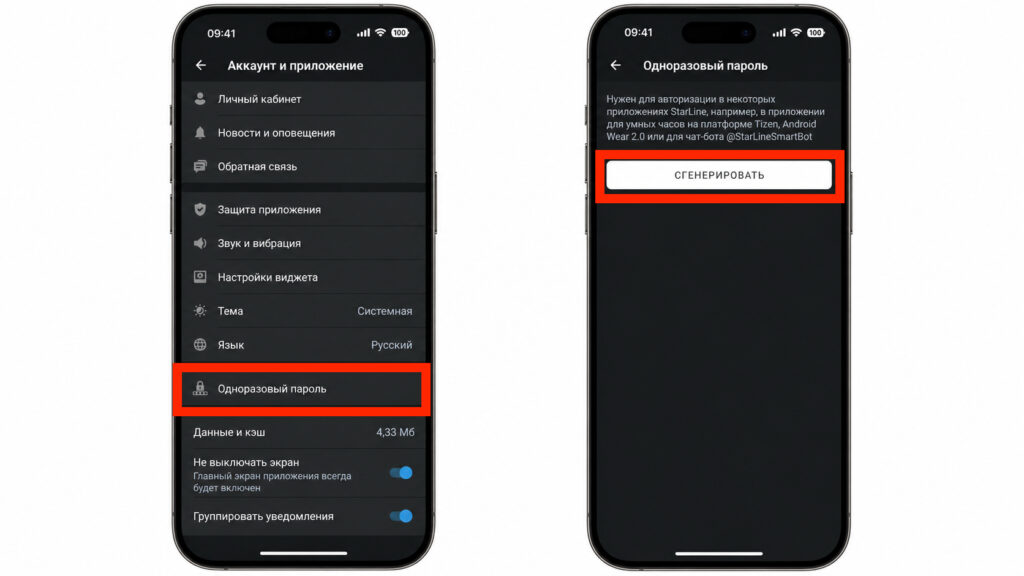
Generate a one-time password
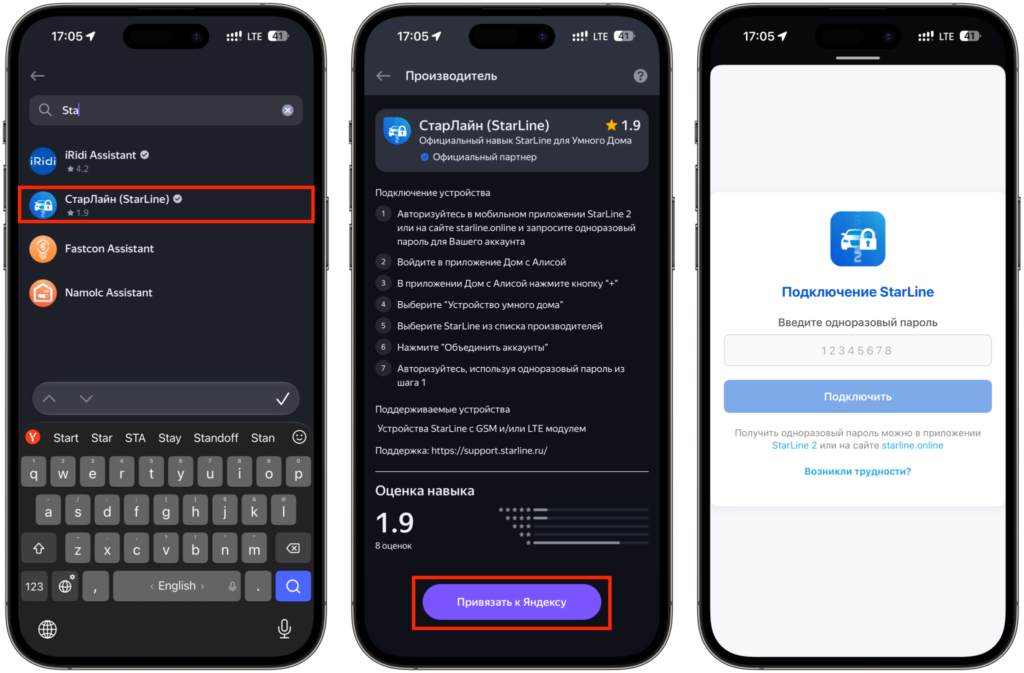
Then link the alarm system to Alice using this password
A couple of notes from user experience so you’re not surprised. The password is called one-time, but it’s really only needed once, during the initial pairing. You’ll only be asked for a new one if you unlink the device or reconnect the alarm to a different speaker.
Another subtle point: if you have multiple cars and multiple speakers, it’s worth renaming the devices in the app so that family members don’t accidentally start the wrong car with the command “start the car.”
StarLine Remote Start with Yandex Station
And then comes the best part — there’s nothing else to configure. As soon as StarLine is linked to “Smart Home,” the speaker already understands the command “Alice, start the car.” No need to create scenarios or come up with convoluted phrases like “ask StarLine to start the engine” — everything works out of the box.
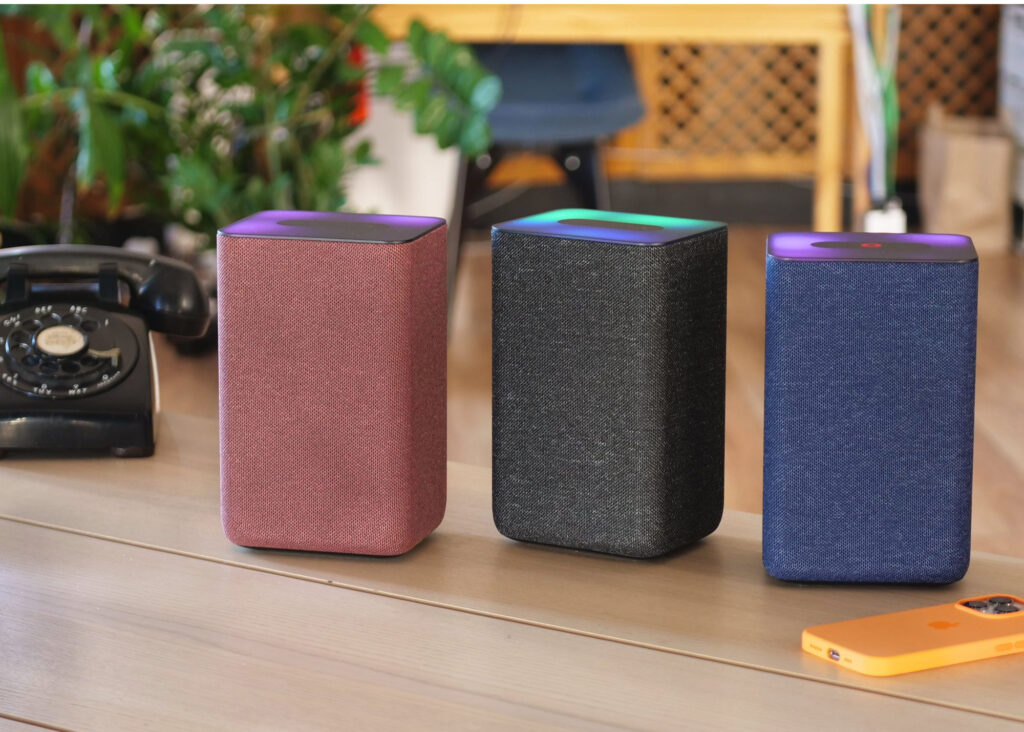
Now all you need to do is ask Alice to start the car through any Yandex Station, and you’ll arrive at a warmed-up vehicle
Starting from a Yandex Station triggers instantly. You say the phrase in the room, the speaker sends the command to the alarm module, and the engine starts running while you’re getting dressed in the hallway. Exactly what this was all designed for.
You can also start the car from your smartphone, but you’ll need to wake Alice up first, while the speaker listens constantly. So at home it’s more convenient to talk to the speaker directly.
And a nice bonus for today’s reality: the skill runs on Yandex servers and works even in areas where mobile internet is restricted or filtered by whitelists. For many regions, this has become not a minor detail but a real selling point.
Is It Worth Connecting StarLine to Alice
In short — yes, especially if you live somewhere with real winters. Voice-activated remote start saves those five minutes every morning that usually go to fumbling with a key fob and waiting by a cold car. And the ability to ask Alice at any moment what’s going on with the car, whether it’s armed, and how much fuel is in the tank quickly becomes a habit.
On the downside — you need a relatively recent StarLine system, and the initial setup might seem unclear at first. But it’s a one-time ten-minute task, after which you spend years just saying “start the car” and going to drink your coffee. In my opinion, this is exactly why we love smart homes: technology handles the boring routine by itself, and you just say one phrase.


