Restoring a blocked MAX account is now possible directly in the app, without contacting support. The feature works through Mobile ID technology from mobile carriers and is available only with Russian SIM cards. Let’s break down how it works and in which cases the method won’t work.
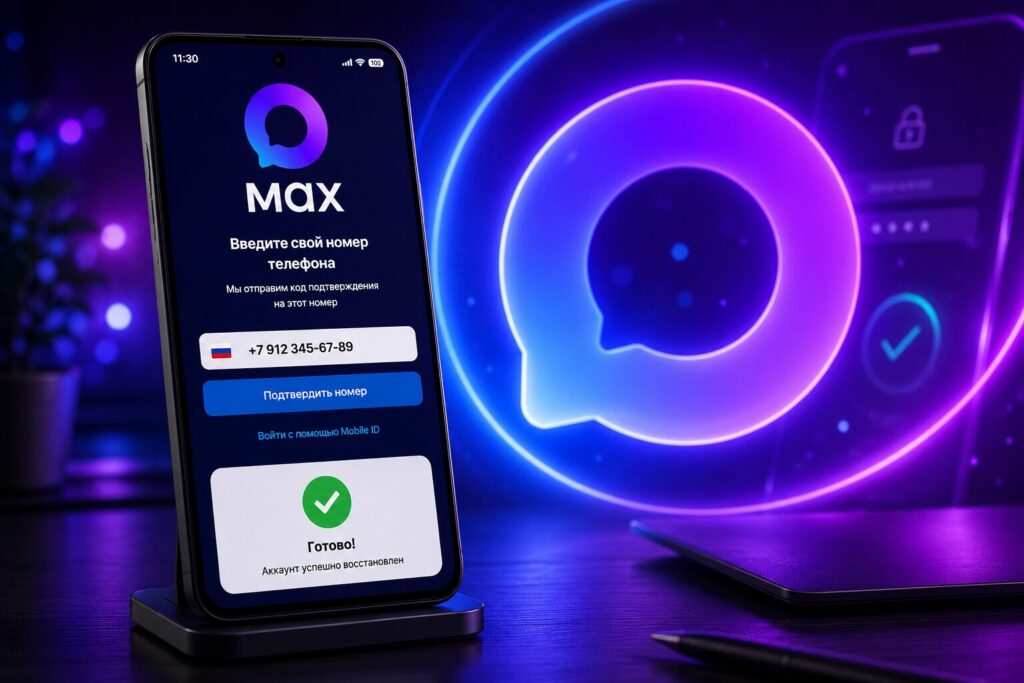
With Mobile ID, you can restore your MAX account in just a few minutes
What Changed in MAX Account Restoration via Mobile ID
Previously, when an account was blocked, there was only one option — writing to support and waiting for a response. Now MAX has simplified the restoration of blocked accounts, and users can independently regain access to their profile right in the app without contacting support.
This works thanks to the built-in Mobile ID technology from carriers — a method of identity verification by phone number that carriers have long offered as a replacement for entering passwords and codes. Essentially, the system confirms that you’re holding the very phone with the linked SIM card and grants access to the account on that basis.
Who Can Use MAX Account Restoration via Mobile ID
There’s an important limitation right away. Simplified restoration is available to users with Russian SIM cards from carriers, provided the device is not in roaming.
In practice, this means: if you’re abroad or have inserted a foreign SIM card, the quick method won’t work. You’ll also need mobile internet from your carrier — no Wi-Fi or VPN, because it’s the mobile network that verifies your number. Those who are used to keeping a VPN enabled at all times will need to turn it off during the procedure.
How to Unblock Your MAX Account Step by Step
The procedure itself takes a couple of minutes. The key is to do everything in order, otherwise the number verification won’t go through.
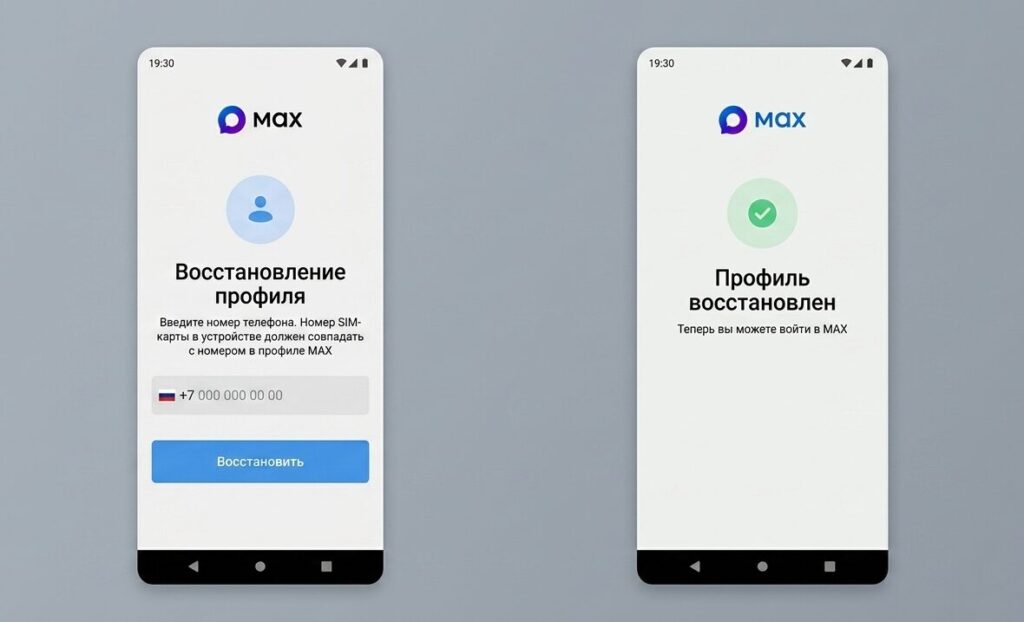
If you don’t turn off Wi-Fi, it won’t work
- Turn off Wi-Fi and VPN so that the phone is on the carrier’s mobile network
- Open the MAX app on your smartphone
- Enter your phone number and password
- After a failed login attempt, tap the “Restore access” button
- Go to the browser and confirm the restoration
After that, you can open MAX again and log into your account. If you weren’t able to restore access on your own, you can still contact the service’s support team — the old method hasn’t gone anywhere.
Is It Worth Restoring Your MAX Account via Mobile ID
For most users with a Russian SIM card, this is faster and more convenient than corresponding with support — especially considering that responses aren’t always prompt. No new installations are required; the feature is built into the app itself.
There are no catches in the usual sense, but there is a privacy nuance: the restoration relies on verification through the mobile carrier, meaning your number and the fact of SIM card ownership are used as identity verification. If it’s generally important to you to control which services are linked to your phone and accounts, it’s useful to understand the overall logic of managing accounts.