An old Android tablet that feels too slow for everyday use can still serve well if you assign it a single purpose instead of expecting it to do everything. The source author reports taking a neglected tablet out of a drawer and turning it into a dedicated home screen — kept on a desk, always charging, and ready for simple tasks like reading, video, recipes, or smart-home control. The key insight: an aging device often has more than enough power for one job at a time.
What you need to know
- The approach works by intentionally limiting the tablet to one role — no social media, no primary email, and notifications disabled — to keep it distraction-free.
- Suggested single-purpose roles include e-book reading, video playback, kitchen recipe display, smart-home control, and music streaming to speakers.
- The author uses specific apps — Paprika for recipes, Philips Hue and Home Assistant for smart-home control, and Spotify for music — but the concept applies broadly.
- This approach is not a substitute for a modern tablet if you need multitasking, demanding games, or productivity work.
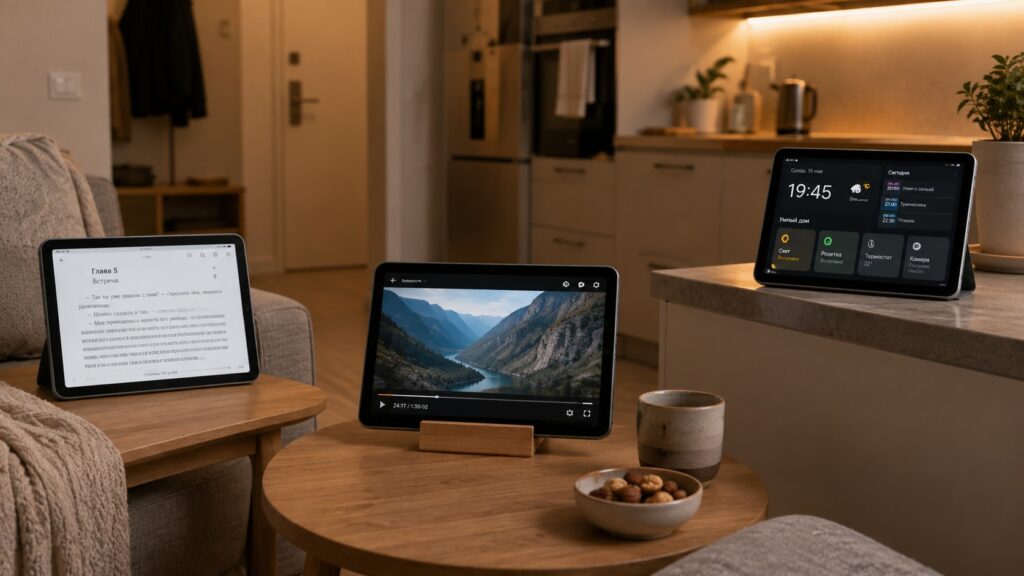
Scenarios for repurposing an old tablet
Reading and video: the obvious starting points
The first suggestion is long-form reading. A phone works for quick articles and social feeds, but for extended sessions — e-books, digital magazines, newsletters, and long-form writing — a larger display is more comfortable, even on older hardware.
An old tablet can serve as a dedicated e-reader
Video is the second natural fit. The author reports using an old tablet as a secondary YouTube screen — handy when the main TV is occupied. There is a less obvious advantage here: with focus modes enabled, the tablet plays content without the constant interruptions of calls, notifications, and vibrations that a phone would deliver.
A kitchen companion for recipes and timers
The author reports using the recipe app Paprika on the tablet in the kitchen. The larger screen displays all cooking steps, ingredient lists, and images at a glance without distractions. Beyond recipes, the tablet doubles as a large, easy-to-read kitchen timer — a simple role, but one that justifies keeping the device around.

How to set up the tablet: intentional limitations
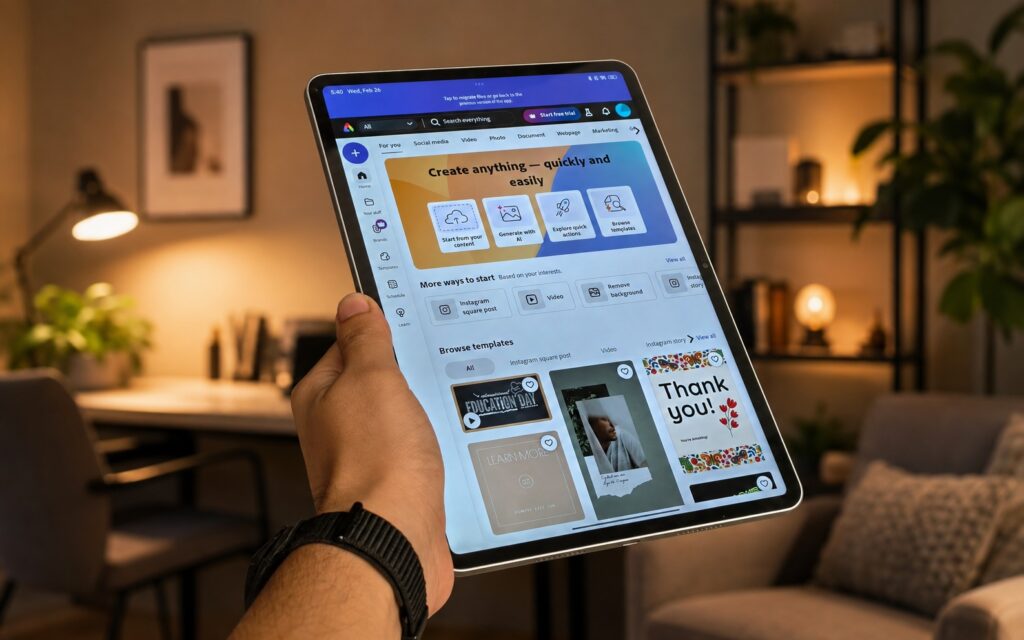
A critical part of the approach is deliberately stripping the device down. The author reports installing no social-media apps, not adding a primary email account, and disabling unnecessary notifications. The goal is to ensure nothing competes for attention.
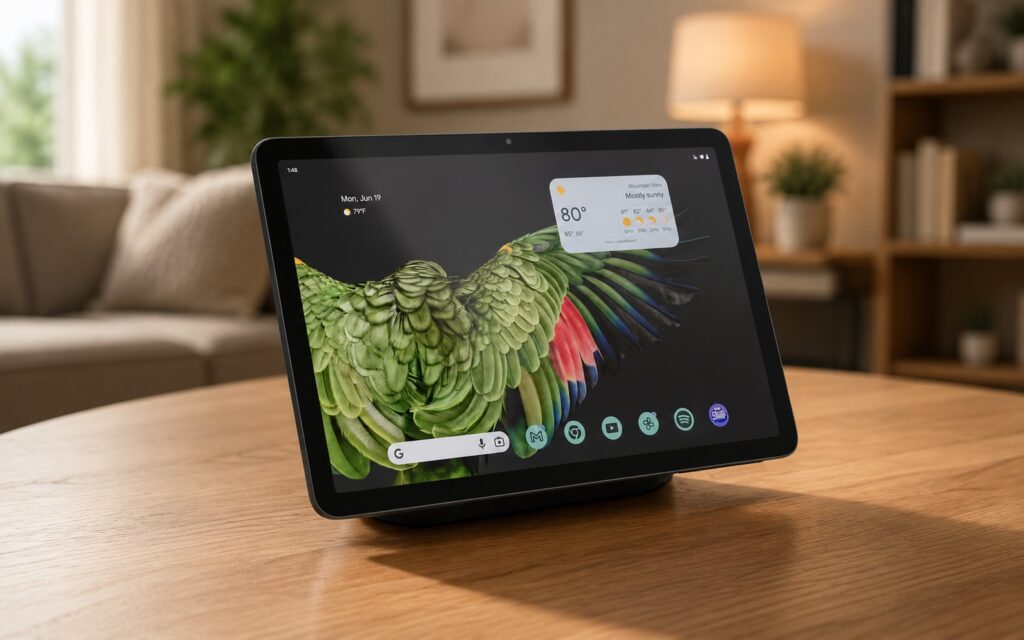
Disabling unnecessary features keeps the old tablet focused
Smart-home remote and music controller
The author also uses the tablet as a smart-home control panel, pairing it with Philips Hue and Home Assistant apps to manage connected devices from the couch. With Spotify installed, the tablet can queue podcasts and playlists on smart speakers and streamers. For those interested in a more advanced smart-home dashboard setup, the source references a guide on building a one-tap Home Assistant dashboard.
Who this approach suits — and who it doesn’t
The author is clear about limitations. This single-purpose strategy works well if:
- You have an old tablet sitting unused that you would rather not discard.
- You want a dedicated, distraction-free screen for reading, recipes, or video.
- You need a simple remote for smart-home devices or music playback.
However, if you need a tablet for productivity work, demanding games, or heavy multitasking, an aging device will not fill that role. The value of this approach lies in honestly matching the hardware’s remaining capability to a single, well-chosen task.


