The hardware capabilities of modern smartphones allow you to launch games with console-quality graphics on Android, but sometimes you just want something simple. The Adobe Flash era gave the internet thousands of browser games and animations, and then the technology quietly retired. But now the Swiff app brings back access to more than 100,000 Flash games and animations right on your Android smartphone. Let’s break down what this app is, who it’s useful for, and what you can realistically expect.
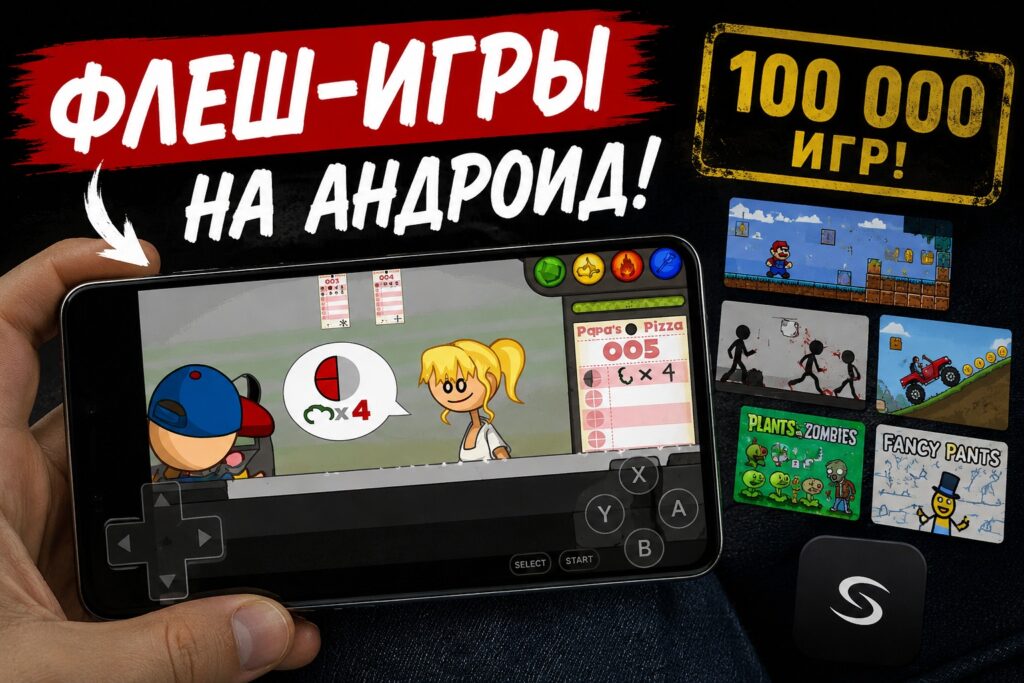
This app has access to a huge number of games
The Swiff App — What It Is and How It Works
Swiff was created by an independent developer under the nickname NaviVani-dev, and the app is designed for one task — running Flash games and animations directly on Android. According to the project’s GitHub page, access to more than 100,000 pieces of Flash content is made possible through integration with the large online Flashpoint Archive — a non-commercial project dedicated to preserving old browser games.
Technically, Swiff runs on the Ruffle engine — an open-source Flash content player currently used to run old games instead of the long-discontinued Flash. The same Ruffle engine is at the core of other similar apps, so we’re talking about a proven solution, not a homemade experiment.
What the Swiff App Can Do
Beyond just launching games, Swiff offers a set of features that make phone controls more convenient. This is especially important because most Flash games were designed for keyboard and mouse, not a touchscreen.
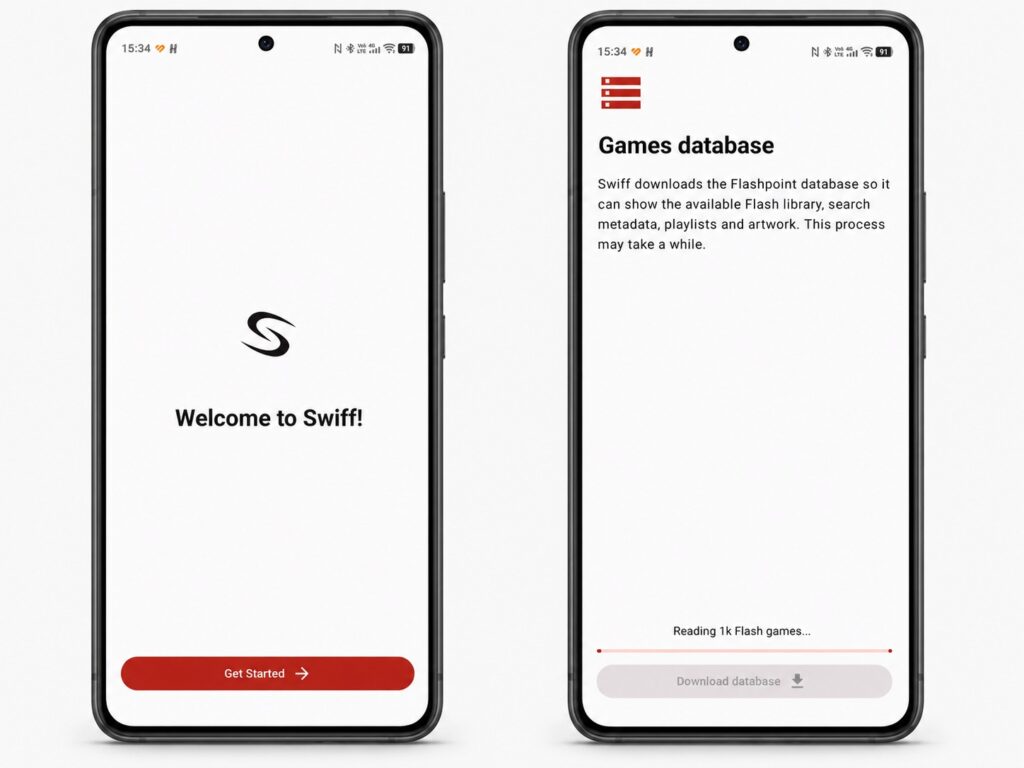
The app is available in English and automatically loads all games
According to the developer, the app supports:
- mapping gamepad buttons to keyboard and mouse input;
- on-screen controls that simulate keyboard and mouse;
- an offline proxy that “tricks” games into thinking they’re running on their official websites;
- shortcut support and automatic synchronization with the frontend;
- exporting save files to a separate folder for syncing through apps like Syncthing;
- importing your own SWF files, with all Swiff features available for them.
I want to specifically highlight the gamepad support: controller buttons can be mapped to keyboard and mouse. The source confirms this feature exists but doesn’t describe the connection procedure itself, so rely on the settings within the app for that.
How Swiff Differs From Other Flash Game Emulators
Swiff isn’t the only way to bring back old Flash games. The developer openly acknowledges that there are other apps with similar goals — for example, Retro Flash Game Player and FlashArch. The key point: they all run on the same Ruffle engine. So in terms of actual game playback, you shouldn’t expect a fundamental difference — what mainly differs is convenience, features, and interface. Swiff in this regard bets on a large archive, flexible controls, and the ability to import your own SWF files.
As for the app’s development, the developer promises to release updates if annoying bugs surface or ideas for useful features emerge. This is a standard position for a small project: there are no guarantees of regular support, everything relies on the author’s enthusiasm.
Who Will Find Swiff Useful, and Who Can Skip It
Swiff is primarily for those who experienced the era of browser Flash games and want to launch beloved titles like The Binding of Isaac or Epic Battle Fantasy again. Access to an archive of 100,000+ games and animations is a compelling reason to at least give it a try, especially if you collect retro games or have your own SWF files saved.
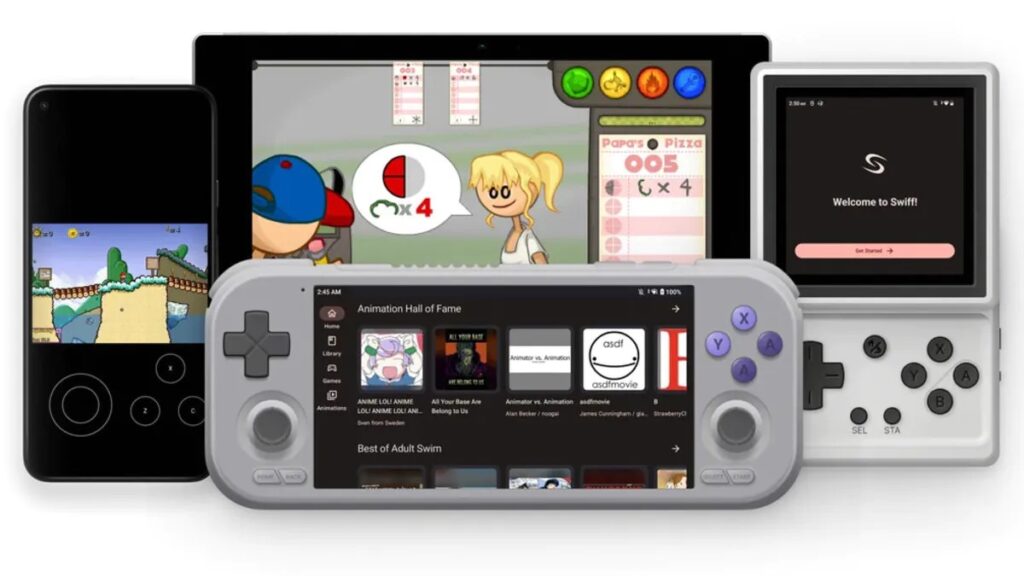
Almost all Flash games are collected in one place. Image: Swiff
It’s worth keeping a few limitations in mind. The app is distributed through GitHub, not Google Play, and the source provides no installation instructions, system requirements, or list of permissions — so you’ll have to install it manually and at your own risk. The quality of the games themselves, as the original source honestly notes, varies greatly: masterpieces sit alongside a lot of mediocre content.
If you’ve never played Flash games and feel no nostalgia for them, you’re not missing anything critical. But for those who miss the golden age of browser games, Swiff offers a simple way to bring them back to your smartphone screen — without a browser and without wrestling with the long-dead Flash.


