Paying in China with a Russian card has become one step easier. WeChat now allows you to link a ruble-denominated UnionPay card from Rosselkhozbank directly, without topping up the wallet’s internal balance. Now there’s an even better method: money is debited directly from your account, just like a regular card payment. Neither the bank nor the company announced this change — it was noticed by users.
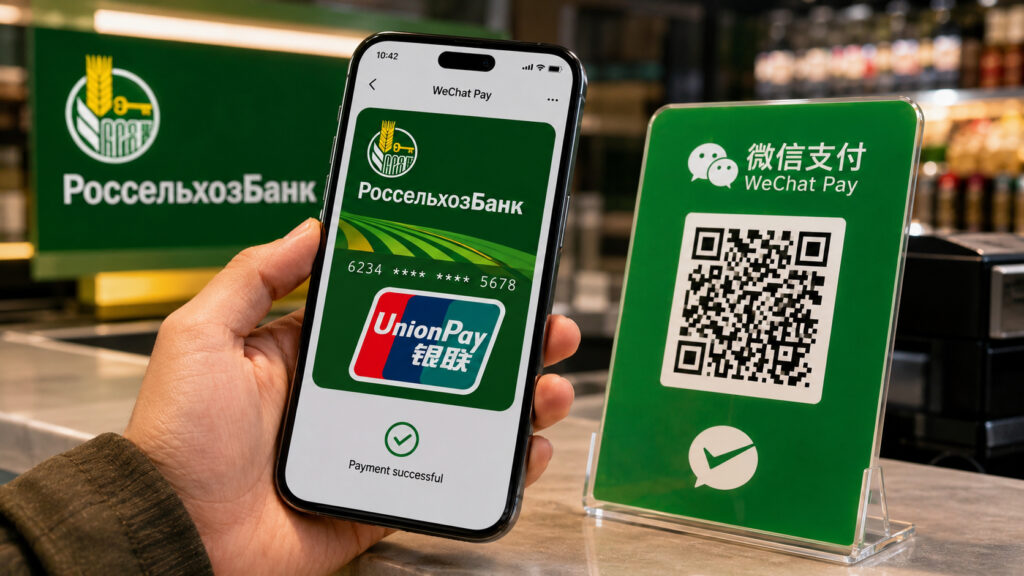
Rosselkhozbank UnionPay cards unexpectedly became linkable to WeChat Pay
Paying via WeChat Pay Without Topping Up the Wallet
China has long lived without cash. Street noodle shops, the metro, vending machines, fruit sellers on the corner — QR codes are everywhere, and there are often simply no other payment options. Banknotes are technically required to be accepted, but in practice the seller may not have change, and there’s nowhere to tap a card because there’s no terminal. That’s why without WeChat Pay or Alipay, a trip turns into a quest.
Previously, Russians had to find workarounds. Some asked friends to transfer yuan to their wallet’s internal balance, some brought cash and exchanged it at a branch, some opened a Chinese bank account — which requires a local phone number and a pile of documents. Linking a UnionPay card directly eliminates all this hassle: you simply pay from your ruble account, and the conversion to yuan happens automatically.
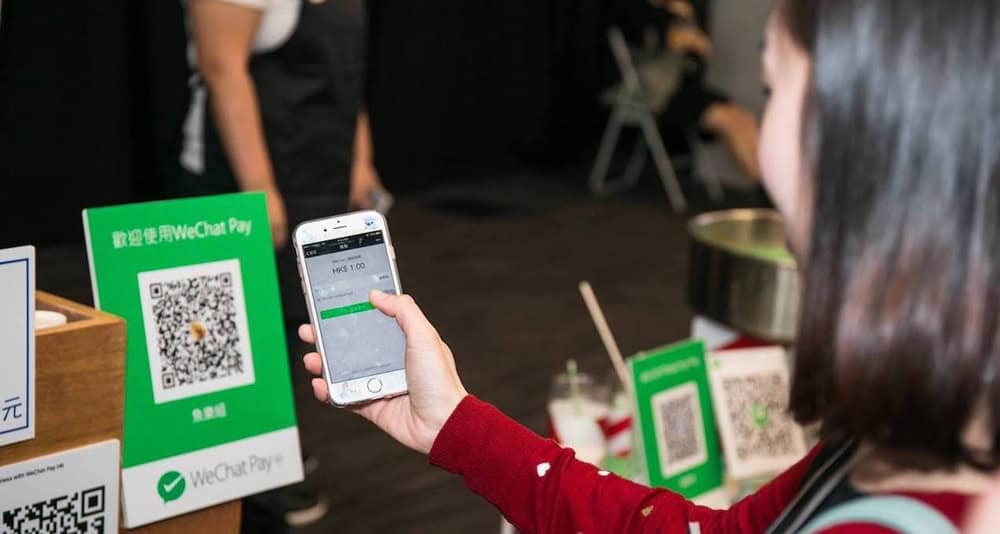
WeChat Pay is one of the most popular payment methods in China
The second advantage is less obvious but important. When money sits in the wallet’s internal balance, you’re essentially freezing that amount, and withdrawing it back can be tricky. Direct debiting from your account eliminates this headache: if you didn’t spend it, the money stays in your bank account. No leftover yuan balances that you have nowhere to put.
This works anywhere in the country where WeChat Pay is accepted — and that’s essentially everywhere. Just show your payment code or scan the seller’s QR code. No need to top up the internal balance — the payment goes through directly.
What You’ll Need to Link Your Card to WeChat Pay
First and foremost: a UnionPay card from Rosselkhozbank. Specifically a ruble-denominated card, specifically from this bank — no others are currently on the list. If you don’t have one yet, you can apply at a branch; it usually takes a few days. Also make sure the card is activated and not blocked for international transactions, otherwise the linking will fail at the confirmation stage.
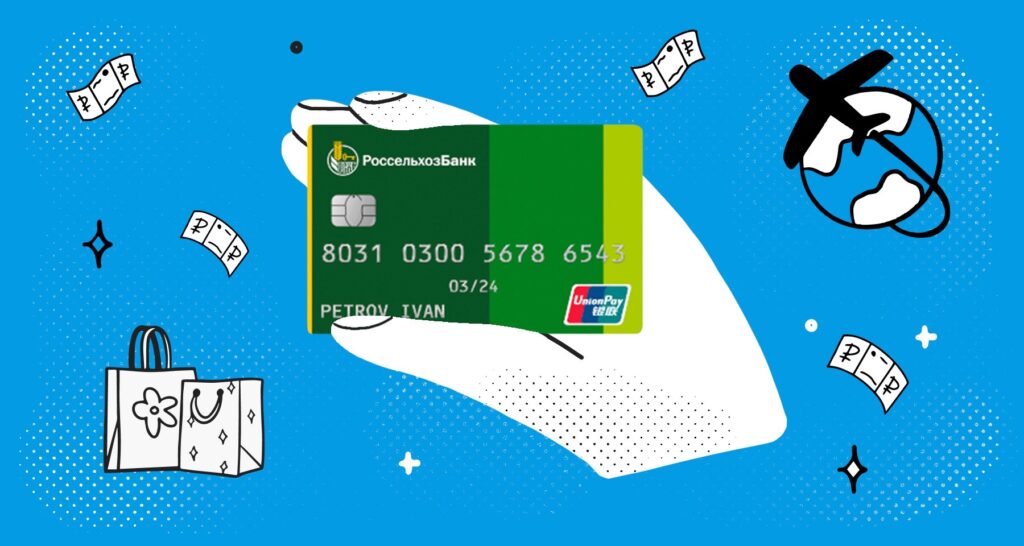
The most important thing is to get a UnionPay card. Image: banki.ru
Second: a working phone connection. Transaction confirmation comes via SMS to the number linked to the card in the bank. In China, a Russian SIM card works in roaming, and SMS messages usually come through, but it’s better to check this in advance, while still at home. Set up the linking before your trip, not while standing in line at a checkout with people behind you.
Third: WeChat itself. Your account must be activated, which is a separate story, because the Chinese messenger often asks new profiles to be verified through an already registered user. If your account is old and working, there won’t be any problems. Update the app to the latest version from the App Store, because older builds may simply not have the required menu option.
By the way, Rosselkhozbank also has another tool for China. The NiHao China app with UnionPay support solves a similar problem but with its own logic. Keeping both options handy is wise: if one fails, the other will save you.
Step-by-Step Guide to Adding a Card to WeChat Pay
The procedure itself takes a couple of minutes. Here’s what to do:
- Open WeChat and go to the “Profile” section (the “Me” icon in the bottom right corner).
- Select “Services,” then open the “Money” section.
- Tap on adding a new card and enter the details of your Rosselkhozbank UnionPay card.
- Wait for an SMS with a confirmation code and enter it in the app.
- Verify that the card appears in the list of payment methods.
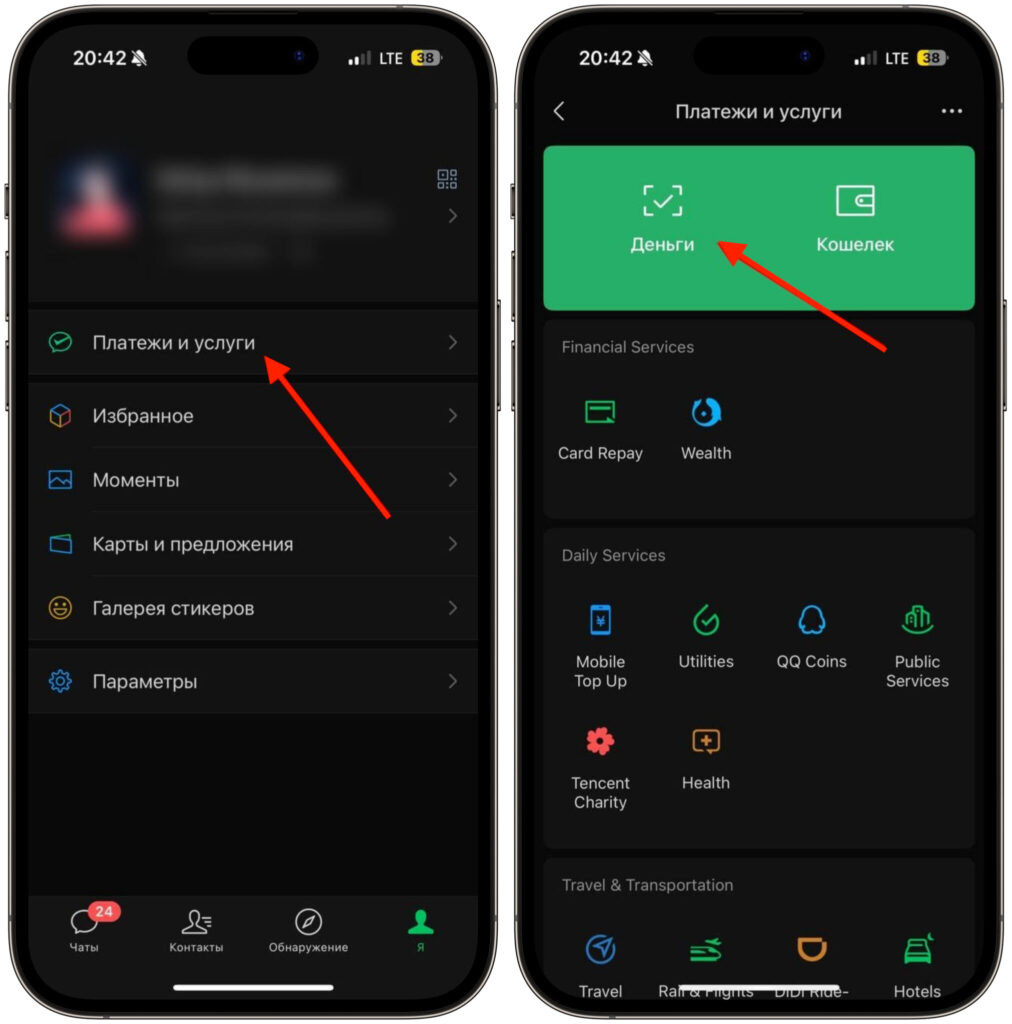
Select the “Money” section
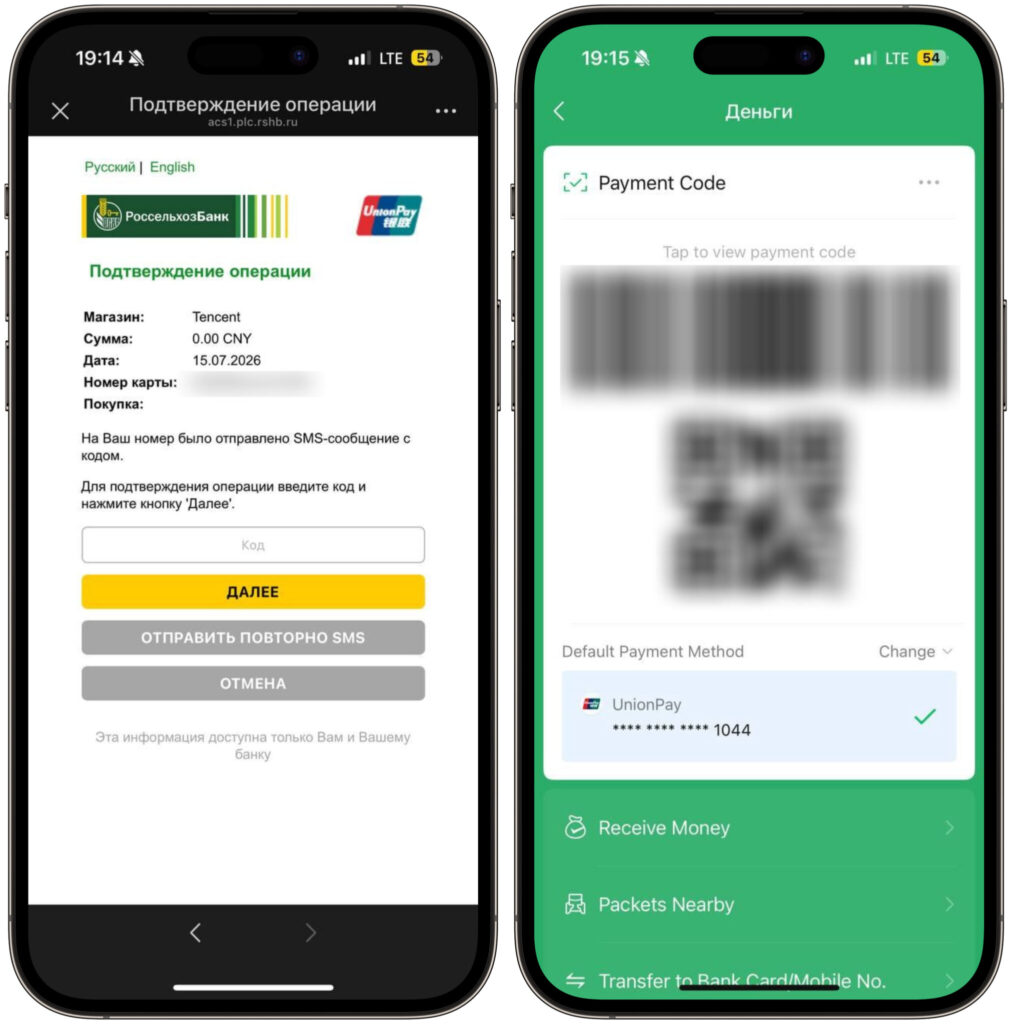
Enter the card details and confirm by entering the SMS code
If the code doesn’t arrive, wait a minute and request it again. A common reason for rejection: an incorrectly entered name in Latin characters. Another simpler reason: the bank blocked the transaction as suspicious, in which case you just need to call the hotline and confirm it was you.
After linking, you can pay in two ways. First: open your payment code and let the seller scan it. Second: point your camera at the establishment’s QR code and enter the amount yourself. The second option is more common at small shops and street food stalls.
What You Need to Know Before Paying via WeChat Pay
The conversion rate is set by UnionPay, and it’s usually close to the market rate but doesn’t match the Central Bank rate. Plus, the bank may add its own markup, so the final amount debited sometimes differs from what you saw on the screen. The difference is small, but it becomes noticeable with larger purchases.
Whether this feature will remain forever, nobody is saying. Neither Rosselkhozbank nor WeChat announced the update, so there are no guarantees for the future. Use it while it works, and don’t build your entire trip around a single payment method.


