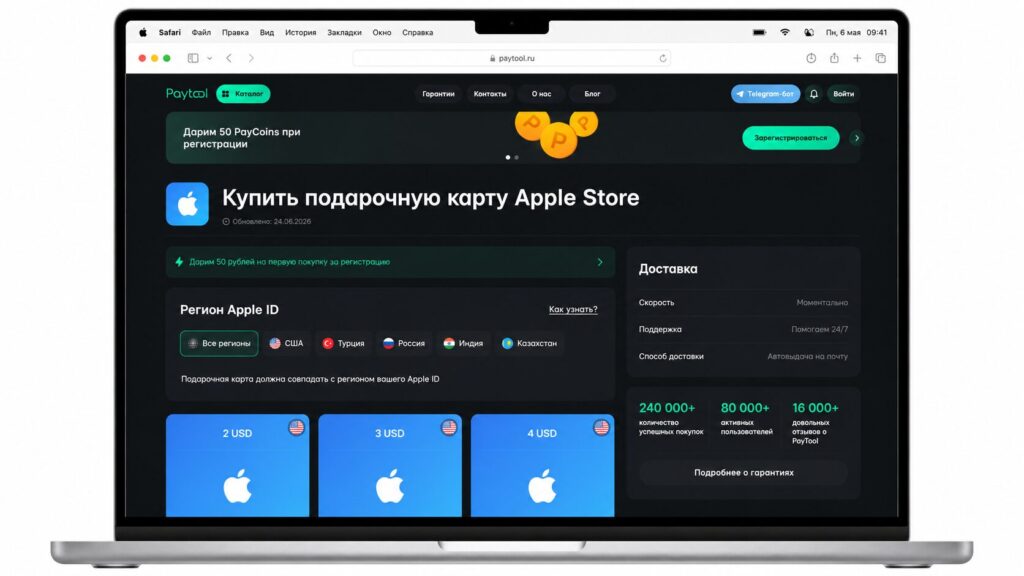
Interest in ChatGPT continues to grow, but so does the number of questions about payment. Users from Russia regularly face the same situation: subscribing takes just a few minutes if you have a foreign card, and turns into a real quest if you don’t.
Over the past few years, several ways to solve this problem have emerged. In this article, we’ll break down how to pay for ChatGPT in Russia: what options are available in 2026, how they differ in convenience and risks, and how to choose a method that won’t require extra steps and will help you quickly access the service’s paid features.
Paying for ChatGPT in Russia is easier than it seems
Why ChatGPT Cannot Be Paid for with a Russian Card
A ChatGPT subscription is processed through OpenAI’s payment infrastructure, which is designed for international payment methods. Purchases are accepted via Visa, Mastercard, American Express bank cards and other payment instruments issued in countries where the service officially operates.
After Visa and Mastercard left Russia, cards from most Russian banks stopped working for paying for foreign digital products. Therefore, when trying to subscribe to ChatGPT, the payment is usually declined.
The issue is specifically with the payment method, not the ChatGPT account itself. If you already have an account and the service works, in most cases you don’t need to create a new account — you just need to choose an alternative payment method.
If you don’t want to deal with setting up a foreign card and international payments, you can use a specialized service such as Paytool. You pay for the subscription in rubles, and the service handles the international payment and connects the required plan.
Which ChatGPT Plan to Choose
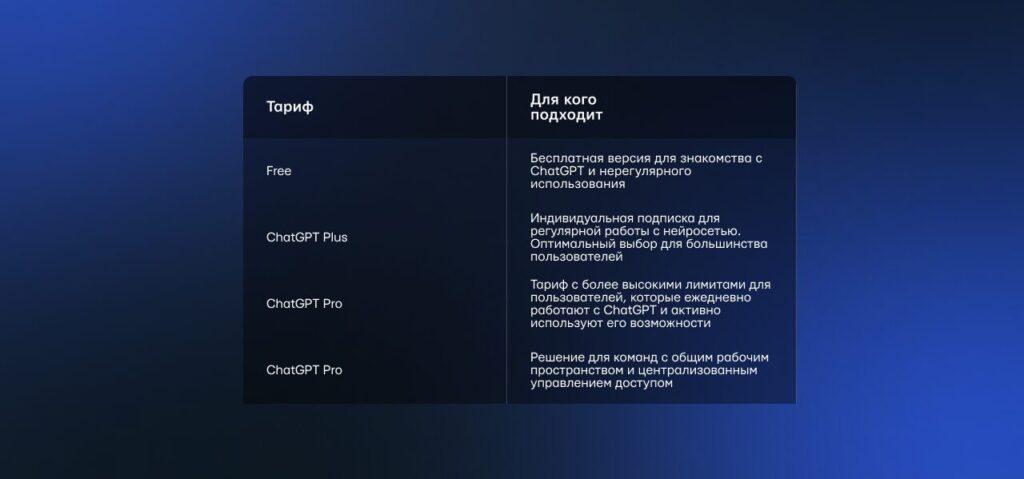
OpenAI offers several ChatGPT plans. You can start using the service for free: the Free plan is suitable for getting acquainted with the neural network’s capabilities and solving everyday tasks. However, it has limitations on the number of requests, available models, and some features.
For regular use, OpenAI offers several paid plans. The most popular among individual users remains ChatGPT Plus — it’s the one most commonly subscribed to for work, study, and everyday tasks. It provides more capabilities compared to the free version and is suitable for those who use the neural network every day.
A ChatGPT Plus subscription unlocks access to additional options:
- higher usage limits;
- priority access during peak load periods;
- modern OpenAI models;
- working with files, images, data analysis, and other tools that are gradually appearing in the service.
The cost of ChatGPT Plus is 20 US dollars per month. The subscription renews automatically, so when choosing a payment method, it’s important to understand in advance how the next charge will occur.
At the same time, Plus is not the only OpenAI plan. Several options are available for different usage scenarios.
Want to get access to GPT-5 and other ChatGPT Plus features? Through Paytool you can pay for the subscription with a Russian bank card without a foreign account
What You Need to Do Before Payment
Before subscribing, it’s worth preparing your ChatGPT account in advance. This will help avoid unnecessary questions during activation.
Before purchasing, make sure that:
- you already have a registered ChatGPT account;
- you can log into the exact account you plan to connect Plus to;
- you have access to the email linked to the account;
- if using an intermediary service, you have familiarized yourself with the activation and renewal process in advance.
If you don’t have an account yet, first register on the OpenAI website or in the ChatGPT app, and then proceed to subscribe.
How to Buy a ChatGPT Plus Subscription from Russia: Main Methods
In 2026, you can subscribe to the neural network in several ways. They differ not only in cost but also in connection time, the need to independently handle international payments, and the convenience of further subscription renewal. Let’s look at the most common options.
Method 1. Payment Through an Intermediary Service
For most users, this is the simplest way to subscribe to ChatGPT Plus. Specialized services handle the international payment, so you don’t need to set up a foreign card, buy cryptocurrency, or figure out the specifics of paying for foreign services.
For example, through Paytool you can pay for ChatGPT Plus in the usual way — with a bank card or via SBP (Fast Payment System). After payment, an email is sent to the specified address with the order number, personal activation code, a link to the connection page, and detailed instructions.
The process is usually as follows:
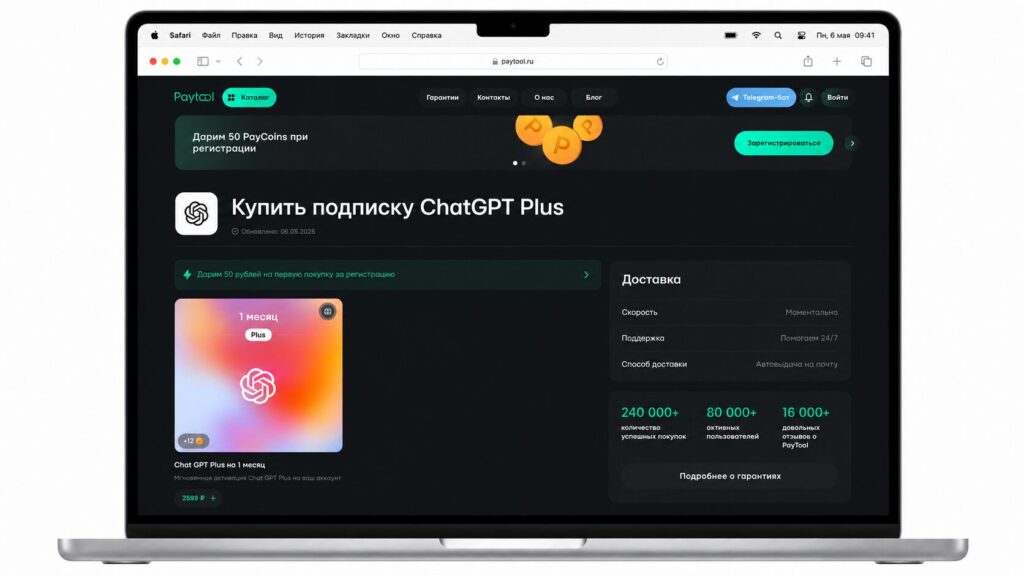
Paying for ChatGPT through PayTool is profitable and convenient
- You select ChatGPT Plus on the Paytool website;
- Enter the email where the instructions should be sent;
- Pay for the order using a convenient method;
- Receive an email with the activation code and a link to the connection page;
- Log into the exact ChatGPT account you want to connect the subscription to;
- Follow the instructions from the email and start activation;
- Check whether the subscription has appeared in your account.
Usually, the connection takes a few minutes. If Plus doesn’t appear immediately, you can log out of the ChatGPT account and log back in. If any questions arise, Paytool support helps complete the activation.
Important: To place an order, you do not need to share your neural network password, email access, banking apps, or unnecessary personal data. You only need the email where the instructions will be sent.
Method 2. Buying Through Private Sellers
On marketplaces, forums, and classified ad platforms, you can find individuals who offer to set up ChatGPT Plus for a commission. Unlike specialized services, these sellers work independently, so payment terms, connection speed, and support levels can vary significantly.
If you’ve chosen this option, before paying, it’s worth paying attention to several things:
- whether the seller has real reviews and sales history;
- whether they provide guarantees of order fulfillment;
- whether they require your ChatGPT account password or other confidential data;
- whether they provide support if problems arise during activation.
Method 3. Payment with a Virtual Foreign Card
If you already have a virtual foreign card, you can use it to independently pay for ChatGPT Plus on the OpenAI website.
Getting such a card just for one subscription is usually not practical. However, if you regularly pay for foreign services — such as neural networks, gaming platforms, streaming subscriptions, or other digital products — issuing a card may be justified.
At the same time, it’s worth considering that the process takes time, and some services charge fees for card issuance, top-up, or maintenance.
Method 4. Payment via Apple ID Balance or iPhone Account
If you use ChatGPT on iPhone or iPad, you can subscribe directly in the ChatGPT app for iOS. Payment in this case goes through the App Store.