Apple released the first watchOS 27 beta for developers right after the WWDC 2026 presentation. The system introduced conversational Siri powered by Apple Intelligence, a redesigned app grid, and an updated Workout Buddy that now works without an iPhone nearby. We covered all the new watchOS 27 features separately, and now we’ll walk through the installation. But before you rush to update, read this text to the end — with Apple Watch, things are much more serious than with iPhone.
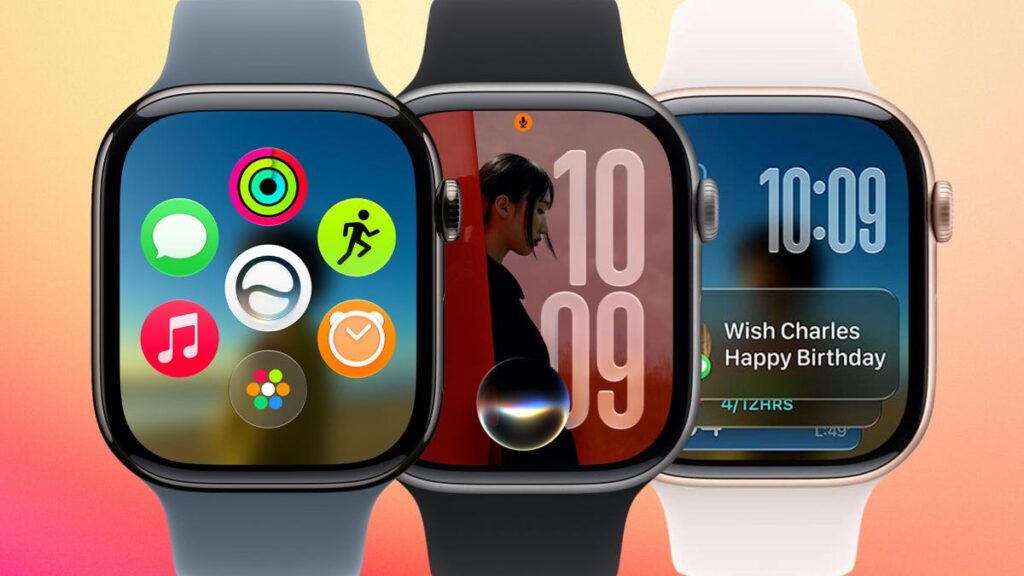
Want to try the new OS right now?
What You Need to Know Before Installing the watchOS 27 Beta
Let’s start with the most important thing. Rolling back watchOS is impossible. Apple Watch doesn’t have a user-accessible recovery mode like iPhone, iPad, or Mac. If you installed the beta and didn’t like it, there’s no way to restore the stable version on your own. The only way to remove the beta is to send the watch to an Apple service center.
Now about stability. First betas are traditionally rough. You may experience rapid battery drain, freezes, issues with health data syncing, and notification problems. If you wear your watch every day and rely on the heart rate monitor, sleep tracking, fall detection, or ECG, the beta could let you down at the worst possible moment.
The conclusion is simple. Install the beta only on a spare watch that you can easily live without. It’s better not to install the first developer build on your primary Apple Watch. And if stability matters to you — wait for the public beta in July or the final release in fall 2026.
Which Apple Watch Models Support watchOS 27
This year Apple carried out one of the most aggressive compatibility cuts in the history of the Watch. While watchOS 26 supported nearly a dozen models starting from Series 6, watchOS 27 trimmed the list to a minimum. We compiled a full list of compatible Apple Watch models separately, and here’s a brief summary.
Only these models will receive the update:
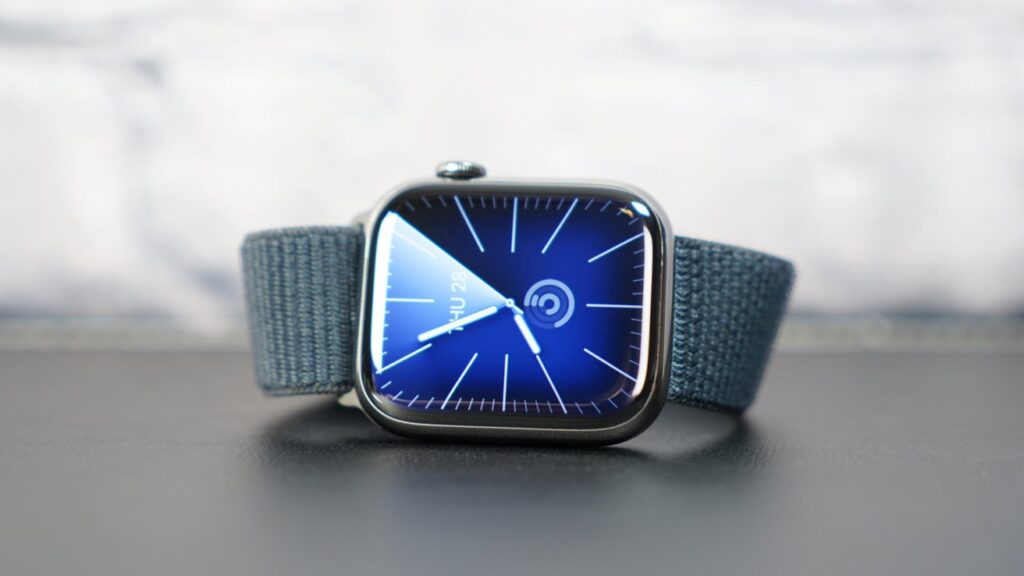
Series 9 will still get the latest update
- Apple Watch Series 9
- Apple Watch Series 10
- Apple Watch Series 11
- Apple Watch Ultra 2
- Apple Watch Ultra 3
- Apple Watch SE 3
A special note about Series 9. At launch, Apple mistakenly removed it from the compatibility list on their website, and it seemed like the 2023 model was left behind. The company later confirmed: it was an error, and Series 9 is supported. This makes sense — it has the same S9 chip as the Ultra 2.
As for those who weren’t so lucky: Apple Watch Series 6, 7, 8, the original Ultra, and the 2nd-generation SE remain on the previous version. For original Ultra owners, this is especially disappointing — the device was marketed as a premium, long-lasting product, yet lost support after just a couple of years.
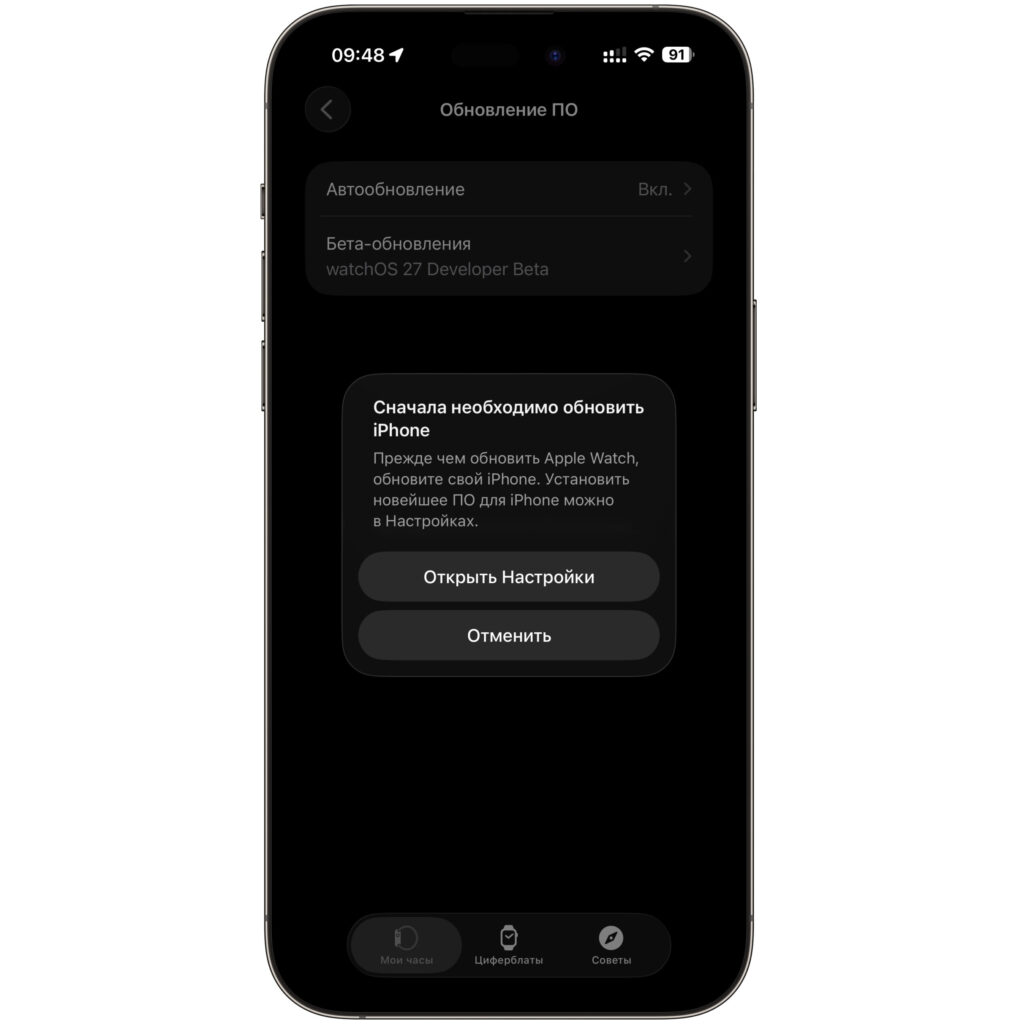
The watch will warn you that you need to update your iPhone
An important detail about the iPhone. watchOS 27 requires an iPhone 11 or newer, or an iPhone SE 2nd generation or newer, and it must be running iOS 27.
Installing watchOS 27 on Apple Watch
Installing the watchOS beta is impossible without the iOS beta on the paired iPhone. This is the key requirement — without it, the update profile for the watch simply won’t appear. So follow these steps in order.
- Update your iPhone to iOS 27. Without this step, there’s no point in proceeding further.
- Place your Apple Watch on its charger and make sure the battery is at least 50%. The process is long and power-hungry.
- Keep your iPhone near the watch and connect it to Wi-Fi.
- Open the Watch app on your iPhone.
- Go to “General” — “Software Update.”
- Select “Beta Updates” and activate the watchOS 27 developer beta.
- Return to “Software Update,” tap “Download and Install,” and wait for it to finish.
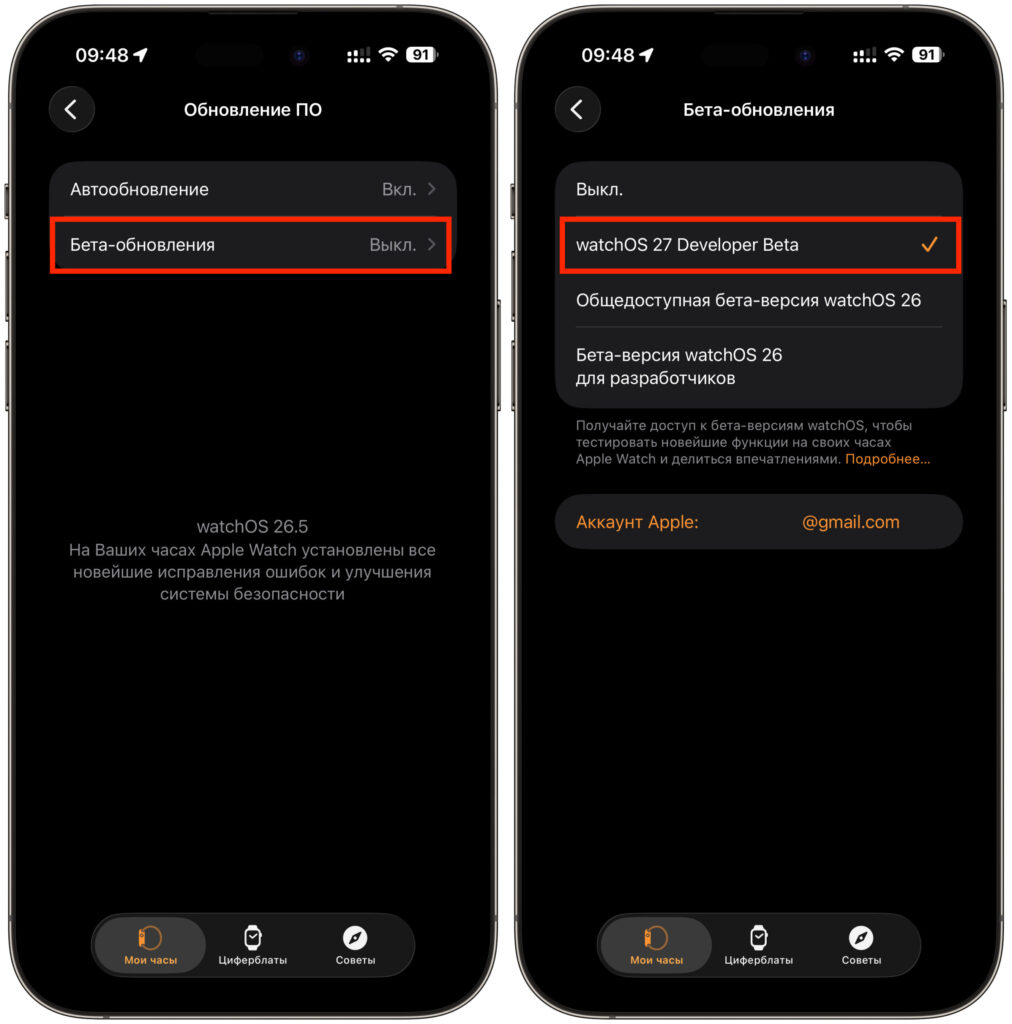
Activate the developer beta
Installation takes 30 to 60 minutes. Don’t remove the watch from the charger until the very end, and don’t disconnect your iPhone — otherwise the process may be interrupted. When the update is complete, the watch will reboot already running watchOS 27.
When Will the Public Beta of watchOS 27 for Apple Watch Be Released
You can try the new features now, but is it worth it
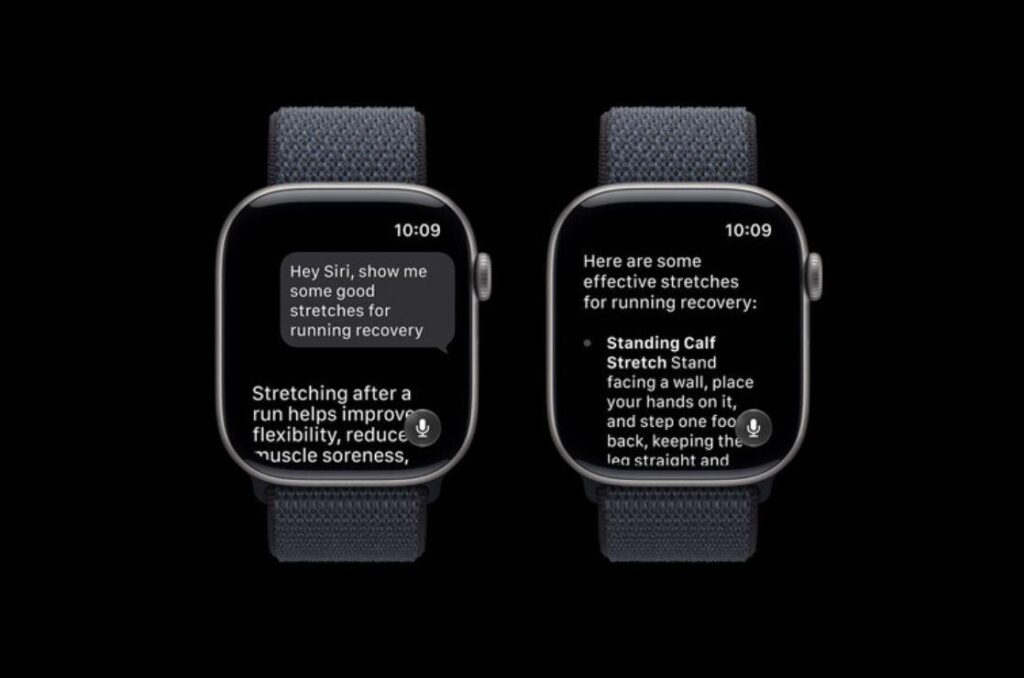
If you’re not a developer and simply want to try the new features, there’s no need to rush. Apple will release the public beta of watchOS 27 in July, and it’s traditionally more stable than the very first build. And the new Siri powered by Apple Intelligence, which many people want to update for, will arrive later anyway — closer to fall. Yet another argument in favor of patience.
So assess the risks soberly. A spare watch and willingness to deal with bugs — that’s the only scenario in which installing the first watchOS 27 beta makes sense. In all other cases, calmly wait for the public version in July or the final release in fall. You only have one watch, and there’s no way to roll it back.


