We had just celebrated T-Bank’s return to the App Store when Sber showed up too. The bank returned to Apple’s store under the neutral name “Semeynyy Online” (Family Online), and formally it’s an app for tracking your family budget. In reality, behind this facade hides a familiar banking client that can once again be installed on your iPhone directly from the official store.
Sber has a new icon again, we’ll have to get used to it
I’ve already lost count of how many times banking apps have been removed from the App Store and returned under new names. First, Apple deleted them due to sanctions, then developers came up with workarounds and uploaded clients disguised as fitness trackers, planners, or accounting programs. The story with “Semeynyy Online” is from the same playbook, only now it’s the turn of the biggest player on the market.
How to Find the Sberbank App in the App Store in 2026
Right now, the app is listed in the store under the name “Semeynyy Online.” The description looks as harmless as possible: tracking family expenses, receipt photos, purchase location tags on a map, category spending limits, and notifications when spending approaches a set threshold. The category is also carefully chosen — it’s “Finance,” so formally there’s nothing to criticize about the content.
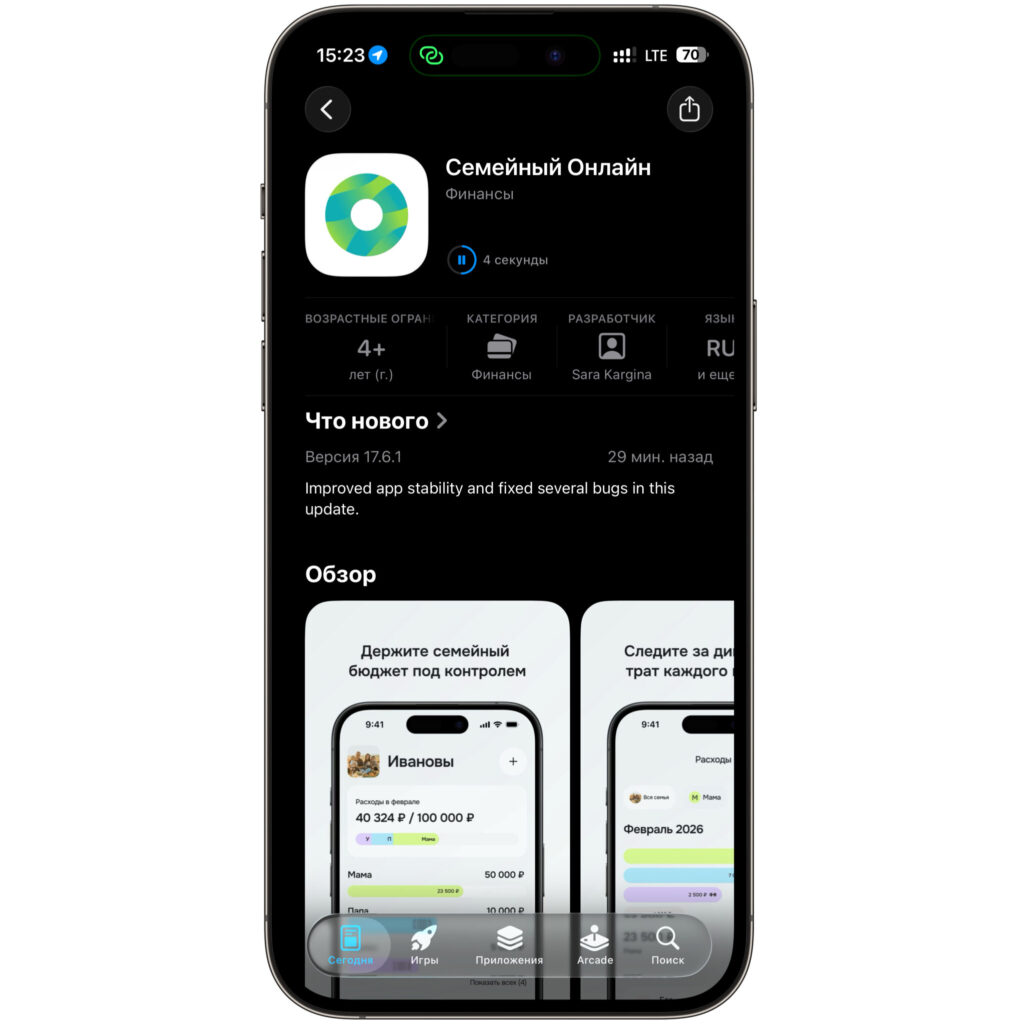
This is what the app looks like now
It’s free to download and works on iPhones with iOS 15.0 and newer. This means even owners of relatively old models like the iPhone 8 or iPhone X can install the client without jumping through hoops. This is an important point because many workaround installation methods required changing the Apple ID region, messing with configuration profiles, or hunting for IPA files on third-party resources.
Inside, it’s the same client you can use to top up your Apple ID through Sberbank, pay utility bills, or send money by phone number. If you’ve already used similar “disguised” clients from other banks, the logic here is exactly the same. On the surface, a neutral name, an innocent description, but inside is a full-featured app that, after installation, becomes what it actually is.
What the New Sberbank App for iPhone Can Do
The best part is that after installation, there are no surprises. Only the icon and name on the home screen change, and inside you’ll find the same familiar Sberbank Online. The interface hasn’t changed by a single pixel: the same cards on the main screen, the same payments, transfers by phone number, transaction history, QR code payments. You won’t need to relearn anything — you open the app and immediately find yourself in a familiar environment.
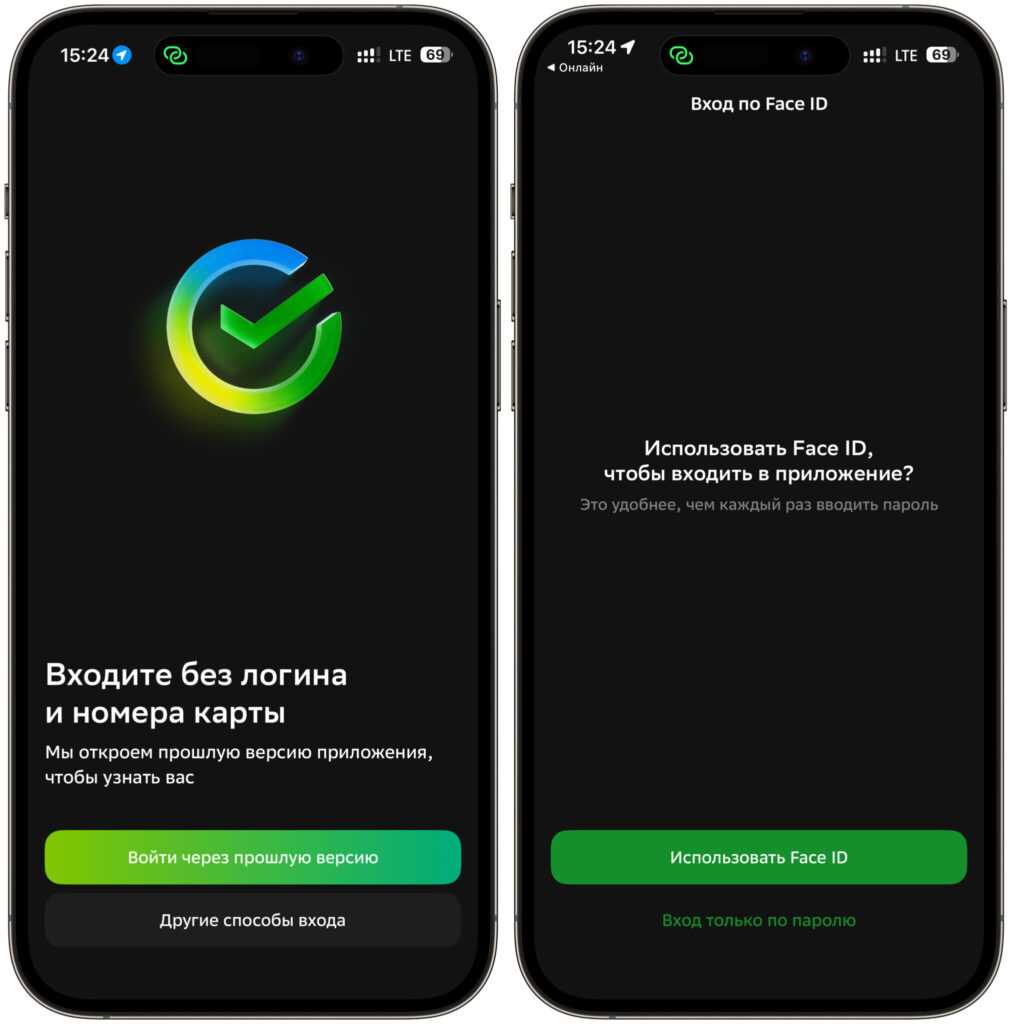
You can log in through the old app
You can also log in through the old app. If you still have the previous Sber client on another device or on this same iPhone, signing into “Semeynyy Online” works exactly the way you’re used to: by card or phone number, via SMS code and a five-digit password. Essentially, it’s one and the same app, just wrapped in a different package for the App Store. There’s no need to do any new registrations, linkages, or identity verifications — all your data is right where it should be.
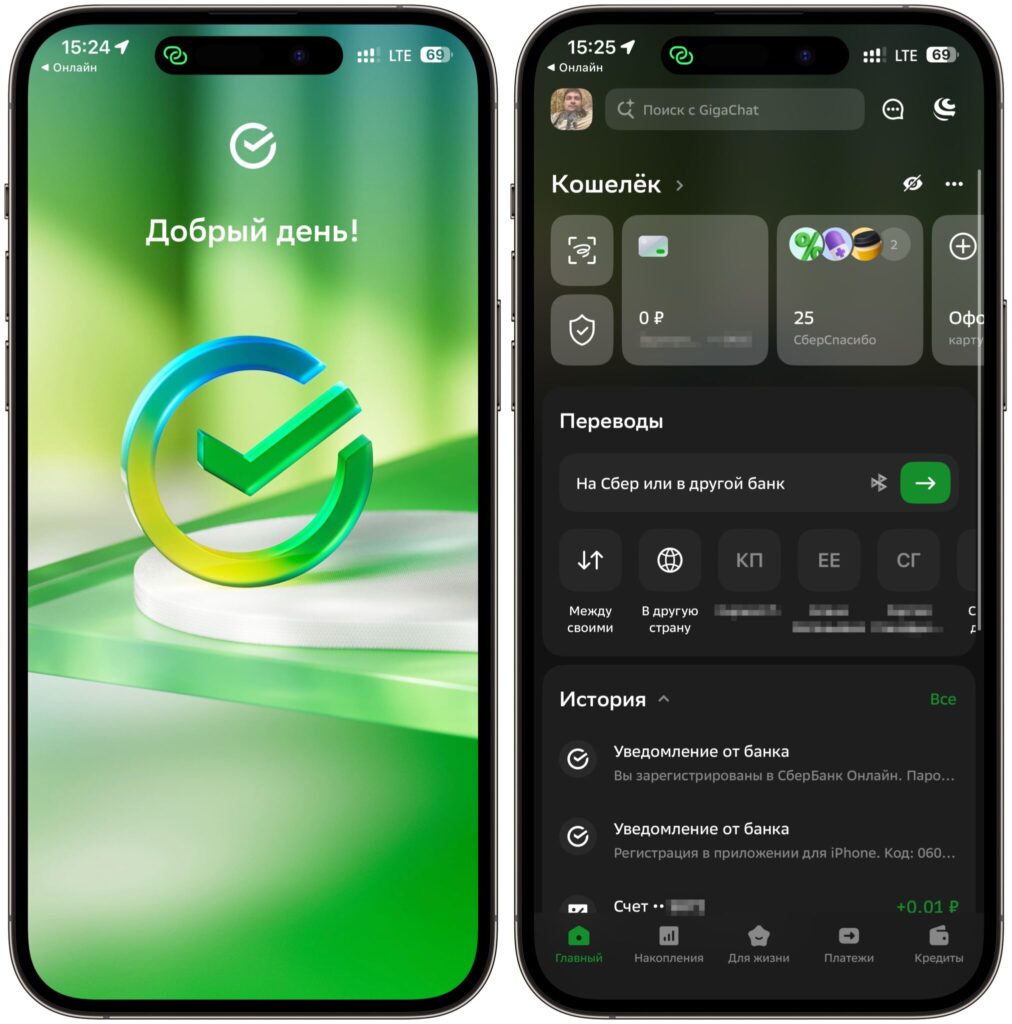
After logging in, you’re greeted by the standard app
The client works without any caveats either. Transfers go through, SBP payments are available, push notifications about charges arrive as before. I specifically tested familiar scenarios: QR code payment in a store, transfer by phone number, viewing a statement. Everything responds just as quickly as in the regular Sberbank Online, and I didn’t notice any catches.
How to Tell the Official Sber App from a Fake
At first glance, the app listing looks much like dozens of other expense-tracking programs. But if you look at the details, the disguise is immediately apparent.
The first thing that stands out is the size. An app for tracking family expenses weighs over 560 MB. A normal budget planner rarely exceeds a couple dozen megabytes, but here we have a full-fledged banking client with all its components. Second is the version history. A genuinely new app would have its first version as 1.0, but here the version numbers have long since passed double digits. It’s immediately clear that the code wasn’t written from scratch but was ported from a long-existing project.
The approach itself has already been perfected by other banks. Some hid under names resembling cooking apps, others disguised themselves as delivery services. The calculation is simple: while Apple hasn’t noticed and hasn’t removed the client, users have time to download and install it. The app might be removed later, but for those who’ve already installed it on their iPhone, it isn’t going anywhere.
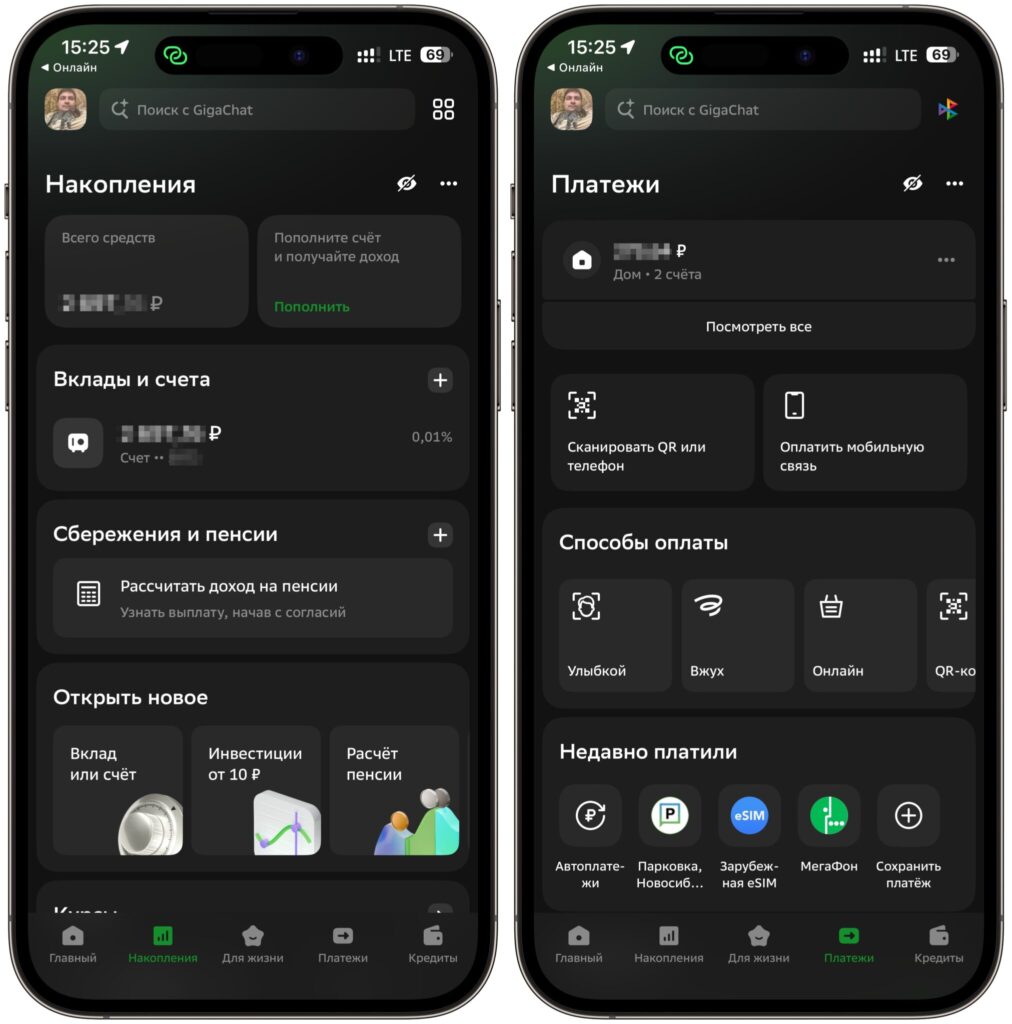
All features work as they should
If you still have an old version of the Sber app, it’s definitely worth updating. The installed client may still work, but the new version has clearly fixed bugs and issues. There’s one important thing to keep in mind here. Apple regularly purges such apps, so if you actually need the Sber client, it’s better to download it now while the link is still active. After it’s removed from the store, reinstalling it will only be possible through roundabout methods — and that means changing regions, profiles, and other complications you’d rather avoid.
A separate reminder about security. Amid all these migrations, scammers have multiplied, uploading fake banking apps to stores and sending them through messengers. Only download the client from a verified link and check that a legitimate Sber app has a large file size and a version history with long-standing numbers, not a freshly created version one. If an app is just a few megabytes and asks you to confirm your login through strange forms, that’s a reason to be suspicious.
In my experience, these returns are always a temporary window. Sber has entered the App Store through the back door more than once, and every time you have to catch the moment. So if you were planning to install or reinstall the bank on your iPhone, now is the right moment to do it.


