The MAX messenger is growing its audience, and more and more iPhone owners are having to use it — at least for work conversations. One of the first things new users notice is activity statuses. You message a colleague, and get silence in return. You go to their profile and see the mysterious “Was recently online” instead of an exact time. Now let’s continue our guide and figure out last seen time — what it means, why MAX doesn’t show it on iPhone, and how to hide your status from others.
Understanding last seen time in MAX
Last Seen Time in MAX on iPhone — What Is It
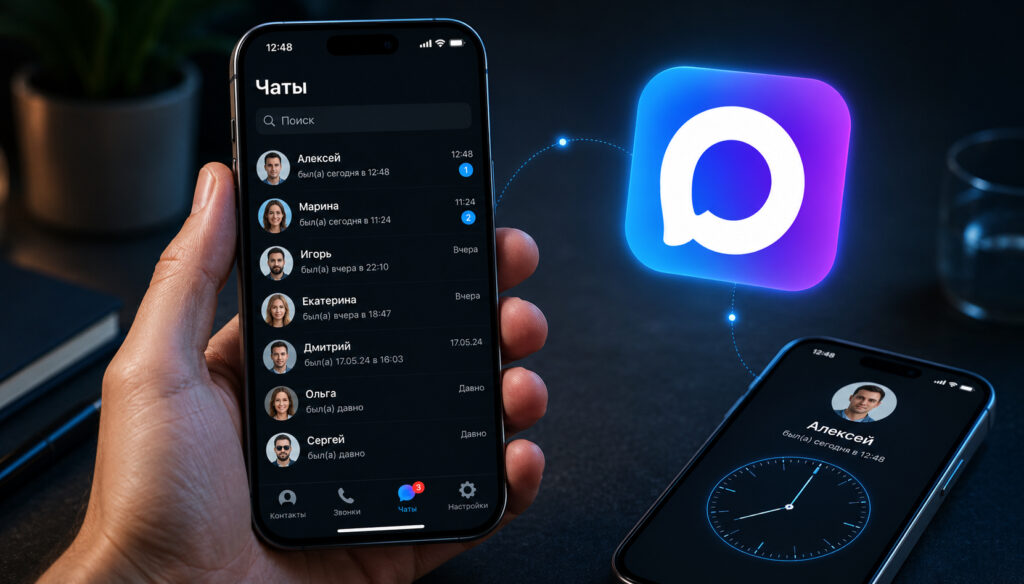
Last seen time in MAX is a marker that shows when a person last opened the messenger. It works on iPhone exactly the same way as on other platforms: you open a contact’s profile and see information about their last activity. But there’s an important nuance — MAX doesn’t show the exact time to everyone. This is an intentional restriction built into the messenger’s privacy system.
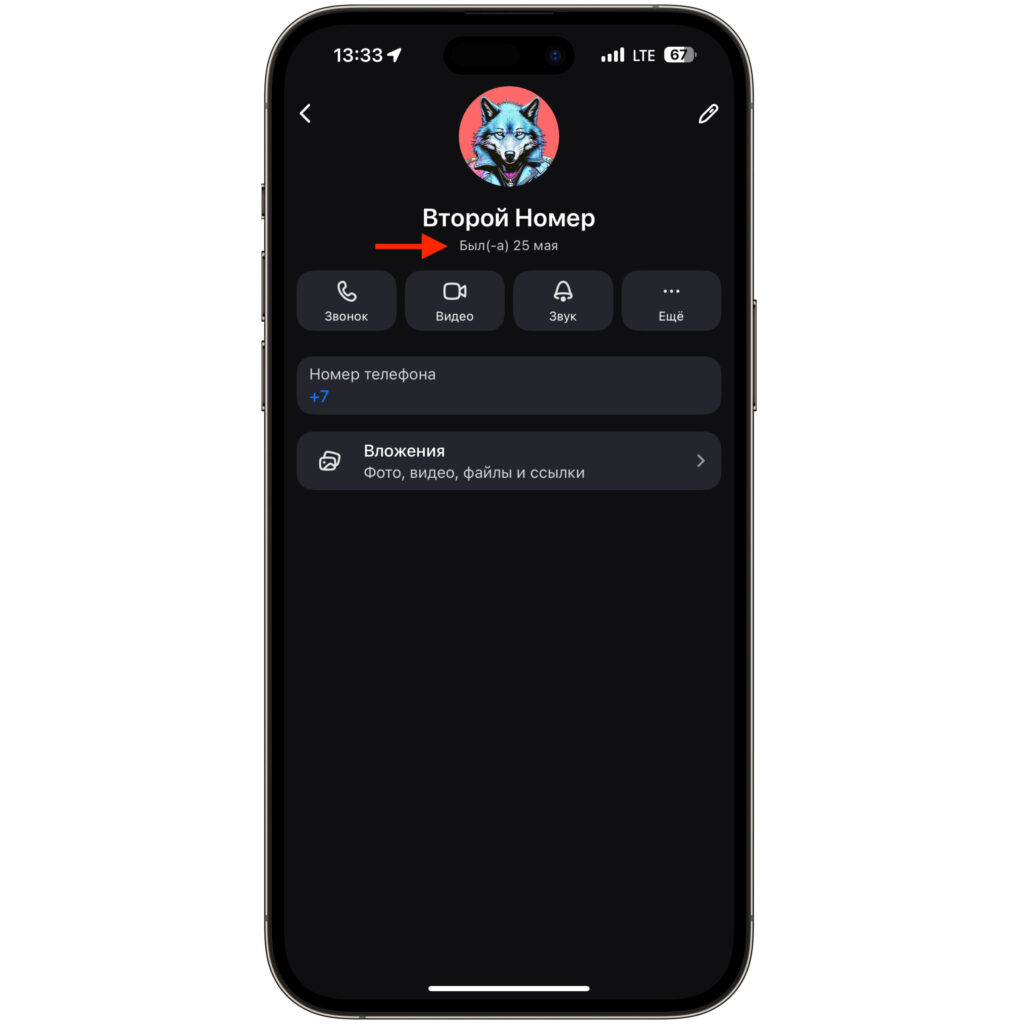
You’ll see the date, but not the time
The logic works as follows. If you’re added to the contact’s phone book, you’ll most likely see the exact time of their last visit. If you’re a stranger to them, you’ll only see a vague status. MAX uses two such statuses. “Was recently online” means the person opened the messenger anywhere from a few minutes to a few hours ago. “Was online a long time ago” means from several days to several weeks. The app won’t be more specific, and this is by design.
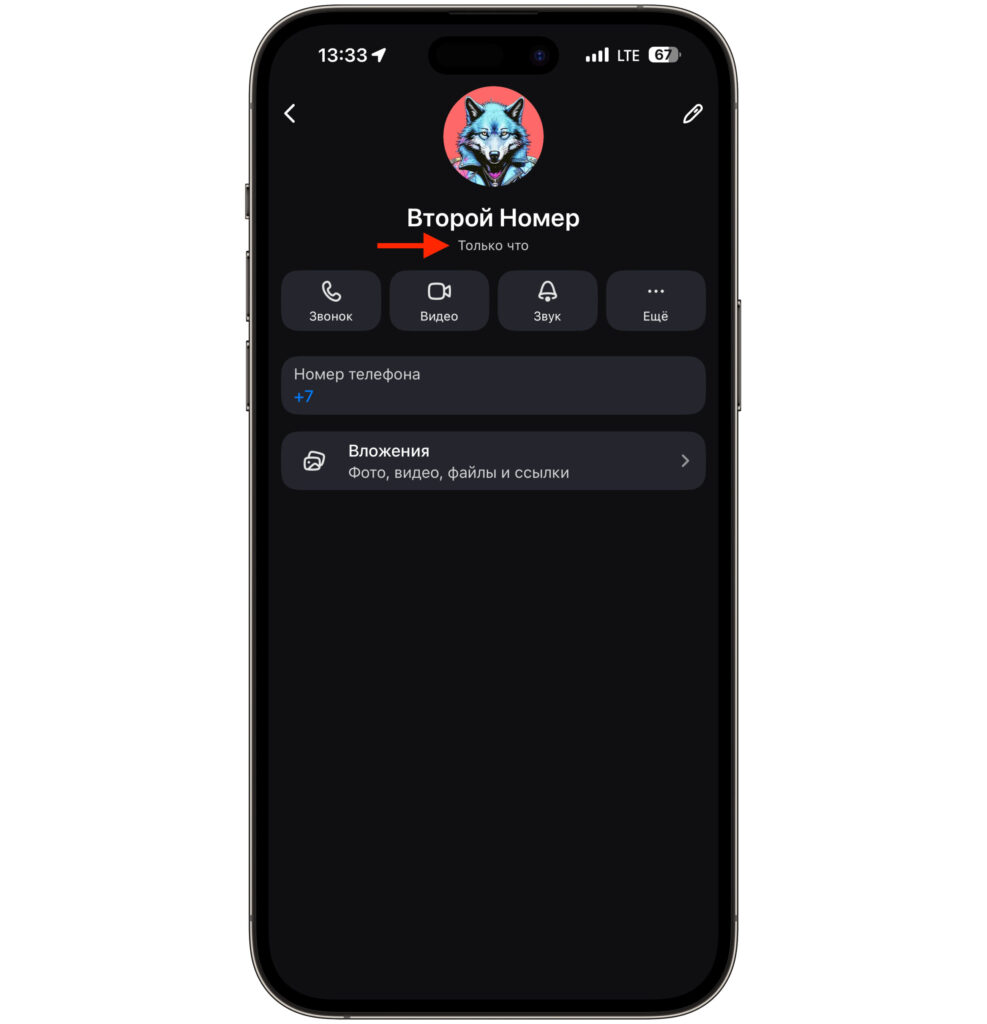
If the person just left the messenger, it will say “just now”
For iPhone owners, there’s a nice detail here. iOS is inherently designed so that each app runs in its own “sandbox” and cannot access data from other programs. So even if MAX collects information about your activity within the messenger, this data doesn’t go beyond it. In this sense, iPhone provides an additional level of protection that isn’t available on other platforms.
How to Check Last Seen Time in MAX on iPhone
Checking when a contact was last online in MAX takes just a few seconds. You need to open the desired person’s profile:
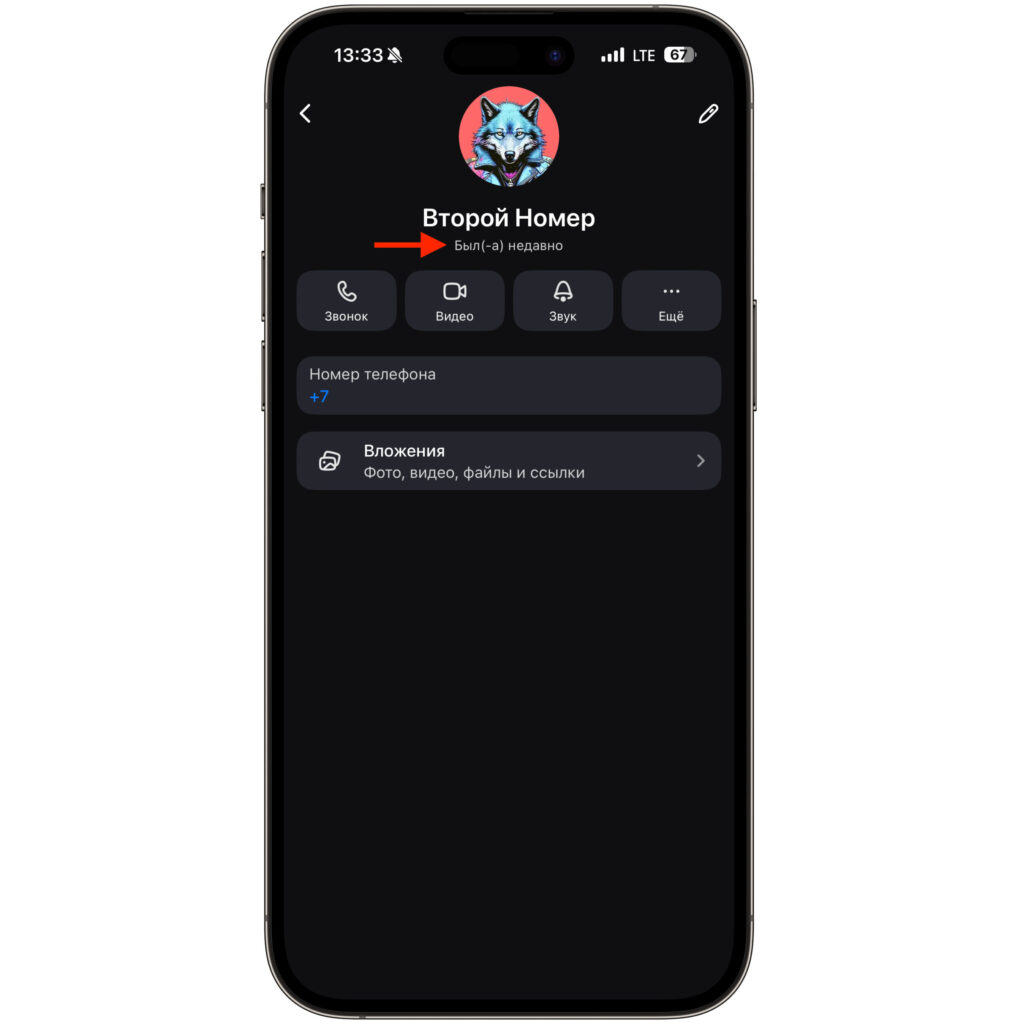
You might only see the message “Was recently online”
- Open the MAX app on your iPhone.
- Go to the chat with the desired person.
- Tap on the contact’s name or avatar at the top of the screen — their profile will open.
- Under the name, you’ll see a status: exact time of last visit, “Was recently online,” “Was online a long time ago,” or nothing at all.
What exactly you see depends on two conditions. First, you must be added to the contact’s phone book. Second, they must not have hidden their last seen time for everyone in privacy settings. If at least one of these conditions isn’t met, you won’t see the exact time.
It’s impossible to find out the last seen time more precisely than what the MAX interface shows, whether on iPhone or any other platform. There are no hidden methods, third-party apps, or life hacks for this. MAX simply doesn’t transmit this information if the user doesn’t want to share it.
Why You Can’t See Last Seen Time in MAX
If you open a person’s profile in MAX on iPhone and don’t see the last seen time, there can be three reasons.
- The first and most common — you’re not added to the contact’s phone book. For MAX, you’re a stranger in this case, and the messenger only shows a vague status like “Was recently online” or “Was online a long time ago.” This is standard behavior, not a glitch.
- The second reason — the person has hidden their last seen time in privacy settings themselves. MAX has an option to completely hide the status from all users, and then even contacts from the phone book won’t see the exact time.
- The third reason — the person deleted their account or hasn’t opened MAX in a long time. In this case, the status may not display at all.
The only working way to see the exact time is to ask the person to add you to their contacts. If they do and haven’t hidden their status from everyone, you’ll start seeing the exact last seen time. There’s no technical workaround for this limitation, and on iPhone it works exactly the same as on Android.
How to Hide Your Last Seen Time in MAX on iPhone
Hiding your last seen time in MAX on iPhone takes literally a minute. This is an official setting that doesn’t affect the messenger’s functionality in any way — you still receive all notifications and messages.
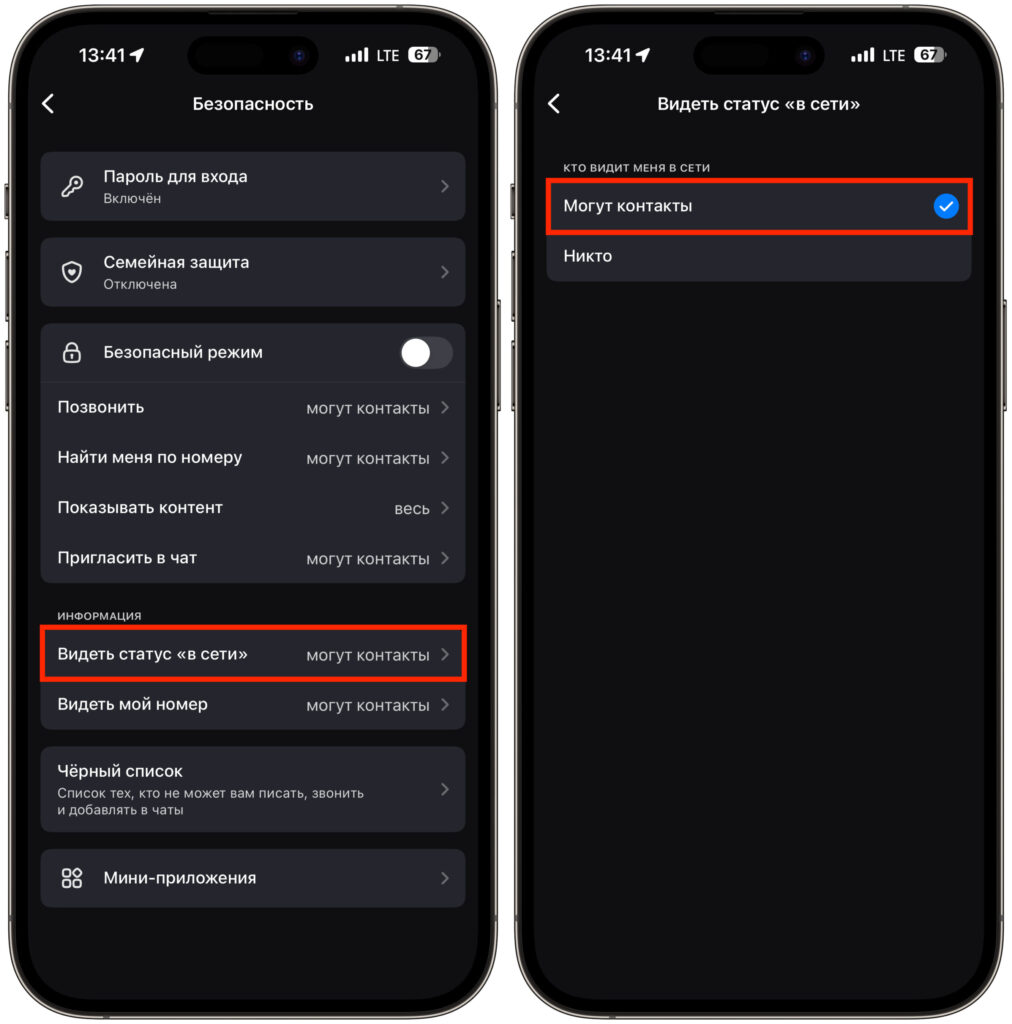
You can disable last seen time in just a couple of taps
- Open MAX on your iPhone.
- Go to the “Profile” section — the icon in the bottom right corner.
- Tap the settings gear icon in the top right corner.
- Find the “Confidentiality” or “Privacy” section.
- Select “See online status” or “Last seen time.”
- Choose the desired option.
MAX offers two visibility options for the status. “Everyone” — the exact time is visible to all messenger users without exception. “Contacts” — the exact time is only visible to those who are in your phone book, while others see a vague status “Was recently online” or “Was online a long time ago.”
There’s an important point to keep in mind. The setting works symmetrically: when you hide your last seen time, MAX also stops showing you other people’s activity. This means you can’t be invisible while simultaneously seeing when others were last in the messenger. This is a deliberate decision by the developers, and it works the same way across all platforms. Changes take effect instantly — no need to restart the app.


