Telegram has a large number of different icons and marks that channels and bots can receive. One of them is the very popular blue checkmark. It’s a sign of authenticity for a channel, group, or bot. It protects against fakes and increases subscriber trust. We explain who can get verified, how to go through the process step by step, and what has changed with the introduction of third-party verification.

Have you seen these blue checkmarks on Telegram? Getting them is far from easy
What Does the Blue Checkmark on Telegram Give You
The blue checkmark on Telegram is a symbol that confirms that a channel, group, or chatbot truly belongs to a specific person, brand, or organization. It’s not a promotion bonus or an advertising tool. The checkmark solves one specific task: it shows that you’re looking at a real account, not a fake one. And even considering that Telegram is being blocked in Russia, many accounts try to obtain it.
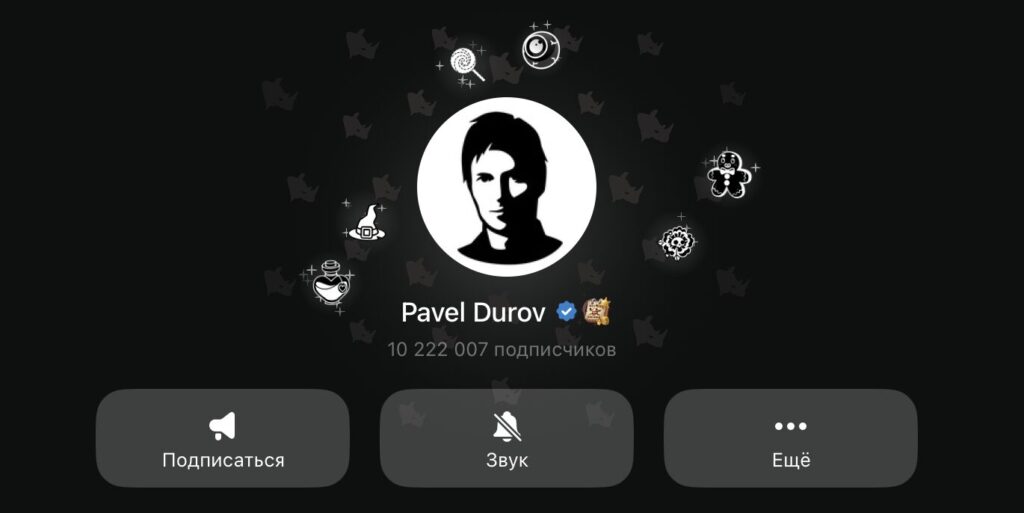
This definitely confirms that Pavel Durov’s account is official
The problem of fake accounts on Telegram has existed for a long time. Anyone can register under someone else’s name or brand name — the messenger doesn’t require identity verification when creating an account. Verification addresses exactly this gap.
An important point: the checkmark is only available for channels, groups, and bots — you cannot get the badge for a personal account. Having a Telegram Premium subscription also has no effect on the verification process.
Who Can Get the Blue Checkmark on Telegram
Telegram doesn’t verify everyone. The blue checkmark can be obtained by:
- Public figures — celebrities, politicians, journalists, cultural and arts figures.
- Organizations and companies — official accounts of brands, government agencies, educational organizations.
- Popular channels and groups — with high publication activity and an engaged audience. There’s no clear threshold for the number of subscribers, but the larger the audience and activity, the higher the chances.
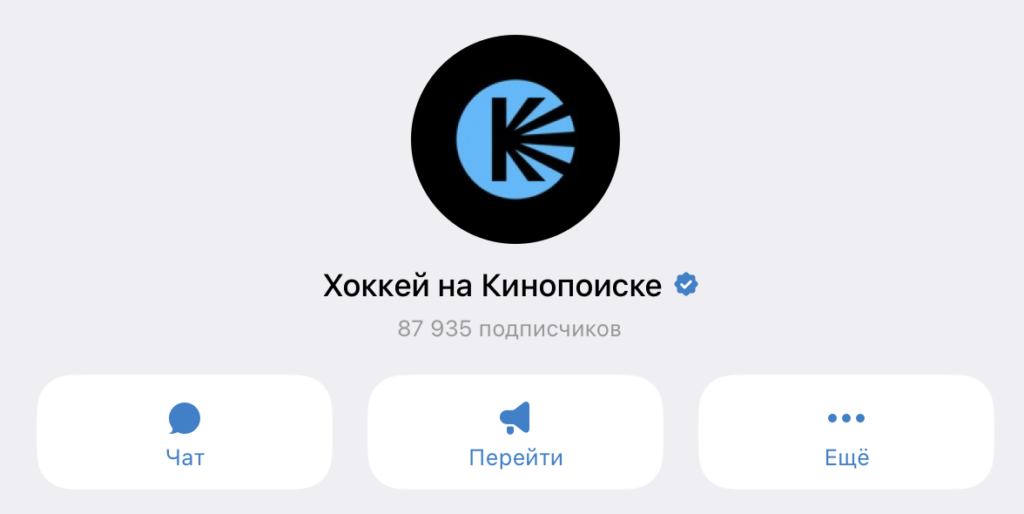
Many popular channels try to get this checkmark
The logic is simple: Telegram verifies those who might be copied by scammers. If your channel has a few hundred subscribers and is dedicated to a niche topic, you most likely won’t get the checkmark — simply because no one is creating fakes in your name. A paid Telegram Premium subscription won’t help either.
How to Apply for Verification on Telegram
The entire verification process takes place through the official bot @VerifyBot directly in the messenger. But before writing to the bot, prepare your proof of authenticity. Telegram requires confirmation from two sides: through other social networks and through media publications. Verified social media accounts are needed on at least two platforms from this list:
- TikTok
- Instagram*
- Facebook*
- YouTube
- Twitter (X)
- Snapchat
In the profile description on these platforms, you need to place a link to the Telegram channel you want to verify.
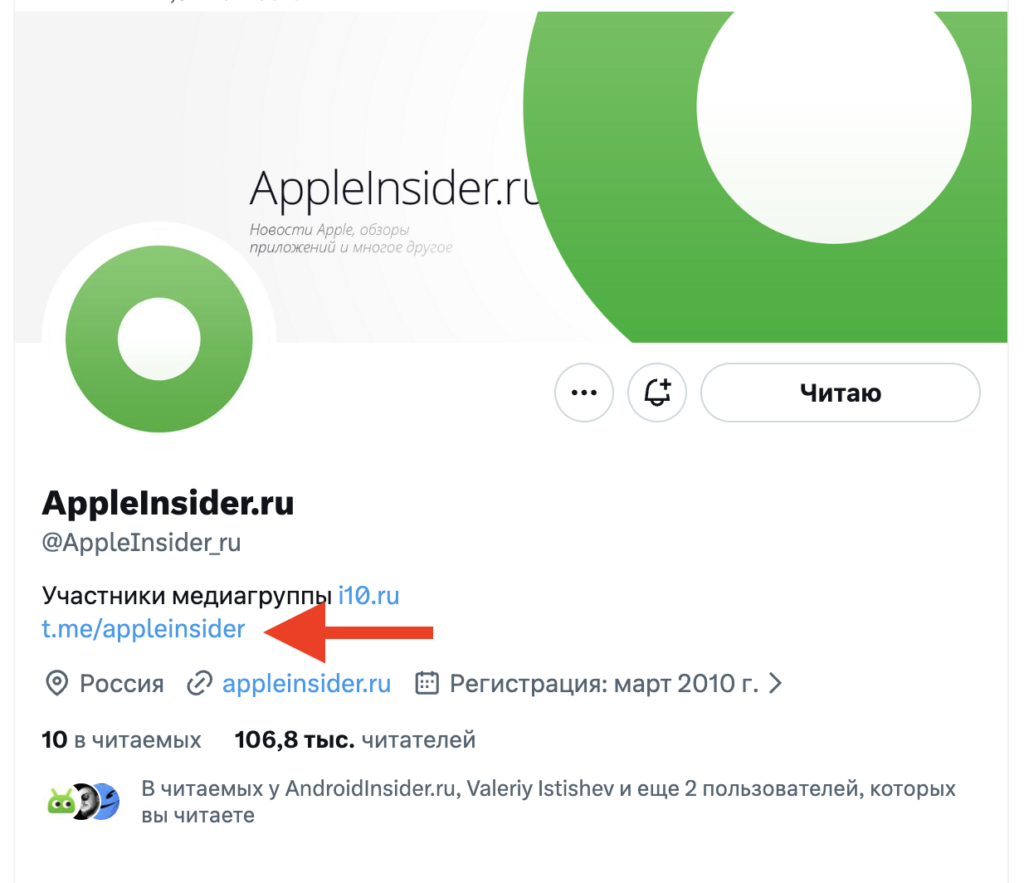
The description must include a link to your Telegram
Additionally, you’ll need at least two links to media publications in English that mention your person or brand. The media outlets must be well-known, and their websites should have been operating for more than one year.
If you don’t have two verified accounts, there are alternatives:
- One verified social media account plus a Wikipedia article about you (with a link to your Telegram channel in the article text).
- For companies — one verified account plus a link to the official website where a link to your Telegram channel or bot is posted.
When everything is ready, follow these steps:
- Open Telegram and search for @VerifyBot.
- Press “Start.”
- Send the channel, group, or bot name in the format @name or as a link.
- Confirm the name — after this, it cannot be changed.
- When prompted by the bot, provide links to your verified social media accounts.
- In one message, send links to media publications, a Wikipedia article, or an official website.
- Wait for the moderators’ decision.
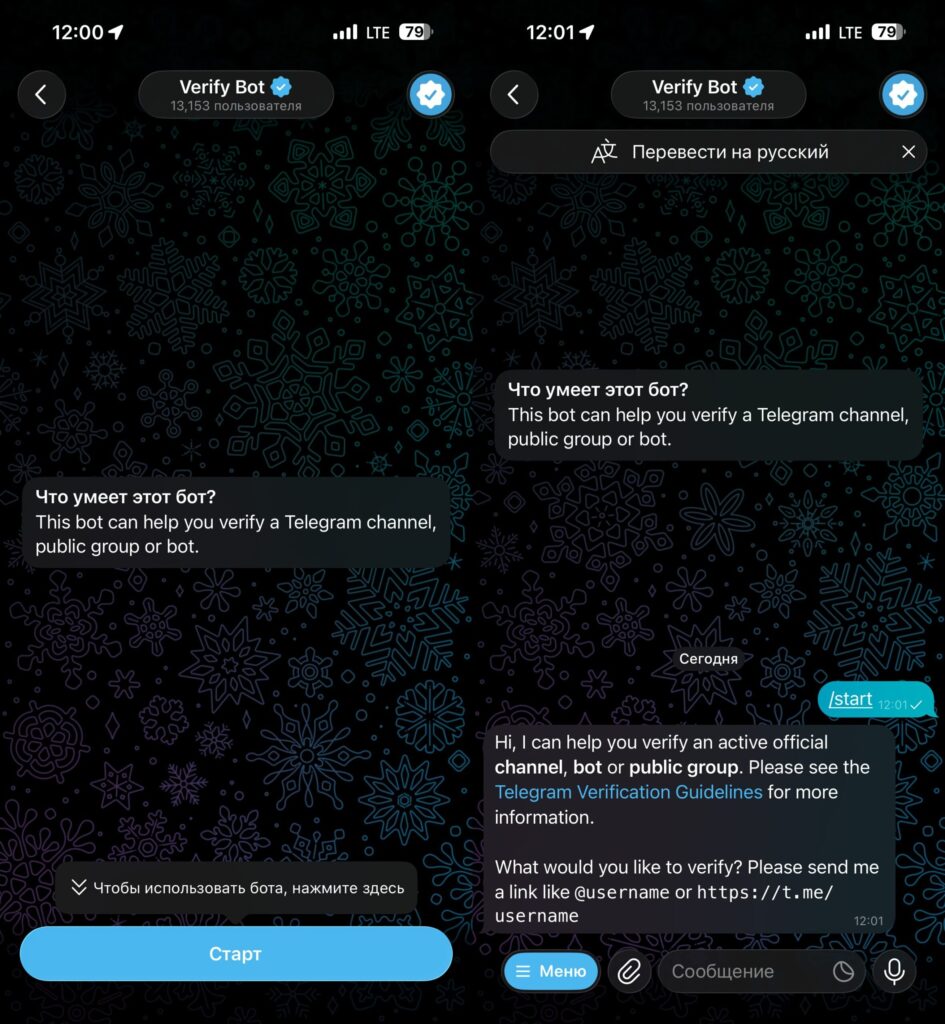
Verification is done through the bot
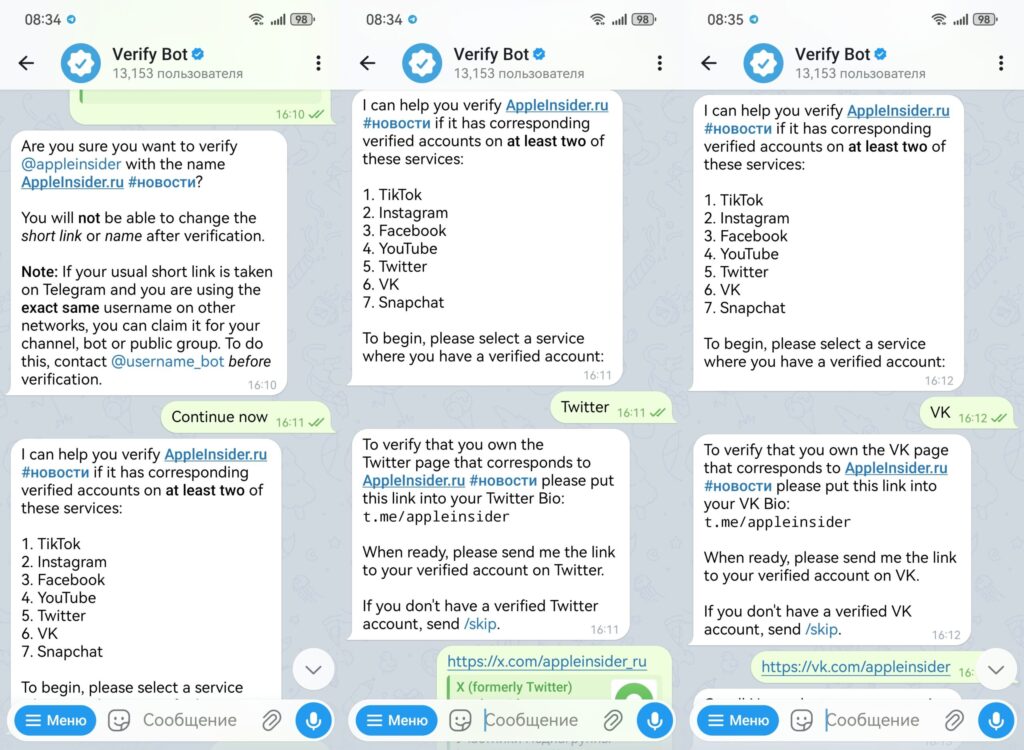
Send links to your social networks one by one
The review time for an application depends on how busy the moderators are. Sometimes the response comes quickly, and sometimes the application can sit for several months without being reviewed.
Why Your Blue Checkmark Application on Telegram Was Rejected
Telegram rejects applications without explanation, but the main reasons for rejection are typical:
- Attempting to verify a personal account rather than a channel, group, or bot.
- Content on the channel is published irregularly.
- The channel violates Telegram’s rules or spreads false information.
- No verified accounts on the specified social networks.
- Social media profiles don’t contain a link to the channel being verified.
- No two media publications, link to an official website, or Wikipedia article.
- Provided links lead to unreliable or non-existent publications.
Several things can increase your chances of approval. Make sure the profile is fully filled out: avatar, description, up-to-date content. Submit your application for a channel with a large and active audience — lots of likes and comments on posts work in your favor.
Third-Party Verification on Telegram
Until 2025, only the messenger’s administrators could confirm the authenticity of a channel. Since the beginning of 2025, Telegram introduced the option of third-party verification.
What does this mean in practice? Now official third-party services can assign additional badges to user profiles and chats, indicating account authenticity. This third-party verification is assigned separately from Telegram’s official verification. For a third-party service to provide its own verification, it must itself be verified by Telegram, submit an application, and pass additional review.


