Sber has long been playing hide and seek with the App Store: the bank’s apps get removed from the store, only to return under new names. This time, investors were affected. An app called Aktiv has appeared in the App Store, and it’s none other than a disguised SberInvestments for iPhone. Let’s discuss the new SberInvestments app.
The new SberInvestments app is available in the App Store
Aktiv — the New SberInvestments for iPhone
Since there are essentially no alternatives to the App Store on iPhone in our country, you’ll have to download SberInvestments from there. The Aktiv app is already in the App Store — go ahead and install it on your smartphone or tablet. And here’s the key point: it’s best to do this as soon as possible. And don’t worry — this is truly the original, as confirmed by a post on the official website of the service.
This time, the SberInvestments app was disguised as a productivity tracker. Based on the App Store listing, you’d hardly guess it’s a banking app. It talks about daily routines, mindfulness, time management, and so on. The only giveaways are the signature brand colors and the elegant logo.
The thing is, the banking client can’t appear in the App Store under its real name due to sanctions that Sber fell under back in 2022. So the app is disguised: not a word about banking in the description, a neutral category, and a third-party developer on the listing. Cupertino’s moderators usually detect such apps within a day, sometimes even within a couple of hours. So SberInvestments in the App Store won’t be around for long, and you shouldn’t delay downloading it.
This approach, by the way, is far from the first. Previously, Sber hid its investment app under names like “Sostoyanie” (Wealth) and Petfolio, so Aktiv is simply continuing an already familiar tradition.
What’s Inside the Aktiv App from Sber
You won’t find any of the third-party services promised in the description, of course. After installation and logging in with your credentials, you’ll be greeted by the familiar SberInvestments app — the same interface as before. It’s fully functional: your portfolio is there, buying and selling stocks and bonds, the order book with active orders, portfolio analytics by instrument types, sectors, and issuers, market quotes and news. Essentially, it’s the complete SberInvestments for iOS, just under a different name.
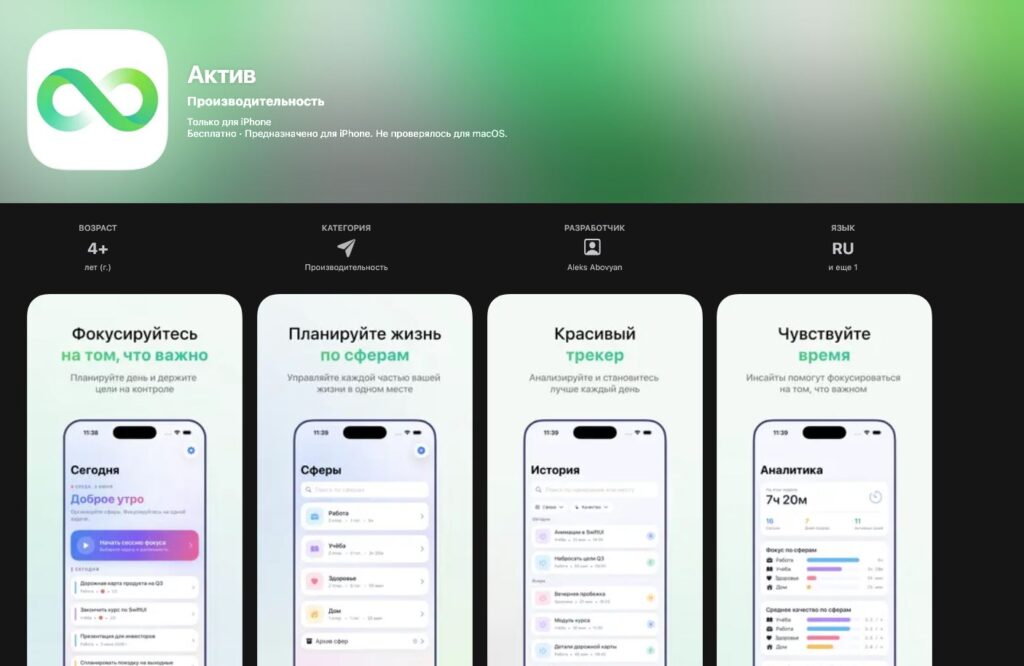
The app has been thoroughly disguised again, but it’s unlikely to stay for long
One important thing to keep in mind: Aktiv is not Sberbank Online — it’s an app for buying stocks. If you need a regular bank for payments and transfers, that’s not here — it’s a separate story, and Sberbank Online itself is installed through the proprietary “Return Sber to iPhone” program and at bank branches.
Why You Should Download Aktiv on iPhone
The main reason to grab such apps immediately is that the window of opportunity is short. This is the fastest way to install SberInvestments on iPhone the old-fashioned way: just download from the App Store and use it, no PC programs or cables needed. Even if the app is removed from the store, the already installed Aktiv from Sber will continue to work — Apple removes the listing from search results but doesn’t delete the app from your phone.
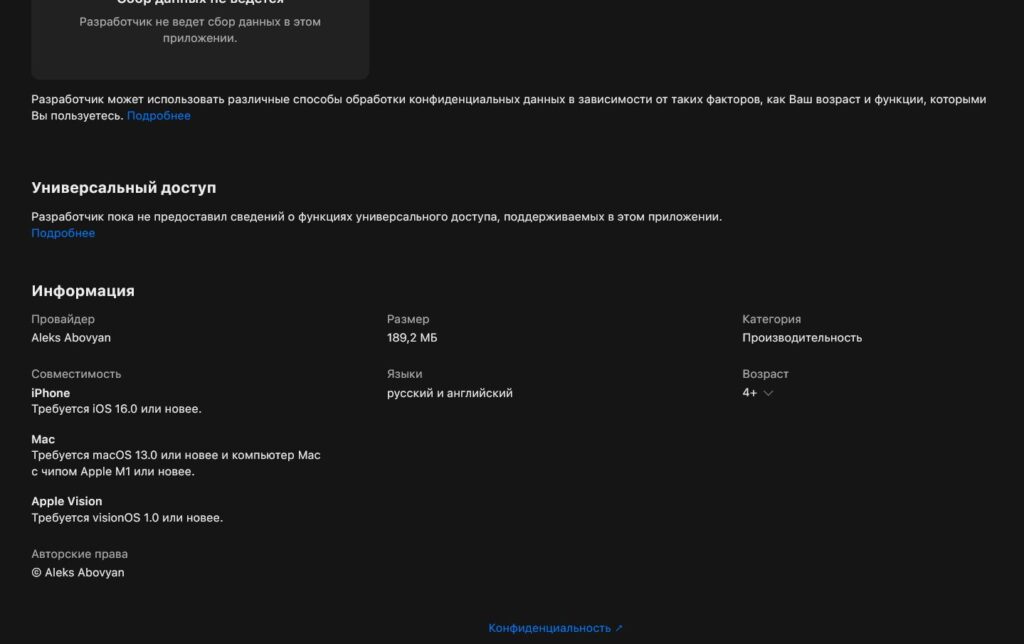
The app is compatible with iOS 16 and later. So there shouldn’t be any issues with iOS 27
However, apps removed from the store can sometimes have issues with push notifications. So after installation, it makes sense to immediately check if notifications are working properly.
If you’ve been using the web version for a while or just bought a new iPhone, the timing is perfect. Download now while Aktiv is still available.


