While we’ve been busy exploring the first public beta of iOS 27, something far more interesting than new wallpapers and widgets happened in the Russian App Store. In a single day, two services that had been absent for years appeared in Apple’s app marketplace: Rutube and the Premier online cinema. Both belong to Gazprom-Media, both fell under sanctions, and both had been available only on RuStore and Google Play for a long time. Now you can install them on your iPhone in just a couple of taps — though not under their real names.
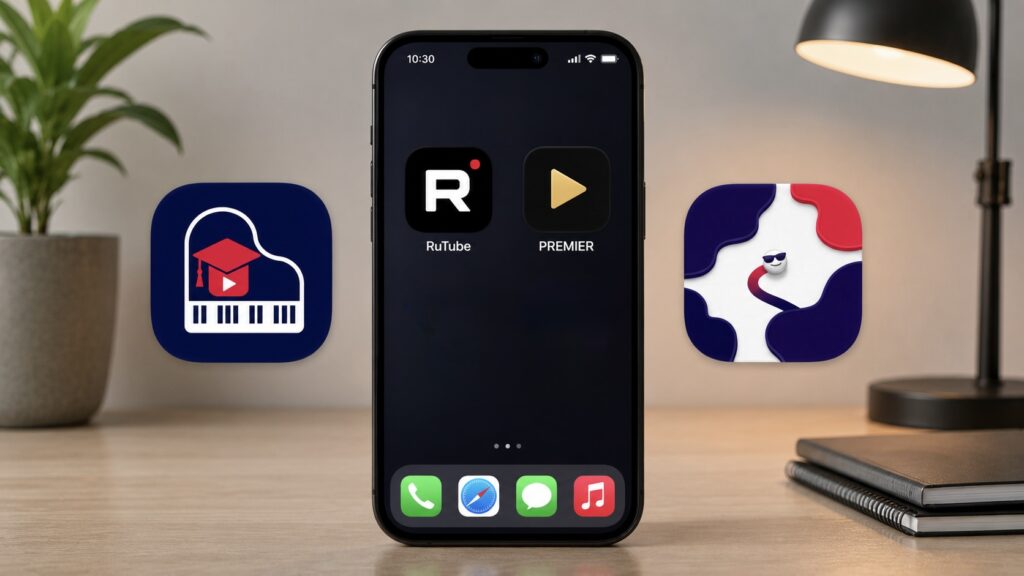
The new apps are already in the App Store, but for how long?
SlicingDices and PianoWave: What Are These Apps?
The scheme here isn’t new — Russian banks tested it long ago. An app is uploaded to the App Store under a neutral name and a different icon: during moderation, it looks like a regular game with no mention of the sanctioned brand. It passes review without issues. After installation and login, the interface switches to the real one.
Rutube is currently hiding in the App Store under the name SlicingDices. Officially, it’s an arcade game about capturing territory: the main screen features buttons, a leaderboard, and a promise to play against bots over Wi-Fi. Nothing in common with a video hosting platform — until you take one clever step.
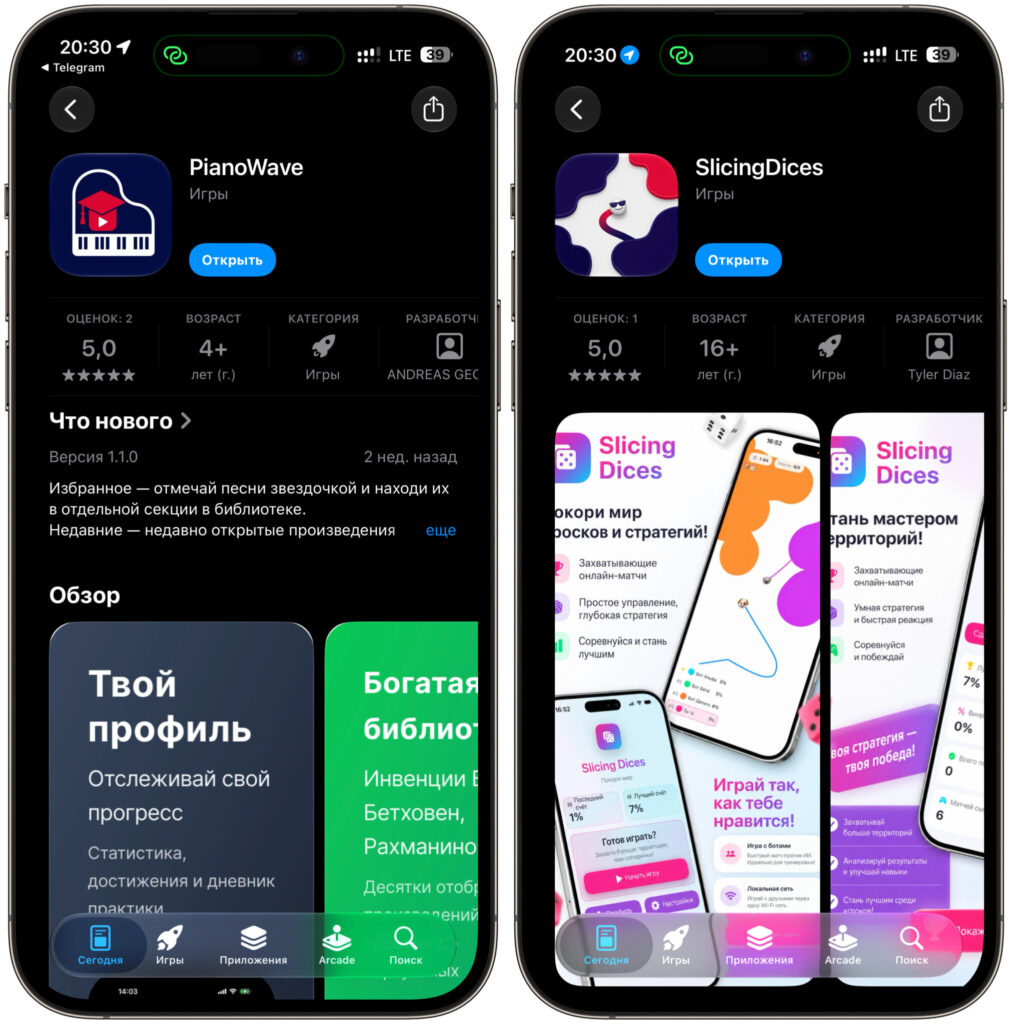
Both apps are available for download
Premier is disguised even more elegantly. It’s listed in the store as PianoWave, a piano practice app. The description mentions Bach inventions, Beethoven’s “Moonlight Sonata,” and a story about note recognition via microphone. Apple has nothing to complain about — the app truly does everything it promises, until you log into your account.
A bit of backstory. Rutube was removed from the Russian App Store on June 18, 2024, without official explanation, though it’s linked to sanctions against Gazprom-Media. The Premier app disappeared even earlier, and the service’s official website still displays an honest message: if you didn’t have the app installed, you can no longer download it — watch via the website or Smart TV. Now it’s possible again.
The story of Russian software on iPhones has been developing nervously overall. Some apps get removed without warning, others return under different names, and still others hold on only until the next wave of moderation.
How to Install Rutube on iPhone and Activate the App
There’s a nuance with Rutube that causes many people to give up at the second step. Simply downloading the app isn’t enough — after installation, it honestly pretends to be a game and shows no video hosting inside. To turn the arcade back into Rutube, you need activation via a special link.
Here’s the process:
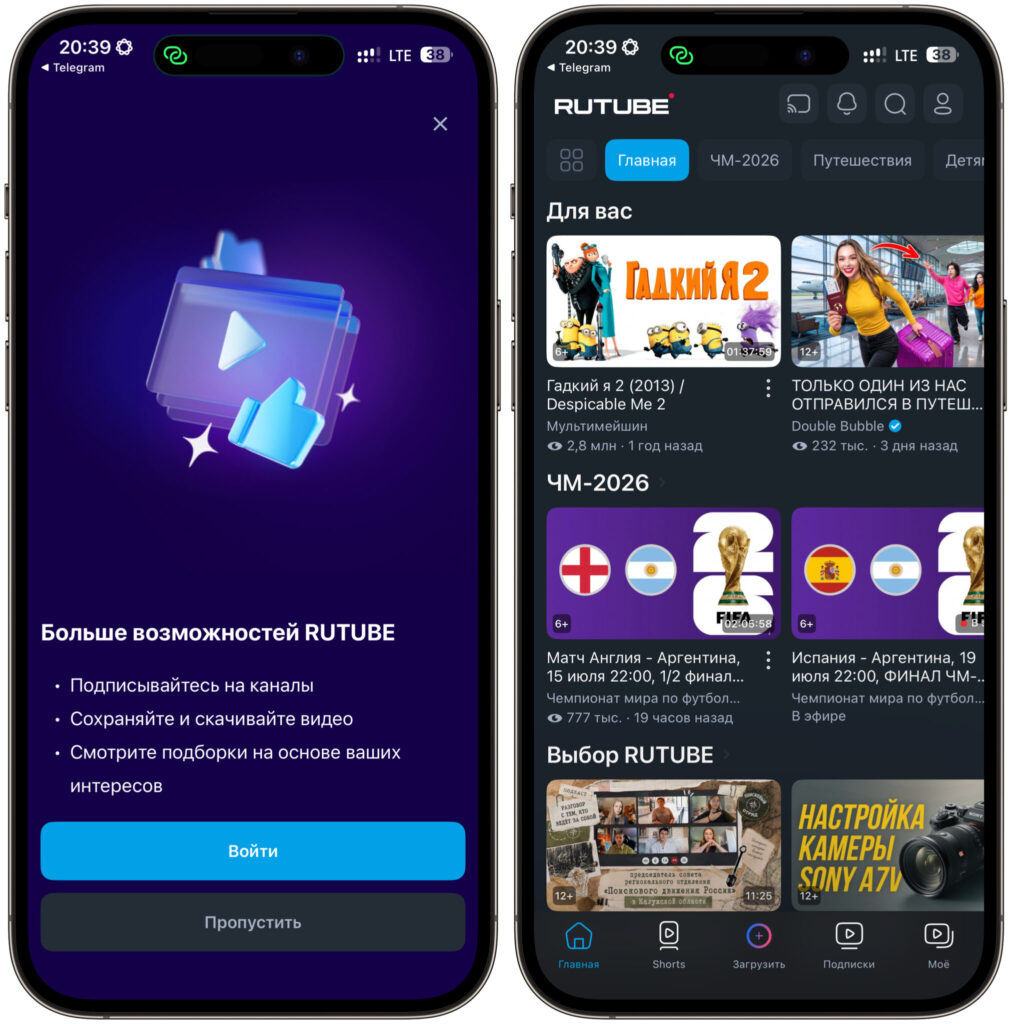
RuTube must be activated
- Open the SlicingDices page in the App Store and tap “Download.” The app is free, you don’t need to change your Apple ID region — a Russian account works fine.
- Wait for the installation to complete, but don’t rush to open the icon from your home screen.
- Follow the activation link directly from your iPhone. It will open the app in the correct mode and remove the disguise.
- Now launch it. Instead of “Play” and “Leaderboard” buttons, you’ll see the familiar red-and-black interface with a video feed.
- Log in with your phone number to sync your subscriptions, watch history, and bookmarks.
A note about the verification code: it may arrive not via SMS but in the MAKS messenger — that’s how many Russian services work now. If you don’t have MAKS installed, you might simply never receive the code and then wonder why nothing is coming through. So it’s better to install the messenger in advance and log in with your phone number — then the notification will arrive instantly.
If the activation link didn’t work, try opening it in Safari rather than in a built-in browser. This fixes roughly half the cases. The second working option: delete the app, reinstall it, and follow the link before the first launch rather than after.
How to Install Premier on iPhone via the App Store
With Premier, everything is simpler, and that’s the good news. No activation link is required — the app reveals itself automatically after you log into your account.
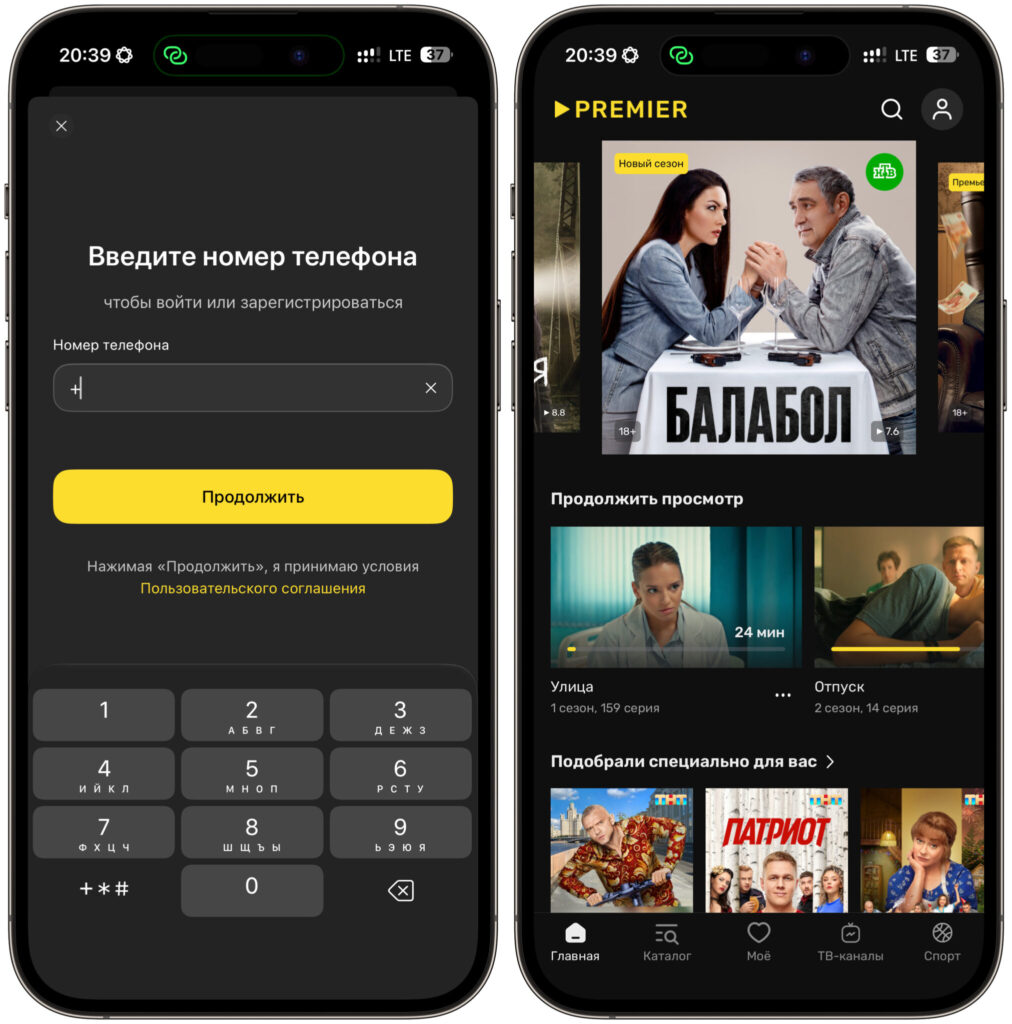
To get Premier working, you need to log in with your phone number
- Open the PianoWave page in the App Store and tap “Download.”
- Launch the app from your home screen.
- Log into your account with your phone number and confirm login with the code from the message.
- After authorization, instead of notes and piano keys, you’ll see a catalog of TV series, movies, and shows.
Premier uses a single account — the same one works on the website, in the browser, on Smart TV, and on set-top boxes. There’s no need to register separately on iPhone — your subscription syncs automatically along with your watch history. If you don’t have a subscription, it’s easier to sign up on the website.
This disguise technique has been adopted not only by media services. Banks, payment services, and fuel reward programs have returned to the store in a similar way. The logic is the same everywhere, and the installation steps are nearly identical.
How Long Will the Apps Stay in the App Store?
The honest answer is: nobody knows, but most likely not long. Apple regularly purges these disguises, and they typically survive anywhere from a few days to a couple of months. T-Bank and Gazprombank


