Russian banks have been playing hide and seek with Apple for years: their apps get kicked out of the App Store, then pop back up under new names. That’s exactly what happened now — PSB quietly appeared under the name “Tea Ceremony.” A similar path was recently taken by UBRiR when it returned to the App Store, though that required changing your region. But downloading PSB on iPhone is noticeably easier, since the app is available in the Russian store and can be downloaded directly. We checked everything personally: the app is genuine and fully functional.
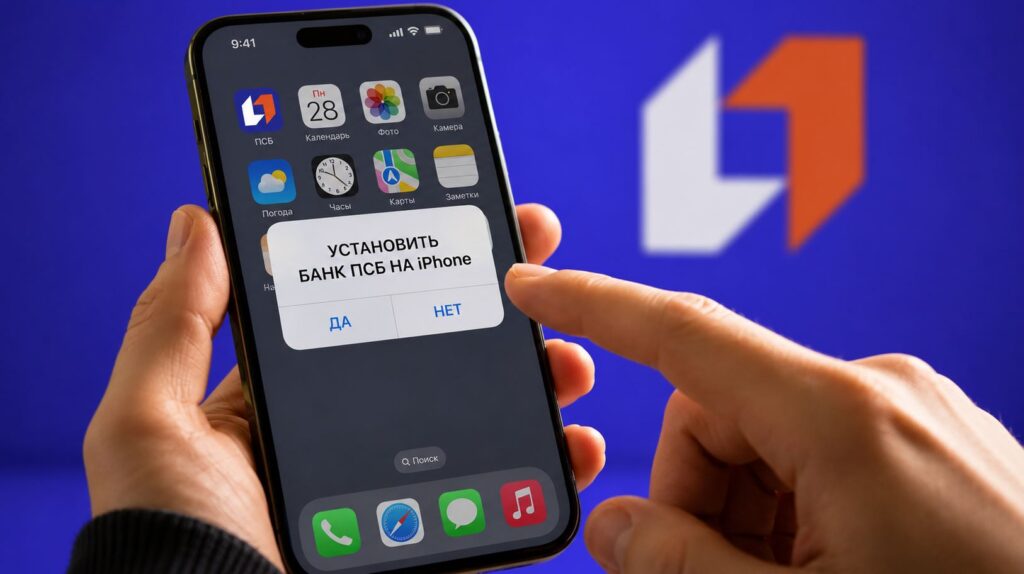
It turns out PSB bank has been in the App Store for a while
“Tea Ceremony” — Is It the Real PSB or Not
Since there are essentially no alternatives to the App Store in our country, you’ll have to download the app from there. The “Tea Ceremony” app is available at this link — go ahead and install it on your smartphone. In the store, it’s listed as a catalog for tea enthusiasts: storing your collection, tasting notes, a map of tea origins, and not a word about banking. And it’s been sitting in the App Store for more than a month!
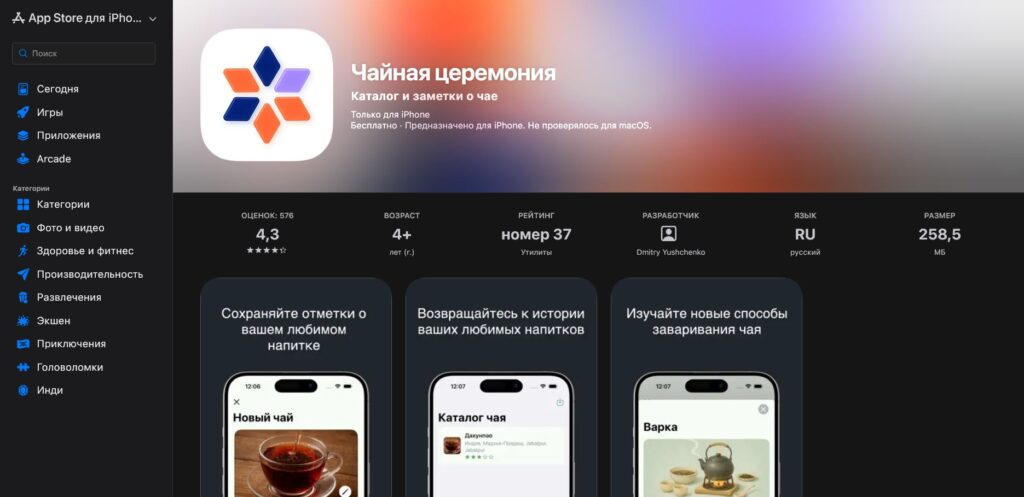
Once again: how can you tell it’s the real PSB? Only by the color scheme
It’s classic camouflage to keep Apple’s moderators from noticing the guest too early. If you couldn’t install the banking app directly before, now you can download PSB bank on iPhone straight from the App Store. And this is a good moment, since the new PSB app in the App Store will only stay as long as it takes to get removed, so don’t delay.
What the PSB App Can Do
You won’t see any tea catalog, of course. After installing and signing in with your phone number, the familiar PSB mobile bank opens up: accounts and cards, transfers by phone number, utility payments and payments by bank details, transaction history, and chat support. Essentially, it’s a full-fledged PSB app for iPhone, just under a different cover.
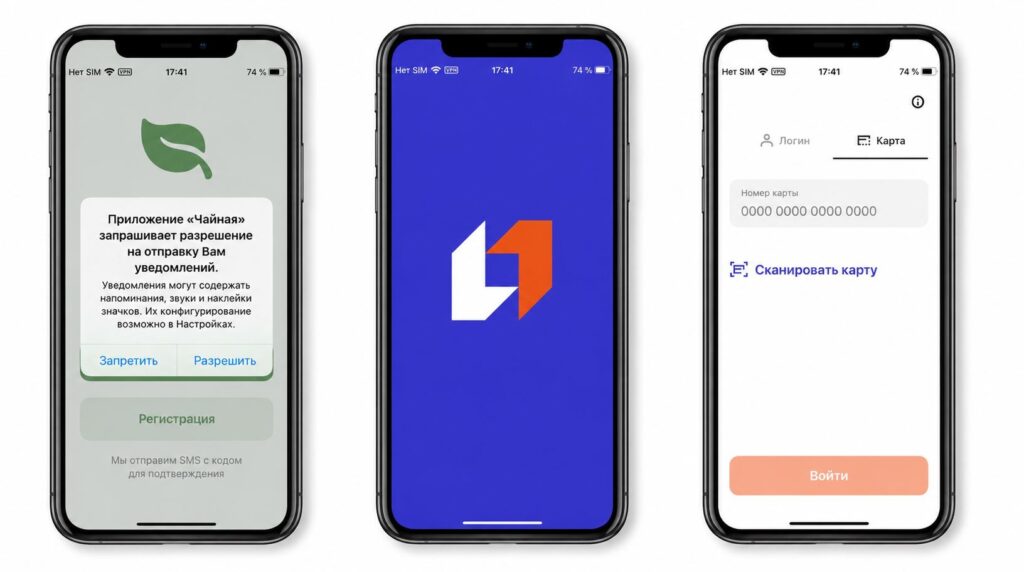
The app greets you with a strange splash screen, but after it comes the bank’s logo. Everything is fine
It works more conveniently than the web version: push notifications for debits and deposits, Face ID login, and quick launch from the home screen. If you still have the old bank app on your iPhone, it’s better to remove it after installing the new one to avoid confusion about which version is the working one.
How to Pay with iPhone via PSB
Another reason to download the new PSB app is contactless payments. After Apple Pay left, the bank quickly connected to the “Volna” (Wave) technology from NSPK: it allows you to pay with your iPhone via Bluetooth, without Apple Pay.
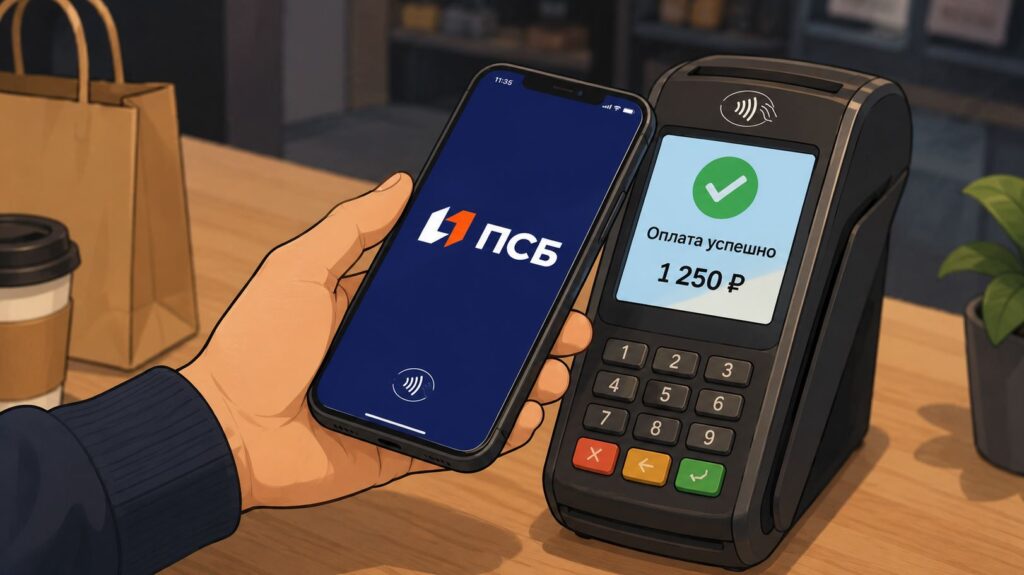
The bank has enabled contactless iPhone payments
- To enable payments, open the “Payments” section in the app.
- Select the “Volna” payment method.
- Hold your smartphone near a Bluetooth-enabled terminal and confirm the transaction.
Paying with your phone is convenient anywhere, from supermarkets to gas stations.
The rule here is simple: even if the app gets removed from the store in a couple of hours, an already installed app won’t go anywhere and will continue working on your device. Removal from the App Store only affects those who didn’t manage to download it in time. So if you’ve been stuck using the inconvenient web version or just got a new smartphone, don’t wait. Download PSB on your iPhone now, sign into your account, and test the payment feature so you don’t regret it later when the window closes.


