Russian banks have been playing hide-and-seek with Apple for four years now, and everyone has learned the rules of this game. A bank publishes its client app under someone else’s name, moderators eventually remove it, and then the whole thing repeats. This time, entrepreneurs got lucky: an app called “Barkhat” (Velvet) quietly appeared in the App Store, which according to its description takes care of cats and dogs, but actually opens the familiar “PSB Business” with current accounts and payment orders. You can download it right now from the Russian App Store, without any region switching.
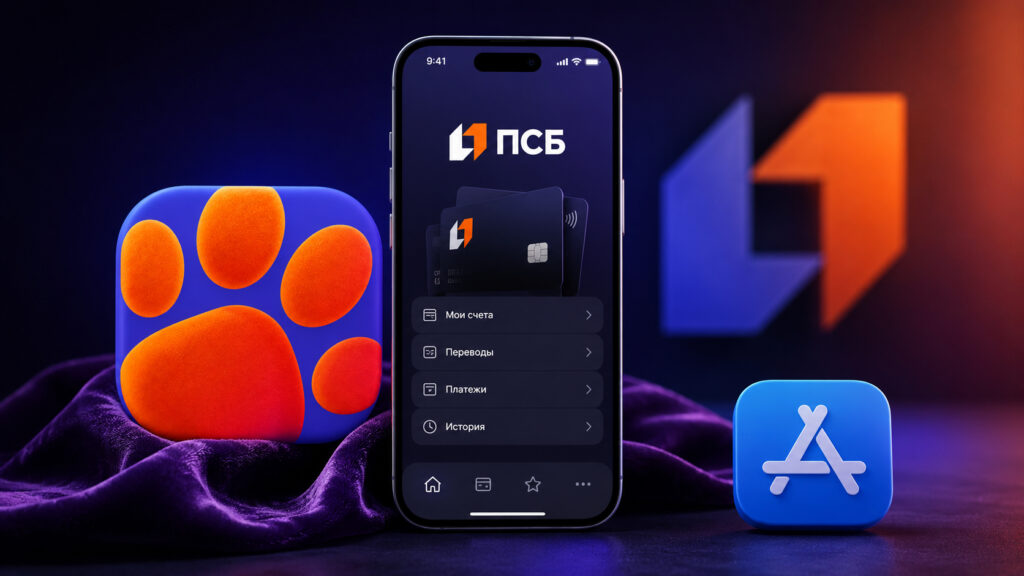
The new PSB Business app is already available in the App Store
PSB Business Returns to the App Store Under the Name ‘Barkhat’
PSB has a long and unhappy history with the App Store. After US sanctions, all of the bank’s apps were removed from the store at once: the mobile bank for individuals, “PSB Investments,” and “PSB Business.” Corporate clients received a notification along the lines of “the app is temporarily unavailable for download, please use the online bank on our website.” Temporarily stretched into years. It got to the point where the app was installed on iPhones through a manager or at a bank branch, while everyone else was offered a shortcut to the web version on their home screen.
That’s why the bank is using a well-tested approach. The app is published under a neutral name, with a description that doesn’t raise any red flags for moderation. “Barkhat” is disguised as a service for pet owners: electronic pet passport, vaccination calendar, medical records, distinguishing features, and chip number. You read it and smile. There’s not a single word about current accounts or payment orders.
Retail PSB customers are familiar with this trick: a couple of weeks ago, the mobile bank for individuals showed up in the store under the guise of a tea catalog. However, the PSB app disguised as “Tea Ceremony” has already been removed from the App Store, and there’s nothing to download from there anymore. Now it’s the business segment’s turn, and the cover story has changed from tea to pets.
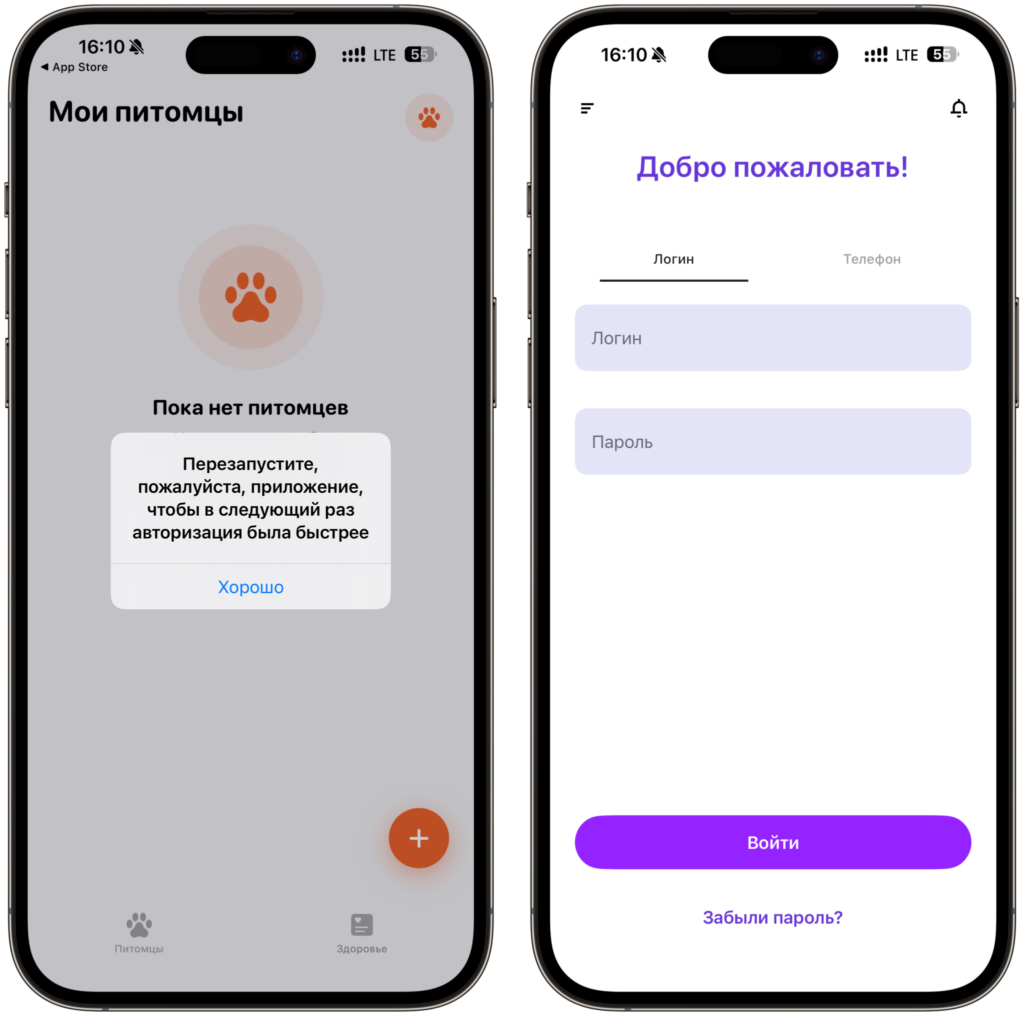
Restart the app, and you can log in
After installation, the app asks you to restart the program, and that’s where things get interesting. You close it, open it again — and instead of pet passports, you’re greeted by the standard PSB login screen. You won’t see any animal catalog.
How to Download the PSB Business App on iPhone
The instructions are short because there’s nothing complicated here. The app is in the Russian segment of the App Store and can be downloaded directly, without any country-switching dance and without someone else’s Apple ID. And, importantly for business owners, without calling a manager.
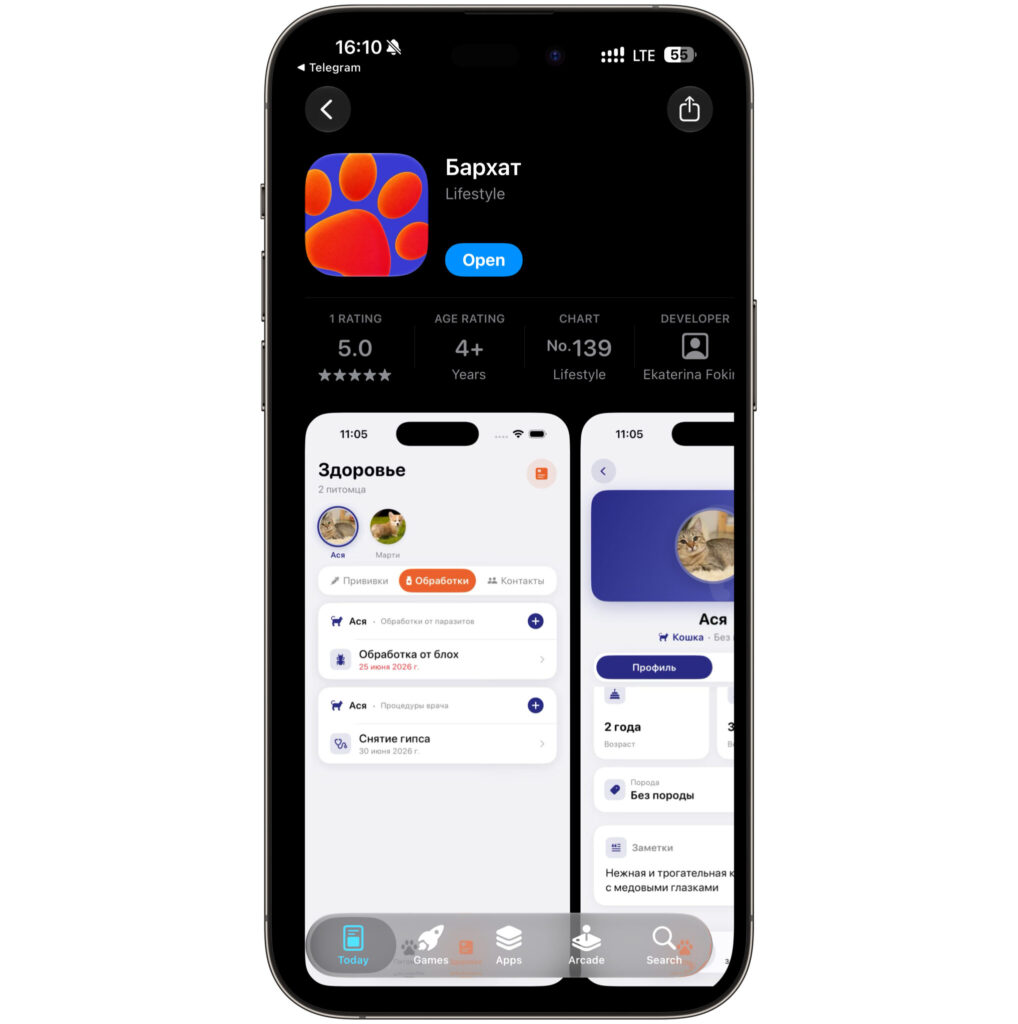
The app can be easily downloaded from the App Store
- Go to the “Barkhat” app page in the App Store or find it by searching for the name.
- Tap “Download” and wait for the installation. The app is about 260 MB, so it’s better to do this over Wi-Fi.
- Launch the app. It will ask you to restart the program — close it and open it again.
- On the login screen that appears, sign in with your “PSB Business” mobile bank username and password.
- Set up Face ID login and enable notifications to see payment statuses and incoming transfers to your account.
A note about the old app: if you still have the previous bank client on your iPhone, it’s better to delete it after installing the new one. The reason is simple: two identical icons cause confusion, and only one version is the working one. When it comes to payment orders to counterparties, icon confusion costs more than mix-ups with transfers to friends.
What the PSB Business App Can Do on iPhone
This is a full-fledged bank for entrepreneurs, just under a different cover. After logging in, you get everything you’re used to: complete information on your current account, creating payments with custom details and from templates, tracking statuses, working with statements, and searching for documents for any period. Templates can be created, edited, and deleted right from your phone.
One thing worth keeping in mind: the limit on ruble payment orders is 3,000,000 rubles per day. If you’re processing large amounts, plan your payments in advance or process them through the online bank. You can also contact support, your personal manager, or request a callback from within the app without opening a browser.
The main difference from the web version is the convenience of daily use. The online bank in a browser is functional, but it doesn’t send push notifications, doesn’t support Face ID login, and every launch turns into opening a tab and entering a password. For a business owner, this matters more than for an individual: it’s better to see a payment from a counterparty immediately, rather than whenever you get around to checking the tab. The native app eliminates all these small irritations at once.
How Long Will ‘Barkhat’ Survive in the App Store
Recently PSB released an app for individuals, and it was removed very quickly
The honest answer is — nobody knows. Experience from recent months shows that Apple’s moderators figure out these disguises within anywhere from a few hours to a few weeks. Cupertino definitely won’t help banks circumvent its filters, and the company’s relationship with Russian regulators is complicated: Apple didn’t comply with FAS requirements to pre-install RuStore, and there’s no reason to expect any concessions. But one iron rule applies: if the app is already installed on an iPhone, its removal from the store won’t affect it at all. It will continue to launch and update through the bank’s servers.
Only those who didn’t manage to download it in time will be affected. That’s exactly why banks write “install it right now” in their channels, and it’s not urgency hype — it’s a perfectly sober assessment of the situation.


