MAX is a Russian messenger from VK that lets you not only chat and make calls, but also access Gosuslugi (public services), verify your age via digital ID, and sign electronic documents. MAX can be installed for free on iPhone, Android, and computer, and if you don’t want to install a client — there’s a web version available. If you previously had issues with downloading, we’ve already covered what to do if MAX isn’t in the App Store. Below is a short and clear guide for all platforms.

Figuring out how to install MAX on different devices
Where to Download MAX for Free
MAX is distributed through official channels, and there’s no need to overpay or look for workaround sites. The app is available on the official website, in RuStore, App Store, Google Play, and other app stores. It supports Android smartphones and iPhones, as well as computers running Windows, macOS, and Linux.
An important compatibility note: on iPhone, the app works with iOS 15 and newer. If you have a very old iPhone that can’t update beyond iOS 14, you won’t be able to install the messenger — in that case, the web version on a computer is your option.
Install MAX on iPhone via App Store
On iPhone, everything is standard — installation is done through the App Store, no workarounds required.
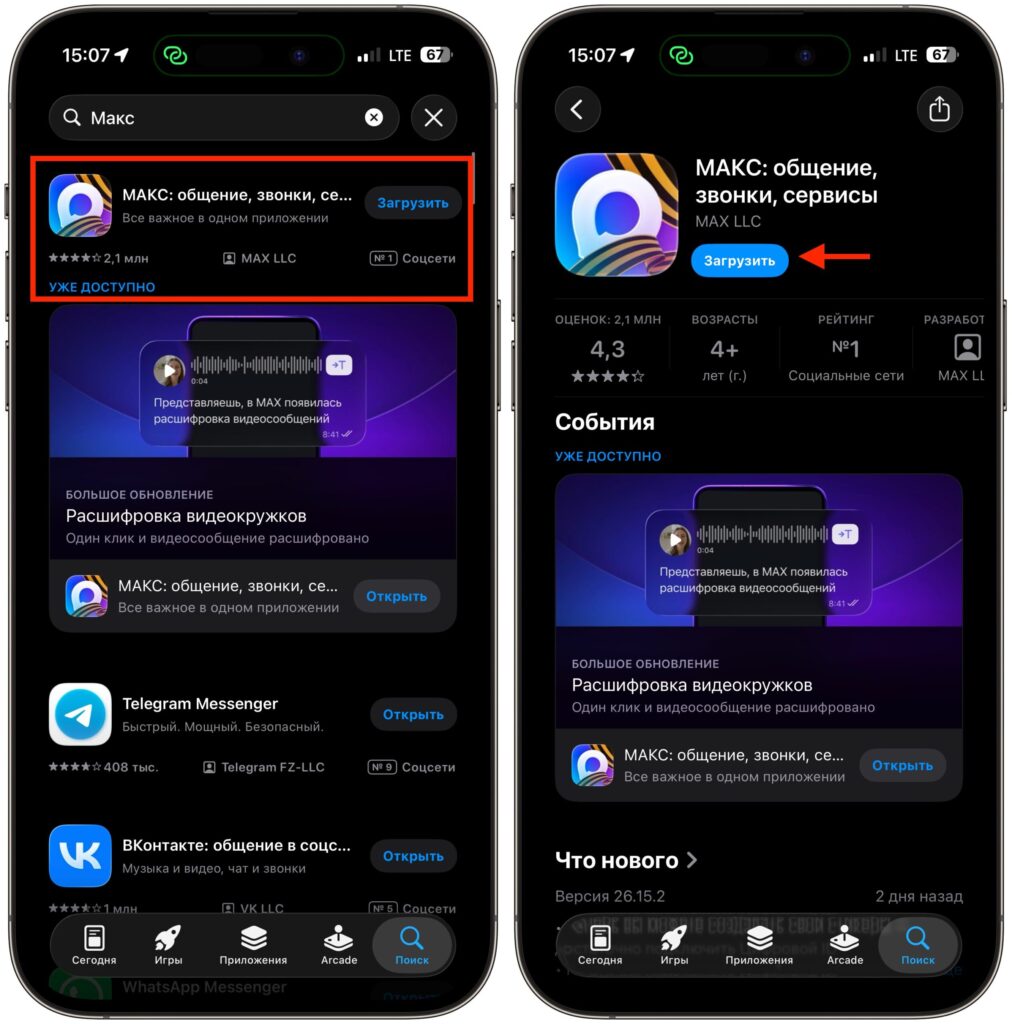
Download the app from the Apple store
- Open the App Store on your iPhone.
- Type MAX in the search or follow this link.
- Tap “Download” and wait for the download to complete.
After installation, you can launch and set up the messenger right away. MAX also updates through the App Store — there’s no need to separately track versions, everything arrives along with other app updates.
MAX on Android: Installation from a Store or via APK
On Android, there are two ways. The first is a standard installation from an app store, and this is the simplest option. Open Google Play, RuStore, or AppGallery, find MAX through search, tap “Install,” and open the app.
The second method is installation via an APK file from the official website. This is useful if there’s no app store available or MAX can’t be found in it for some reason.
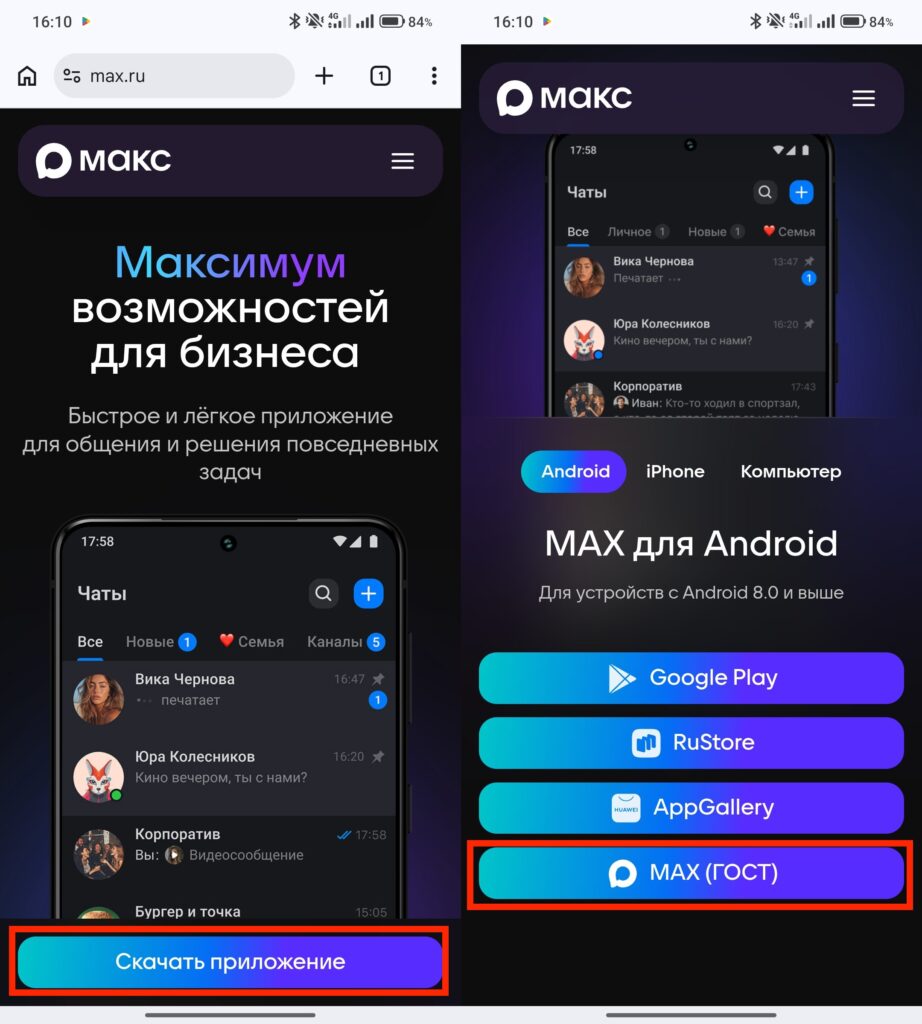
You can download the messenger directly from the website
- Download the APK from the messenger’s official website.
- Find the file in your downloads and tap on it.
- Allow your smartphone to install apps from unknown sources — after that, the installation will begin.
Only download the APK from the official MAX website — files from third-party forums and aggregators could be anything, including a tampered version with malicious code.
MAX for Computer: Installation on Windows, Mac, and Linux
For computers, MAX has dedicated clients. The process is similar to installing any other program — nothing unusual.
- Go to the official messenger website and open the “Download App” section.
- Choose your operating system. For macOS and Windows, there are ready-made clients; for Linux, there are instructions on how to add the app to the repository and commands for installation.
- Download the installation file for macOS or Windows.
- Open “Downloads” and run the executable file.
- Follow the installer prompts: choose the installation folder, click “Install,” and allow MAX to make changes on your device.
- After the installation is complete, launch the messenger and sign in using your phone number or QR code.
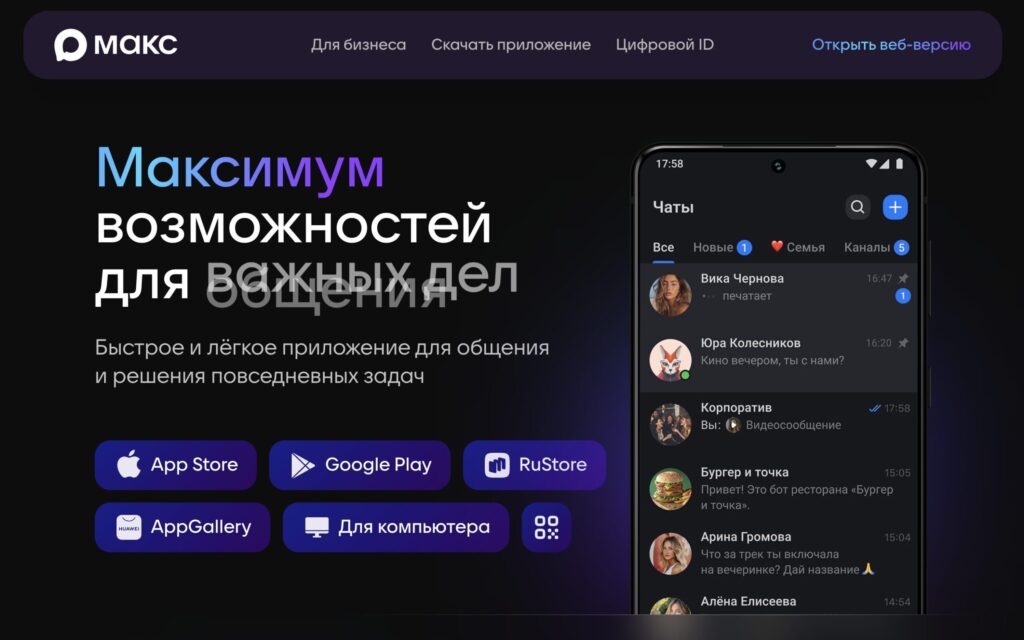
Select the “For Computer” section
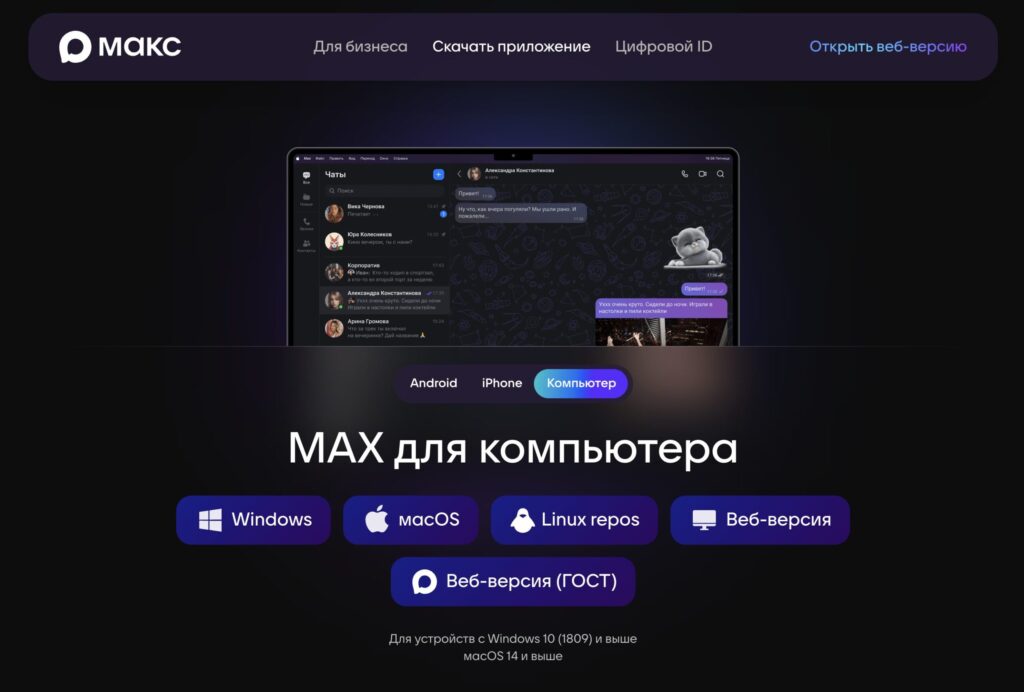
Select your OS and download the messenger to your computer
If MAX is already installed on your smartphone, it’s more convenient to sign in on the computer via QR code — the phone scans the code from the PC screen, and the account syncs automatically.
MAX Web Version — How to Use It Without Installation
If you don’t want to install a client on your work laptop or don’t have admin rights, MAX has a web version. It opens in a browser and is suitable for everyday messaging.
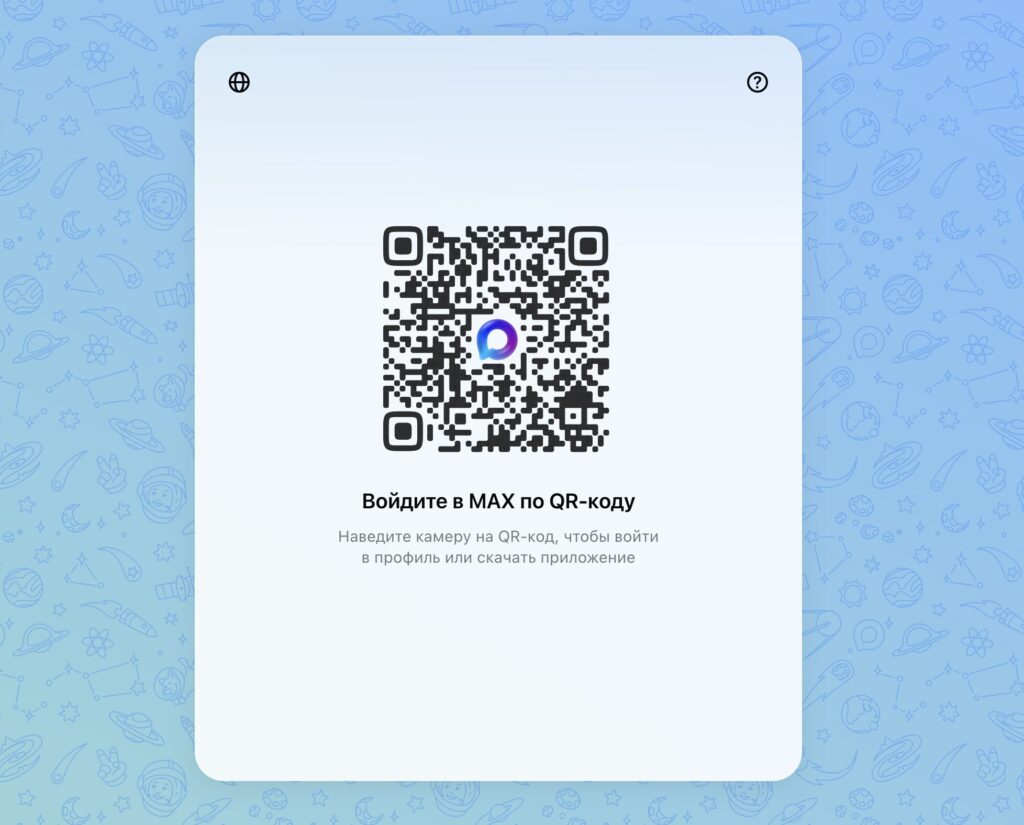
Scan the QR code and sign into MAX
But there’s an important limitation: you cannot register through the web version. You can only create an account through the smartphone app or the PC client — an SMS code is required for verification. However, if you already have an account, you can use the web version without any reservations.
How to Register in MAX and Set Up Your Profile
After the first launch, the messenger will ask you to register. The process is simple and takes a couple of minutes.
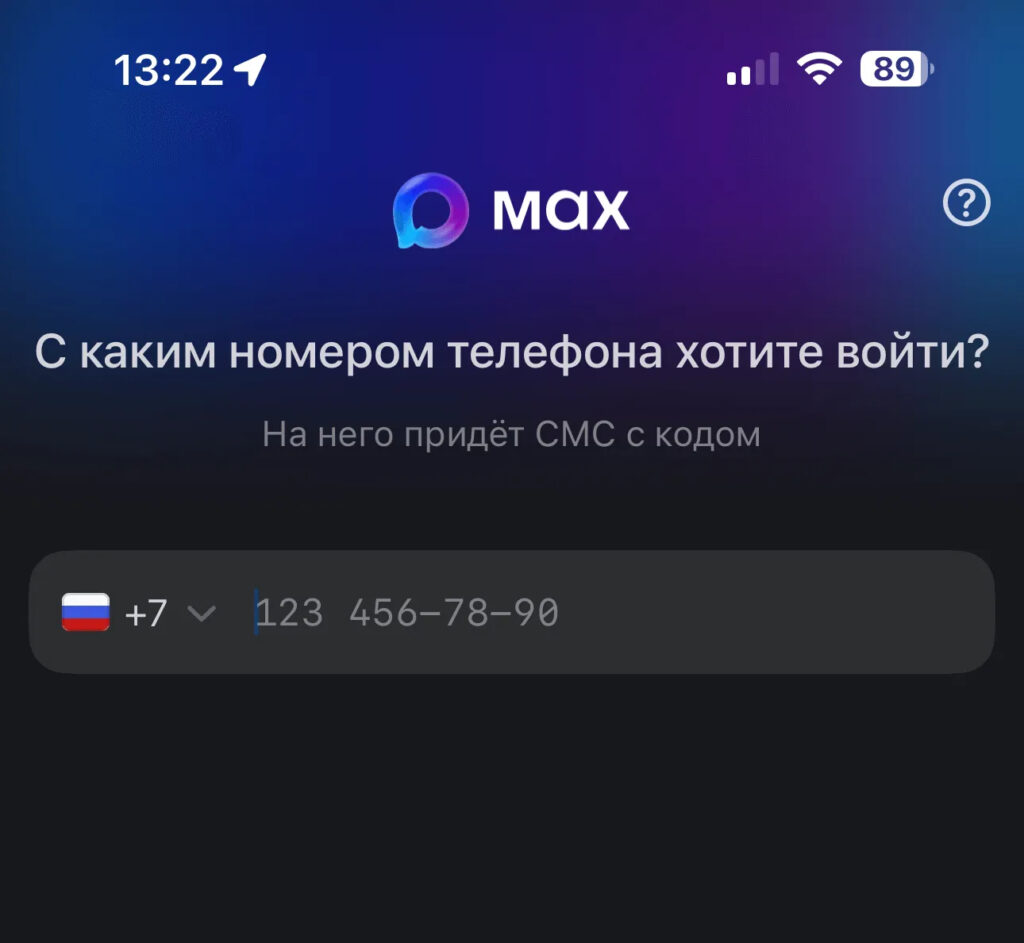
Sign in with your phone number


