Polls in MAX messenger were long something that was missing for normal group communication. There was no simple way to gather opinions — you had to rig up voting with reactions or drag third-party bots into the chat. In spring 2026, everything changed, and now polls in MAX can be launched natively, literally in a couple of taps. Below we’ll break down how to create a poll on Android, whether you can make an anonymous poll in MAX, and why the poll button sometimes doesn’t appear.
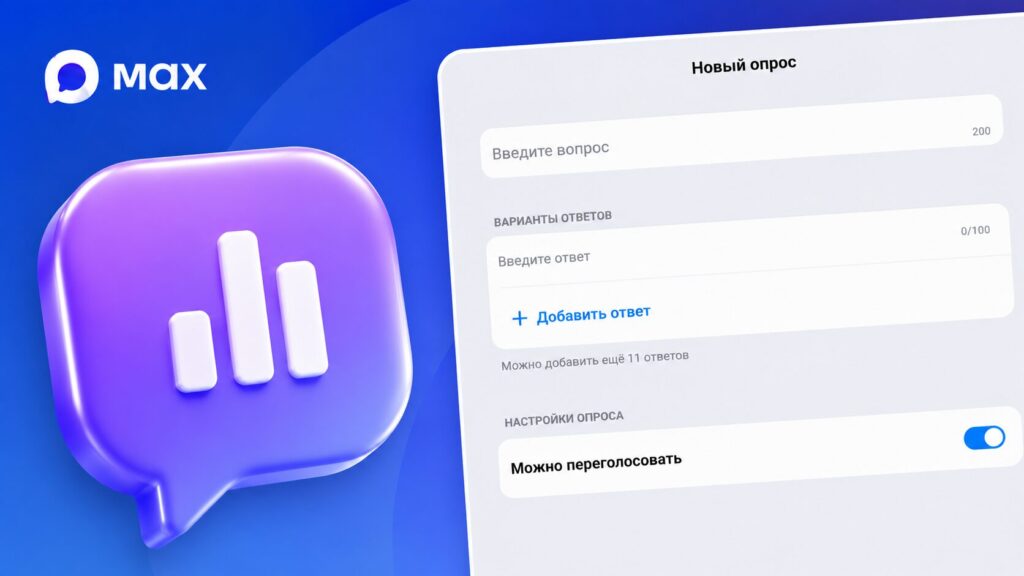
Here’s what you need to know about polls in MAX
Polls in MAX: When They Appeared and Where They Work
The polling feature started working in the messenger in spring 2026. At launch, polls in group chats could only be created in groups with no more than 15 members, but within a few days the restriction was lifted, and now voting is available in any group.
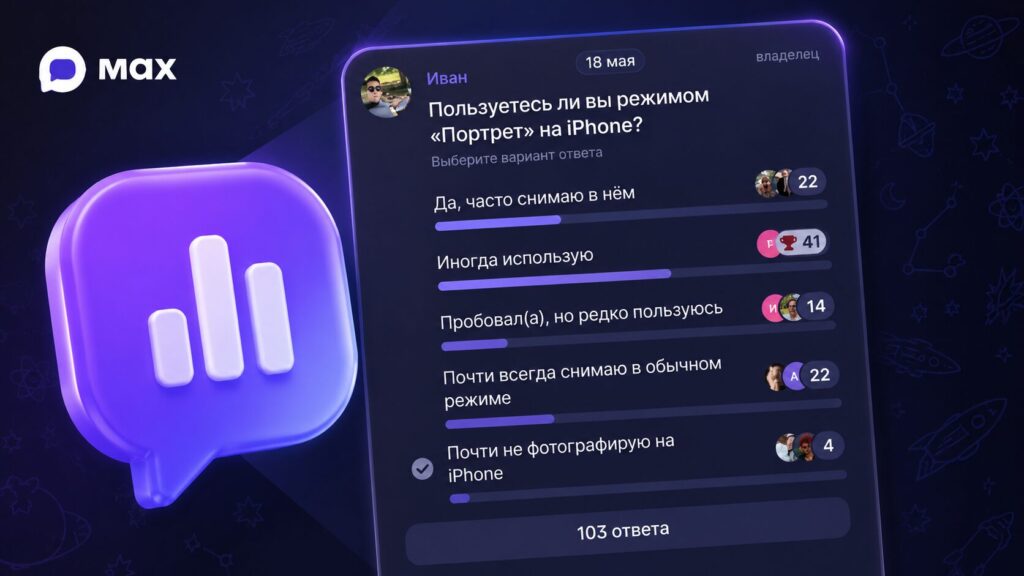
Polls in MAX appeared recently — users had been requesting them for a long time
The main thing to understand right away: polls only exist in group chats. There won’t be a button in private conversations, no matter how hard you try.
Another nice detail: any chat member can create a poll — administrator rights are not required.
How to Create a Poll in a MAX Group on Android
The process itself is simple and takes less than a minute. To create a poll in MAX, do the following:
- Open the group chat where you want to launch the poll.
- Tap the paperclip or plus icon next to the message input field.
- Select “Poll” from the menu.
- Enter your question — it can be up to 300 characters long.
- Add answer options — you can have up to 10 options.
- If needed, enable multiple choice so participants can select several options at once.
- Tap “Create,” and the poll will appear in the chat.
Keep one thing in mind: after publishing, you can no longer edit the question or answers, since people may have already voted. If you made a mistake, you’ll have to delete the poll and create a new one. So formulate your question briefly and clearly, and don’t mix up the options.
If you didn’t find the “Poll” button in the menu, the app most likely hasn’t been updated in a while. We’ll cover how to deal with that below.
Can You Make an Anonymous Poll in MAX
This is where things get interesting. By default, the built-in poll is public: any participant can tap on an option and see who voted for what. For a casual chat this is fine, but for sensitive topics it’s not ideal.
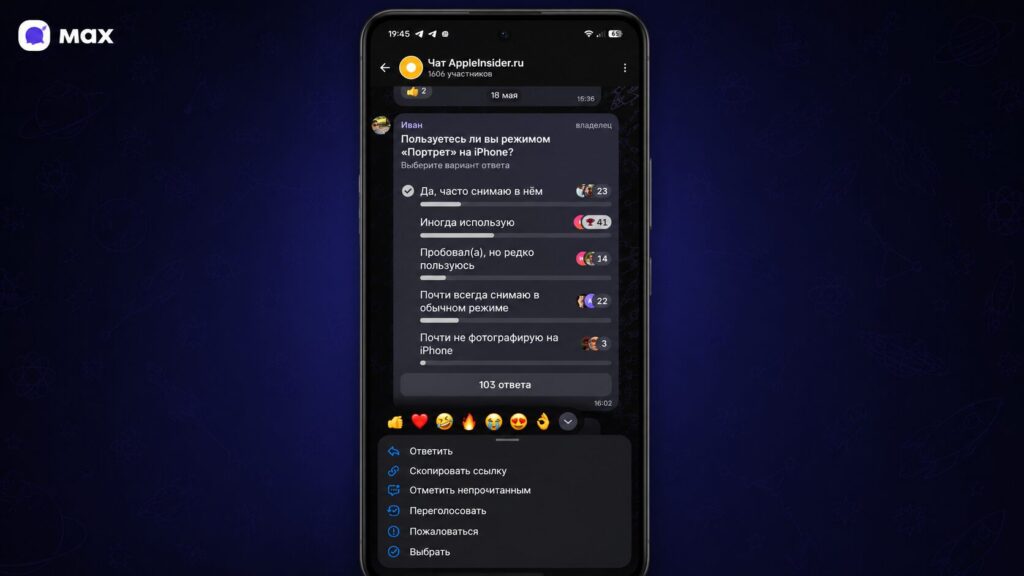
Simply tap on the poll and a context menu with options will appear
In some versions of the app, the poll creation form has a separate anonymous voting toggle, which is off by default. If you enable it, the names of voters will be hidden, leaving only statistics. The catch is that this toggle hasn’t appeared for everyone and depends on the MAX version, so check for the checkbox right when creating the poll.
If anonymity isn’t available but you absolutely need it, don’t struggle with checkboxes — connect a poll bot instead.
A poll bot provides guaranteed anonymity, multiple choice, delayed results, and even export of responses to Excel or PDF. However, it’s only available for administrators and channel owners in the MAX for Business section.
By the way, MAX is increasingly adding bots and mini-apps. The range of tools will only keep growing.
Poll Results and How to Stop Voting
Results update in real time right below the poll, so you can follow the standings immediately after the first vote. If a participant accidentally tapped the wrong option, they can re-vote and change their answer while the poll is active.
Simply tap on the poll and a context menu with options will appear
However, only the person who created it can close a poll in MAX. Once the author closes the poll, voting is no longer possible, and the final statistics remain in the chat. This is handy when you need to lock in the result and prevent late votes from trickling in.
Why You Can’t Create a Poll in MAX
If the “Poll” button is missing or voting in MAX just won’t create, there are usually three reasons, and all of them are easily fixed. Pay attention to the following points. Most commonly, you’ve opened a private conversation instead of a group chat. Polls work in groups, so check where exactly you are.
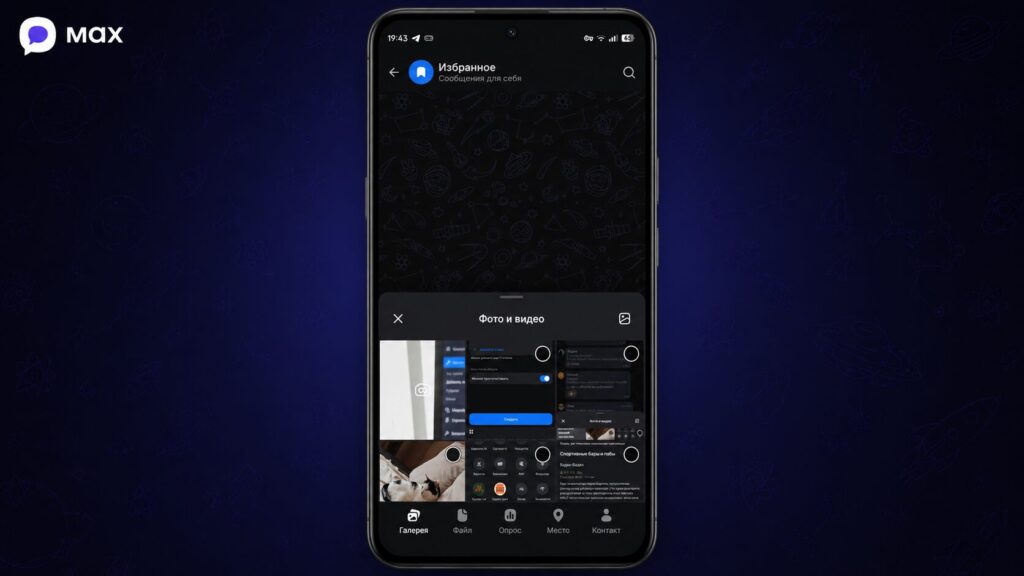
Creating a poll in Favorites is a great way to prepare in advance
- You can also create a poll in Favorites and then forward it to a channel (screenshot above).
- The second reason is an outdated app version: the feature was added in an update, and it simply doesn’t exist on older builds. Open the app store, find MAX, update it, and then restart the app.
- The third possibility is that the feature hasn’t rolled out to your profile yet — this happens with staged rollouts, and you just have to wait.
If the app is behaving strangely or your login has expired, an instruction on how to restore your MAX account via Mobile ID in a couple of minutes may come in handy.
Frequently Asked Questions About Polls in MAX
Here are a few more useful tips. Catch these tips about polls in MAX for the future — given the messenger’s popularity, they’ll come in handy.
- Do you need administrator rights to create a poll? No, any member of a group chat can launch a poll.
- How many answer options can you add? Up to 10 options per poll, and the question itself is limited to 300 characters.
- Can you edit a poll after publishing? No, you can’t change the question or answers — you’ll have to delete the poll and create a new one.
- Who can close voting? Only the poll creator — other participants cannot close it.


