A counterfeit Samsung Galaxy can usually be identified in about ten minutes with a handful of checks that need no special tools: matching the IMEI and serial number across the box, the phone’s settings and the *#06# code; confirming the phone actually runs One UI with Samsung’s own apps; trying Samsung’s dial-pad service codes; and inspecting build quality. The source guide from AndroidInsider.ru lays out this sequence for buying on a marketplace or from a private seller, split into what to establish before paying, what to inspect at pickup, and what to verify at home before the return window closes.
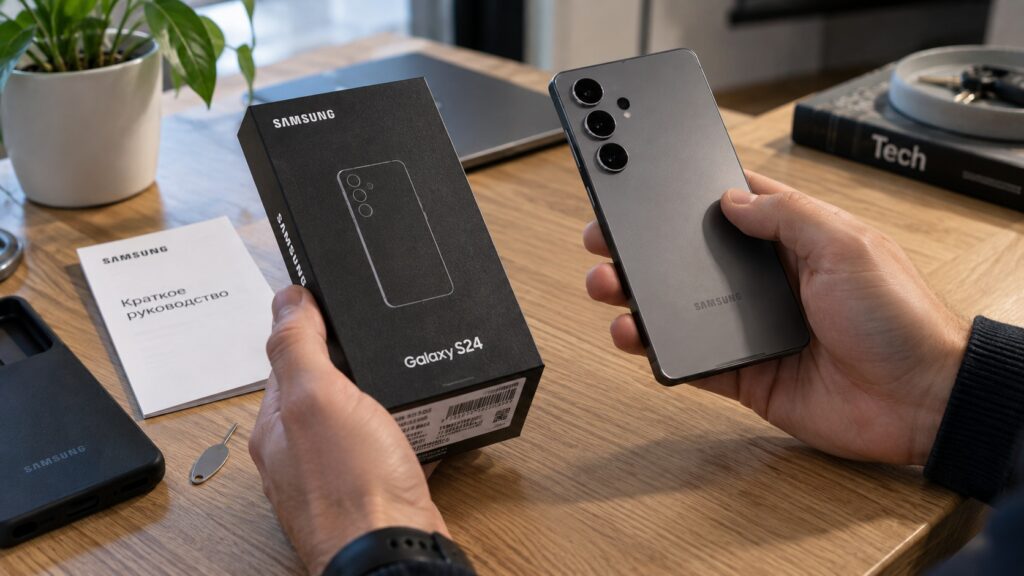
Checking a Samsung smartphone for authenticity
What you need to know
- On a genuine device, the IMEI and serial number must match in three places: the box sticker, Settings, and the screen shown after dialing *#06#.
- A matching IMEI is not proof on its own: counterfeiters sometimes program real numbers copied from genuine devices into fakes.
- A real Galaxy runs One UI and ships with working Galaxy Store, Samsung Health and Samsung Members apps; copies typically run plain Android with Samsung-styled icons.
- Samsung’s service codes (such as *#0*# for the hardware test menu) work only on genuine devices, though some codes fail on certain models or after updates.
Fakes are no longer limited to flagships
According to the source, Samsung itself acknowledges that for years counterfeiters mainly copied top-tier Galaxy S models. Budget Galaxy A and Galaxy M devices now appear among fakes more and more often, which means a low price is no longer a useful clue: a copy of an inexpensive phone can be sold at a perfectly believable price. The guide’s advice is to assume any handset from a private individual or small seller may be counterfeit until proven otherwise.
Where you buy affects the risk more than anything else. Small marketplace sellers and private individuals are the riskiest category; large retailers with their own warranty are the safest, and the source notes this also applies to used devices that a chain inspects before resale. That does not remove the need to check, but it noticeably lowers the odds of receiving a copy.
What to establish in the listing before paying
Look at the seller before the photos: an official brand store or a major retailer with thousands of reviews carries a very different level of risk from an anonymous account with a dozen sales. Then verify the exact configuration. The same model is sold in several variants that differ, for example, in storage capacity, and the listing should state precisely which variant you will receive.
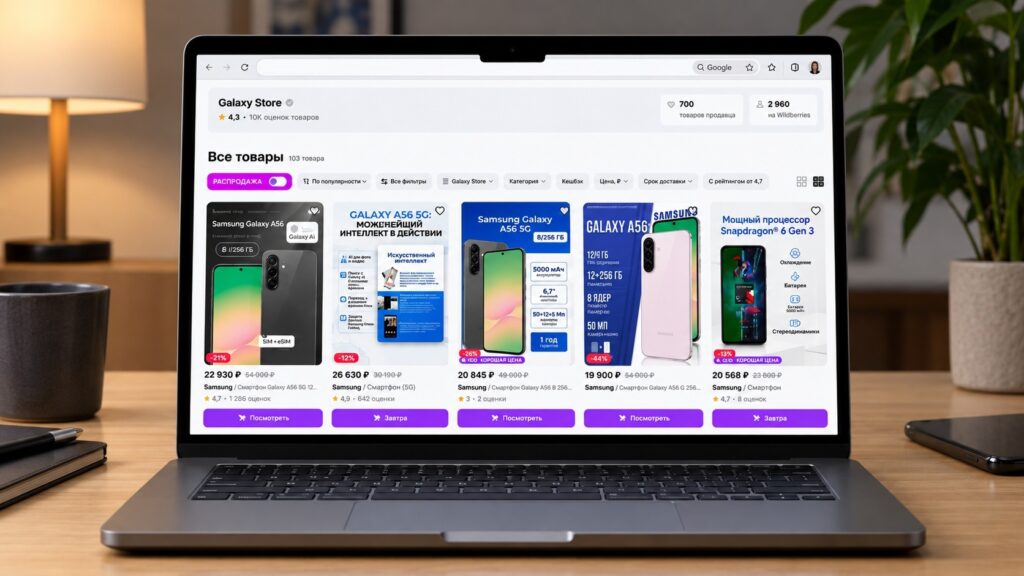
Samsung smartphone listings on the Wildberries marketplace
Before paying, ask the seller for a photo of the box sticker showing the IMEI and serial number. Those digits let you run Samsung’s online check in advance, and a refusal to send the photo is a reason to look for a different listing. The source adds that some large marketplaces are gradually taking on part of this work themselves; in its home market it cites Wildberries, which is beginning to verify IMEI numbers when handing over smartphones.

Checking the IMEI and matching it against the box
The IMEI is the international mobile equipment identity, unique to every handset. On a genuine device the same number must appear in three places: on the box sticker, in Settings, and on the screen after entering the service code. If even a single digit differs between them, there is no need to check anything further.
- Open the Phone app and dial *#06#. There is no need to press the call button: the IMEI and serial number appear on screen automatically.
- Go to Settings and open About phone (called “About device” on older firmware). Compare the IMEI and serial number with what the code displayed.
- Match both against the sticker on the factory packaging and, if there is one, the warranty card.
- Enter the IMEI on the verification page in the support section of Samsung’s website; the service shows whether the manufacturer recognizes that number.
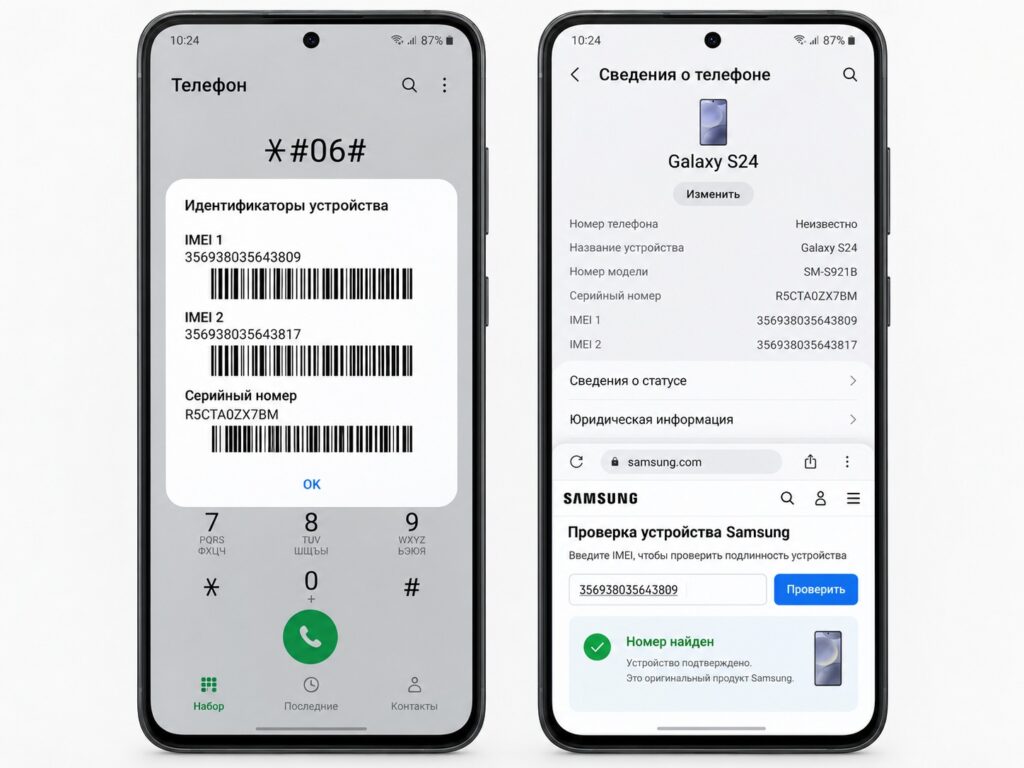
Checking a Samsung smartphone by IMEI
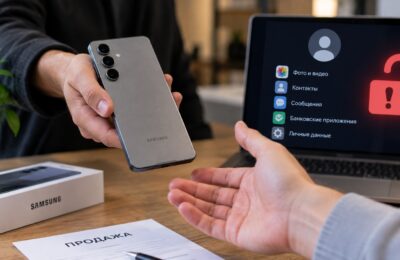
An important caveat: a matching IMEI does not guarantee authenticity. Fraudsters sometimes program real numbers taken from genuine devices into counterfeits, so one passed test only raises the likelihood that the phone is genuine. That is why several checks are needed, and the next one is software-based.
One UI, Samsung Members and Galaxy Store, not restyled icons
A real Galaxy runs One UI, Samsung’s own interface layered over Android. Copies usually run stock Android with icons styled to look like Samsung’s, and under Settings, About phone, Software information, the One UI version is either absent or looks meaningless.
The second sign is Samsung’s own apps. A genuine device comes with Galaxy Store, Samsung Health and Samsung Members preinstalled. Open each one and confirm that the store loads a list of apps and that Members offers device diagnostics and a way to contact support. Fakes either lack these services entirely or replace them with empty shortcuts.
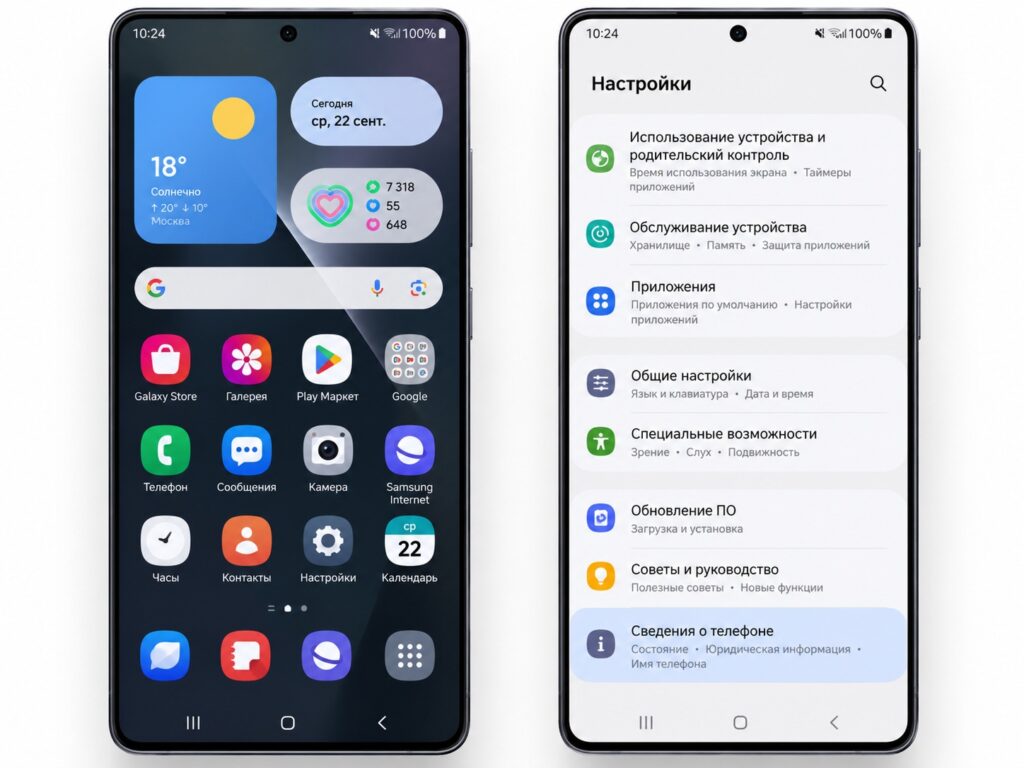
The One UI interface on a Samsung smartphone
While you are there, browse the entire menu. Typos, broken characters, partially translated items and noticeable lag even in calls and text messaging are typical marks of a copy; on a genuine device the interface runs smoothly and is fully localized.

Service codes remove the last doubts
Every manufacturer has its own combinations for testing individual functions, and they work only on genuine devices. They are entered the same way as *#06#: in the Phone app, without pressing the call button. For Samsung, the source lists these codes:
- *#0*# — the service menu with tests for the display, audio, touch sensor and other components;
- *#1111# — software version;
- *#1234# — firmware version;
- *#0011# — network information;
- *#2663# — touchscreen version;
- *#34971539# — camera information;
- *#0808# — USB connection settings.
There is a catch: on some models certain codes do not work, and system updates can disable codes that function today. A single silent code is therefore not proof of a fake. But if none of them opens, including the basic *#0*# menu, that is a serious warning sign when combined with the other indicators.
Body and screen: what gives a copy away in the hand
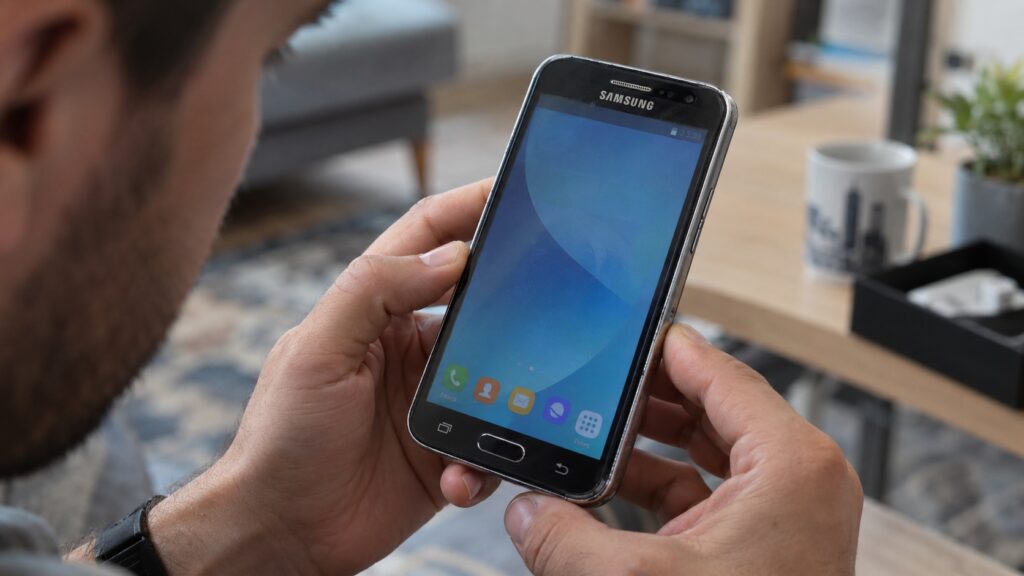
A counterfeit Samsung smartphone held in the hand
If the marketplace allows you to open the box at the pickup point, inspect the device before confirming receipt. The main giveaway of a fake is the quality of materials and assembly, which is visible without any tools:
- body parts fit poorly together, with visible gaps;
- the front and back panels flex or shift when pressed;
- edges are uneven and the finish looks cheap;
- the picture on the screen is washed out even at maximum brightness;
- the system stutters on the simplest tasks, such as dialing a number.
The same signs apply to expensive models such as the Galaxy S Ultra, where copies are especially profitable for fraudsters. According to the guide, any single item on this list is sufficient reason to initiate a return without waiting for the remaining checks.
Genuine does not mean everything is fine
Even when every test confirms authenticity, a used device still leaves open questions. Is it the storage configuration the seller promised, has it been exposed to water, does everything work down to the last speaker, and how long does the battery last? These are worth a few more minutes while the return window is still open.
The source also suggests considering the model’s age: some Samsung devices are approaching the end of their software update support, and buying them, even genuine, only makes sense at a substantial discount. Authenticity is the minimum a sound purchase starts from, not its end point.