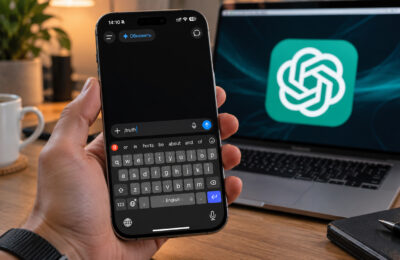
Google has opened its SynthID Detector to the public. Anyone can now upload an image, video or audio file and check it for an invisible watermark that some AI generators embed when the content is created. The detector can now read watermarks from four companies: Google, OpenAI, NVIDIA and Kakao. A positive result means one of those companies’ AI tools was used to create or edit the file. A negative result proves very little. Below is how the check works, how to run it, what each result means and where the method falls short.
What you need to know
- On October 7, Google opened SynthID Detector to everyone. Previously, only journalists and researchers in a test group could use it.
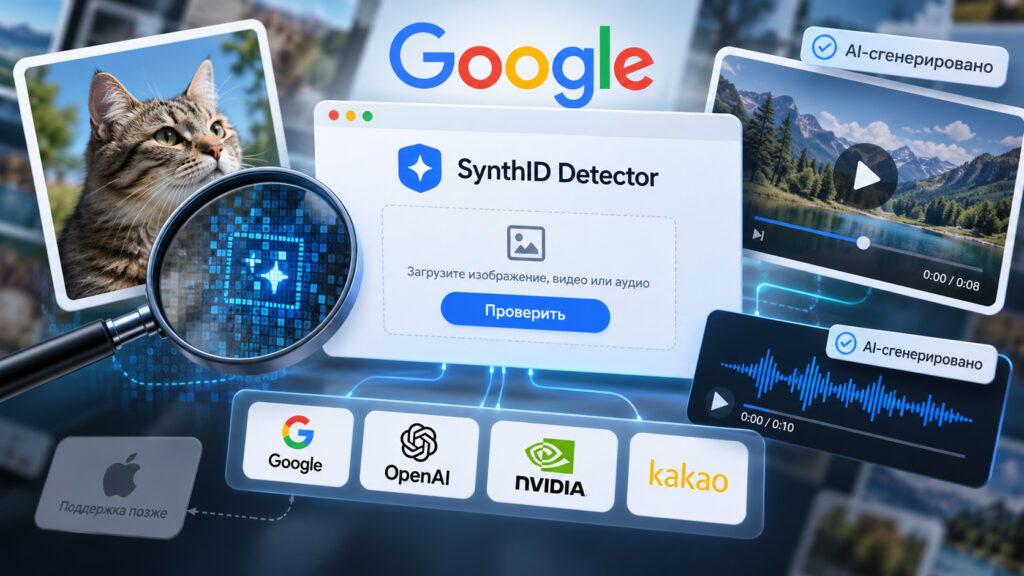
- The detector reads invisible watermarks from Google, OpenAI, NVIDIA and Kakao. Apple support has been promised, but no timeline has been given.
- A “detected” result does not show whether a file was fully generated or only edited by AI.
- A “not detected” result does not prove a file is authentic. Files from generators without SynthID, such as Midjourney or Stable Diffusion, will not be flagged.

Two images on a laptop screen, one real and one generated by AI
Why visual clues are no longer enough
AI-generated images have become hard to spot by eye. Telltale flaws such as extra fingers or distorted shadows no longer reliably give a fake away. Meanwhile, free AI detectors found through web search tend to guess rather than verify. The same image can be labeled “human” on one attempt and “machine” on another.
What Google’s detector does
On October 7, Google opened SynthID Detector to everyone. Until then, access was limited to journalists and researchers in a test group.
AI models whose output SynthID can detect
It looks for a watermark, not a style
The detector does not try to recognize AI output from how an image looks. Instead, it searches for an invisible digital watermark that the generator embeds in the file when the content is created. People cannot see or hear this mark in photos, video or audio, but software can read it in seconds. Google has been applying these watermarks since 2023. The company says it has marked more than 180 billion images and videos.
It now reads watermarks from four companies
Arguably the bigger change is not public access. Previously, the detector understood only Google’s own watermarks, so an image from ChatGPT carrying an OpenAI watermark would have looked clean to it. It now reads watermarks from four companies: Google, OpenAI, NVIDIA and South Korea’s Kakao. Support for Apple has been promised, but no timeline has been given.
According to the original report, the watermark lives inside the file itself. Renaming an image or deleting its EXIF data will not remove it. Ordinary edits, filters and compression also do not destroy it, so even a messaging-app screenshot with reduced quality can still be checked.
How to check a photo, video or audio file
The service is free and available in any country, but the interface is in English only. You must sign in to use it, with a Google, Apple or ChatGPT account. For iPhone users, Sign in with Apple is the simplest option. If you hide your email address during sign-in, the site will not receive it.
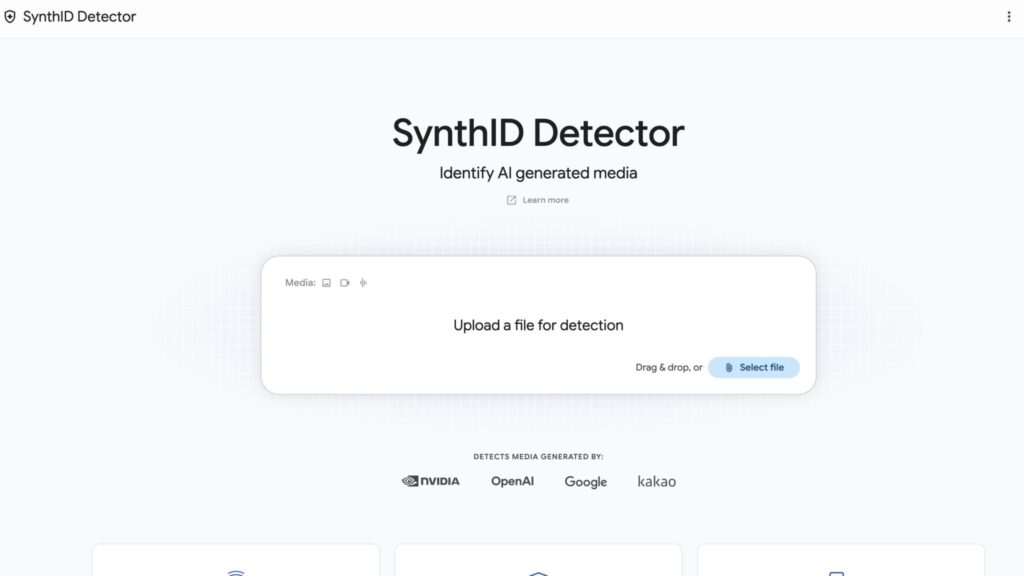
SynthID start page
- Open synthid.com in Safari or any other browser.
- Sign in with a Google, Apple or ChatGPT account.
- In the Upload a file for detection section, click Select file or drag your file into the window.
- Choose an image, video or audio recording. You do not need to specify the file type. The service detects it automatically.
- Wait a few seconds, then read the result in the card to the right of the preview.
On an iPhone, the process is the same. Instead of dragging and dropping, tap Select file and choose the image from Photos or the Files app. If the image arrived in a messaging app, save it to your phone first.
According to foreign media reports cited in the original article, each account gets roughly ten checks per day across all file types combined, which should be more than enough for an ordinary user.
What the results mean
“SynthID was detected”
The author of the original article ran two images through the service. The first was an infographic with tips on caring for an Apple Watch band. The detector returned SynthID was detected and named the source: the image had been created or edited with OpenAI tools. Images people make of their own faces in ChatGPT carry the same watermark.
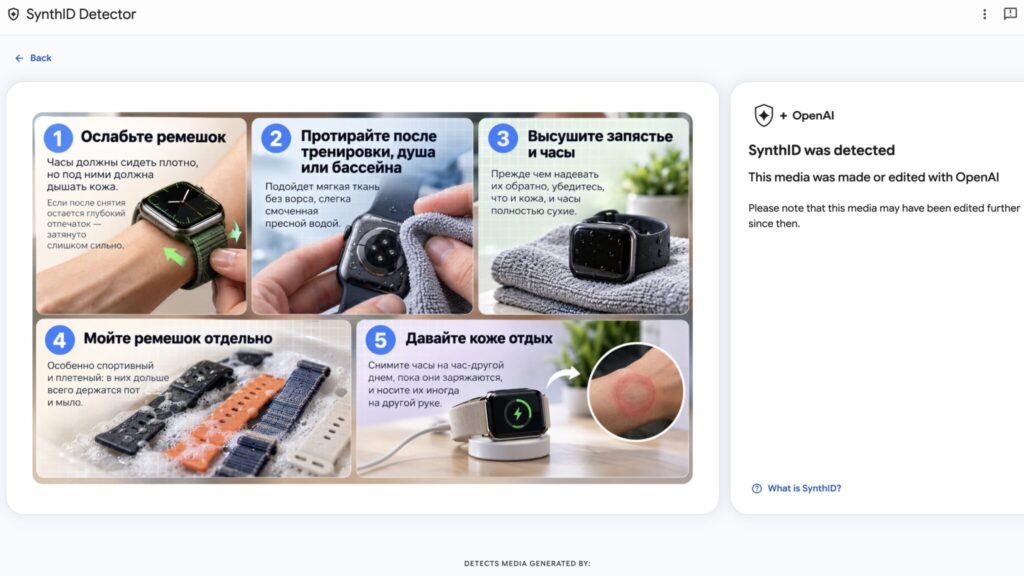
A SynthID was detected result marked OpenAI for an Apple Watch infographic
Below the result, the detector adds a caveat: the file may have been edited after it was generated. This matters. A “detected” result tells you that AI was involved, but it does not distinguish full generation from editing. A photo in which AI only removed a passerby from the background gets the same label as an image generated from scratch.
“SynthID was not detected”
The second file was an ordinary photo of headphones lying on leaf-patterned wallpaper. The result was SynthID was not detected. That may sound like a clean bill of health, but the service itself words it more cautiously. It means only that one of the partner companies’ AI models was probably not involved.
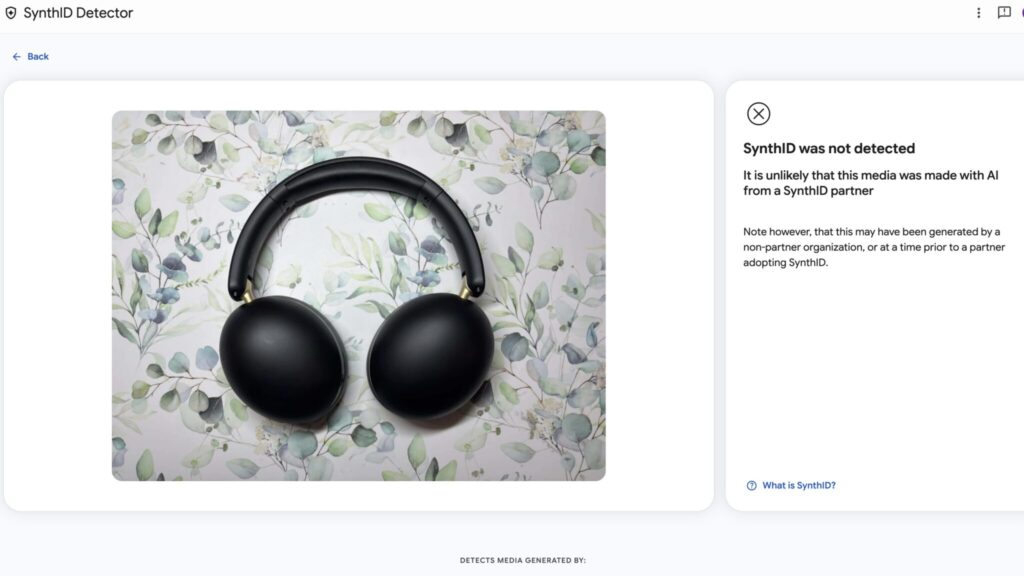
A SynthID was not detected result for a photo of headphones
Video and audio results
For video and audio, the detector also shows which segment carries the watermark. This helps when a generated clip has been inserted into genuine footage or a voice has been replaced partway through a recording.
Why the detector may find nothing
This is the service’s main limitation, and Google does not hide it: a negative result proves nothing. The detector will miss:
- images made in Midjourney, Stable Diffusion or other AI tools that do not use SynthID;
- files created before a partner company began applying watermarks;
- files that have been heavily reworked, for example painted over or photographed from a screen with another phone, which can degrade the watermark.
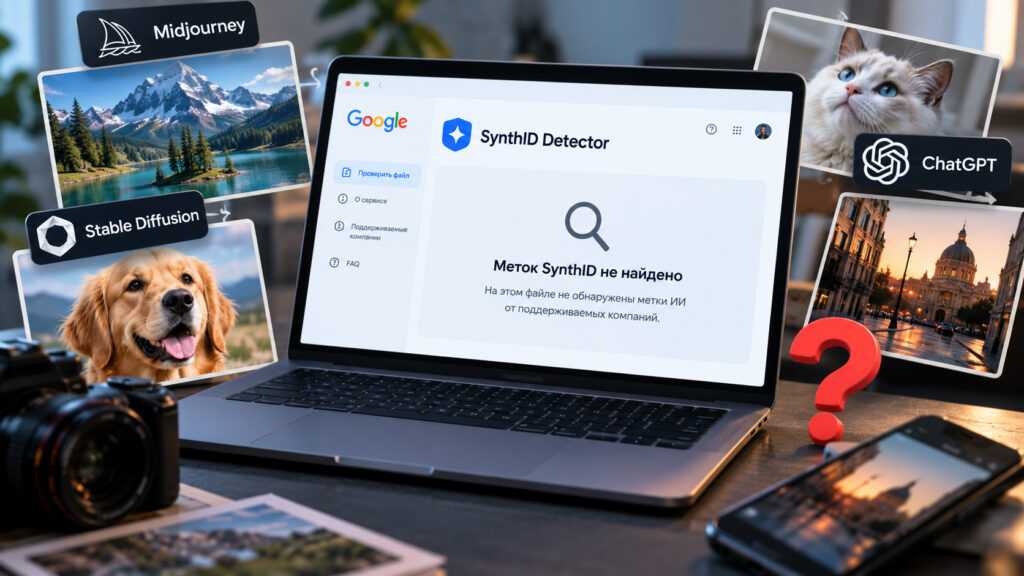
SynthID failing to detect AI in a generated image
For this reason, SynthID Detector is best treated as a check for specific AI models, not a universal truth test. If a watermark is found, AI from one of the supported companies was involved, though the file may only have been edited. If no watermark is found, look at where the file came from and when it was published. You can also try to locate the original with a reverse image search.
Apple remains an open question. Apple has described how the iPhone 18 Pro distinguishes real photos from AI images, but it is not yet on the detector’s list of supported companies. It is not known when the detector will be able to read watermarks from Apple’s tools.
When the check is actually useful
- News and messages. Photos of fires, videos from the scene of events, or a voice message supposedly from your boss are worth checking before you forward them. Fake voice messages are a particular concern because scammers have been cloning voices for some time. An audio watermark can expose at least some of these recordings.
- Online shopping. Marketplace sellers increasingly use AI to create product images, and a phone case or watch can look very different in person than it does in the listing. A quick check can tell you whether it is worth looking for genuine customer reviews with photos.
- Your own AI images. If you generate images yourself, the detector will show that the watermark survives even after filters are applied. Anyone passing off AI-generated images as their own photos should know this can be checked in about half a minute.
For now, SynthID supports only a small number of AI models. Still, the list already includes ChatGPT and Gemini, which the original article says account for a large share of the images that reach social feeds. Its author expects that once Apple joins, it will be possible to check almost anything created on an iPhone. That is a forecast, not a confirmed capability.