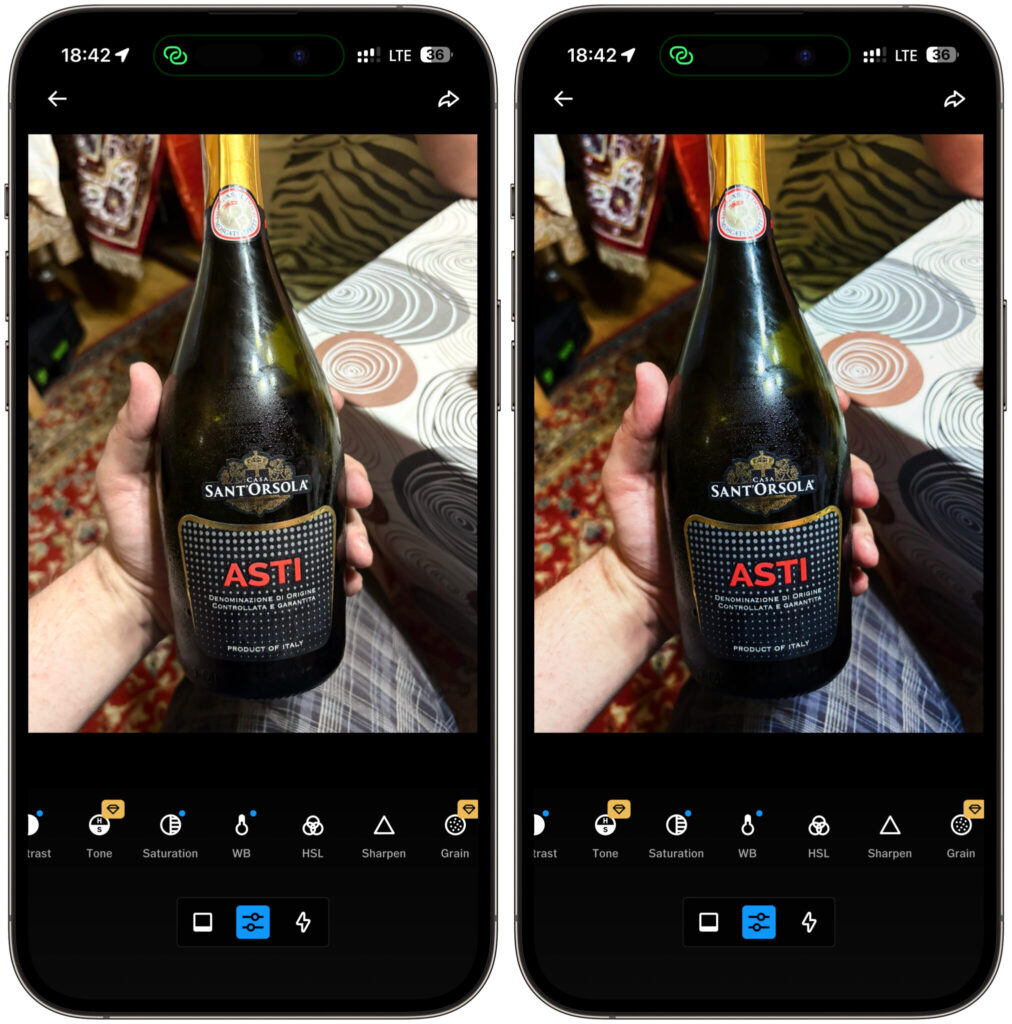
VSCO has lived on the iPhone for years as an app for film presets. Open a photo, slap on a filter, post it to stories, forget about it. Now the developer from Visual Supply Company decided that wasn’t enough and released a separate app called Studio Pro for professionals. I downloaded it on the very first day, ran a couple of my shots through it, and want to honestly share what happened. The topic of photo editing is hotter than ever right now. Spoiler: half the buttons in the editor are labeled SOON.
VSCO developers released a new photo editor for iPhone
What VSCO Studio Pro Can Do
The idea behind Studio Pro is simple yet bold. It’s not a replacement for the regular VSCO, but a tool for those who come home after a shoot with not three shots, but three hundred. Weddings, portraits, reportage, sports, school yearbooks. Anywhere you need to edit hundreds of photos in the same style without losing your mind.
The main feature of the app, the one the whole thing was built around, is batch editing. You adjust one shot the way you like it, and then with a single tap apply the same look to a hundred photos at once. VSCO promises that editing an entire shoot will take seconds instead of hours. It sounds great, and logically it works: I loaded a few shots, chose a preset, and the app pulled the color across the whole batch at once.
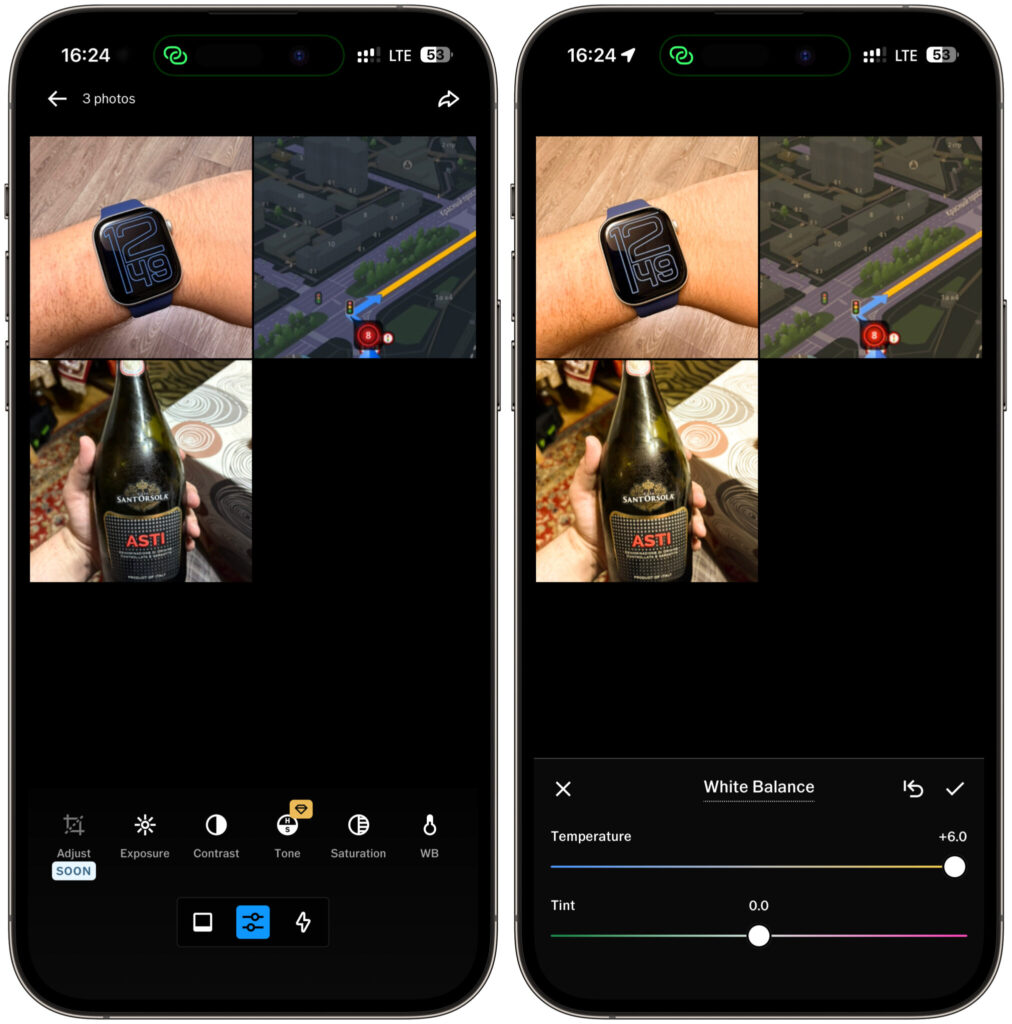
Batch editing is the app’s main feature. Select several photos and see how they change
The second major feature is called Style Match. This one is powered by a neural network. You feed the app a reference photo — for example, an old successful shot of yours or an image whose mood you like. Studio Pro breaks it down into color, tone, and overall vibe, then rebuilds that look on your photos using a combination of presets and sliders. In the screenshot, you can see how the app offers to choose a reference from a selection or upload your own. For a photographer who wants to replicate a signature edit or match a client’s brief, this is a genuinely useful feature.
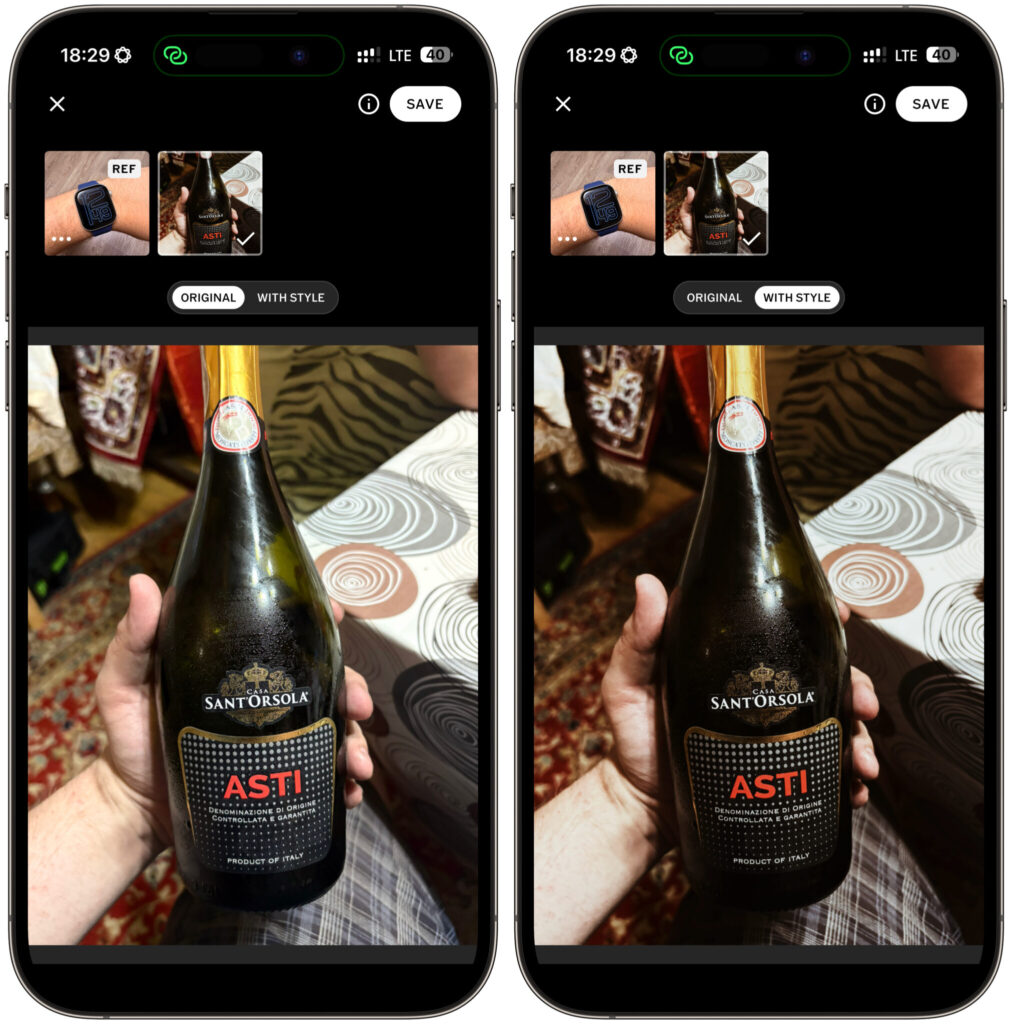
Settings taken from the Apple Watch photo in the upper left corner. The result is before you
The arsenal includes all the familiar manual tools: exposure, contrast, tone, saturation, white balance, HSL, sharpness, grain, vignette, fade, and skin tone. Plus over 200 signature VSCO presets — the very ones people love the app for. In other words, the basic color correction toolkit is all there.
How Much Does a VSCO Subscription Cost in Russia
The app itself is free to download, but you can’t fully use it without a subscription. The complete preset library and advanced features are locked behind a paywall.
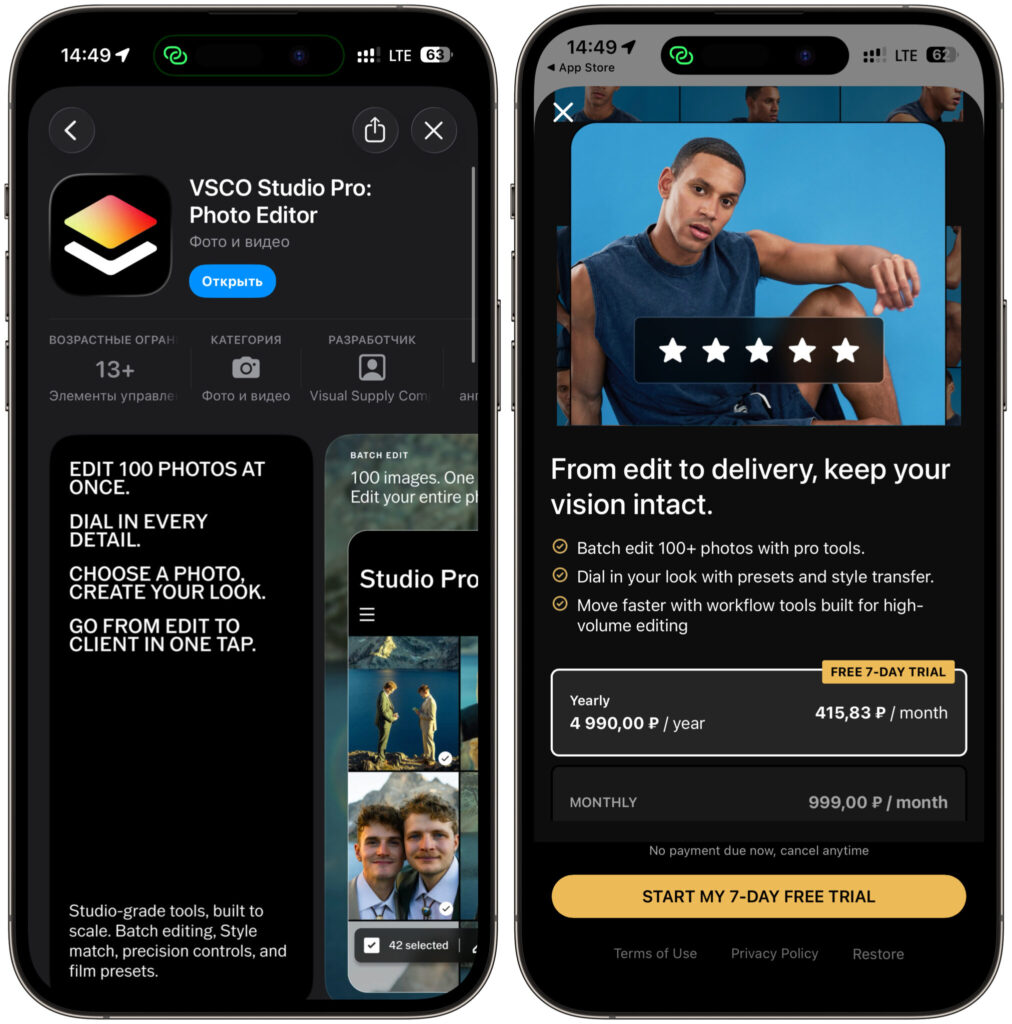
The app and subscription are available in the Russian App Store
In the Russian App Store, the conditions are as follows. The Monthly Pro subscription costs 999 rubles per month. The Yearly Pro subscription costs 4,990 rubles per year, which works out to about 416 rubles per month. The difference is significant: the annual subscription is more than twice as cheap as the monthly one. There’s also a nice perk — a free 7-day trial, so you can try out the paid features risk-free.
For comparison, in the US the same subscription sells for about $13 per month or $80 per year. Russian prices, as you can see, stay in a reasonable range and don’t look inflated. I should also note that the app is currently entirely in English. There’s no Russian localization, and for some users this will be a downside.
What Features Are Already Available in VSCO Studio Pro
This is where it gets most interesting and simultaneously most controversial. When I opened the editor, I immediately noticed how many tools are marked with a SOON label. Meaning the button is there, but there’s no function behind it. Already available to you are exposure, contrast, tone, saturation, white balance, HSL, sharpness, grain, vignette, fade, skin tone, presets, batch editing, and Style Match. The set is decent, I won’t argue.
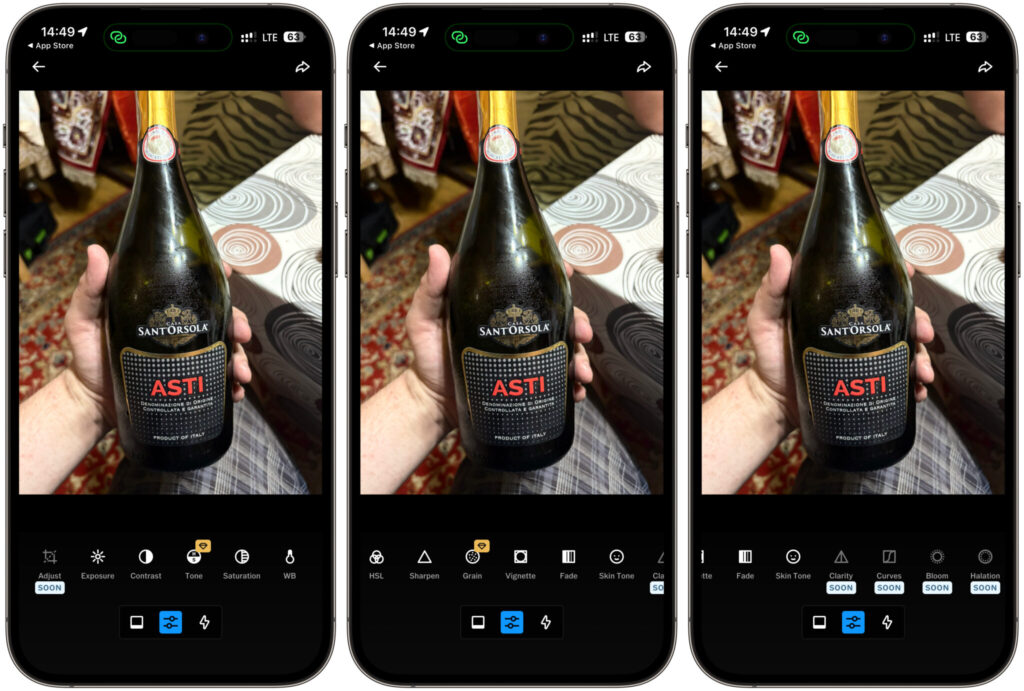
Half the features are not yet available
Here’s what’s currently locked and promised in future updates: cropping and aspect ratio controls (Adjust), Clarity, Curves, Bloom, Halation effect, and AI-powered object removal (Remove). Essentially, basic features that exist in any editor at the Lightroom level are missing. Without cropping and curves, a professional tool looks odd.
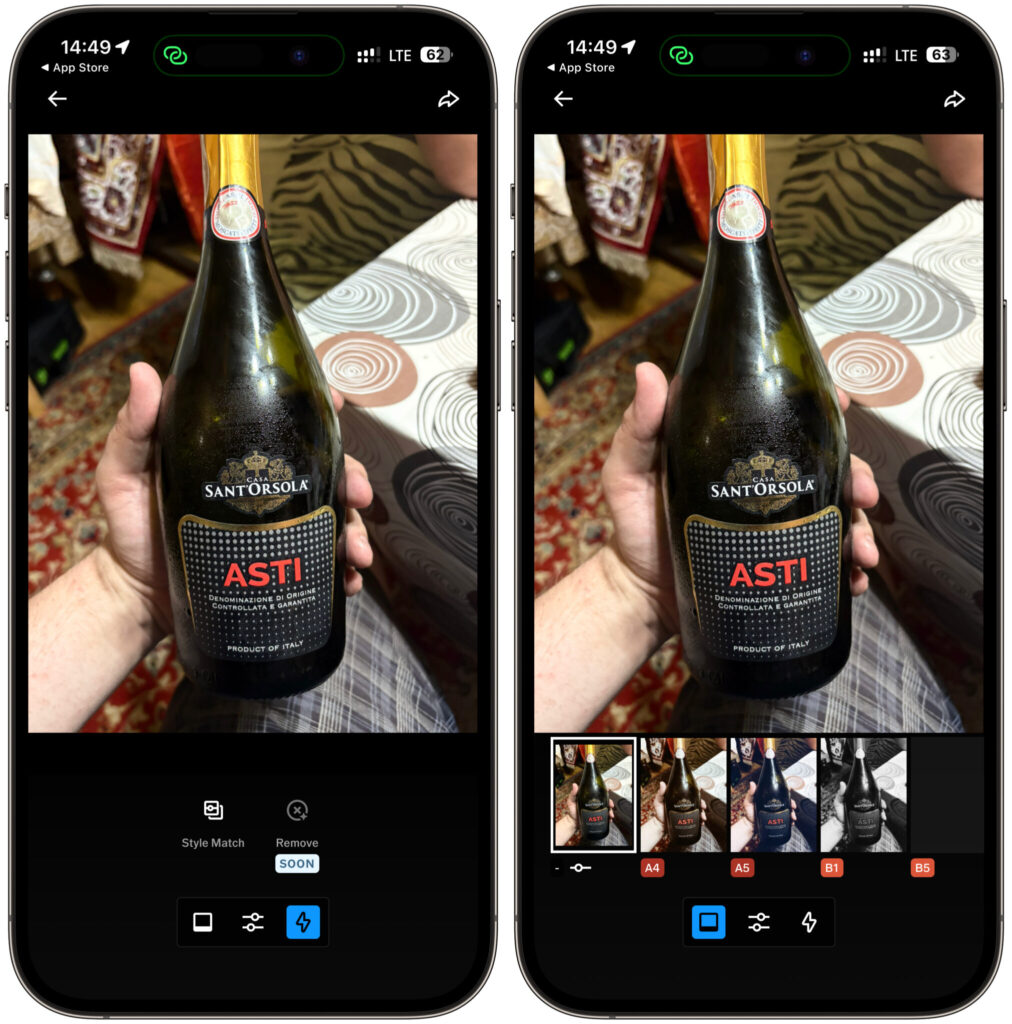
Additionally there are filters and soon object removal from photos will be available
Further down the roadmap, VSCO promises even more. Plans include RAW file support, direct import from memory cards, automatic straightening, extended export settings, organizational tools, manual shot selection with star ratings, and instant publishing to a VSCO profile. All of this is critical for a photographer’s workflow, and none of it is available yet.