This spring, the fight against VPNs in Russia reached a new level, and a whole range of domestic apps stopped working when accessed from a foreign IP. At the same time, it became impossible to open Gosuslugi or banking services while abroad. To solve this problem, RuStore added the Connect feature to its app store, which promises to solve a typical problem for anyone leaving Russia without installing a VPN or other third-party software.

RuStore has added a feature for accessing Russian services from abroad
What Is Connect in RuStore and How Does It Work
According to the developers, Connect works at the app store level and provides a secure connection. The idea is that a user abroad can access mobile banking, place orders on marketplaces, and use Gosuslugi just like at home.
The key point is — no third-party software installation required. Usually, to access Russian services abroad, people install a separate VPN, figure out the settings, and pay for a subscription. However, here the feature is built right into RuStore, and according to the company, no additional configuration is needed.
How to Enable Connect on an Android Smartphone
The process, based on RuStore’s description, is as simple as possible and doesn’t require technical knowledge:
- Update RuStore to the latest version.
- Open the “My” section.
- Enable the Connect feature.
An important limitation: the feature is only available during trips abroad — it doesn’t work within Russia. This means you won’t be able to “test” it at home in advance — Connect is designed specifically for the scenario when you’re already outside the country.
Who Will Benefit from Connect in RuStore Abroad
The feature is aimed at those who regularly travel abroad and encounter the issue of Russian apps not opening. Primarily, this means access to mobile banking, marketplaces, and Gosuslugi — the services most often needed during a trip and without which it’s difficult to handle everyday matters.
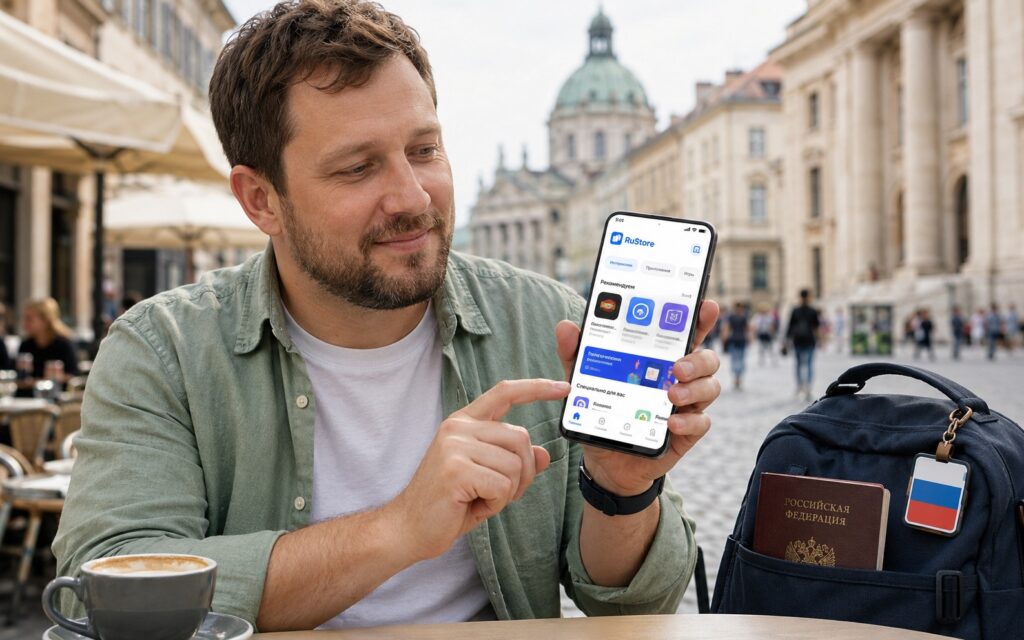
The feature will be useful for anyone who uses Russian services abroad
An additional advantage for regular users is that the feature is advertised as free. This sets it apart from paid VPN subscriptions that many people maintain specifically for access to banking apps. If you previously searched for ways to make payments and access services while traveling, Connect could be one option that doesn’t require extra apps.
Should You Enable Connect in RuStore
If you’re traveling abroad and need access to Russian banks, marketplaces, and Gosuslugi, it definitely makes sense to try Connect: it’s free, built into RuStore, and doesn’t require installing a separate VPN. The main thing is to understand the limitations: the feature only works outside of Russia, and the list of supported services has not yet been officially disclosed.
Since this is a new feature, it’s too early to judge its stability and list of supported services — RuStore mentions banks, marketplaces, and Gosuslugi, but no complete list of compatible apps has been provided. Therefore, you shouldn’t rely entirely on Connect alone, especially if important transactions depend on bank access. A sensible approach is to update RuStore in advance, verify that the feature activates, and keep a backup access method handy in case a specific service doesn’t work.


