The One UI 8.5 update for the flagship Galaxy S25 series and other models started rolling out a couple of months ago. But only now has Samsung added the very Galaxy AI features that were missing from the first stable version. The key additions are three AI-powered features: notification priority, notification summary, and file summaries. If you updated earlier and noticed that some of the promised smart features were absent, this update fills that gap.
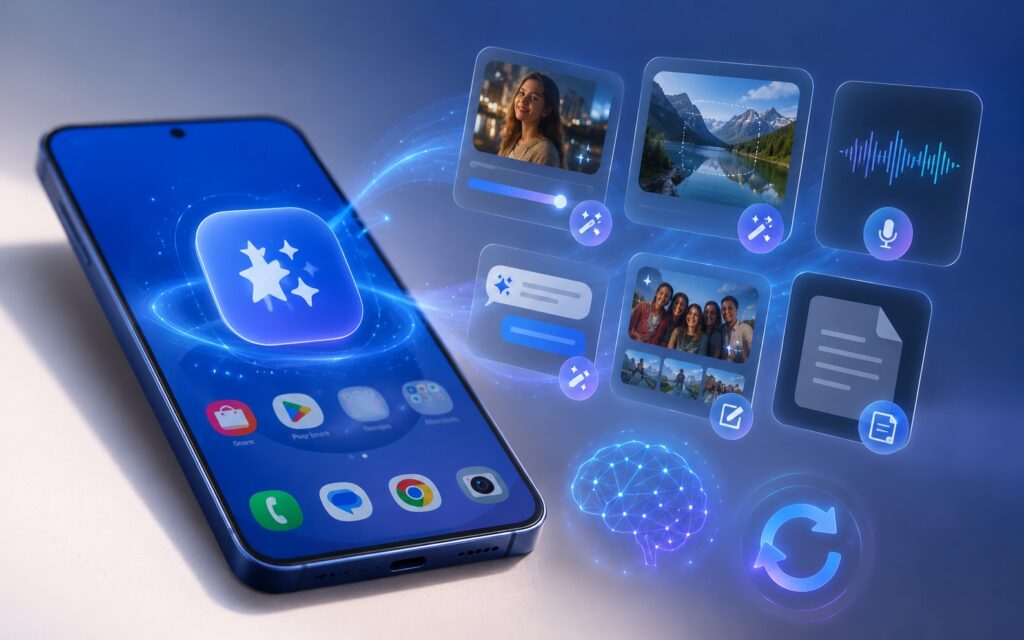
Overview of new AI features on the Galaxy S25
What’s New in the June One UI 8.5 Update
When Samsung rolled out the stable One UI 8.5 to the Galaxy S25, the firmware brought some Galaxy AI features from the newer Galaxy S26, but some capabilities never showed up. Most notably, notification priority and notification summary were missing. But now they’re here.
According to insider Tarun Vats, the build number is S938NKSUACZF1, and the rollout started in South Korea, Samsung’s home market. This is a typical scenario: Korea first, then the rest of the world.
Notification Priority and Summary on Samsung
The notification priority feature does something simple but useful: the most important notifications appear at the top of the panel so you don’t miss what truly matters amid a flood of messengers and apps. The notification summary works differently: it condenses a long chain of messages into a short digest that you can read in a couple of seconds.
For real-world users, this primarily saves time in noisy chats and groups. If you get dozens of notifications per hour, these tools help you figure out what to respond to immediately and what can wait.
File Summaries: Why Samsung’s New Feature Is Useful
The third addition is File Summaries. It creates short summaries of PDF and TXT files right on the device, without sending them to the cloud, so you can quickly grasp a document’s content without reading it in full.
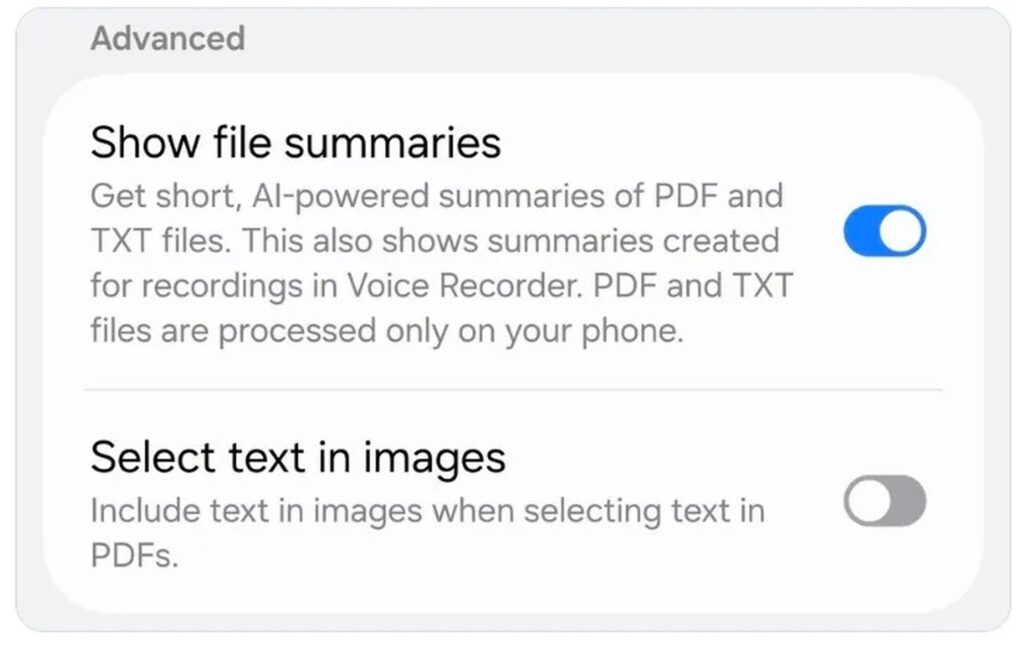
The file summary button has appeared in settings
This is handy for anyone who frequently receives work documents, contracts, or long text files and wants to quickly grasp the essence. On-device processing is also a plus for privacy: the file doesn’t leave for third-party servers.
Update Size and Security Patch for Galaxy S25
The update raises the security patch level to June 2026. Early adopters noted that the firmware size is unusually large for a regular patch — this is explained by the fact that new Galaxy AI features arrived under the guise of a security update.
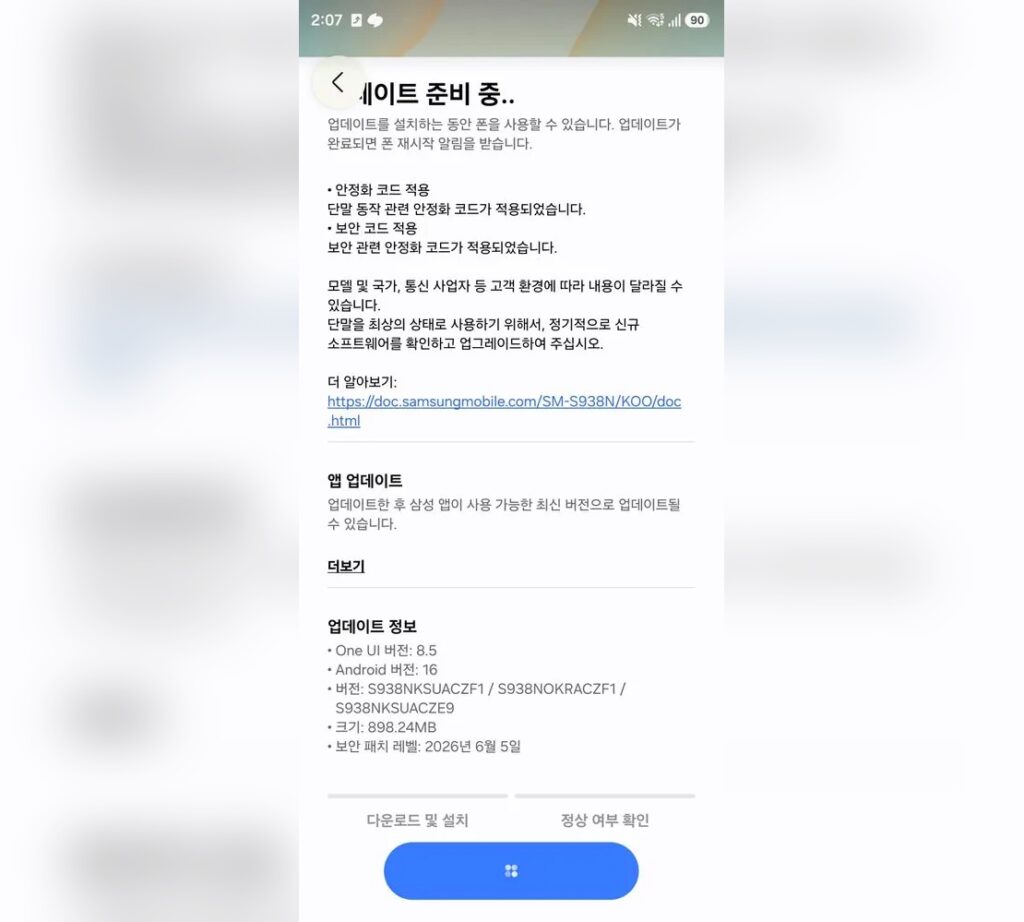
Update size and description in Korea
In practice, this means the update is definitely worth installing: you get both fresh security fixes and real new capabilities, not just cosmetic changes.
When Will the Galaxy S25 Update Reach Other Regions
For now, the rollout is limited to the Galaxy S25 series in South Korea, but the international launch is expected within the next week — covering North America, Europe, and India. For devices brought to other regions, the update arrives with the global wave, so keep an eye on that rather than the Korean build.
You can manually check for the update like this:
- Open “Settings.”
- Go to the “Software Update” section.
- Tap “Download and Install.”
It makes sense to do this once the update has officially reached your region — until then, the system will report that the firmware is up to date.